Zcash (ZEC)
What is Zcash?
Here are 5 key points about the Zcash Blockchain:
-
Zcash is a hard fork of Bitcoin's codebase, inheriting its Proof-of-Work (PoW) consensus mechanism but enhanced with Equihash, a memory-hard algorithm designed to resist ASIC mining and promote decentralization by favoring GPU miners.
-
The protocol uses zk-SNARKs (Zero-Knowledge Succinct Non-Interactive Arguments of Knowledge), a form of zero-knowledge proof that enables shielded transactions to validate correctness (e.g., input/output balance) without revealing sender, receiver, or amount details.
-
Zcash supports two address types: transparent (t-addresses) for public, Bitcoin-like transactions, and shielded (z-addresses) for private ones, allowing four transaction variants including shielding (t-to-z) and deshielding (z-to-t) for selective privacy.
-
Network upgrades such as Sapling (2018) improved shielded transaction efficiency and usability, while later ones like Orchard (2022) introduced programmable privacy pools and enhanced security against potential vulnerabilities in zk-SNARK parameters.
-
There will only ever be 21 million Zcash that will exist, which makes it different from regular money that can be printed endlessly.
Learn more about Zcash by reading the Gem Wallet Learn article:
What Is The Zcash Blockchain?
Zcash Support in Gem Wallet
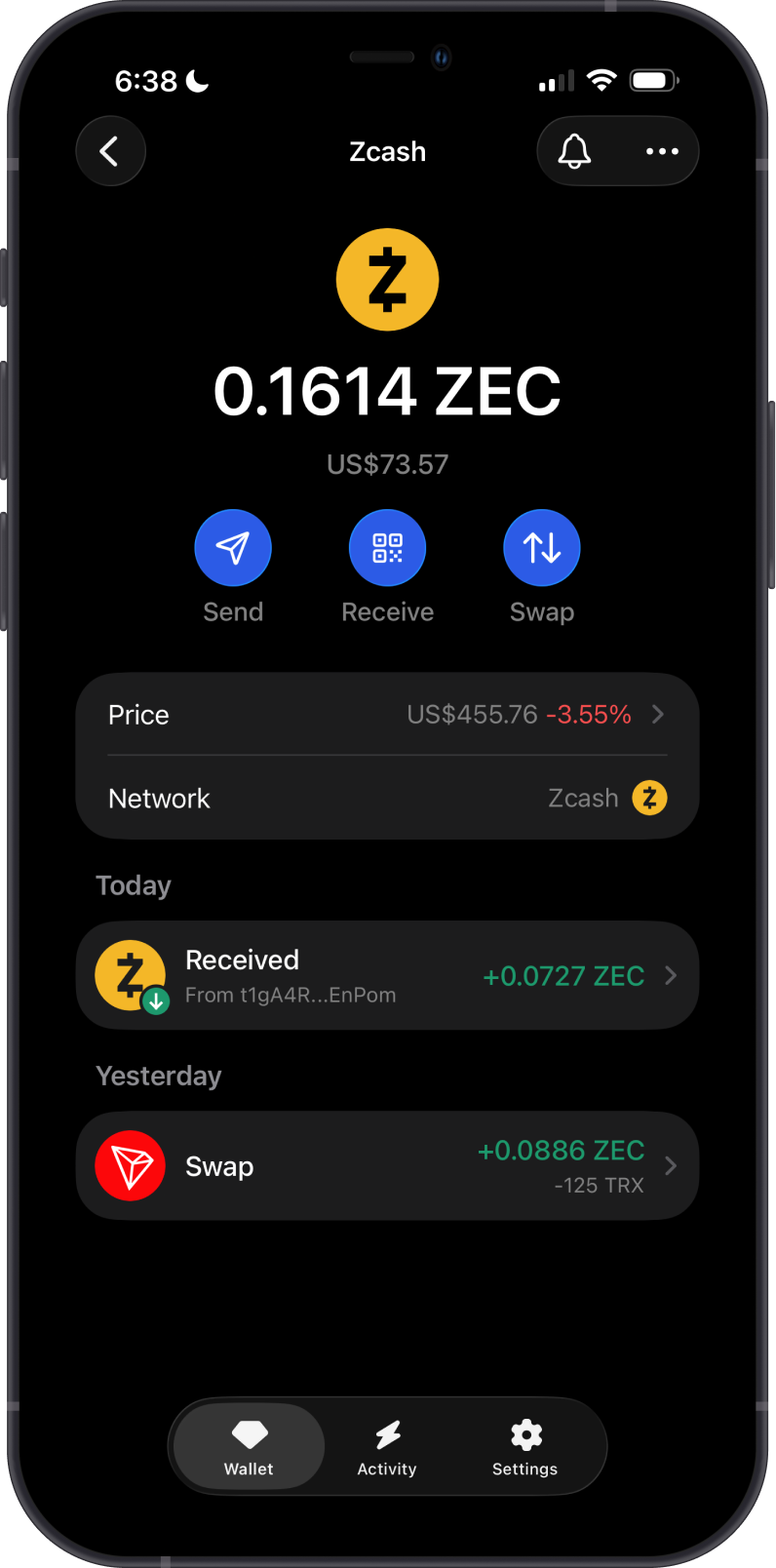
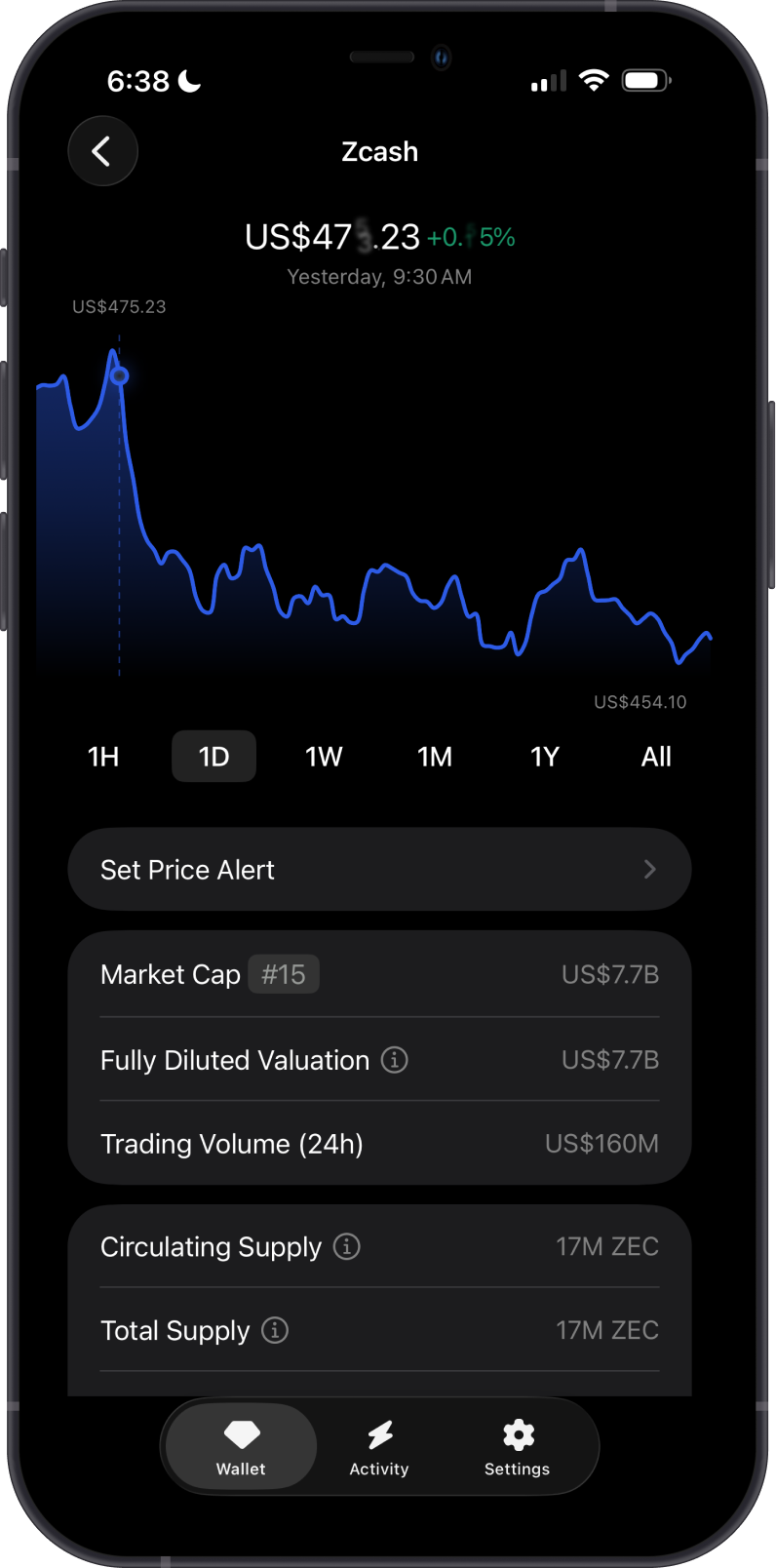
Gem Wallet currently supports transparent Zcash addresses and transactions only. Transparent addresses, amounts, and transaction history are publicly visible on the Zcash blockchain.
Gem Wallet does not currently support shielded Sapling or Orchard addresses, shielded balances, or shielded transactions. When you set up a new Multi-coin wallet, Gem Wallet creates a transparent Zcash address for you.
Gem Wallet can be used to:
- Receive Zcash with your transparent Zcash address.
- Send Zcash to a compatible transparent Zcash address.
- Swap Zcash to another crypto via Cross-Chain Swap.
How to Add a Zcash Wallet?
To activate your Zcash wallet in Gem Wallet:
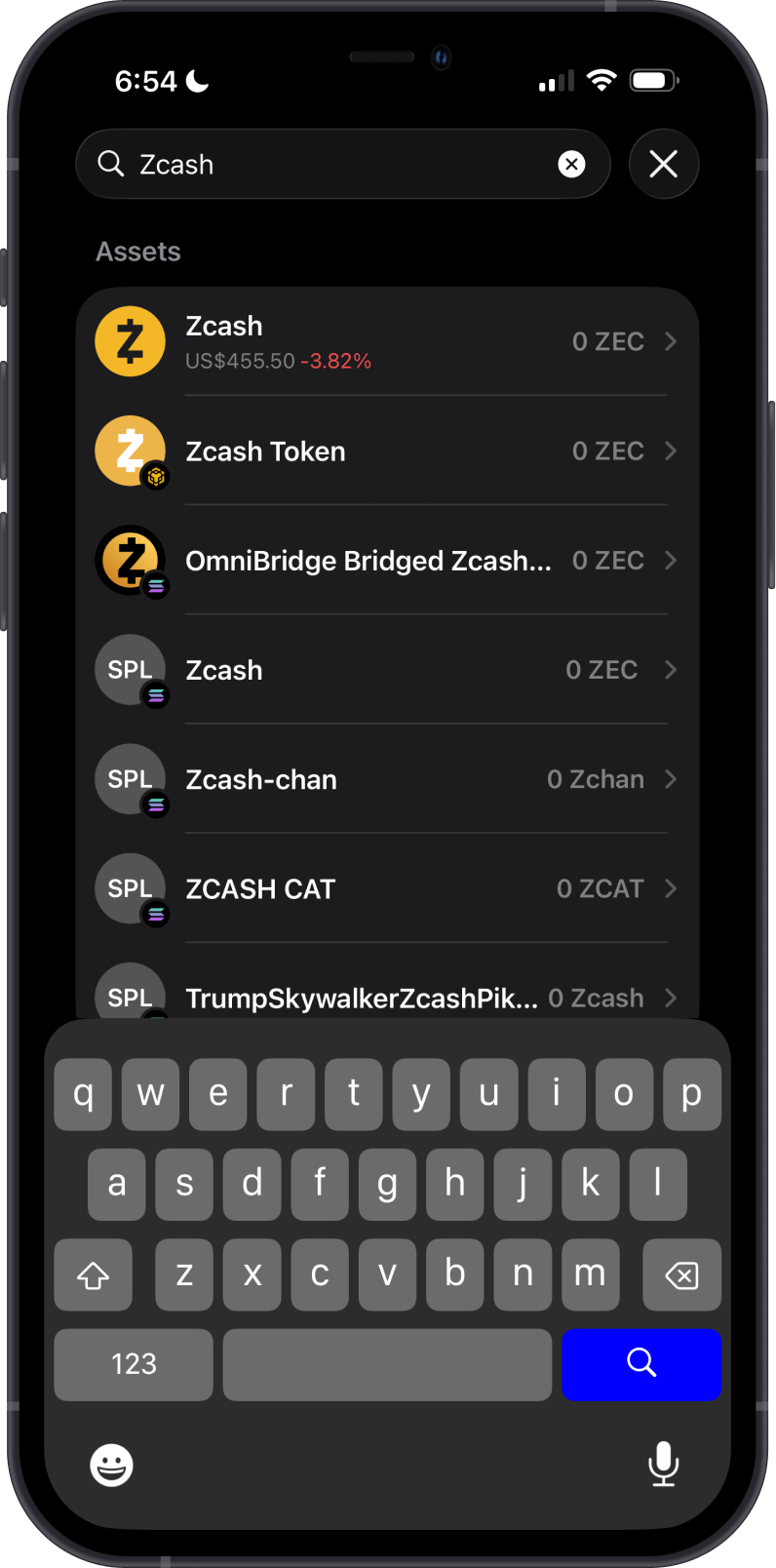
- Tap on the magnifying glass on the upper right corner.
- Search for “Zcash” or “ZEC”.
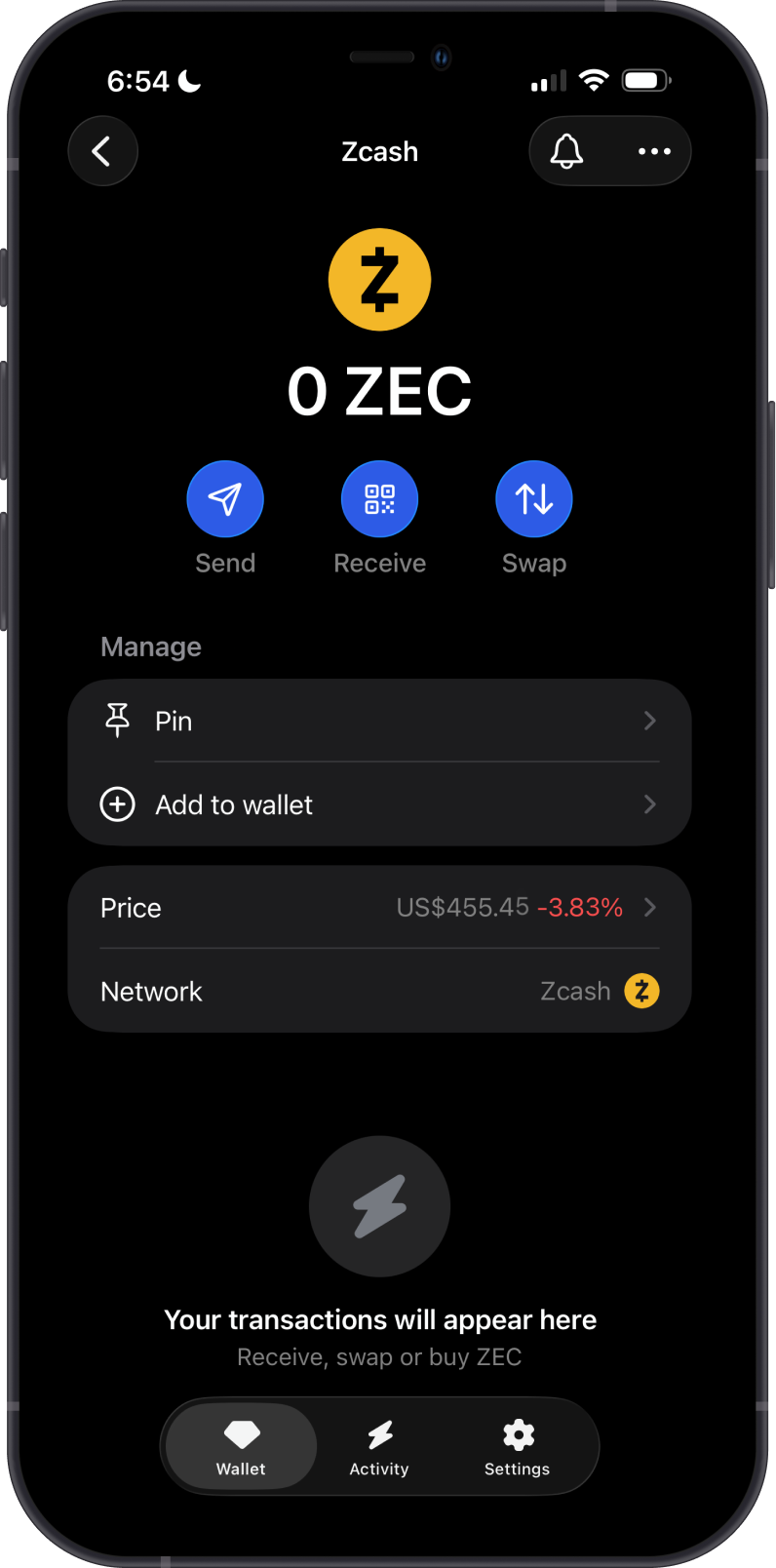
- Tap on Zcash (ZEC).
- Choose “Pin” to keep it easily accessible, or simply tap “Add Wallet” to enable it.
Your ZEC wallet will now appear in the main wallet screen, ready for sending, receiving, and swapping.
How to Receive Zcash with Gem Wallet?
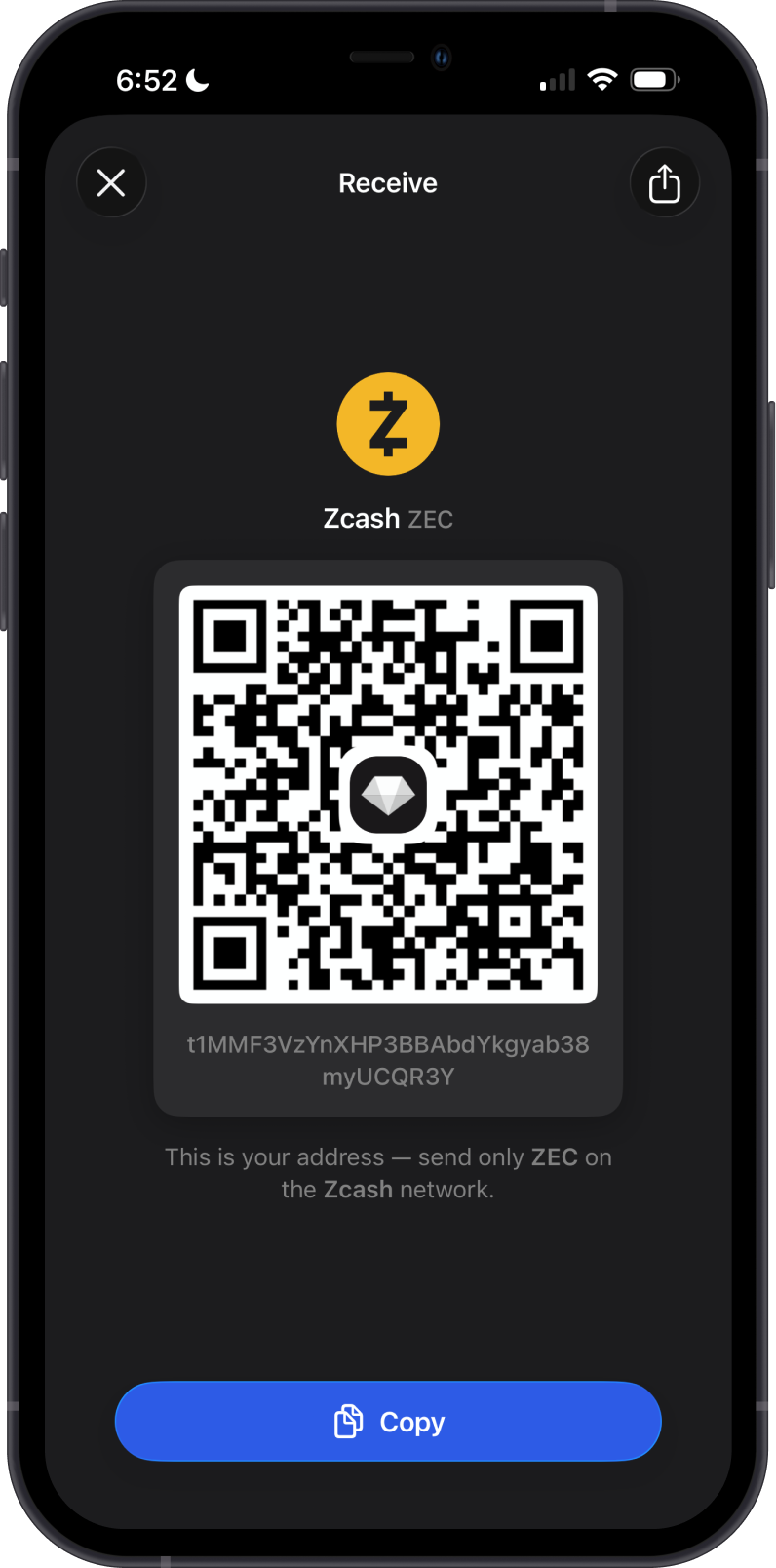
Receive Zcash with the transparent Zcash address shown in the Gem Wallet app.
Only send ZEC to the transparent address shown by Gem Wallet. Gem Wallet does not currently support receiving funds with shielded Sapling or Orchard addresses.
How to Send Zcash with Gem Wallet?
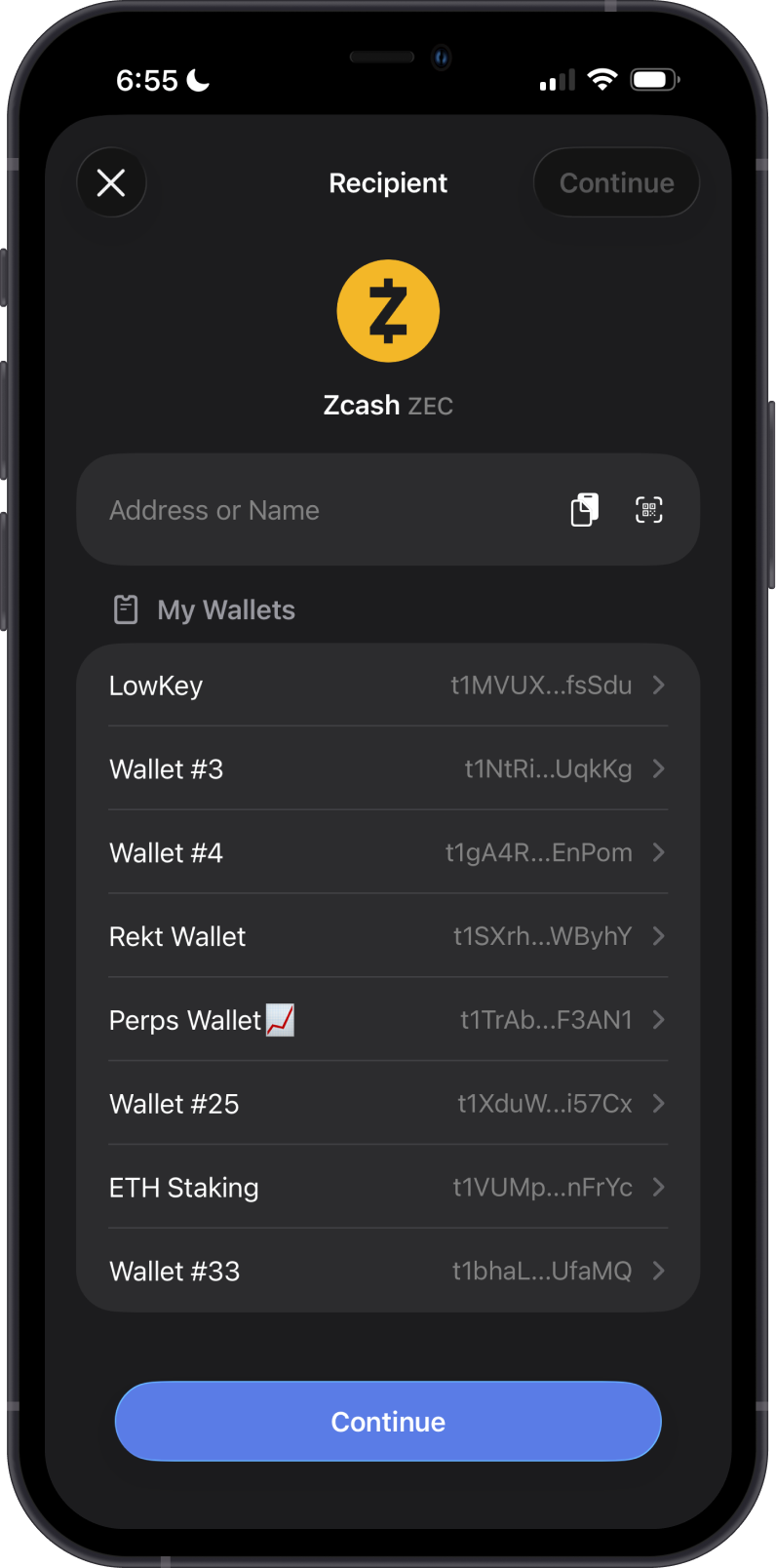
Tap on Send, then enter a compatible transparent Zcash recipient address manually or use the QR Code Scanner. Next, set the amount of Zcash you want to send. Gem Wallet does not currently support sending to shielded Sapling or Orchard addresses.
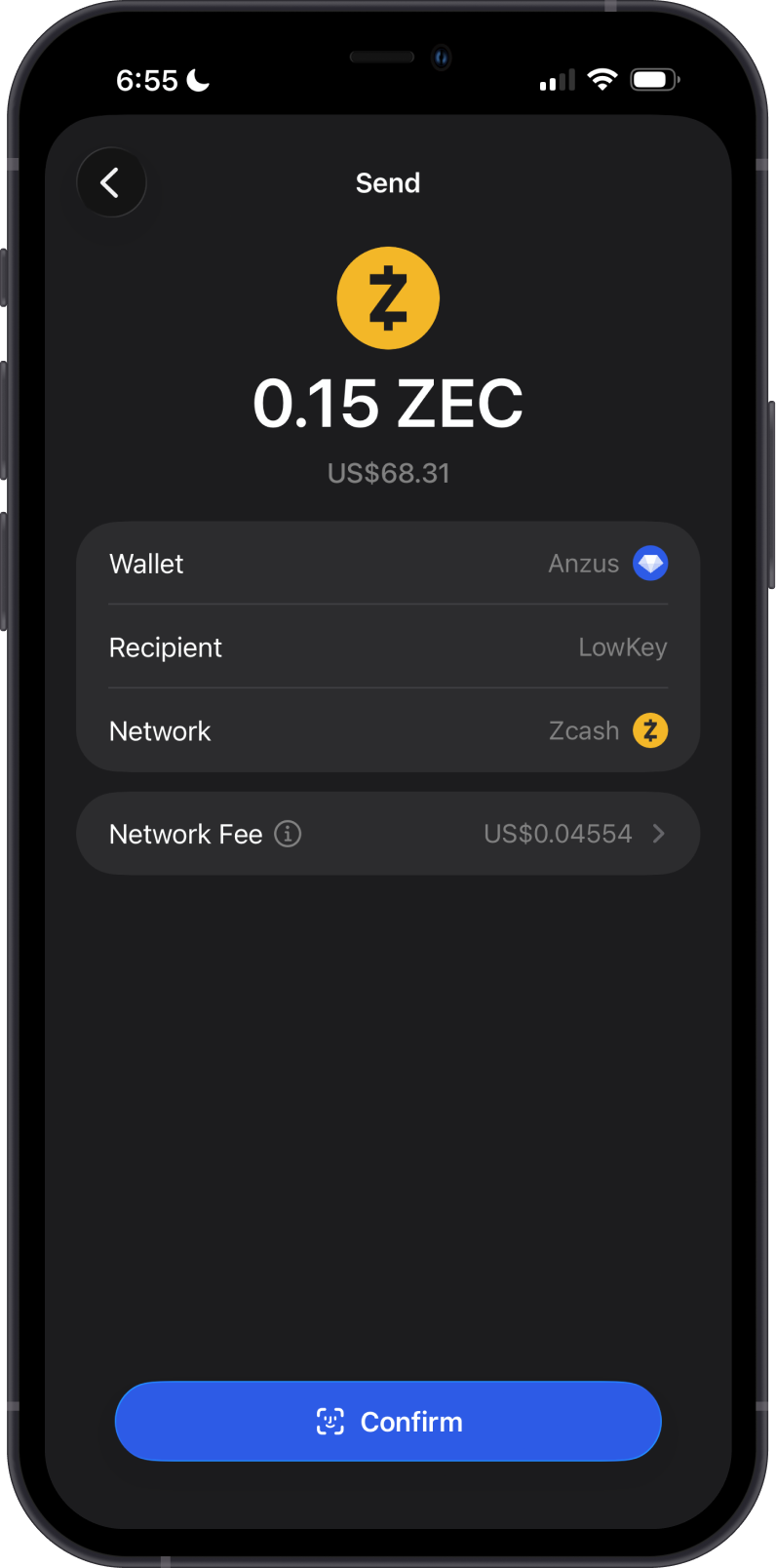
When sending Zcash, ensure you have sufficient ZEC in your wallet to cover the network fee. Review the transaction details, then tap Confirm.
Can I Swap Zcash on Gem Wallet?
You can seamlessly swap Zcash for any cryptocurrency supported by cross-chain swaps, and vice versa, allowing flexible conversions between Zcash and other compatible cryptocurrencies.
Zcash swaps in Gem Wallet use providers such as THORChain, Maya Protocol, NEAR Intents, and Swaps.xyz, depending on the pair. Swaps are sent from your transparent Zcash address.
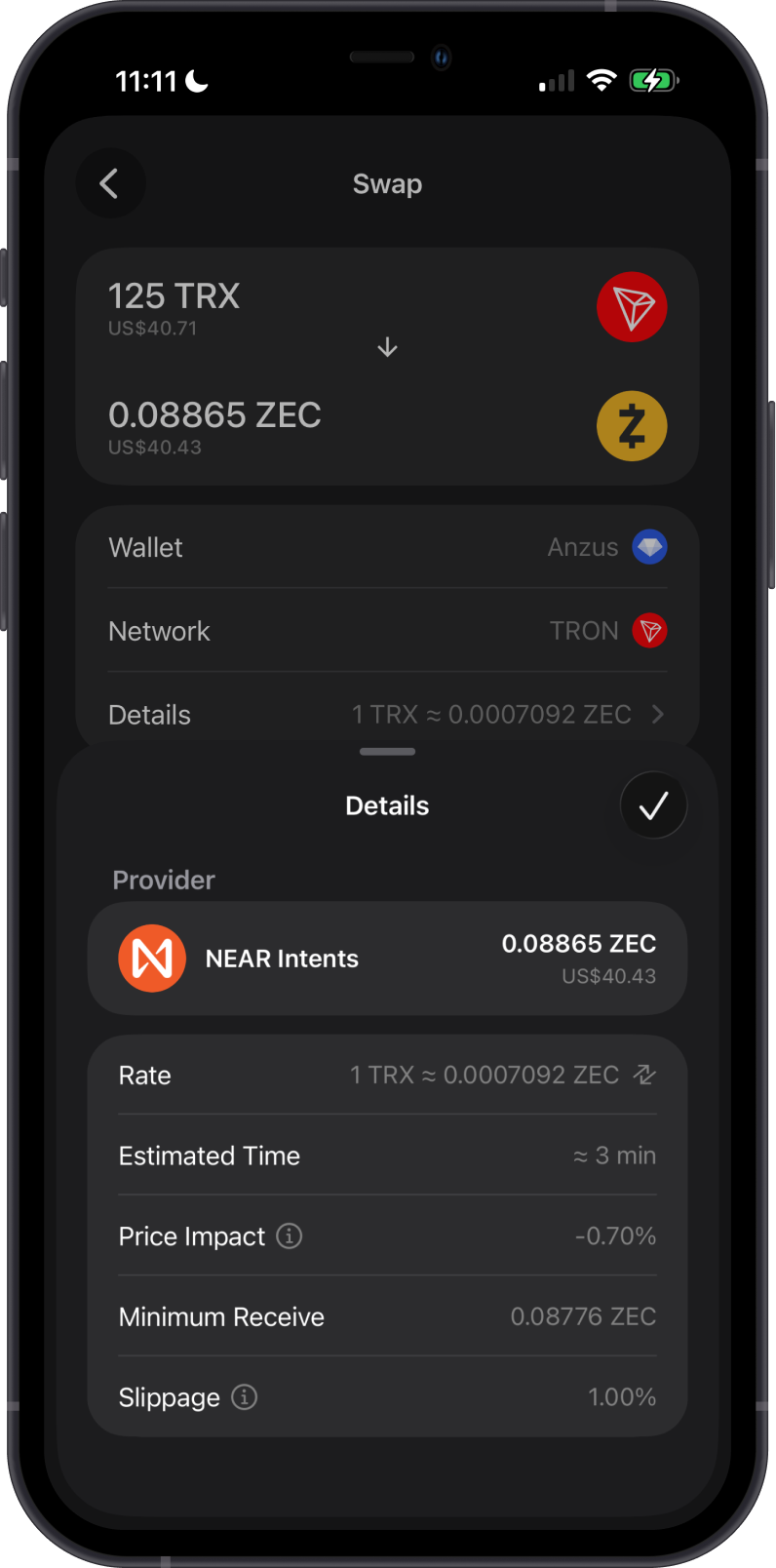
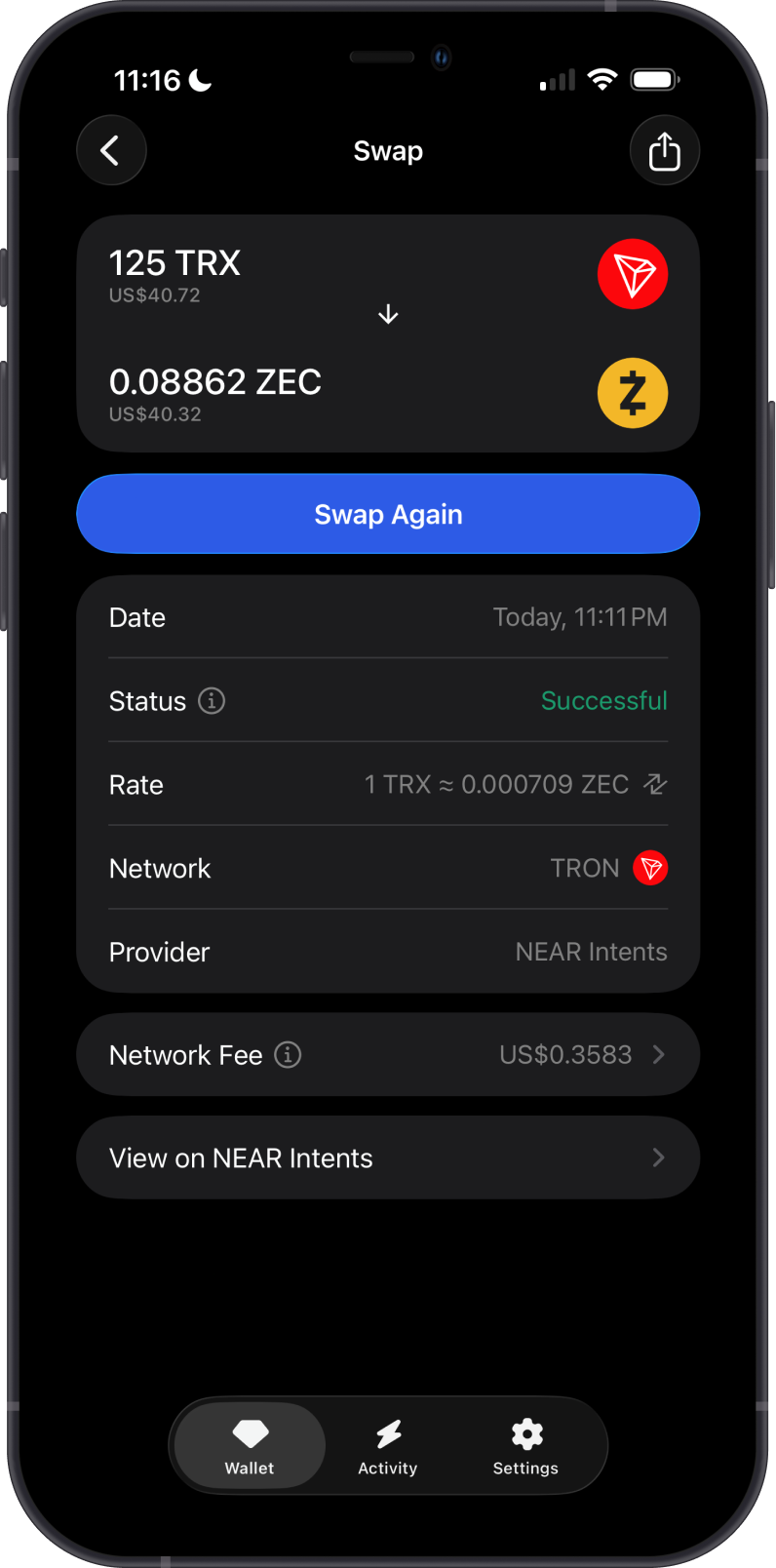
The first example shows a cross-chain swap from TRX to ZEC, including the provider, rate, estimated time, price impact, minimum received amount, and slippage.
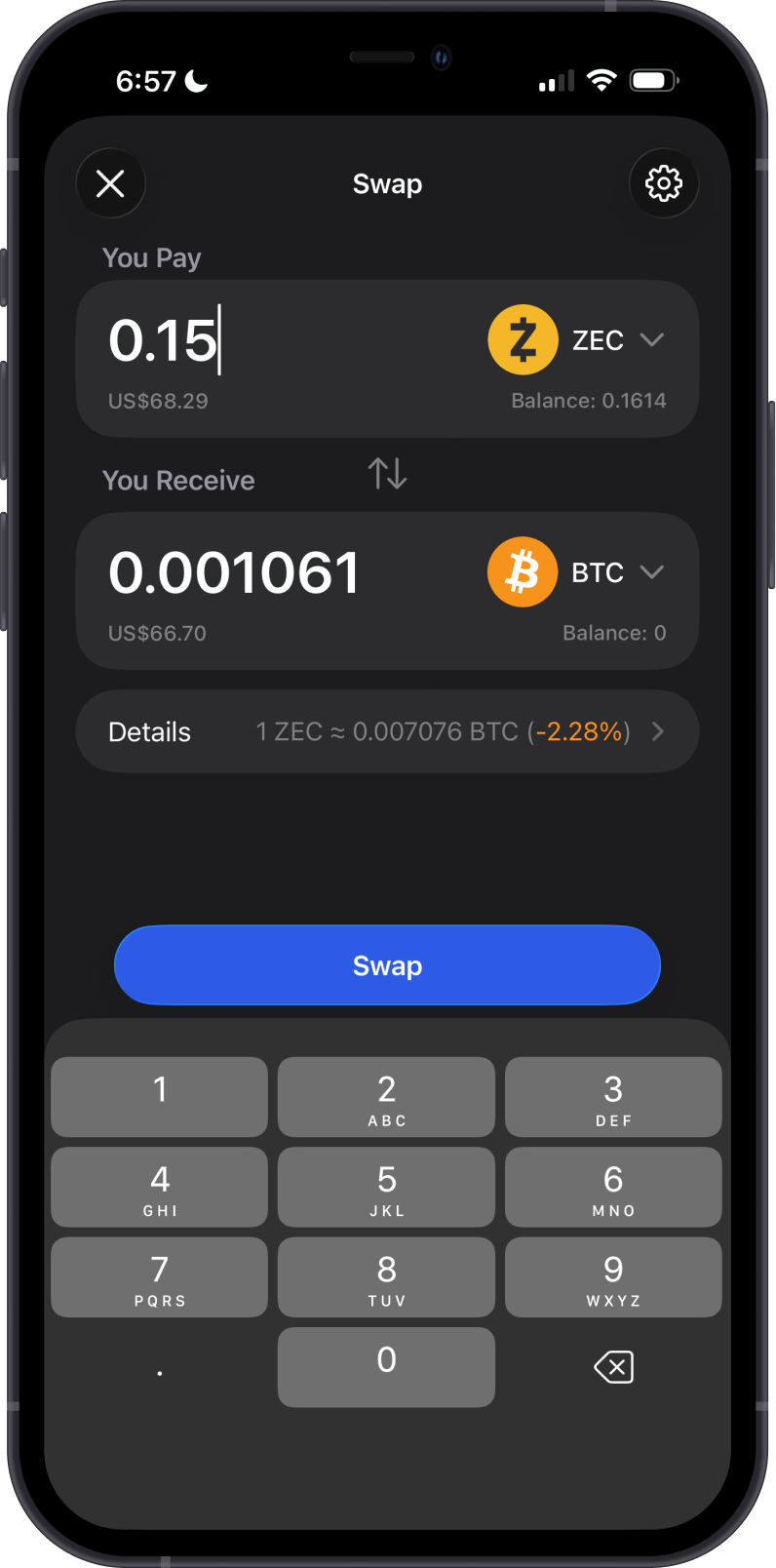
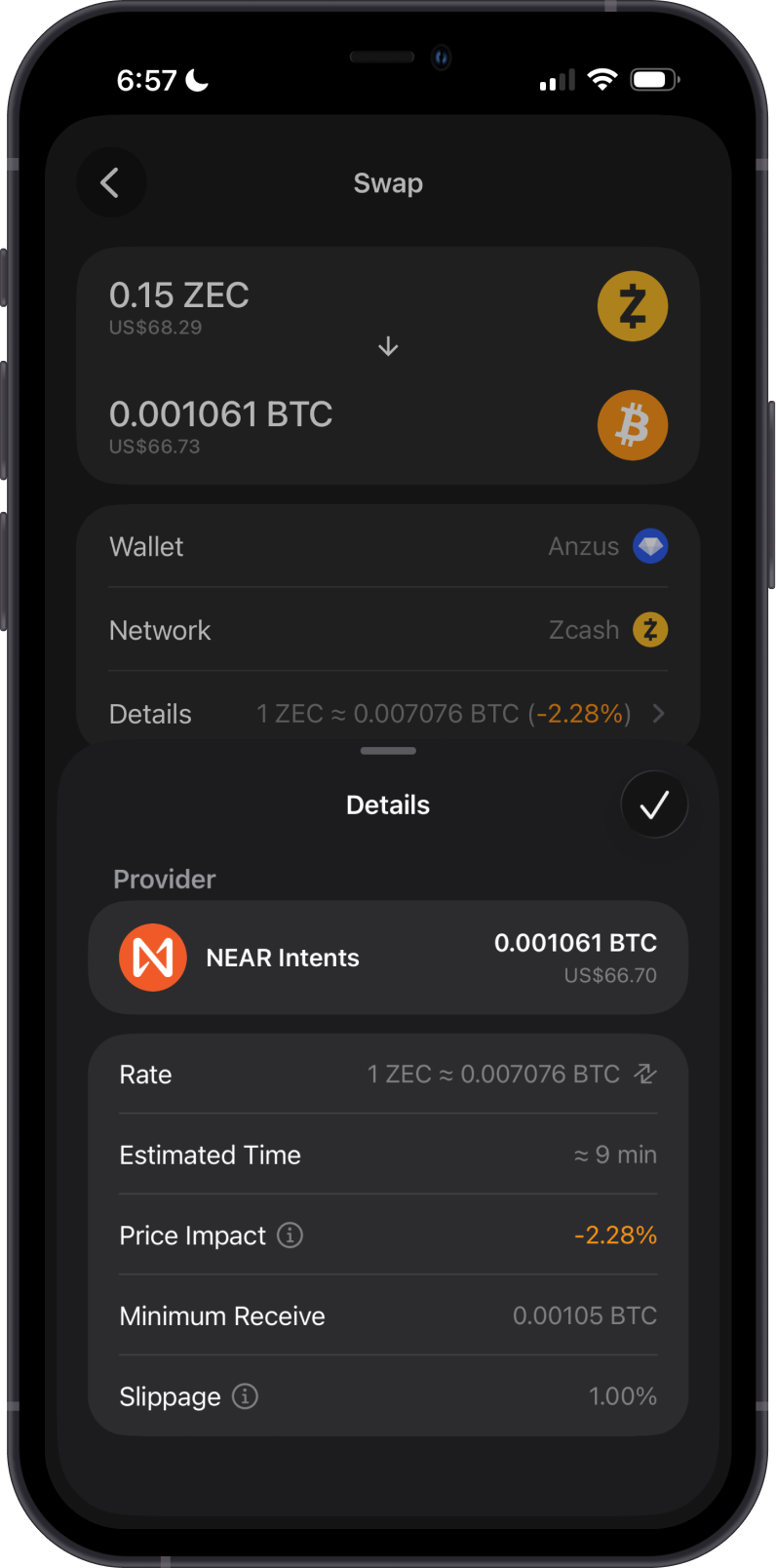
The second example shows a cross-chain swap from ZEC to BTC and the quote details provided before confirming the swap.
Transaction Fees on the Zcash Blockchain
Zcash uses the ZIP-317 conventional-fee model. The recommended fee is based on the transaction's logical actions, which reflect its inputs and outputs, rather than a real-time congestion-based fee market.
A typical transparent transaction pays at least 10,000 zatoshis (0.0001 ZEC). Transactions with additional inputs or outputs may require a higher fee. Paying more than the conventional fee does not guarantee faster confirmation, while paying less may reduce the chance that a transaction is relayed or included in a block.
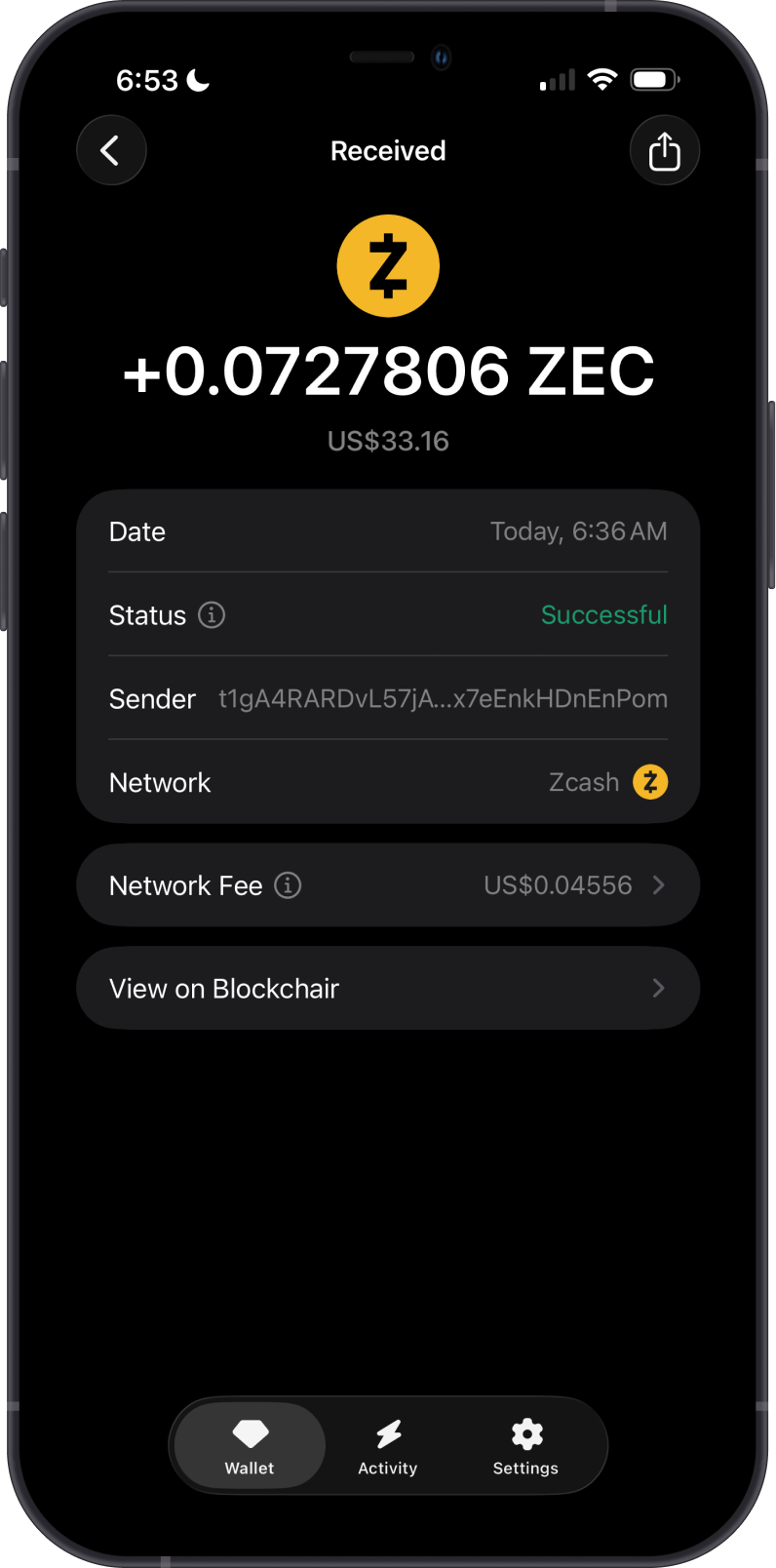
Tap Network Fee to review the fee before confirming the transaction. After the transaction is sent, Gem Wallet shows its status, recipient, network fee, and a link to Blockchair.
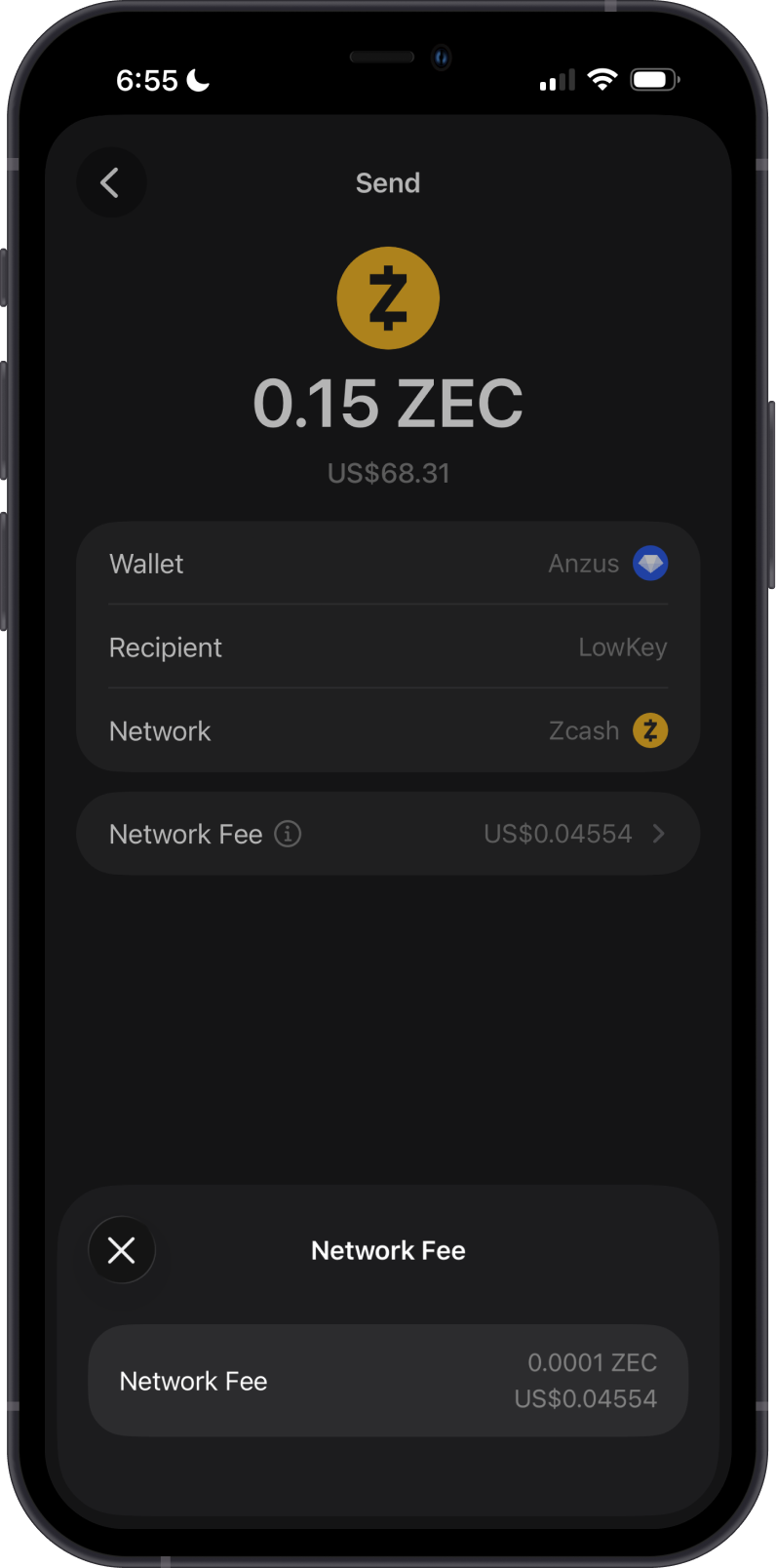
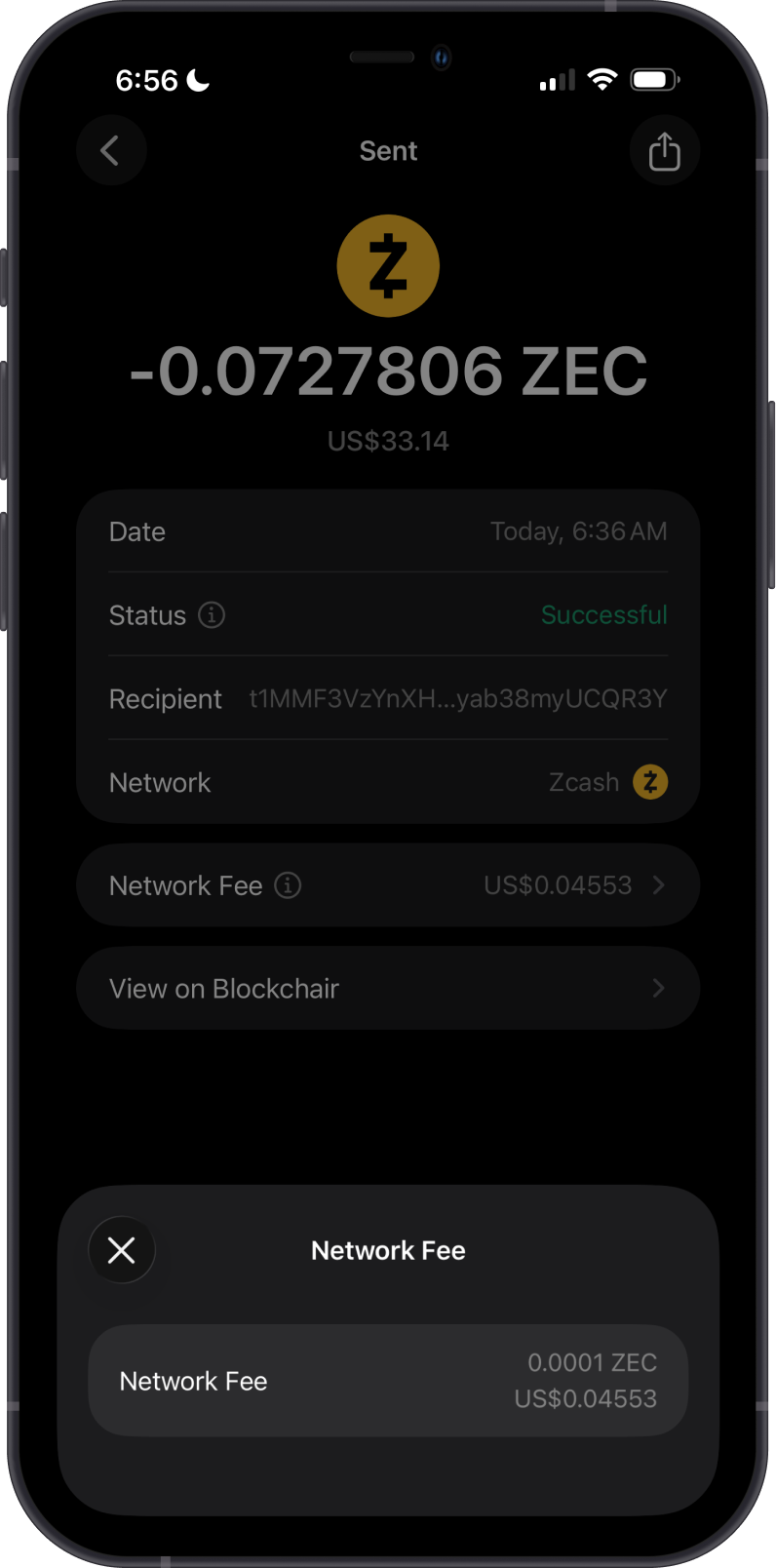
Blockchair is a Zcash blockchain explorer. Use it to inspect transparent addresses, transaction status, confirmations, and fees paid by historical transactions. It is not a real-time fee oracle; Gem Wallet calculates the appropriate fee when constructing a transaction.
How to Check Zcash Balance?
Gem Wallet app connects to the ZEC blockchain to show the ZEC balance on your wallet. Tap on the 3 dots then tap on View address on Blockchair.
The Zcash asset menu opens your transparent address on Blockchair, where you can review its public balance and recent transactions.
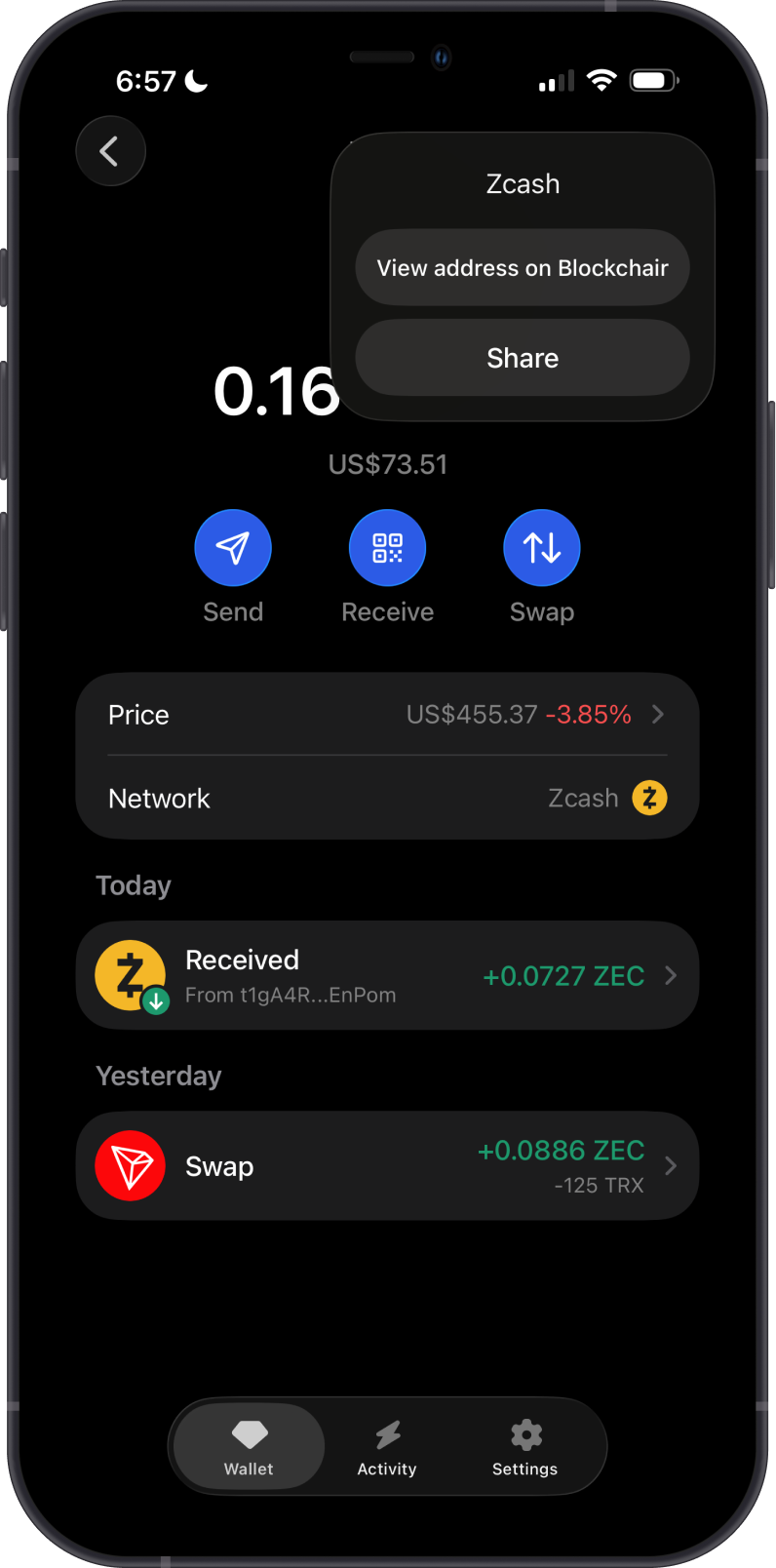
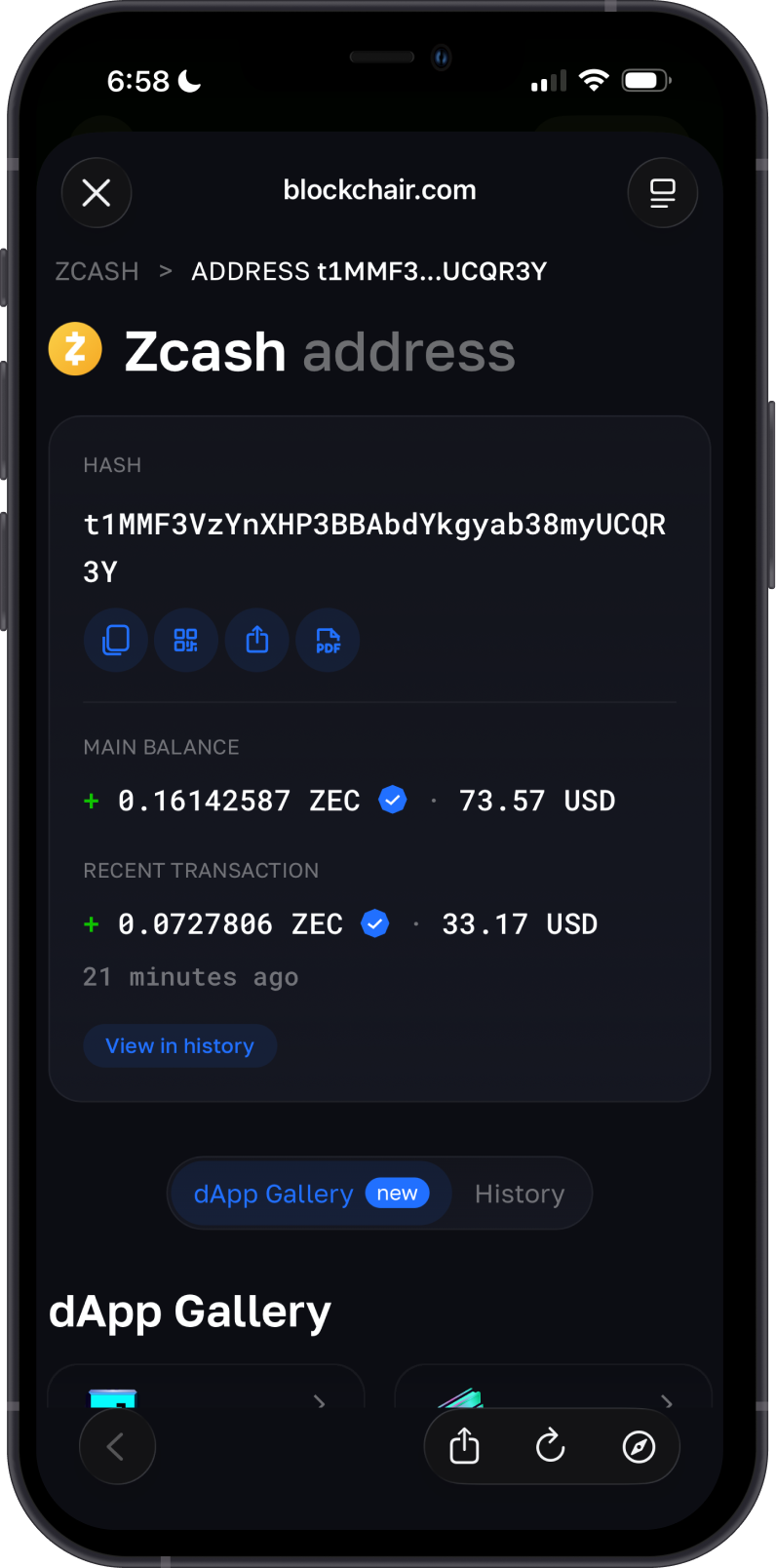
Blockchair is the default ZEC explorer of Gem Wallet. You can manually check transparent balances and transactions by going to Blockchair and searching for your transparent ZEC address.
You can review your transactions in the Zcash transaction history and view them on the blockchain explorer for more detailed information.
Why Choose Gem Wallet for Zcash?
- User-Friendly Interface: Gem Wallet’s intuitive design makes managing Zcash (ZEC) seamless for both beginners and experienced users, with easy navigation for sending, receiving, and swapping.
- Enhanced Security: As a self-custodial wallet, Gem Wallet ensures you retain full control over your Zcash and private keys, with open-source code and biometric authentication for robust protection.
- Continuous Innovation: Regular updates introduce new features and optimize performance, keeping Gem Wallet at the forefront of Zcash management and DeFi integration.
Conclusion
Zcash (ZEC) supports both publicly visible transparent transactions and privacy-preserving shielded transactions. Gem Wallet currently supports transparent Zcash addresses and transactions only, allowing users to manage and swap transparent ZEC while retaining control of their private keys.