Plasma (XPL)
What is Plasma?
Plasma is an EVM-compatible Layer 1 blockchain built for stablecoin payments. It is designed for low-cost transfers, fast settlement, deep liquidity, and payment-focused applications.
Here are 5 key points about Plasma:
-
XPL is the native token used to pay network fees on Plasma.
-
Plasma supports Ethereum-style wallet addresses, smart contracts, and ERC20 tokens.
-
Plasma is focused on stablecoin money movement, including payments, remittances, payouts, and other dollar-based use cases.
-
Developers can deploy EVM-compatible apps and tokens using familiar Ethereum tooling.
-
Gem Wallet supports Plasma token swaps and cross-chain swaps, making it easier to move value into and across the Plasma network.
Learn more about Plasma in the official Plasma documentation.
Plasma on Gem Wallet
Gem Wallet has the following features enabled for Plasma:
- Store Plasma (XPL) securely.
- Send and Receive Plasma (XPL) natively.
- Buy Plasma (XPL) directly in the app.
- Manage supported Plasma ERC20 tokens.
- Swap Plasma tokens directly in the app.
- Cross-chain swap supported assets into Plasma.
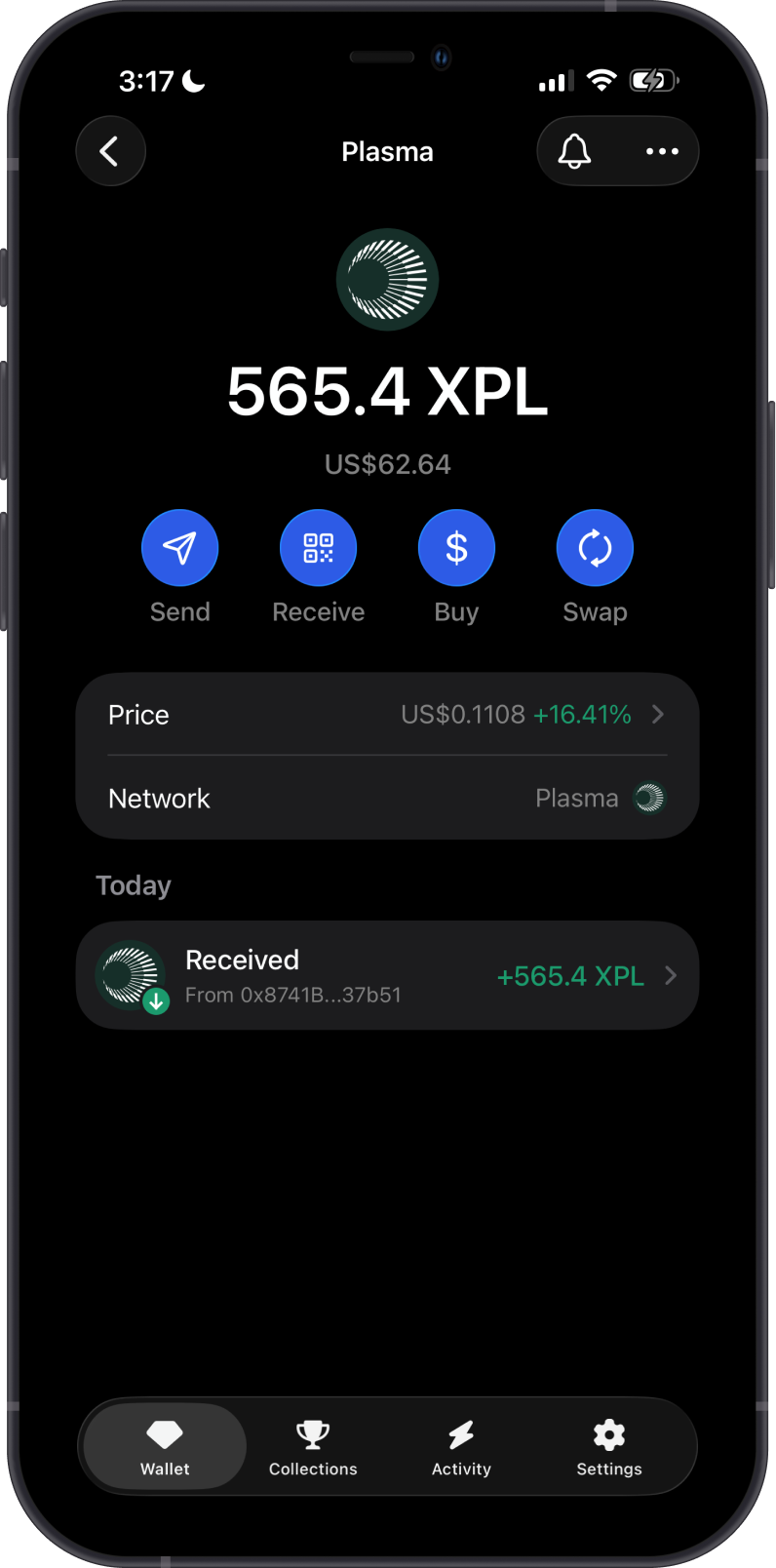
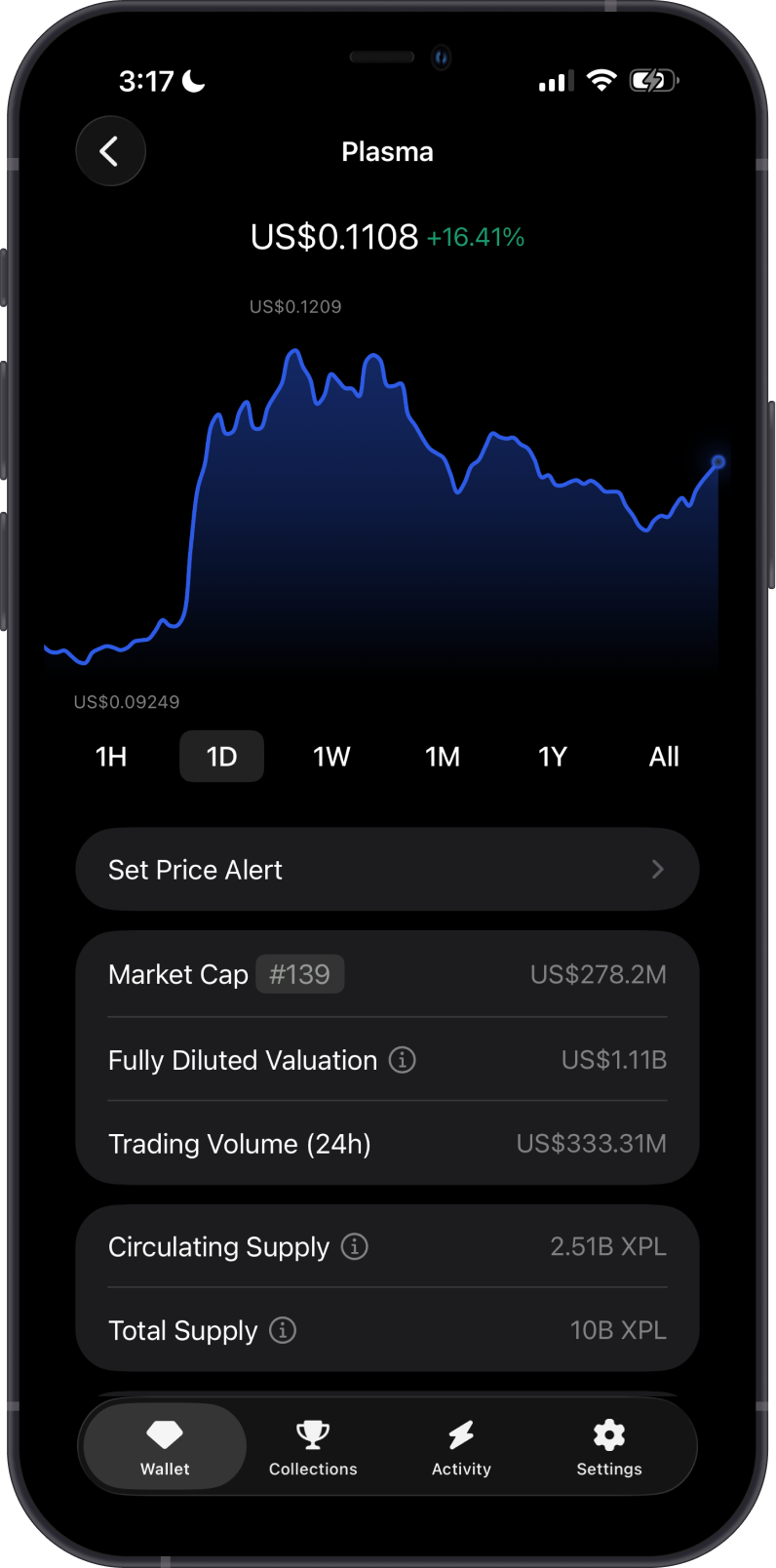
XPL is the native gas token of Plasma and is used for:
-
Transaction fees: XPL pays gas for sending assets and interacting with Plasma.
-
Network utility: XPL is required to move assets and use applications on Plasma.
How to Get Plasma (XPL)?
Here are some ways to get Plasma (XPL):
-
Buy Plasma (XPL) directly on the Gem Wallet app.
-
Receive XPL with your Plasma address in Gem Wallet.
-
Swap supported assets into Plasma using Gem Wallet.
-
Bridge or withdraw XPL to Plasma from a supported platform.
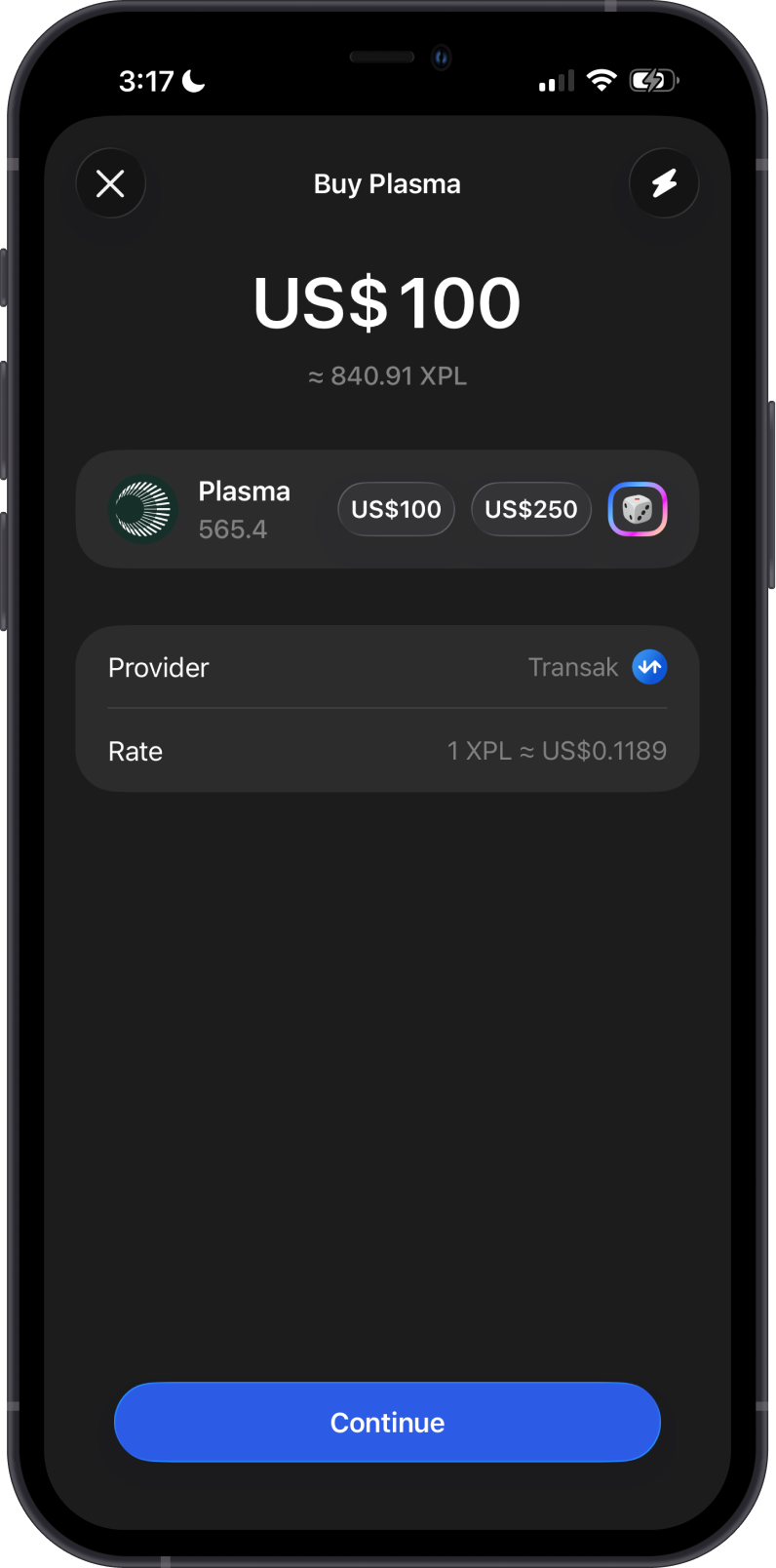
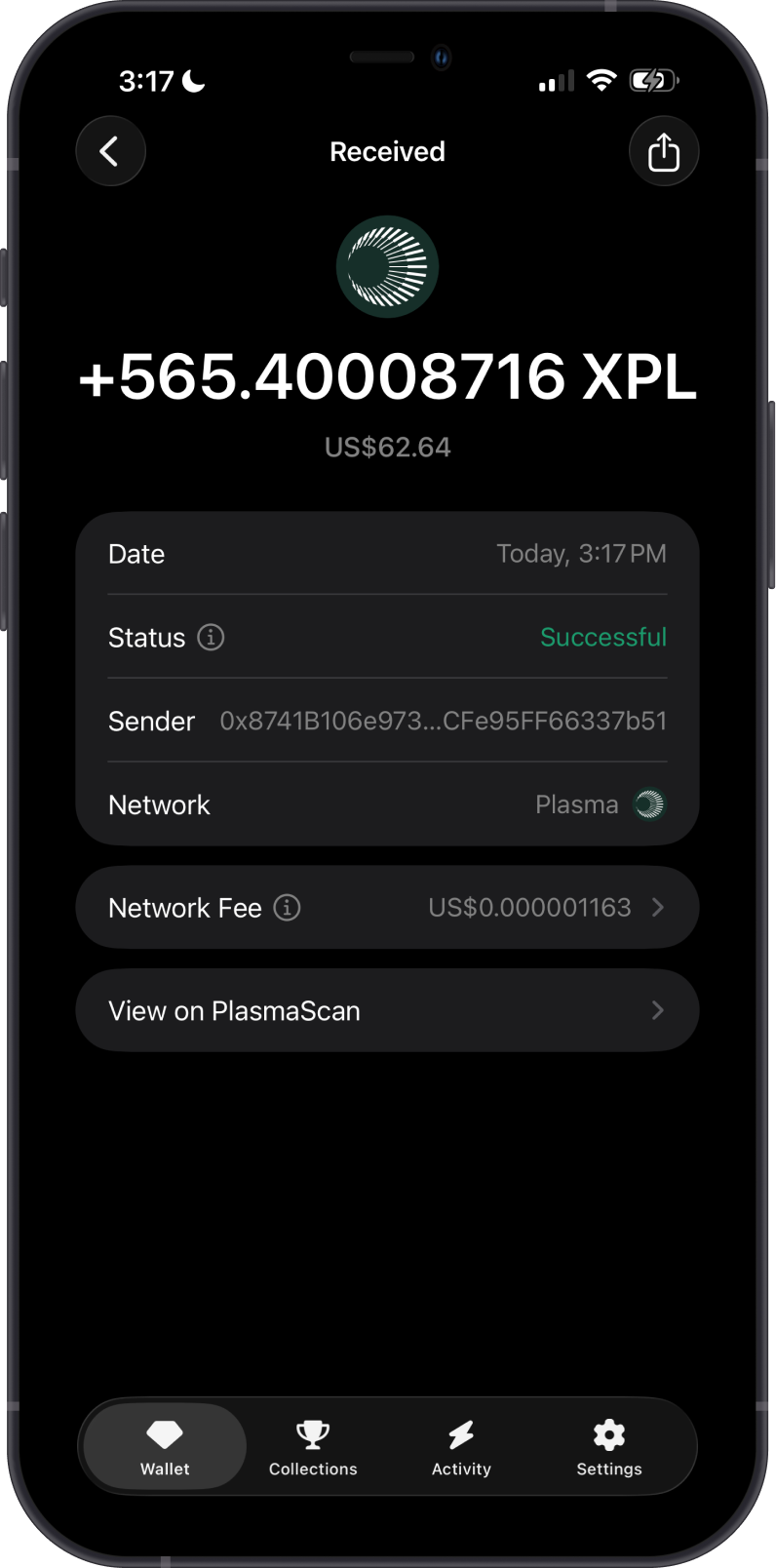
Send only Plasma network assets to your Plasma address. Assets sent on the wrong network may not appear in your wallet.
What Tokens are Supported on Plasma?
Plasma supports ERC20 tokens in Gem Wallet.
-
XPL is supported as the native Plasma asset.
-
Supported ERC20 tokens can be enabled from Manage Tokens.
-
If a Plasma token does not appear in Gem Wallet, it is not supported yet in the app.
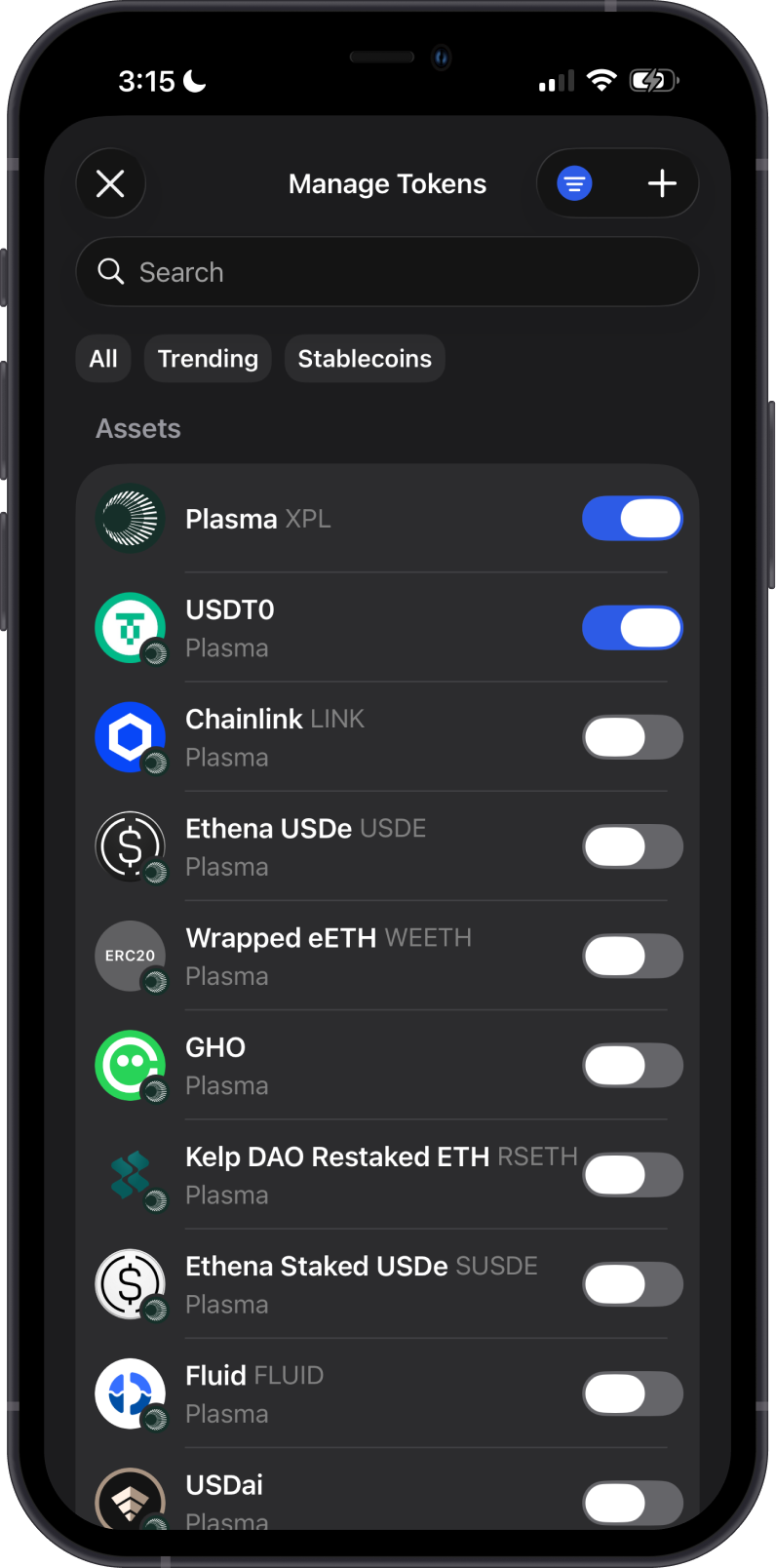
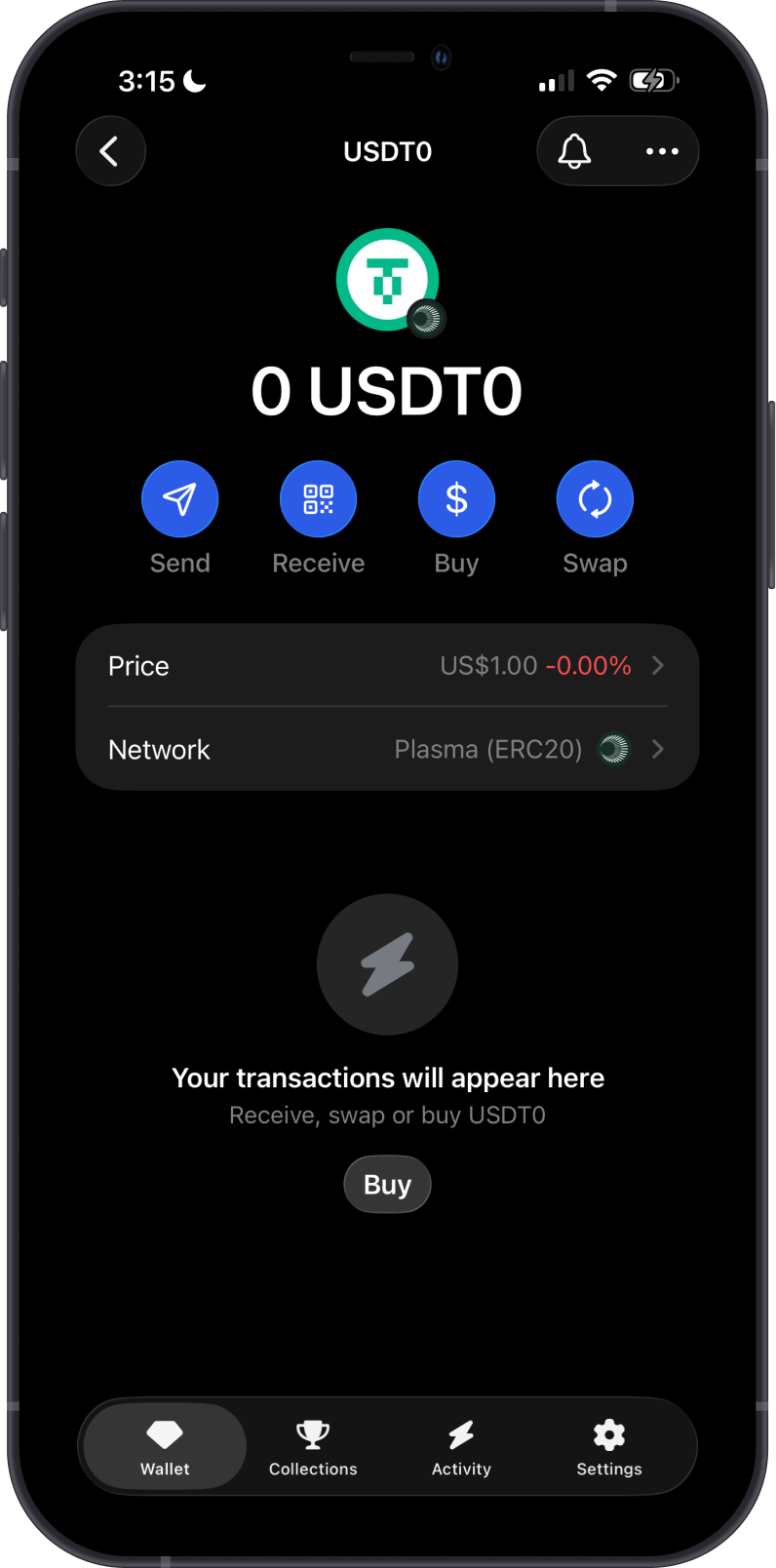
Do not send unsupported Plasma tokens unless they appear in Gem Wallet. Unsupported tokens may not display in your wallet.
Can I Swap Plasma Assets on Gem Wallet?
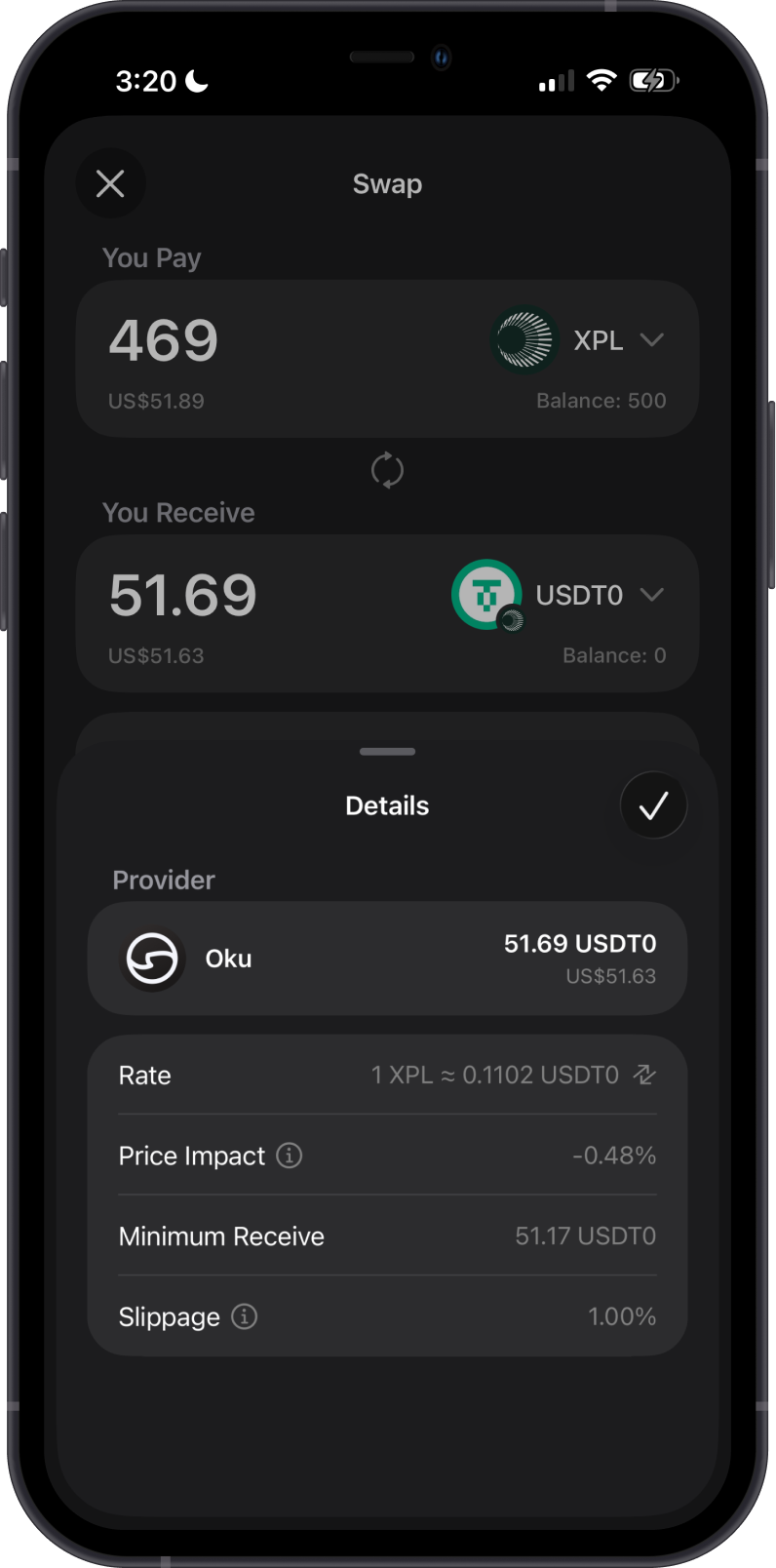
Yes. Gem Wallet supports swaps for Plasma network assets:
- Swap Plasma (XPL) for supported Plasma ERC20 tokens, and swap supported Plasma ERC20 tokens back to XPL.
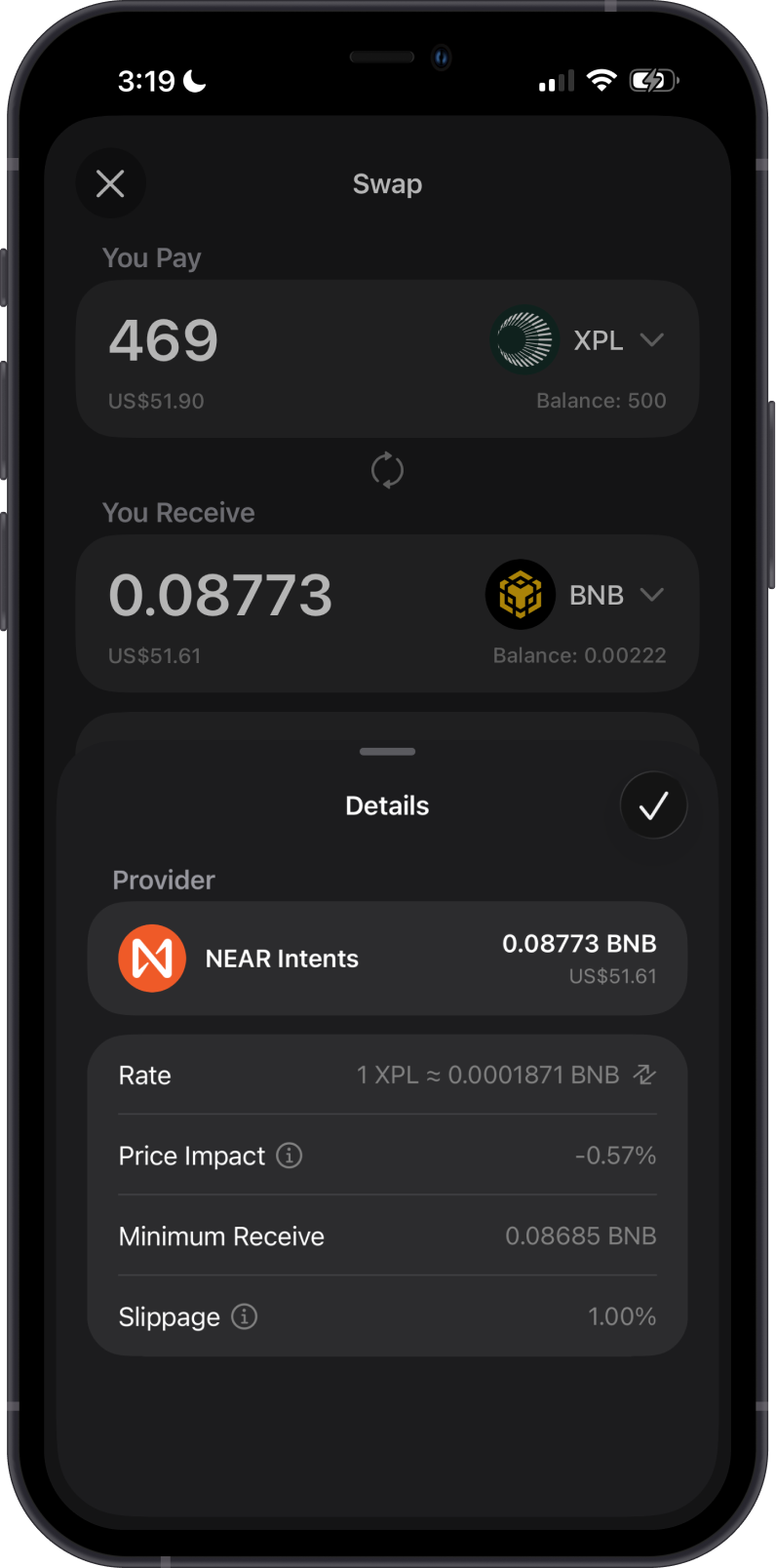
- Use Cross-Chain Swap to swap supported assets from other blockchains into Plasma.
You need enough XPL on Plasma to pay network fees when swapping on the Plasma network.
Transaction Fees on Plasma
The fees on Plasma are summarized as follows:
-
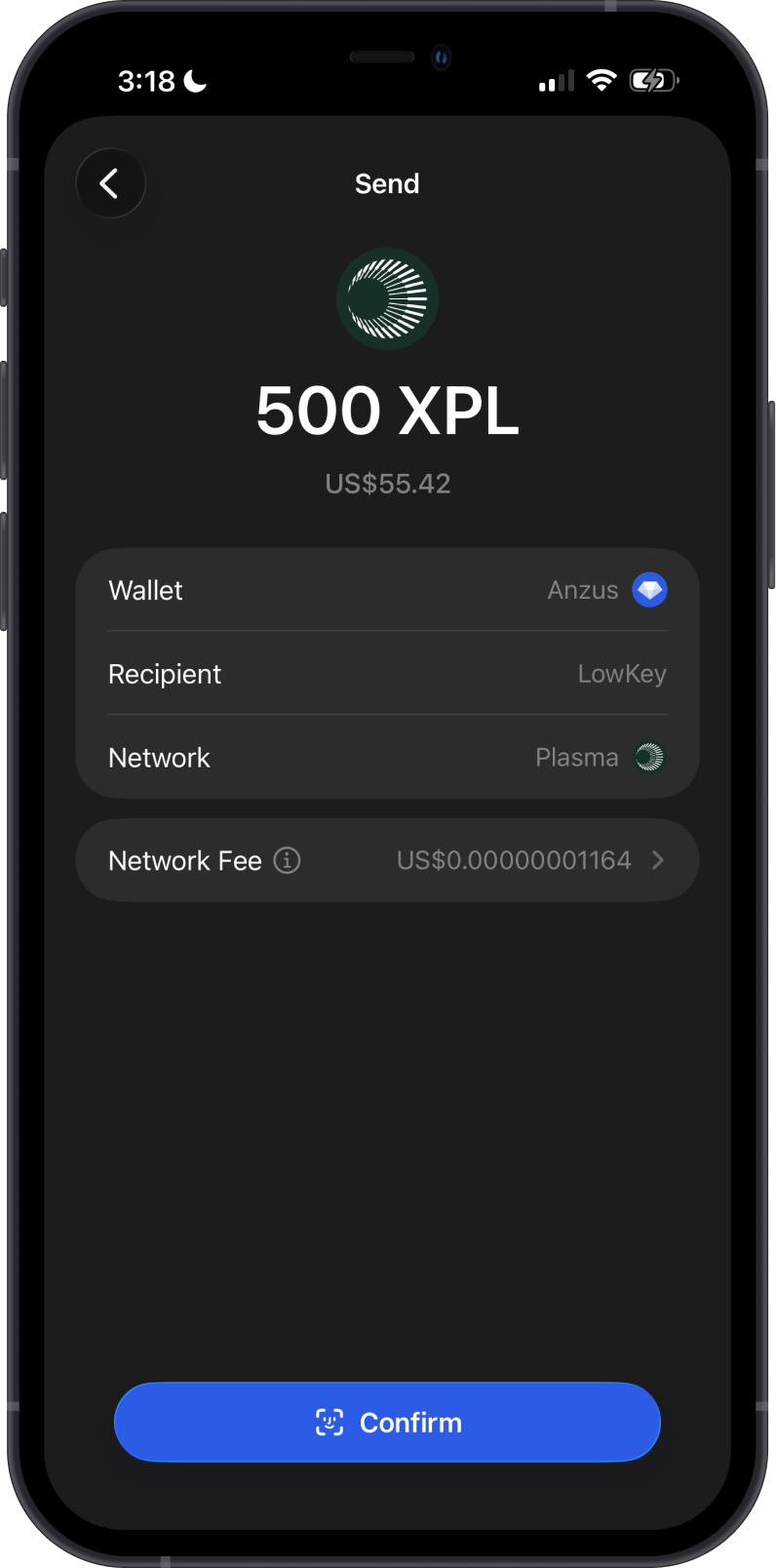
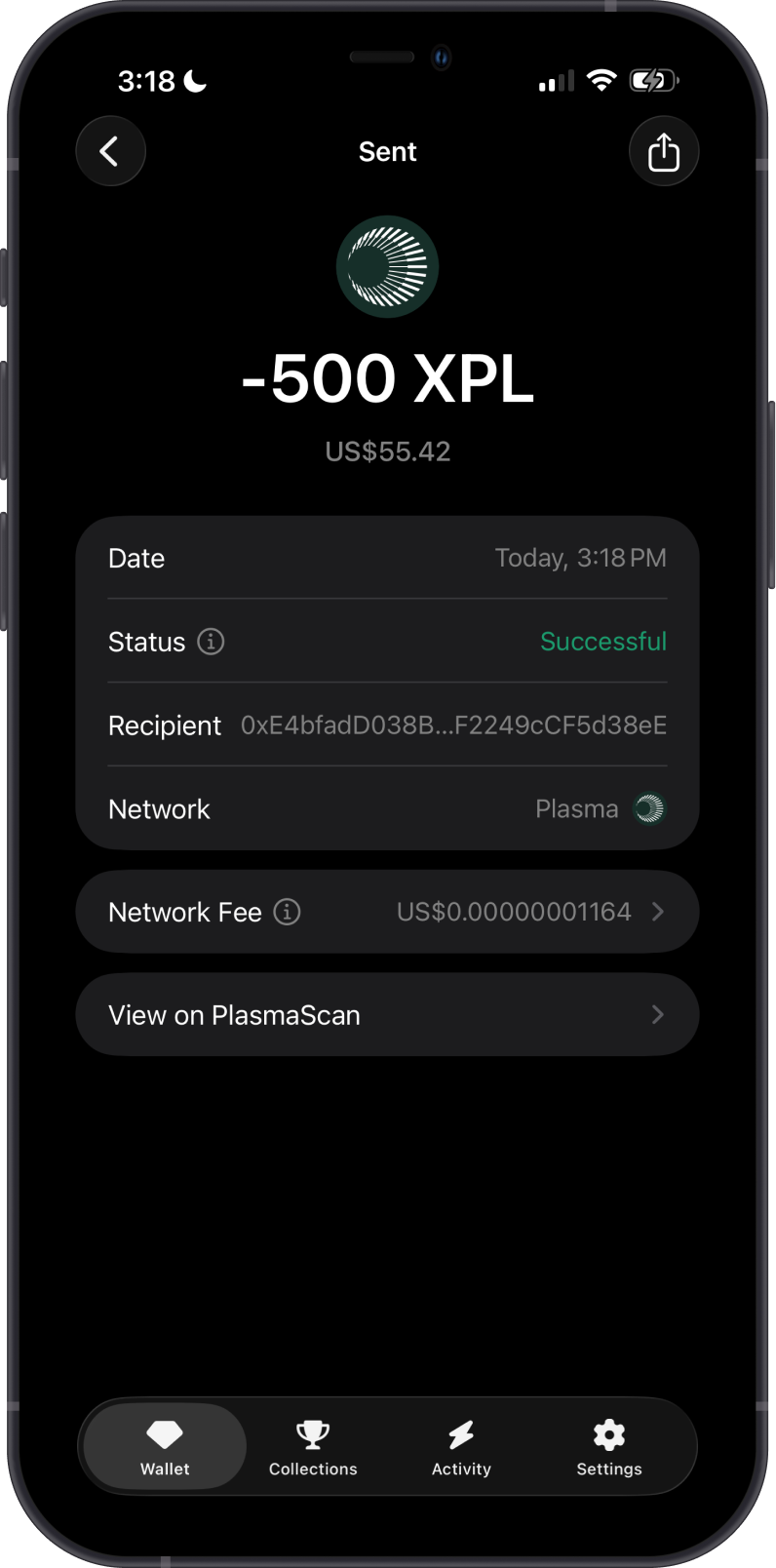
Plasma transactions require network fees paid in XPL.
-
You need enough XPL before sending Plasma assets or interacting with Plasma apps.
-
Plasma is designed for low-cost transfers and stablecoin payment activity.
How to Check Plasma (XPL) Balance?
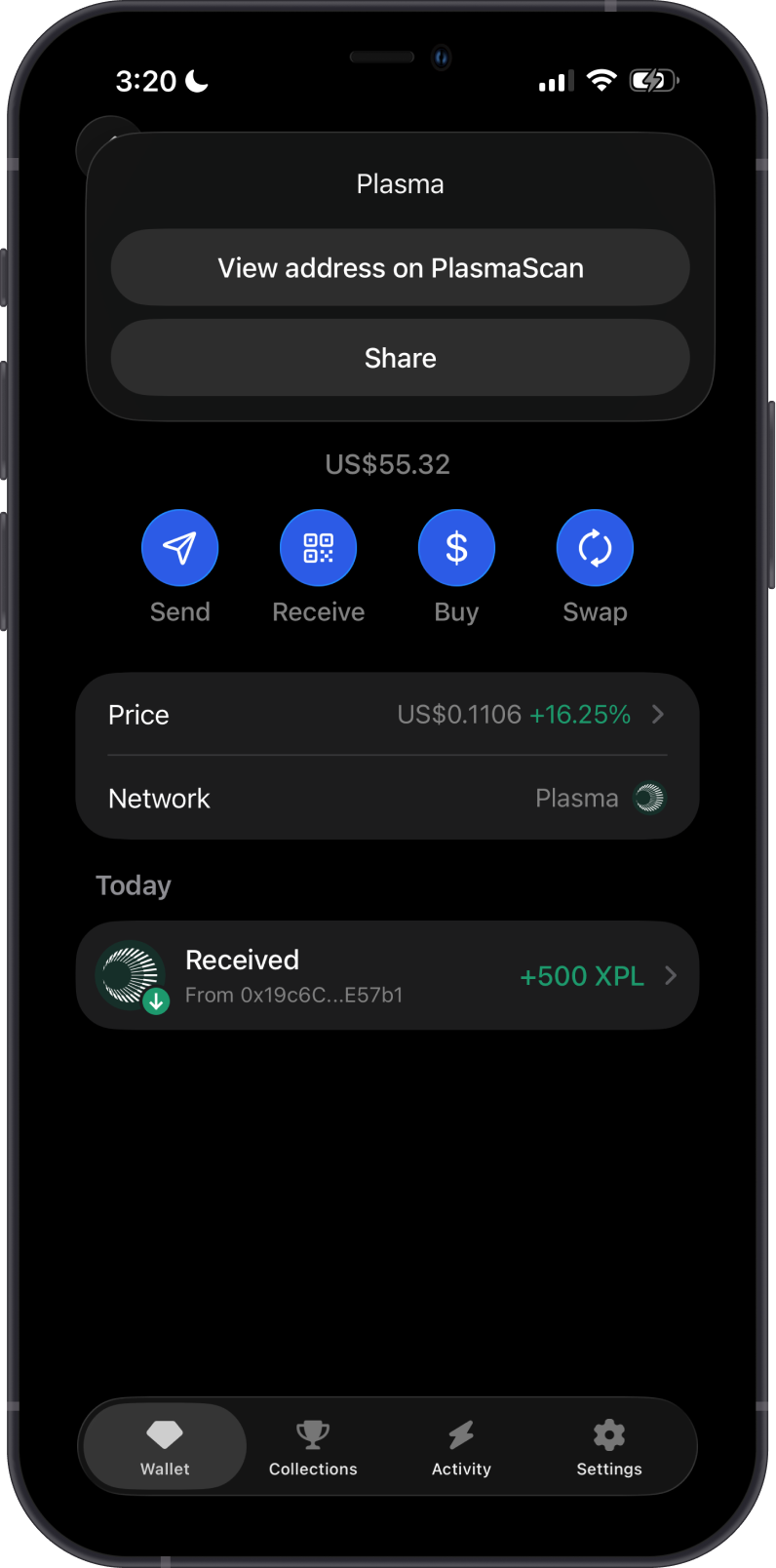
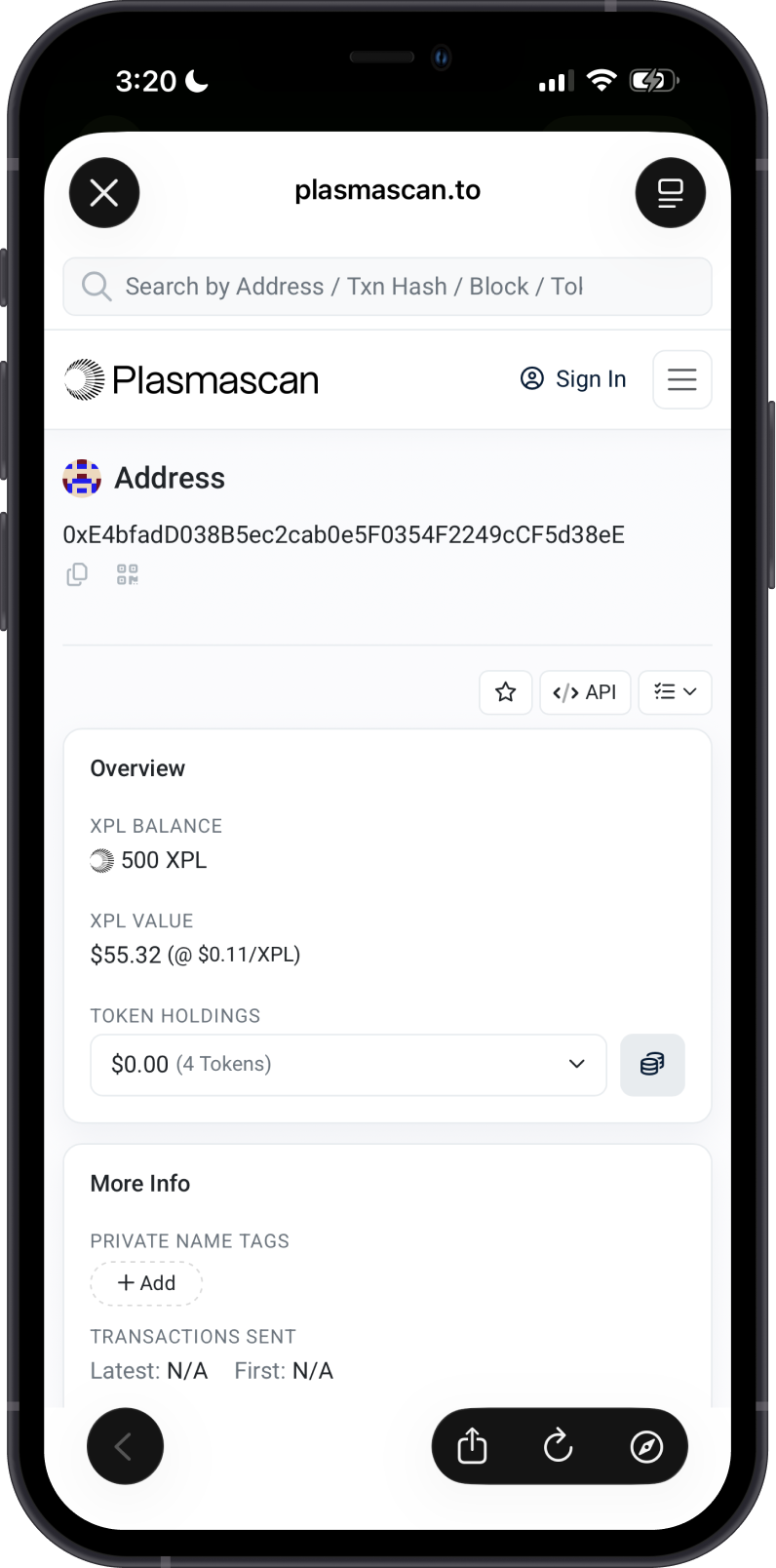
Gem Wallet connects to Plasma to show the XPL balance in your wallet. Tap on the 3 dots at the upper right corner, then tap View address on PlasmaScan.
PlasmaScan is the default Plasma explorer of Gem Wallet. You can manually check balances and transactions by going to PlasmaScan and searching for your Plasma address.
Why Choose Gem Wallet for Plasma?
-
Self-Custody & Security: Gem Wallet gives you full control over your private keys and assets.
-
EVM Compatibility: Plasma uses Ethereum-style addresses and supports ERC20 tokens, making it familiar for users who already use EVM networks.
-
Swap and Cross-Chain Support: Gem Wallet supports Plasma token swaps and cross-chain swaps into supported Plasma assets.
-
Stablecoin-Focused Network: Plasma is built around stablecoin payments and everyday money movement.
Conclusion
Plasma is an EVM-compatible Layer 1 network focused on stablecoin payments. In Gem Wallet, users can store, send, receive, and swap supported Plasma assets while keeping full control of their wallet.