X Layer (OKB)
What is X Layer?
X Layer is an Ethereum Layer 2 network created by OKX in collaboration with Polygon Labs. It uses Polygon CDK and is designed to bring OKX users, developers, and applications into an EVM-compatible onchain ecosystem.
Here are 5 key points about X Layer:
-
OKB is the native token used to pay network fees on X Layer.
-
X Layer supports Ethereum-style addresses, smart contracts, and ERC20 tokens.
-
Transactions are designed to be faster and cheaper than using Ethereum mainnet directly.
-
Users can move supported assets on X Layer while keeping familiar EVM wallet behavior.
-
Developers can build DeFi, payment, and token applications with common Ethereum tooling.
Learn more about X Layer in the official X Layer documentation.
X Layer on Gem Wallet
Gem Wallet has the following features enabled for X Layer:
- Store X Layer (OKB) securely.
- Send and Receive X Layer (OKB) natively.
- Manage supported X Layer tokens.
- Swap X Layer tokens directly in the app.
- Cross-chain swap supported assets into X Layer (OKB).
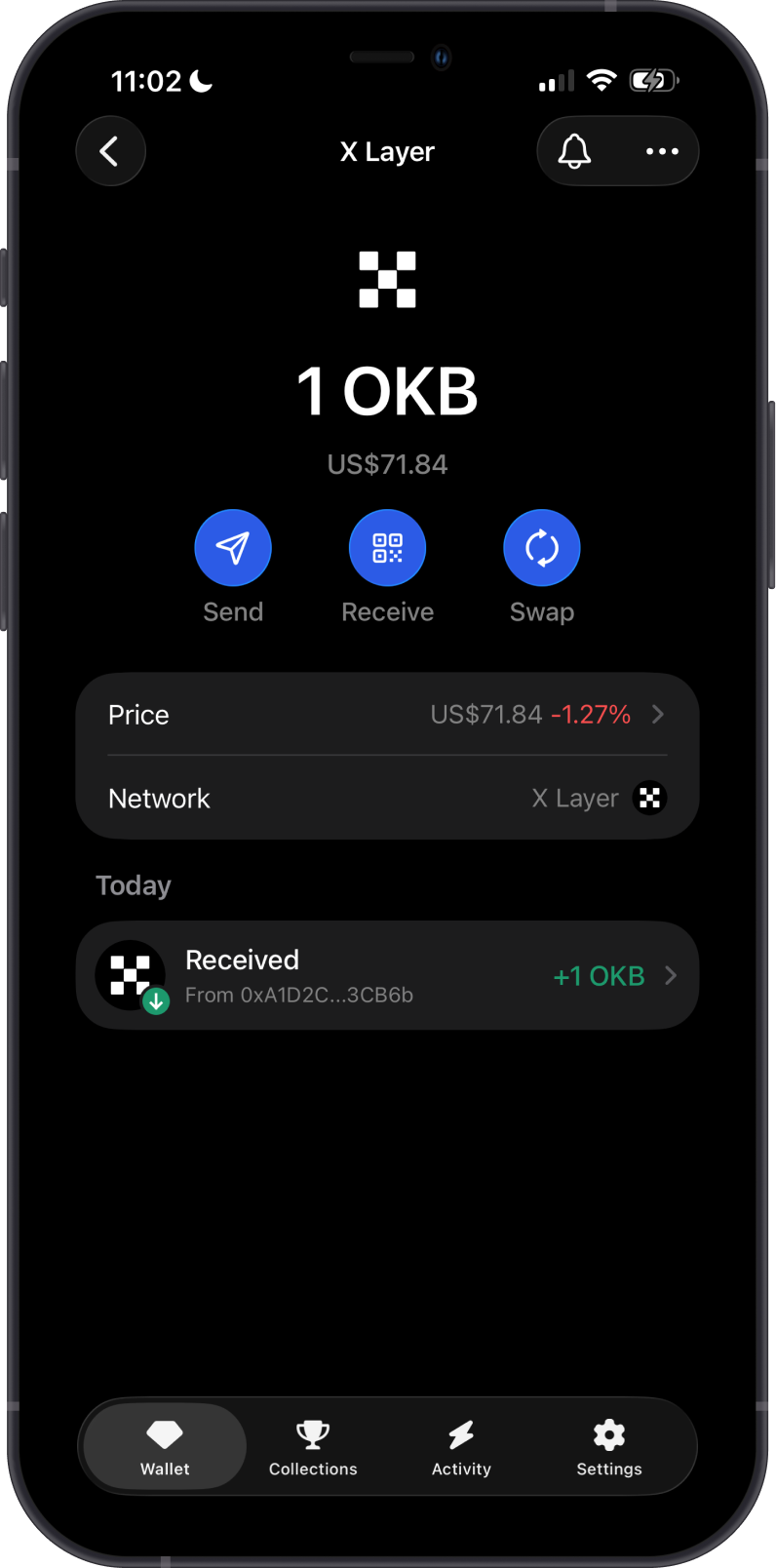
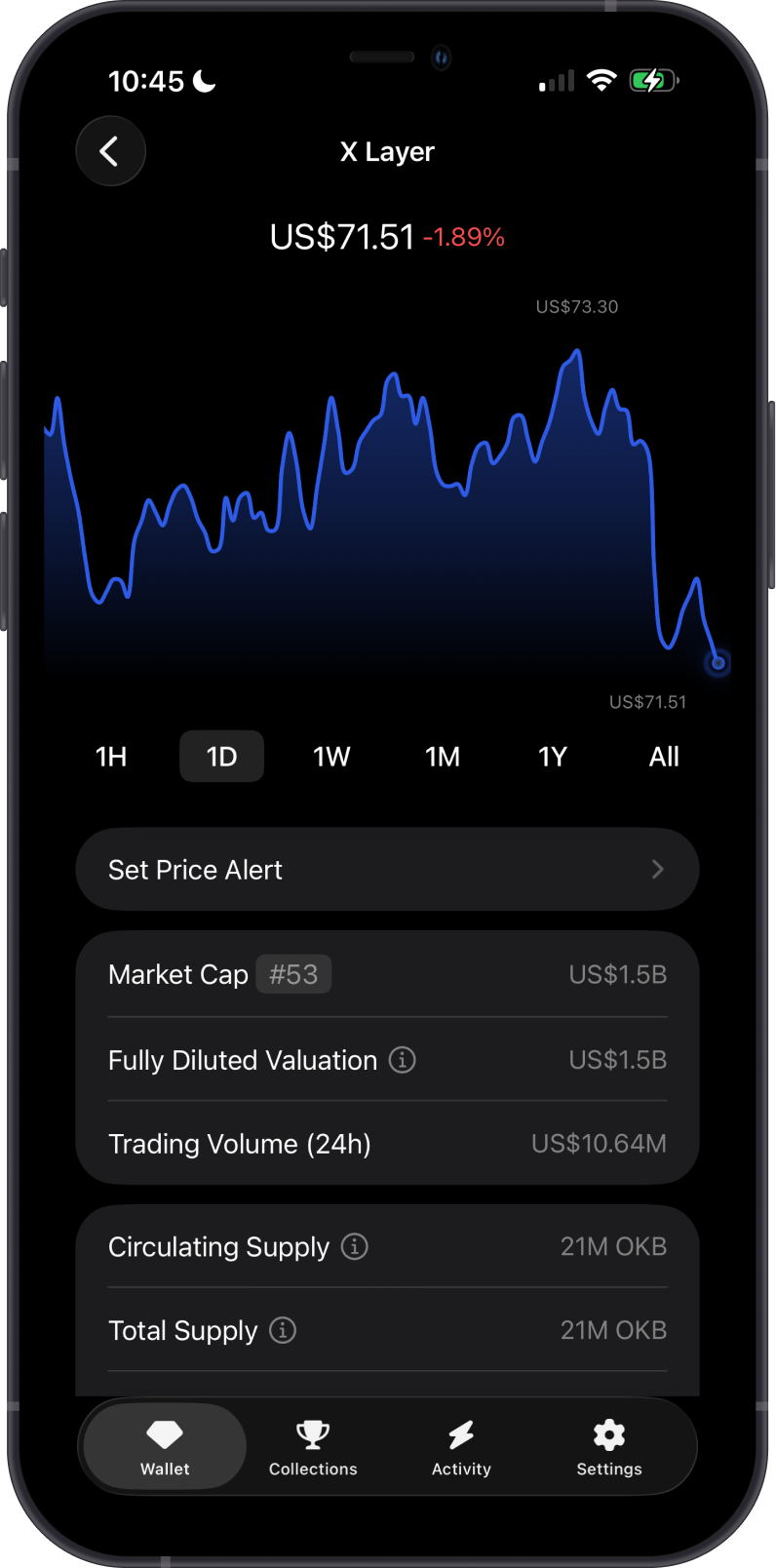
OKB is the native gas token of X Layer and is used for:
-
Transaction fees: OKB pays gas for sending assets and interacting with X Layer.
-
Network utility: OKB is required to move assets on X Layer.
How to Get X Layer (OKB)?
Here are some ways to get X Layer (OKB):
-
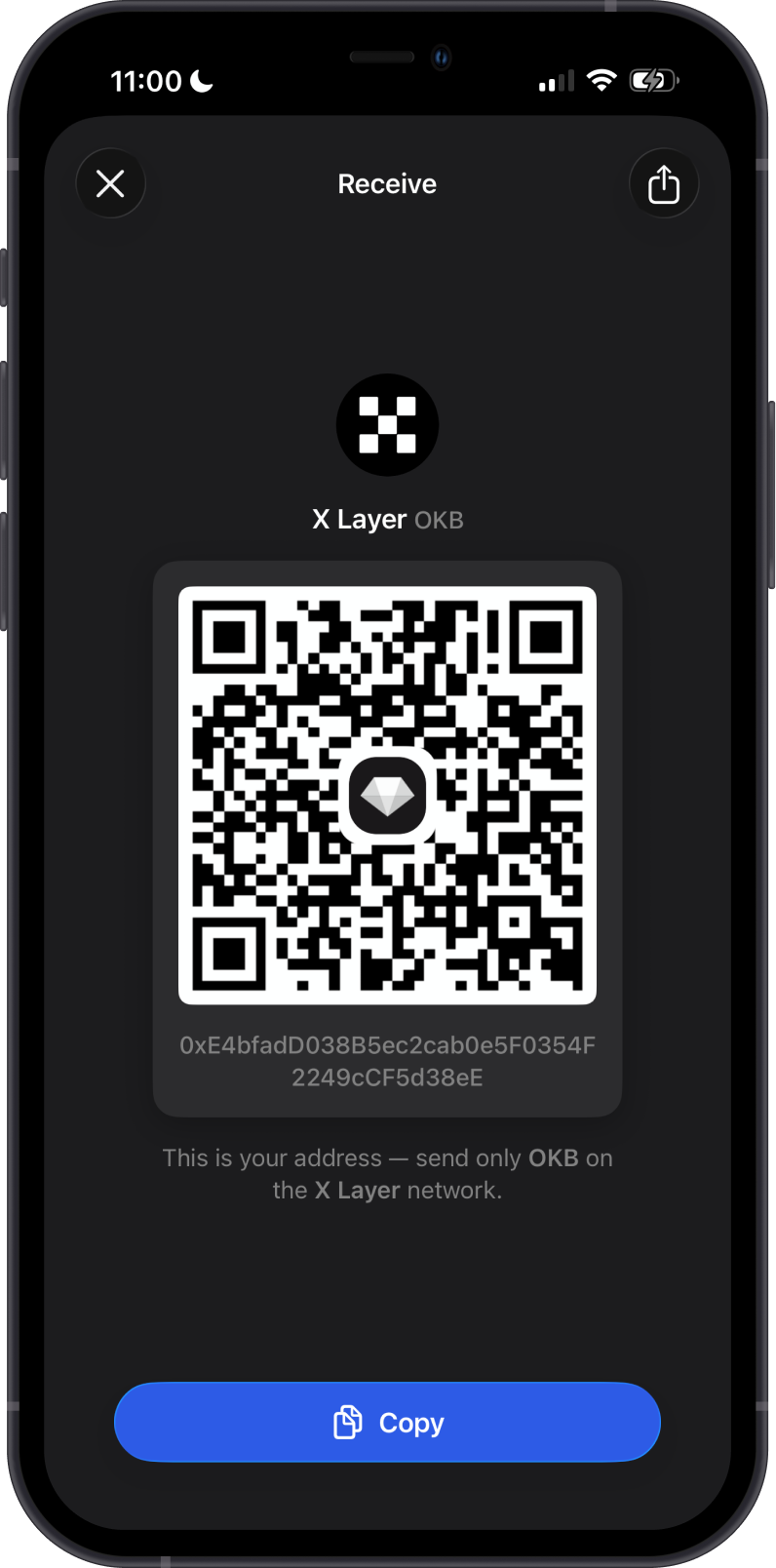
Receive OKB with your X Layer address in Gem Wallet.
-
Swap supported assets into X Layer (OKB) using Gem Wallet.
-
Bridge or withdraw OKB to X Layer from a supported platform.
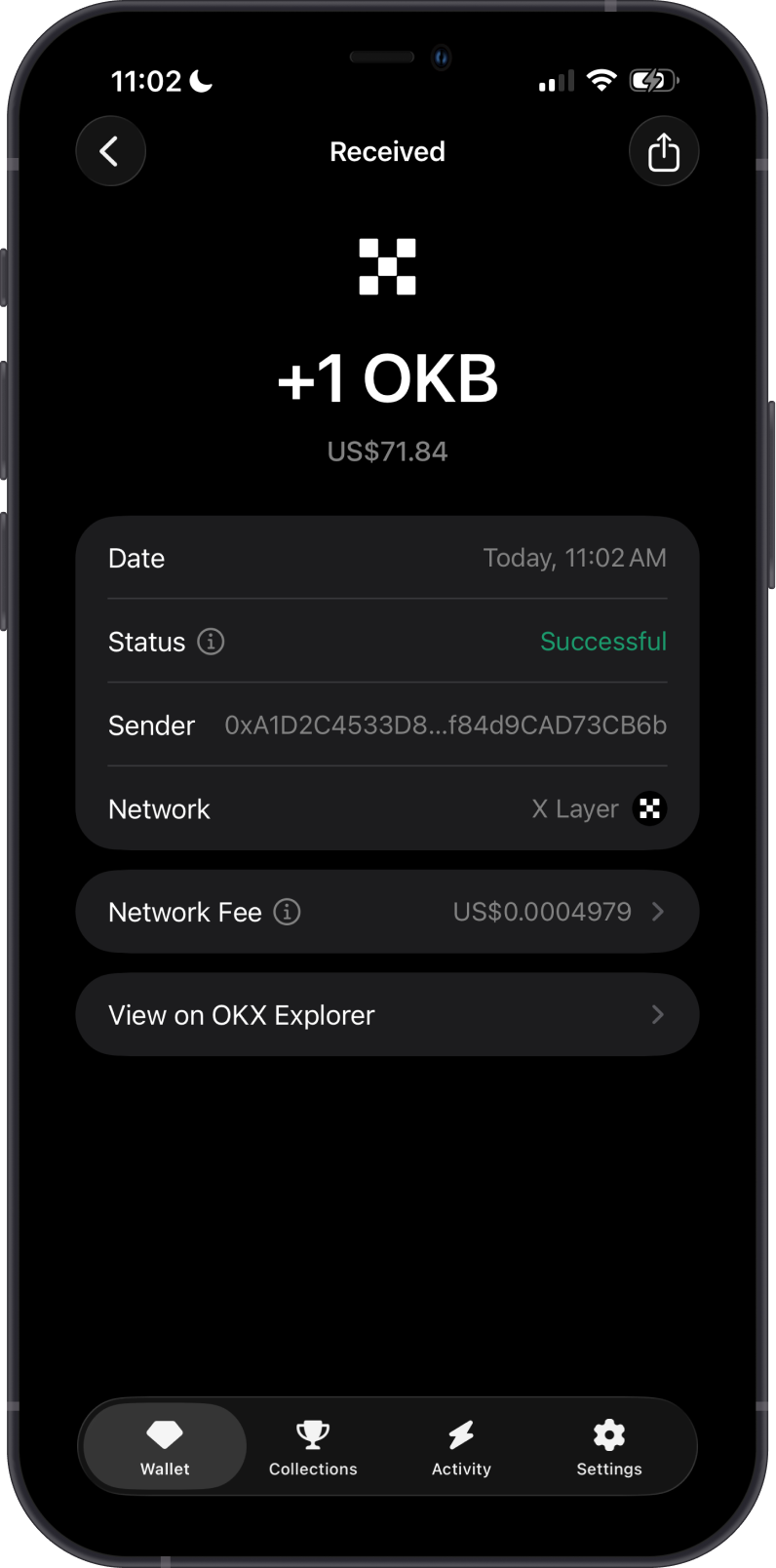
Buying X Layer (OKB) directly in Gem Wallet will be added soon.
- Search for OKB, then turn on the toggle to enable your X Layer wallet.
- Send only X Layer network assets to your X Layer address.
What Tokens are Supported on X Layer?
X Layer token support in Gem Wallet is currently limited.
-
OKB is supported as the native X Layer asset.
-
Only selected X Layer tokens appear in Manage Tokens.
-
If a token does not appear in Gem Wallet, it is not supported yet in the app.
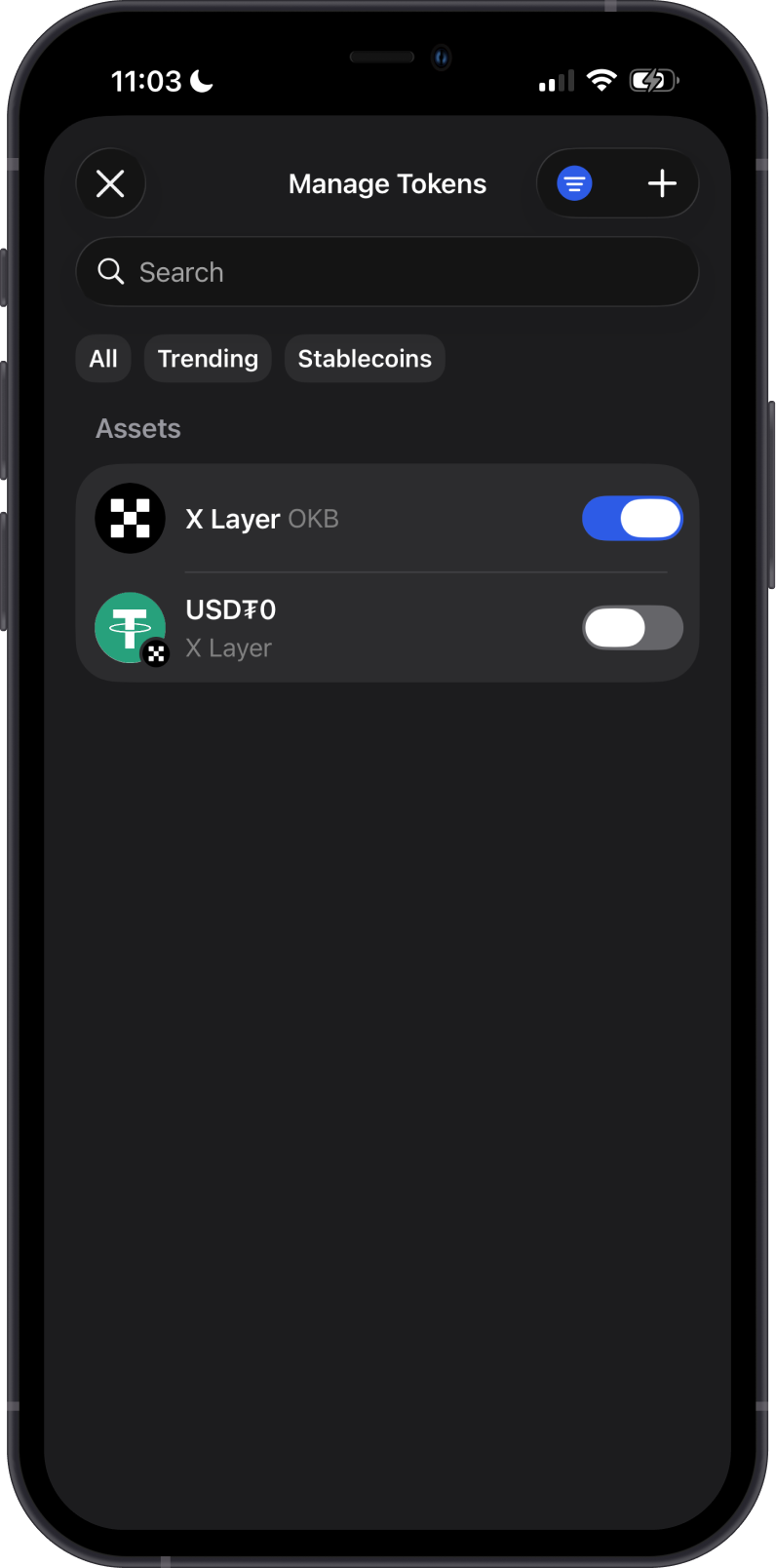
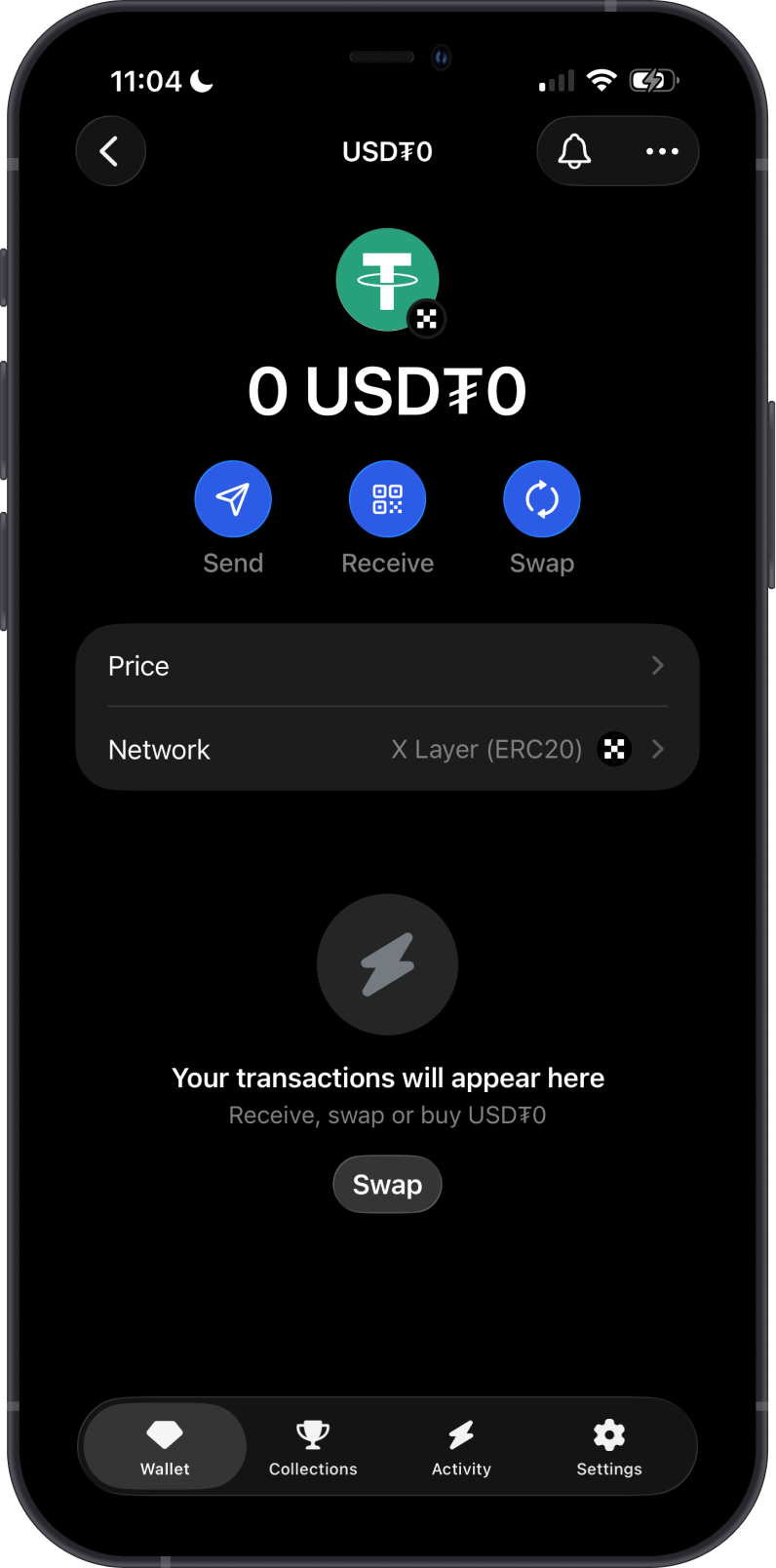
Do not send unsupported X Layer tokens unless they appear in Gem Wallet. Unsupported tokens may not display in your wallet.
Can I Swap X Layer Assets on Gem Wallet?
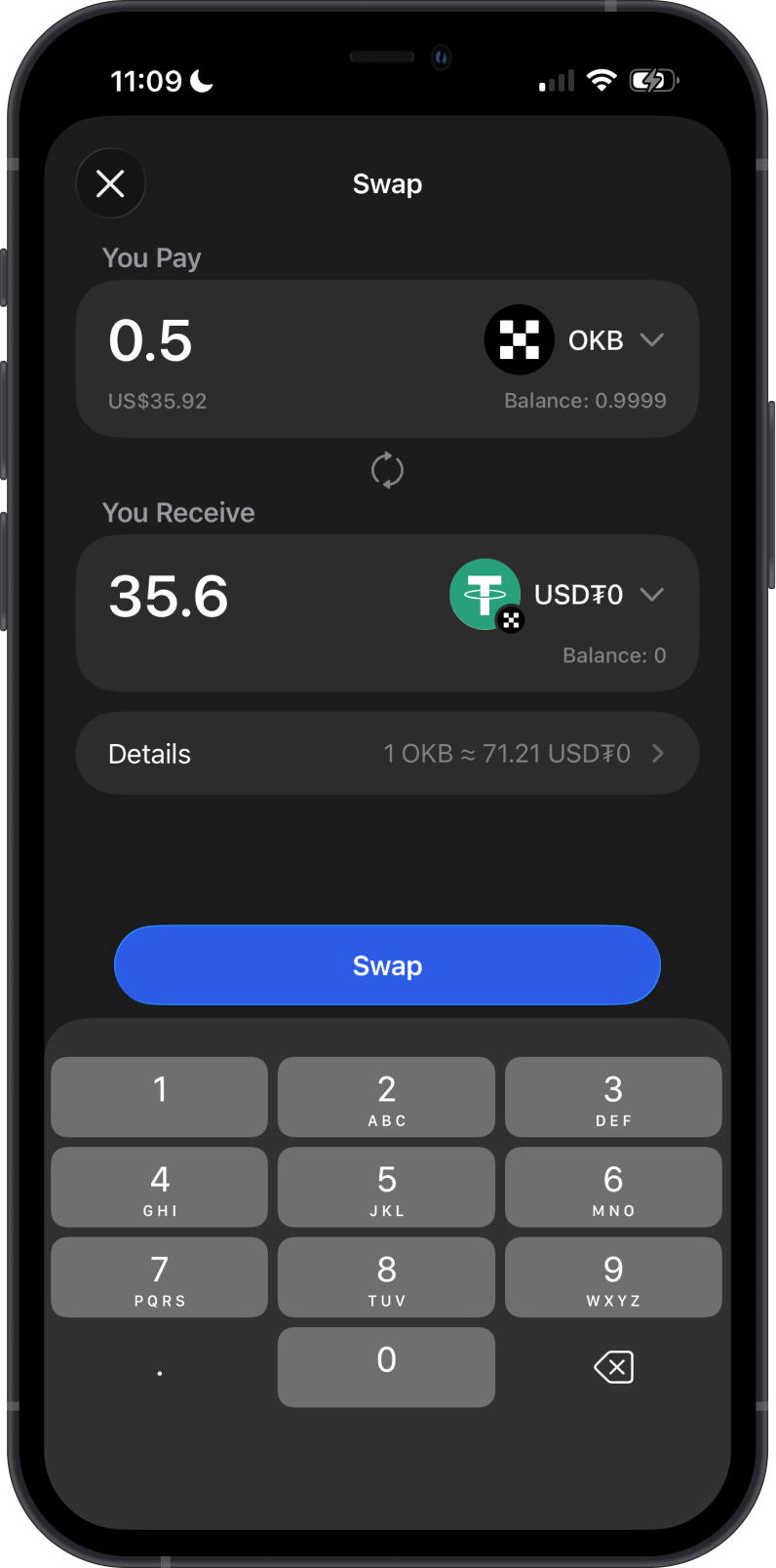
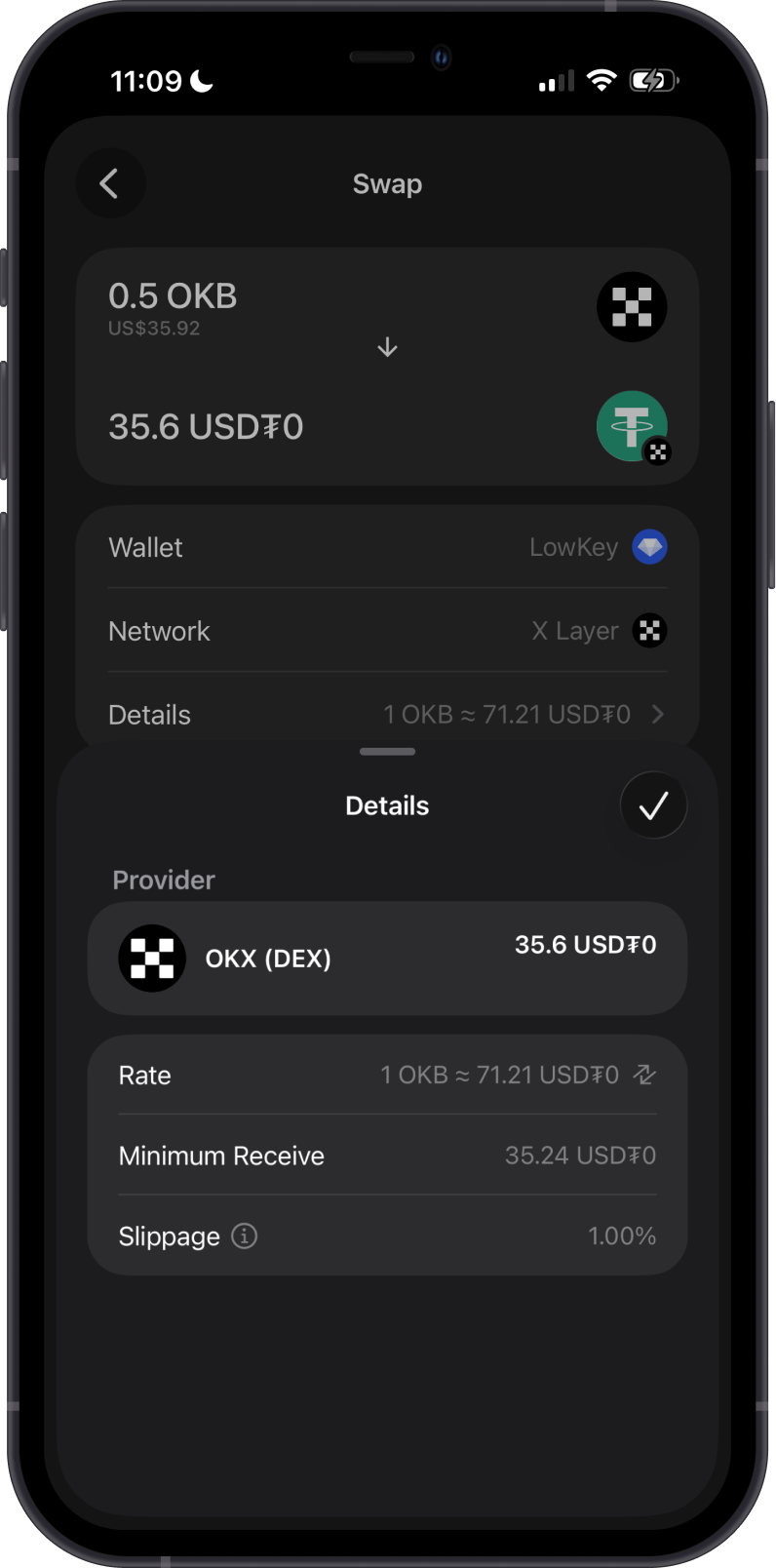
Yes. Gem Wallet supports swaps for X Layer network assets:
- Swap X Layer (OKB) for supported X Layer ERC20 tokens, and swap supported X Layer ERC20 tokens back to OKB.
- Use Cross-Chain Swap to swap supported assets from other blockchains into X Layer (OKB).
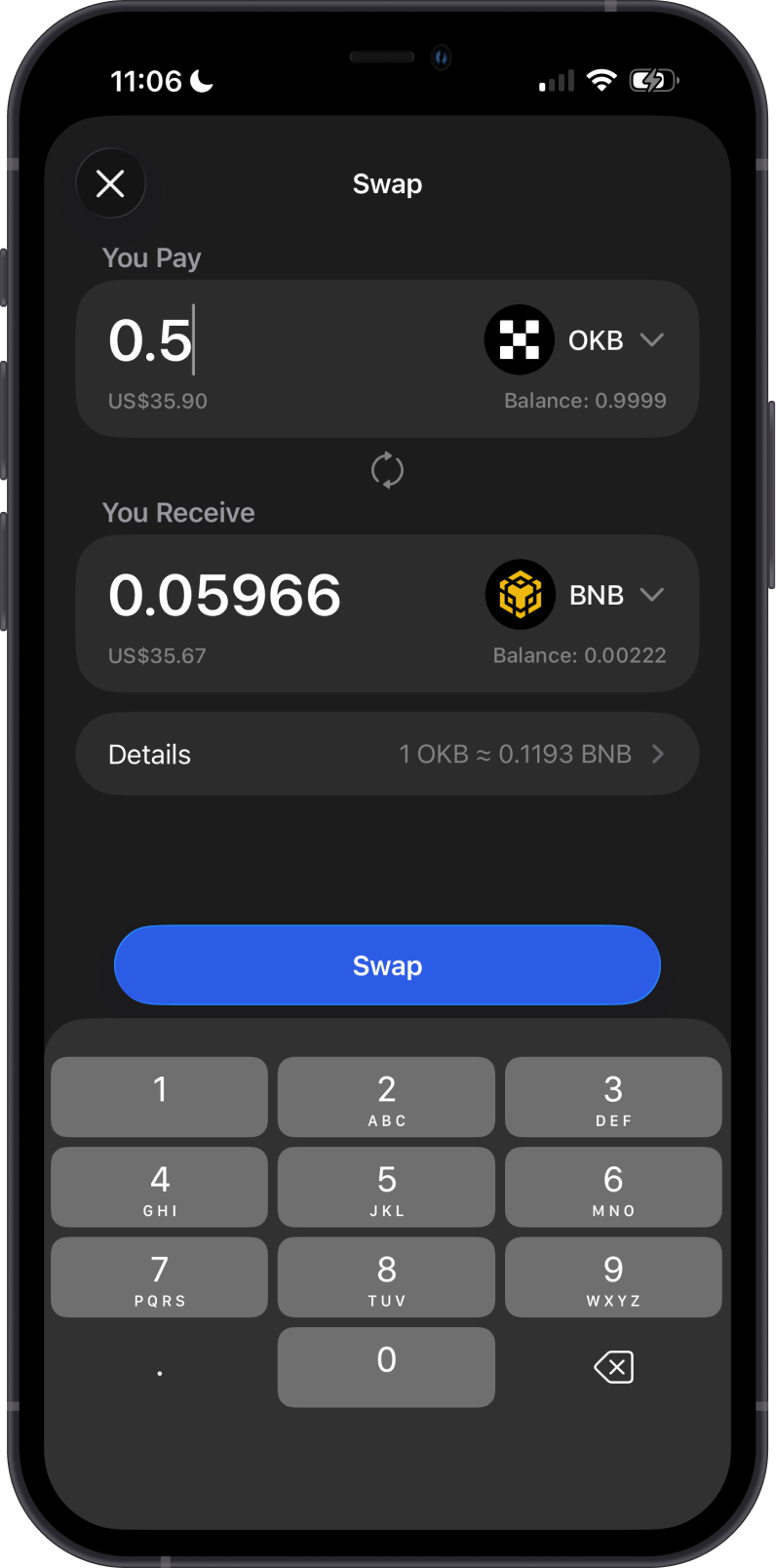
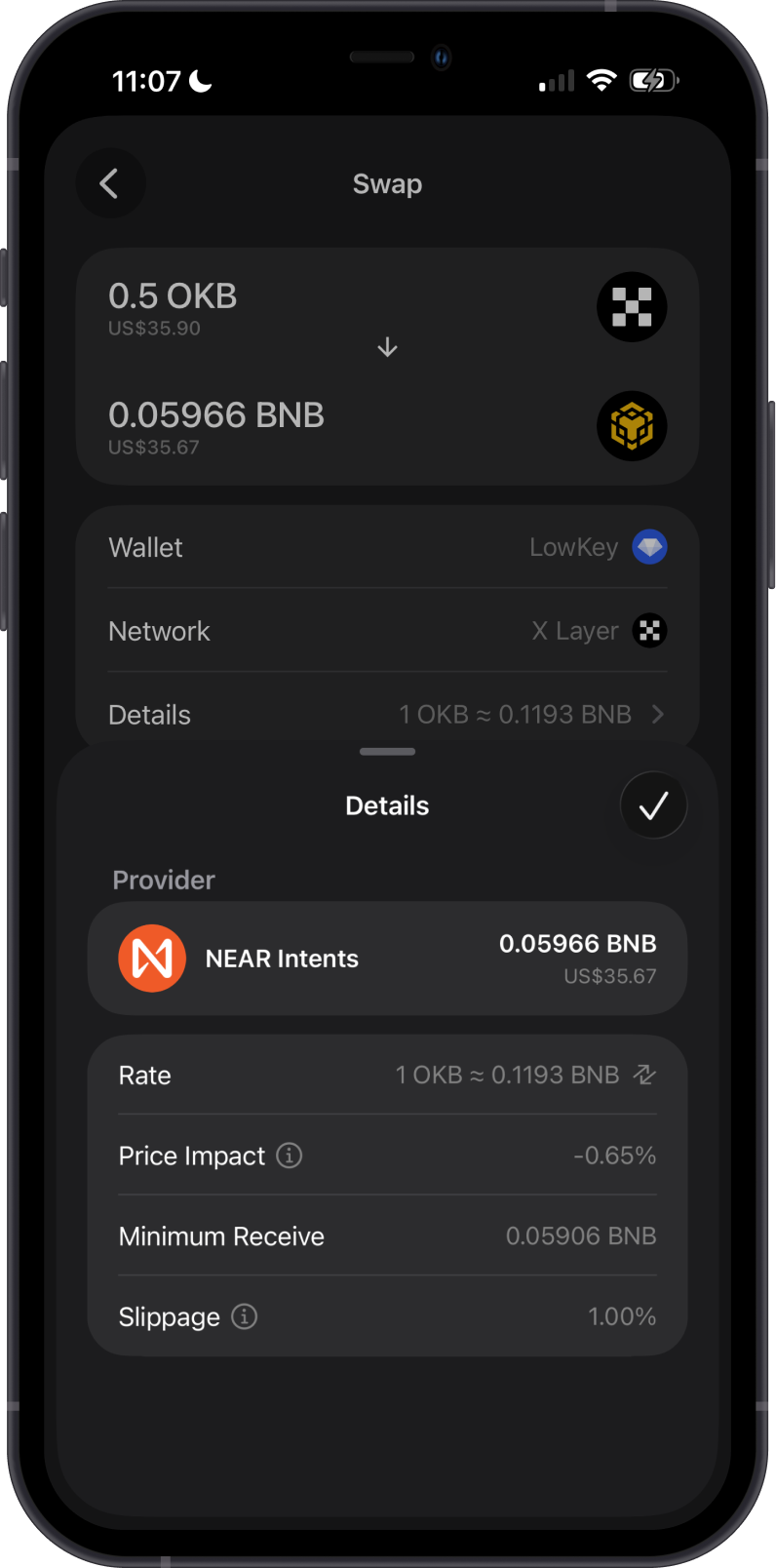
You need enough OKB to pay network fees when swapping on the X Layer network.
Transaction Fees on X Layer
The fees on X Layer are summarized as follows:
-
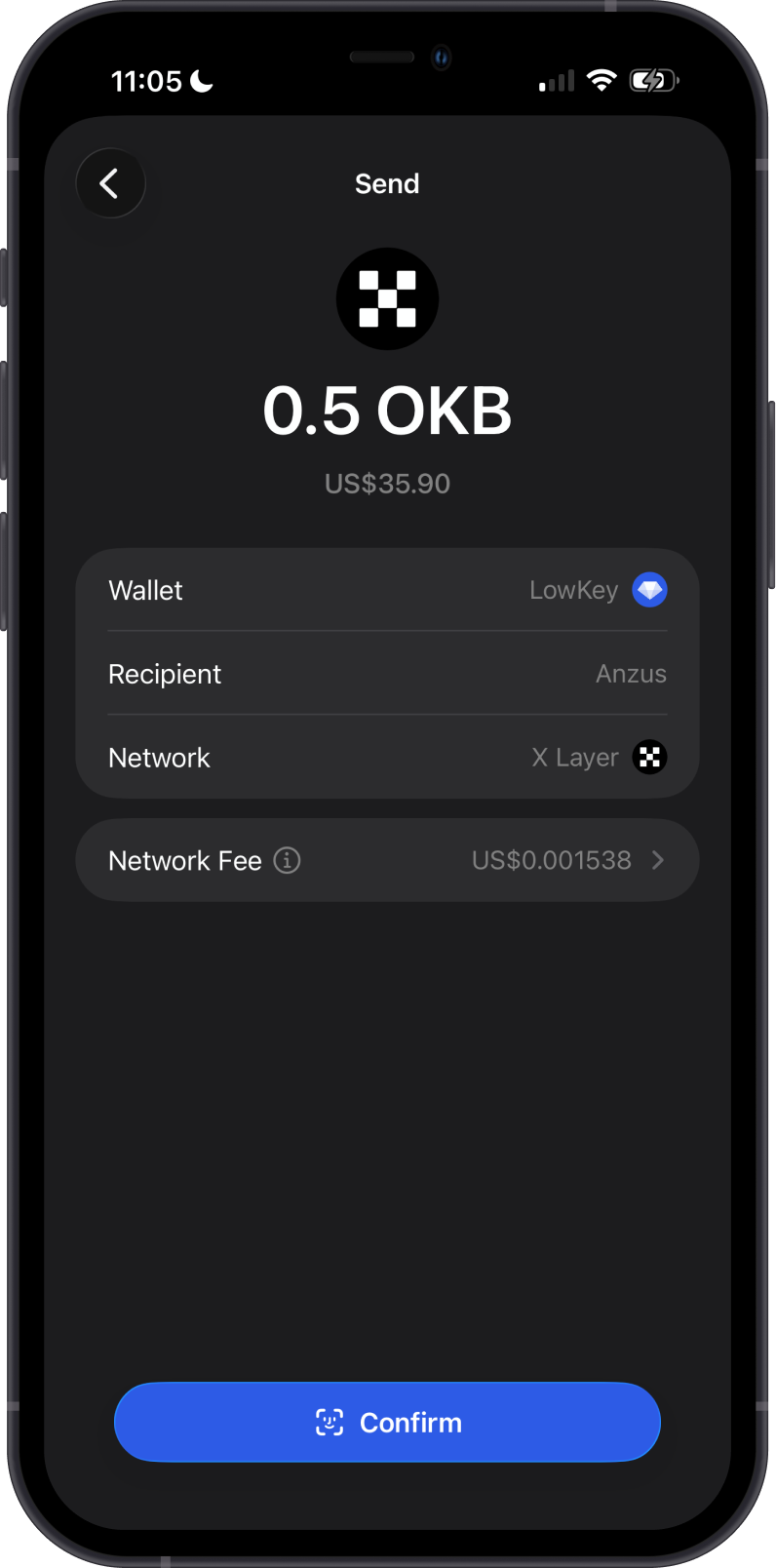
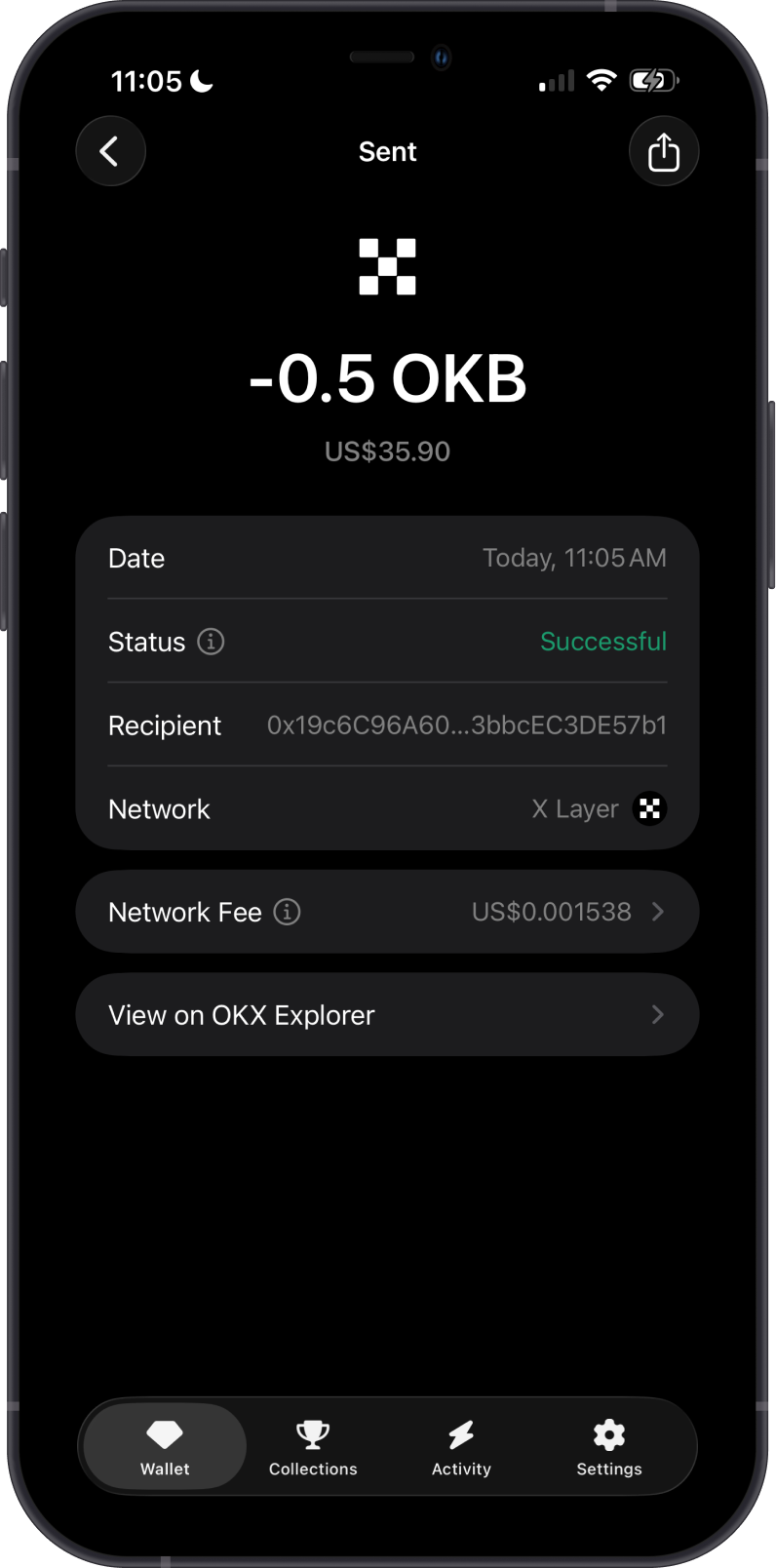
X Layer transactions require network fees paid in OKB.
-
You need enough OKB before sending X Layer assets.
-
Fees are typically lower than Ethereum mainnet fees.
How to Check X Layer (OKB) Balance?
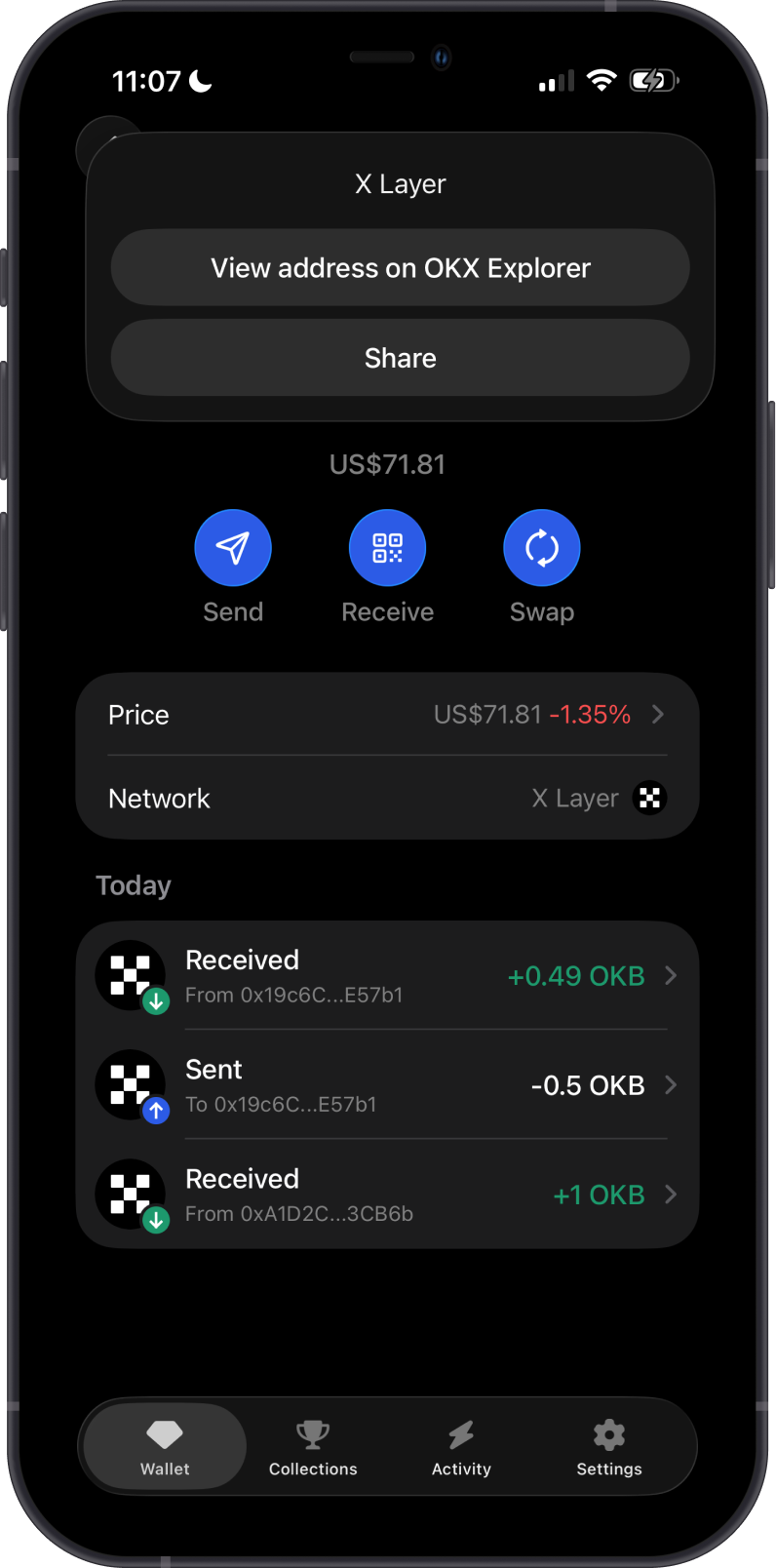
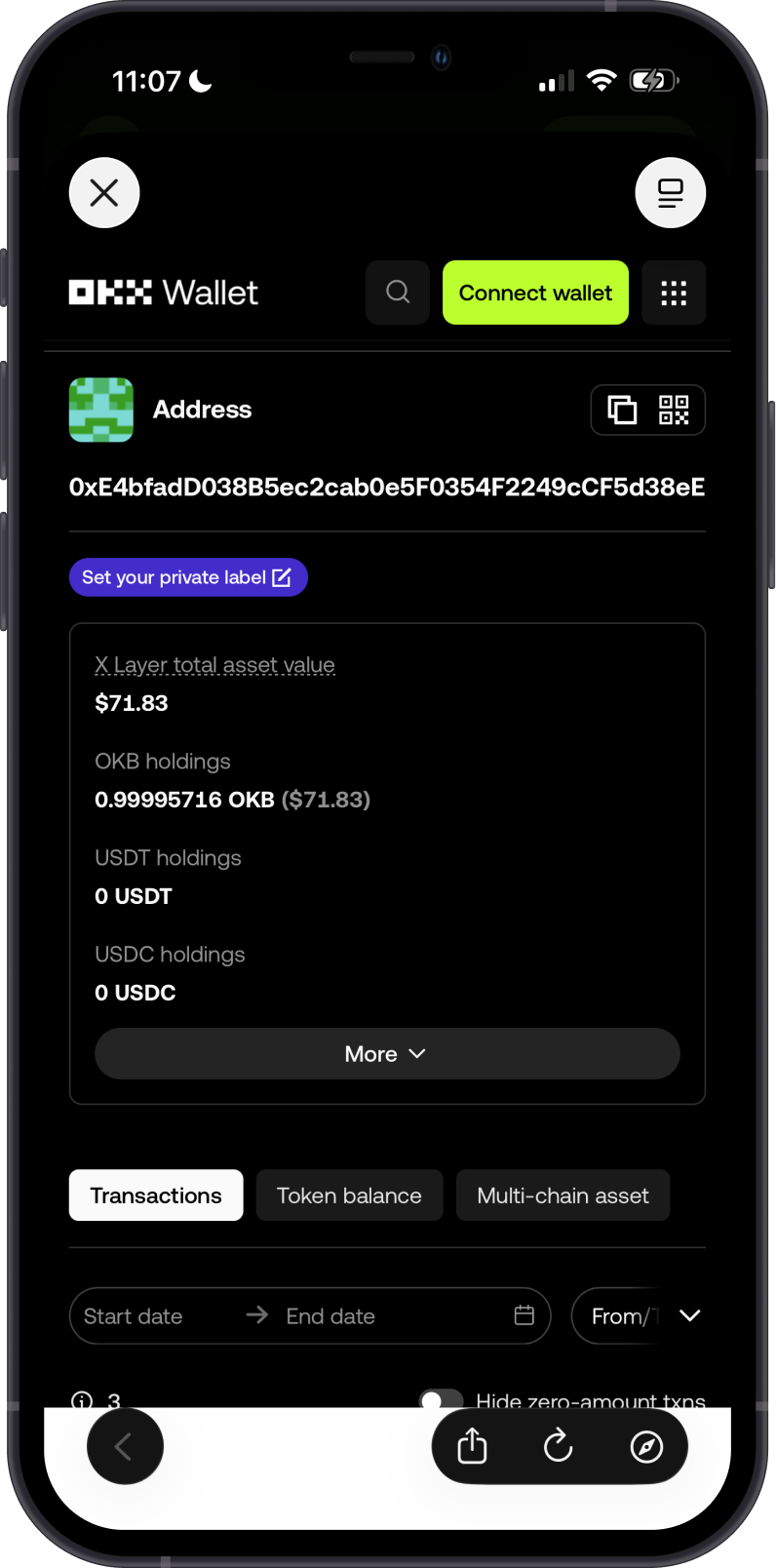
Gem Wallet connects to X Layer to show the OKB balance in your wallet. Tap on the 3 dots at the upper right corner, then tap View address on OKX Explorer.
OKX Explorer is the default X Layer explorer of Gem Wallet. You can manually check balances and transactions by going to OKX Explorer and searching for your X Layer address.
Why Choose Gem Wallet for X Layer?
-
Self-Custody & Security: Gem Wallet gives you full control over your private keys and assets.
-
EVM Compatibility: X Layer uses Ethereum-style addresses, making it familiar for users who already use EVM networks.
-
Swap and Cross-Chain Support: Gem Wallet supports X Layer token swaps and cross-chain swaps into OKB, making it easier to move value between X Layer and other supported networks.
-
Simple X Layer Support: Gem Wallet makes it easy to receive, store, send, and swap OKB on X Layer while token support continues to expand.
Conclusion
X Layer is an EVM-compatible Layer 2 network powered by OKB. In Gem Wallet, users can store, send, receive, and swap supported X Layer assets. Token support is limited to assets shown in the app, and direct OKB purchases will be added soon.