Arc
What is Arc?
Here are 5 key points about Arc:
- Arc is an open, EVM-compatible Layer 1 blockchain built for stablecoin payments, foreign exchange, and on-chain capital markets.
- USDC is Arc's native gas asset. There is no separate volatile gas token to acquire before making a transaction, and network fees are denominated in USDC.
- Arc provides deterministic, sub-second transaction finality, making it suited to payment and settlement flows where confirmation time matters.
- Arc is designed for always-on, global stablecoin payments and settlement, without relying on traditional banking hours.
- Arc includes built-in features for stablecoin finance, including an FX engine and opt-in privacy tooling designed for compliant financial activity.
Learn more about Arc with Gem Wallet: What Is the Arc Blockchain?
Arc Support in Gem Wallet
Gem Wallet can be used to:
- Buy USDC on Arc with a card or bank transfer through providers such as MoonPay and Transak, where available.
- Hold, send, and receive USDC and supported Arc ERC-20 tokens.
- Swap supported Arc assets to other supported Arc tokens when an on-chain quote is available.
- Swap supported assets to or from Arc via Cross-Chain Swap.
- Review Arc address history and transaction details.
- Connect to compatible applications with WalletConnect.
Arc uses USDC as its native gas asset. Keep enough Arc USDC in your wallet to cover network fees when sending tokens or confirming a swap. Supported token availability and swap routes can change, so always confirm the selected token and network before completing a transaction.
How to Add an Arc Token?
You can add a supported Arc ERC-20 token in either of these ways:
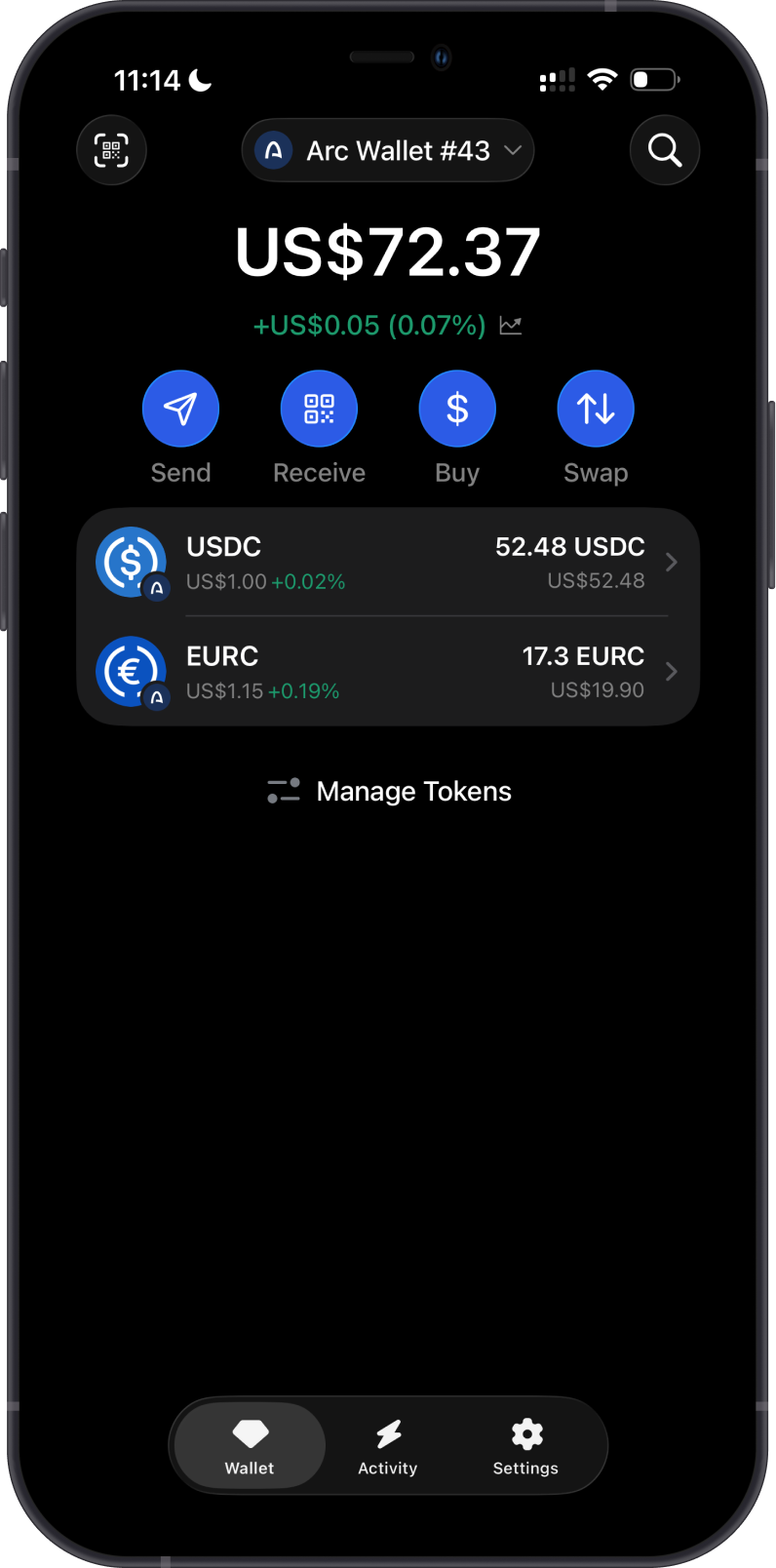
- Use the search button in the upper-right corner of the main wallet screen, search for the token, and enable it.
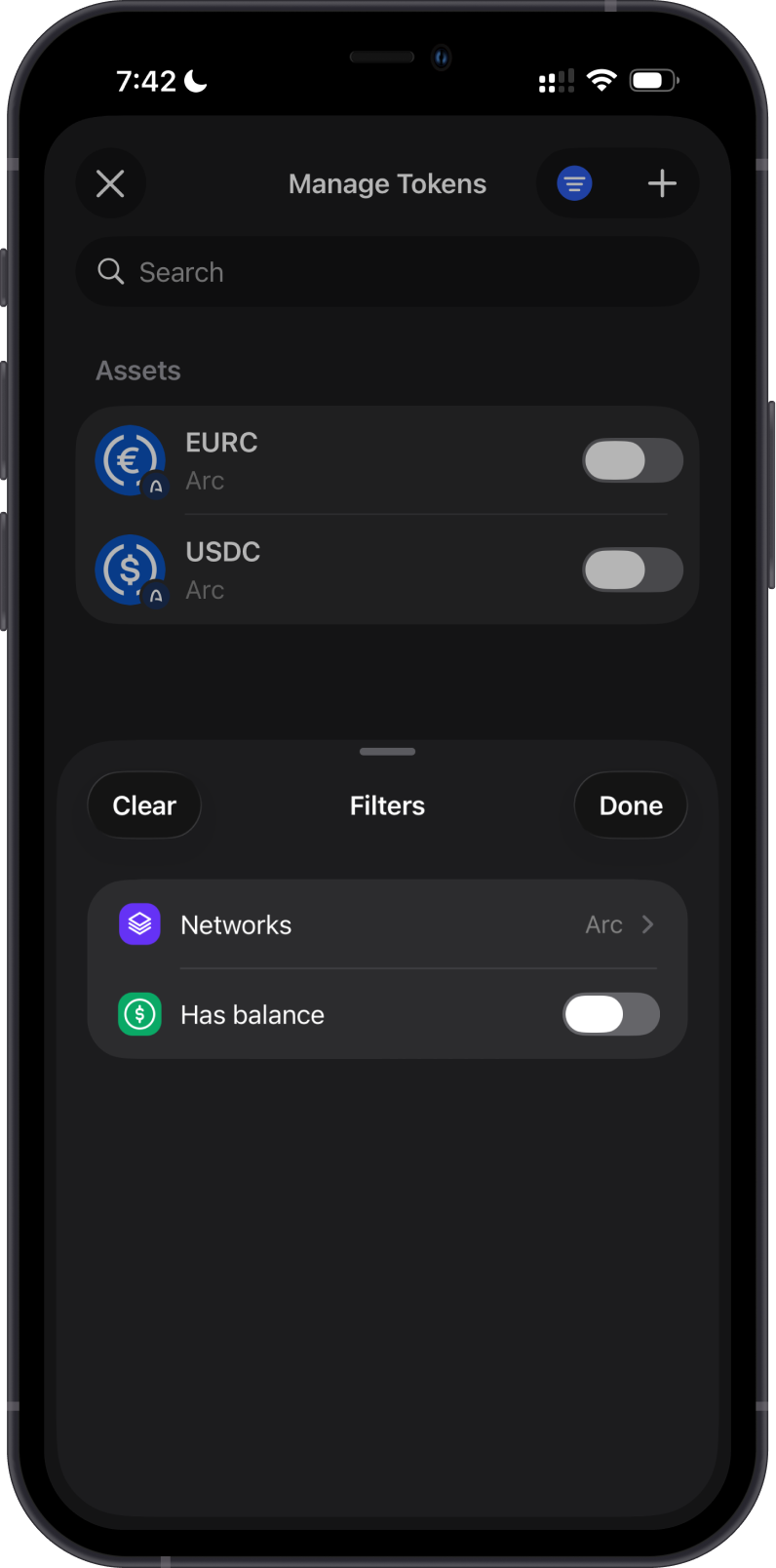
- Scroll to the bottom of the main wallet screen and select Manage Tokens. Search for the token manually, or tap the filter icon and set the network to Arc, then enable the token.
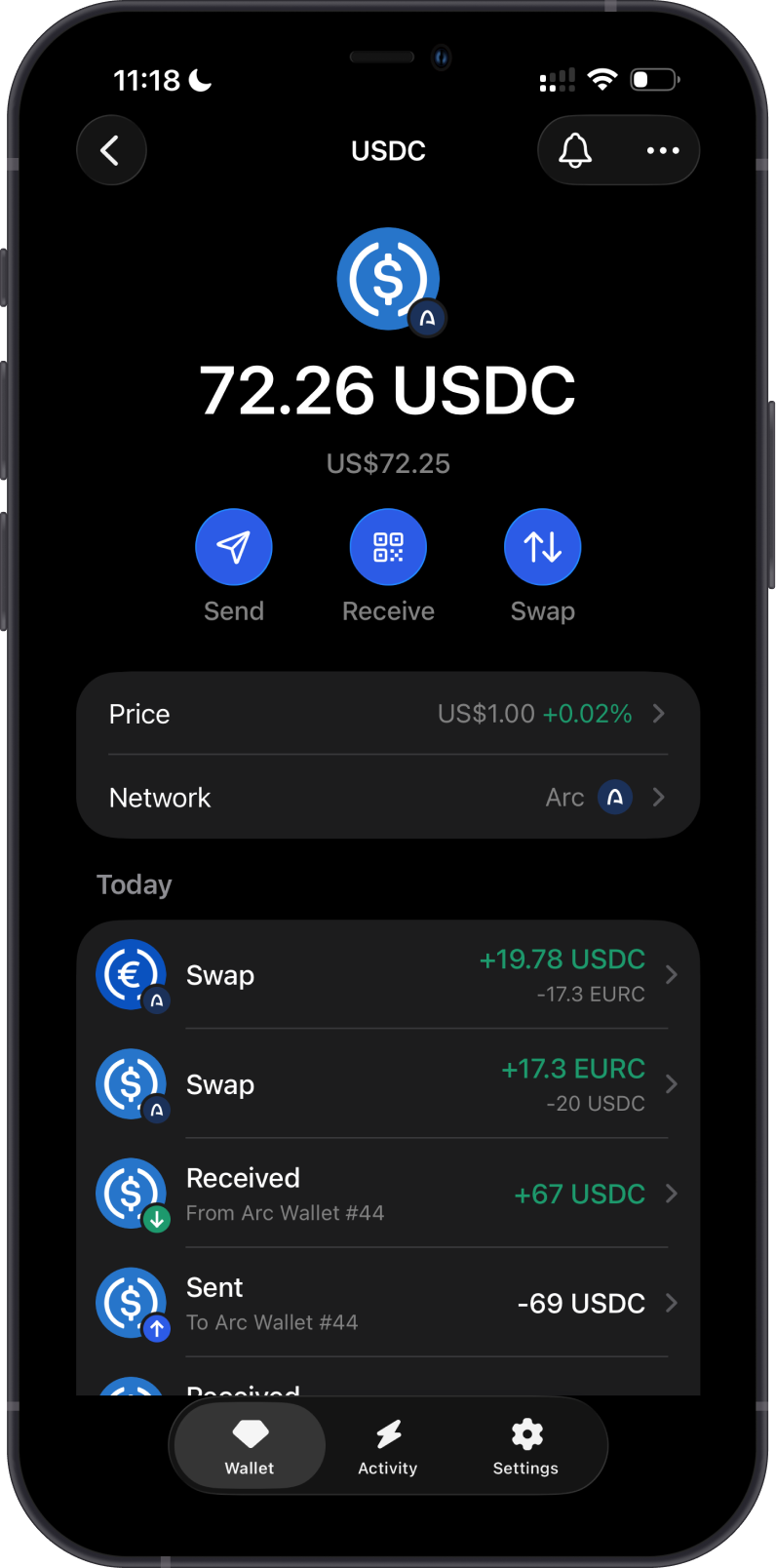
Each supported token appears as a separate asset. Make sure you select the intended token before sending, receiving, or swapping.
How to Receive Arc Tokens with Gem Wallet?
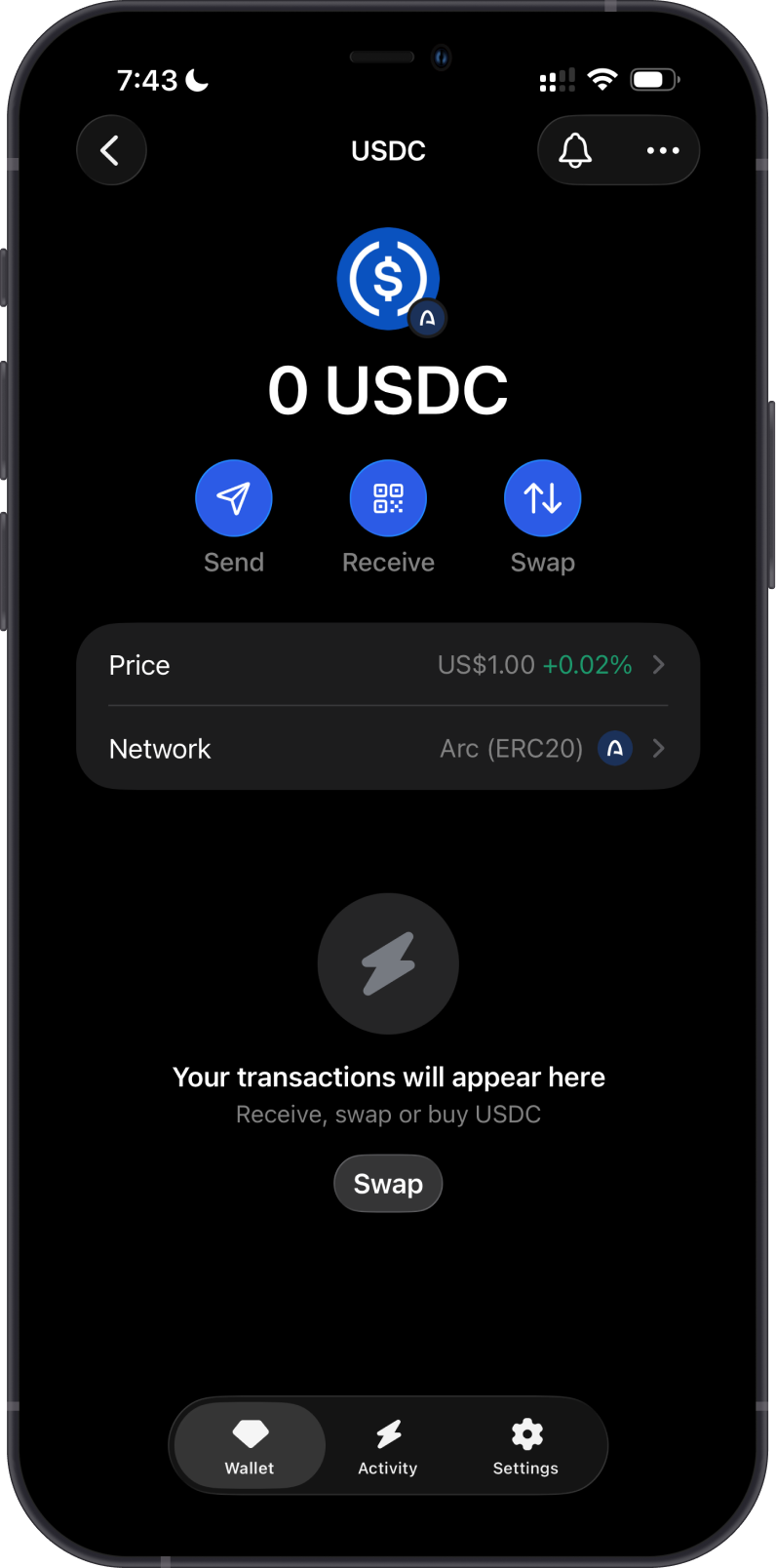
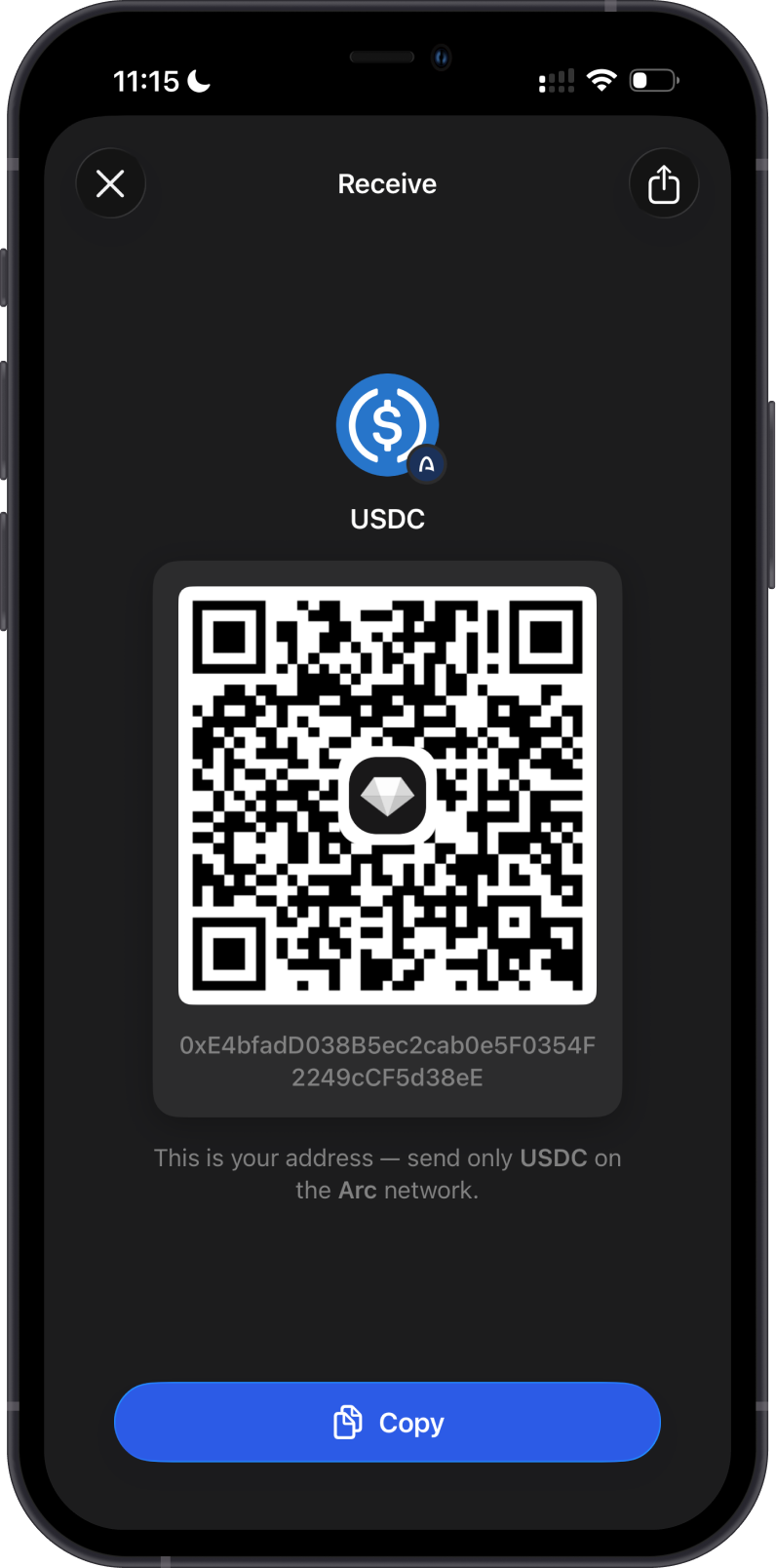
Open the Arc token in Gem Wallet, tap Receive, then copy or share the address shown. Send only the selected token on the Arc network to that address.
Arc uses EVM-style addresses beginning with 0x. Supported Arc tokens use the same wallet address, but the sender must select both the correct token and the Arc network. Sending an asset on a different network can result in a loss of funds.
How to Send Arc Tokens with Gem Wallet?
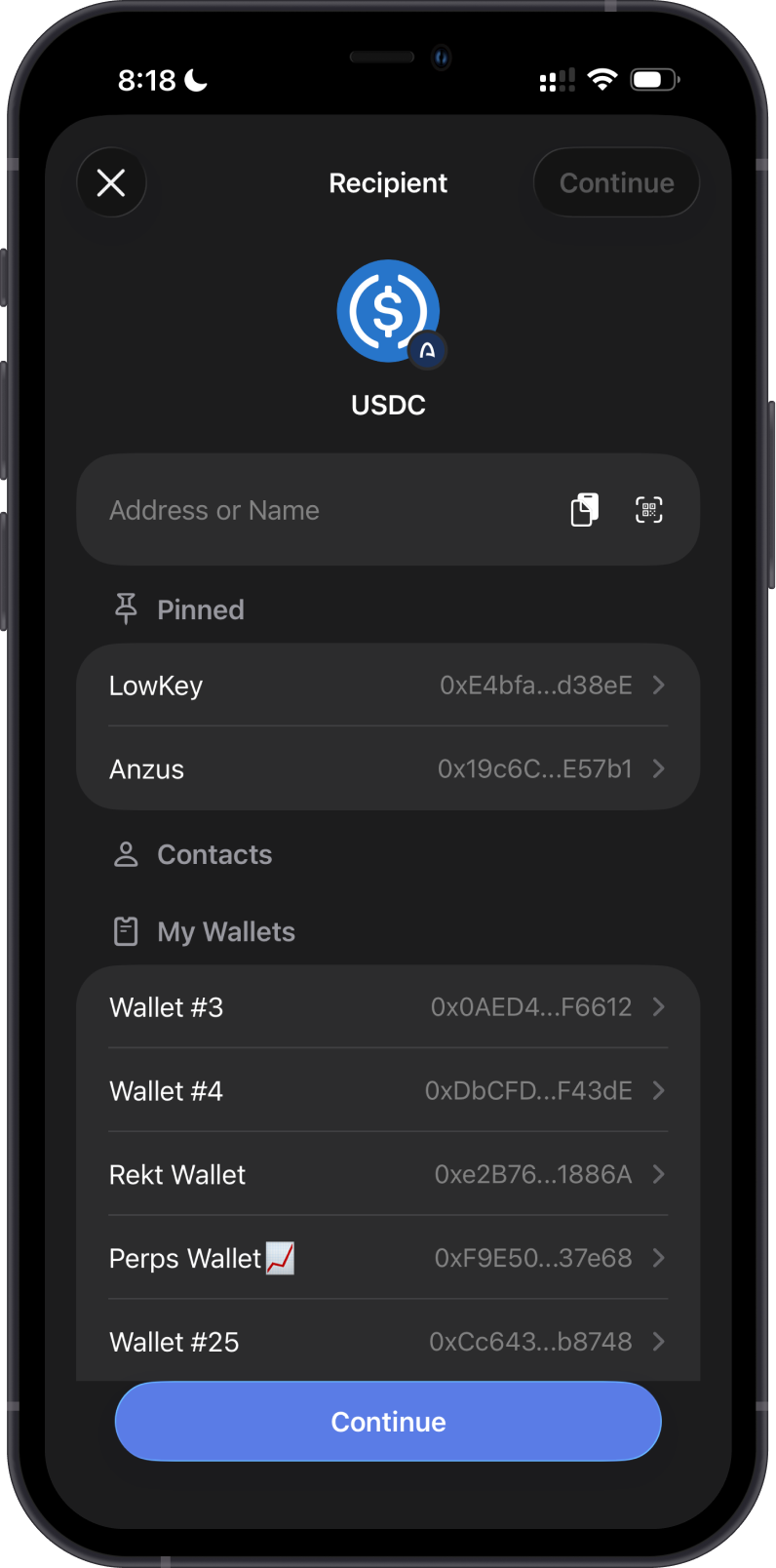
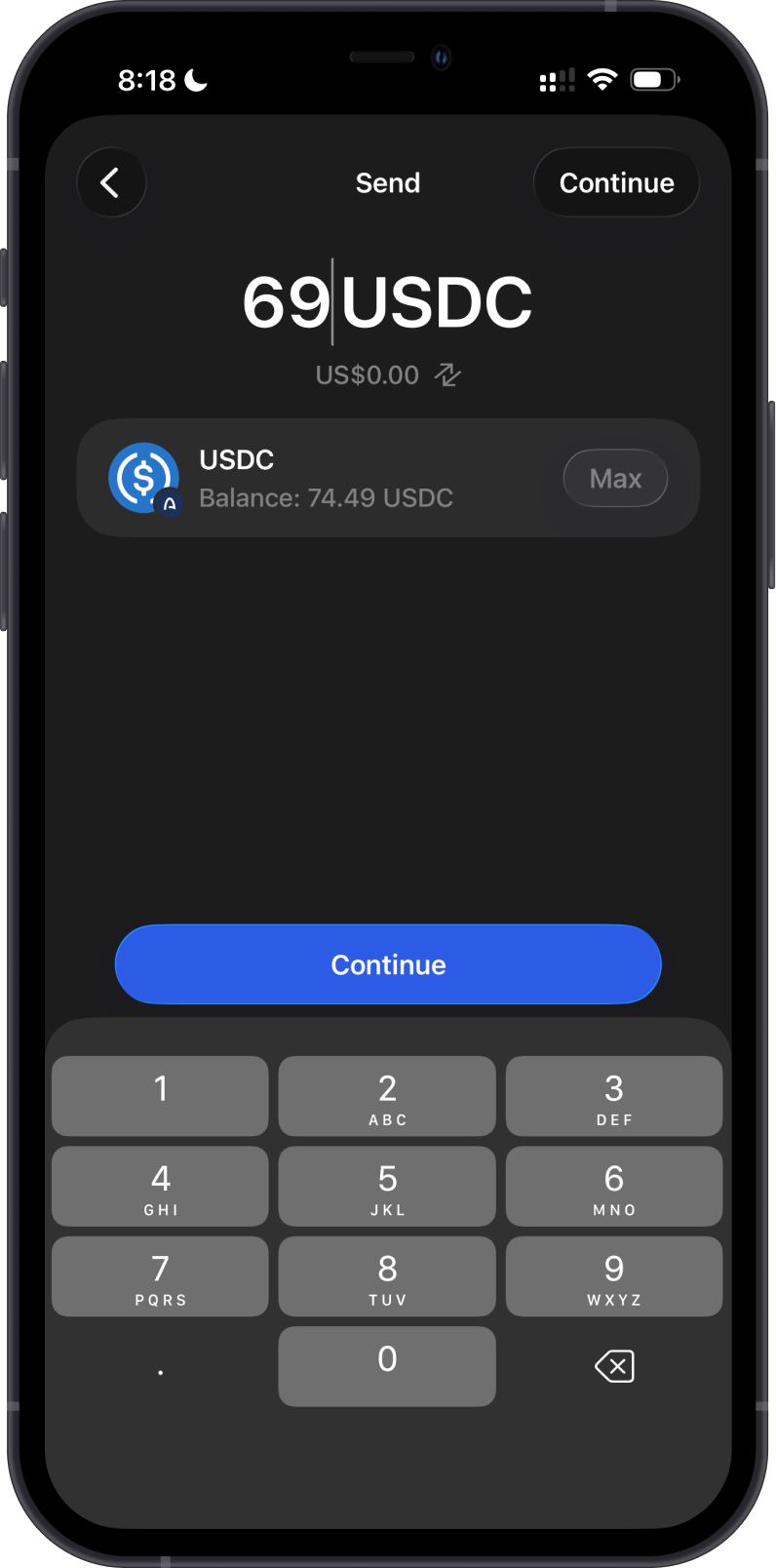
Open the Arc token you want to send, tap Send, then enter the recipient address manually, paste it, scan its QR code, or select one of your wallets. Enter the amount, review the selected token, network, and USDC network fee, then confirm the transaction.
Before sending, check that the recipient supports the exact token on Arc. A matching 0x address alone does not confirm that the receiving wallet or service supports Arc.
Can I Swap Arc Tokens on Gem Wallet?
Gem Wallet displays swap quotes from its available providers. You can review on-chain swaps between supported Arc tokens and cross-chain routes to or from Arc when available. Routes, providers, fees, and quote details vary by asset, amount, and market conditions.
Always review the token pair, network, provider, rate, price impact, minimum received amount, and USDC network fee before confirming a swap.
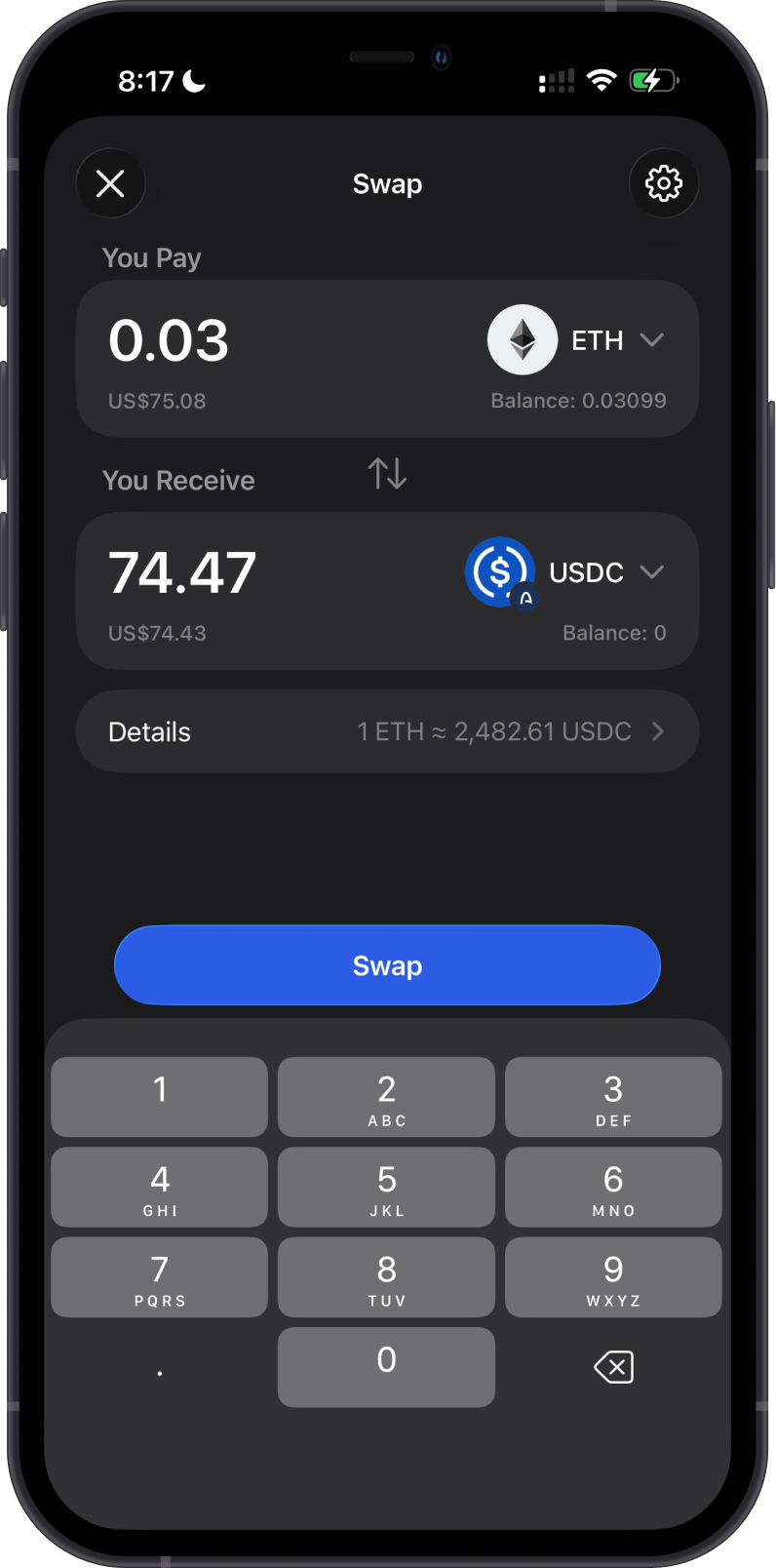
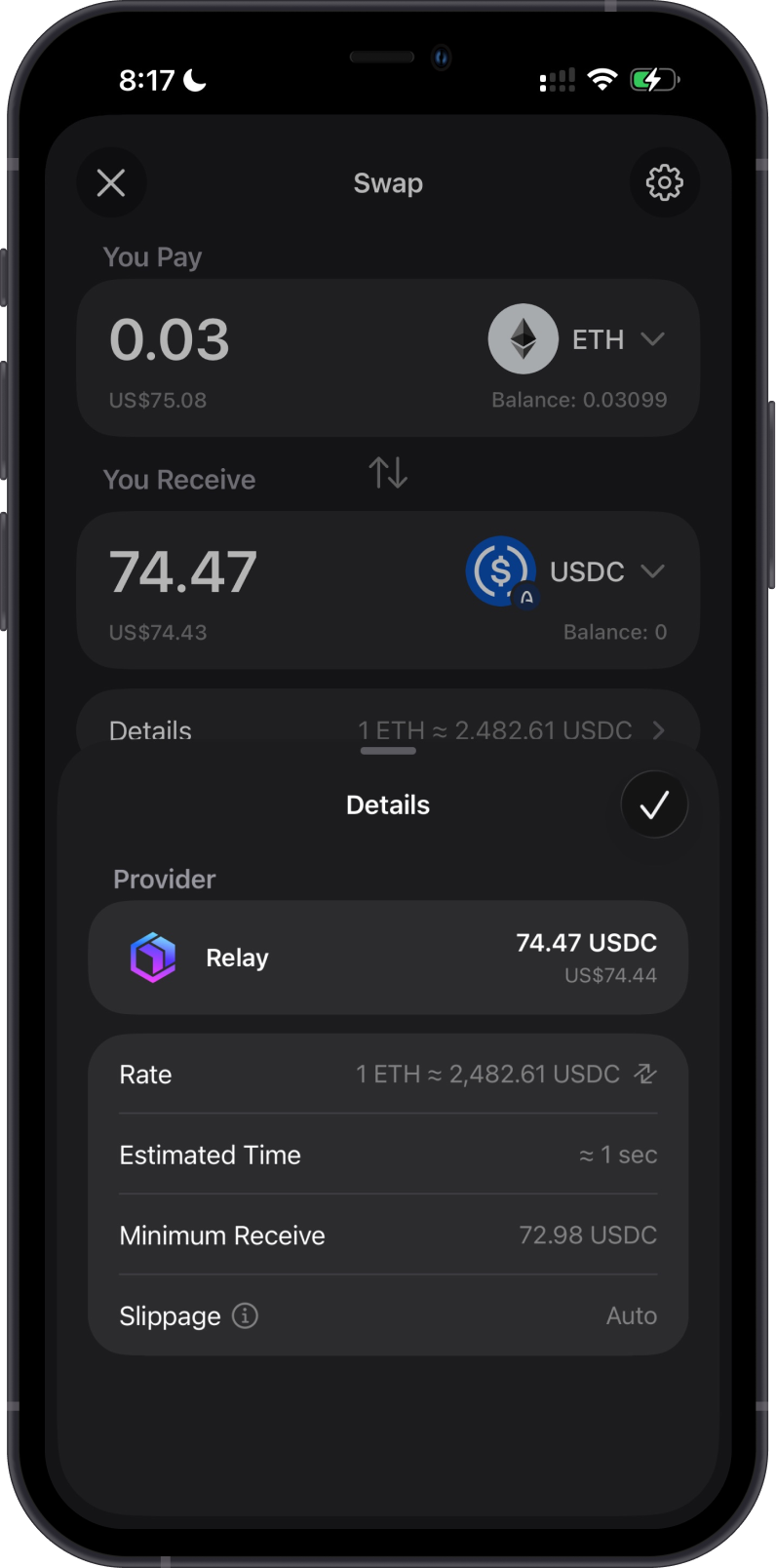
The first example below swaps ETH on Ethereum for USDC on Arc. Review the provider, estimated time, minimum received amount, and slippage before confirming a cross-chain swap.
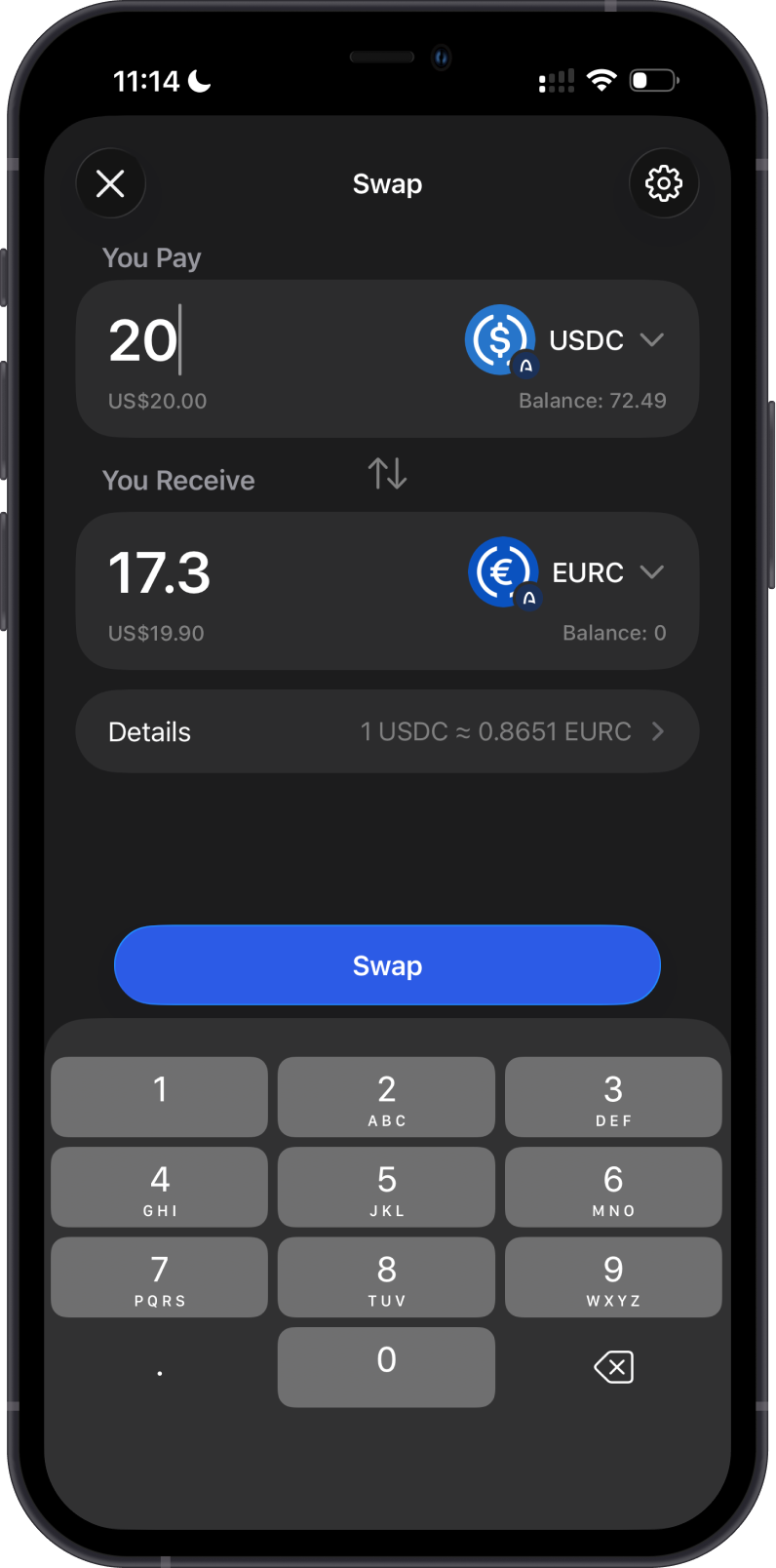
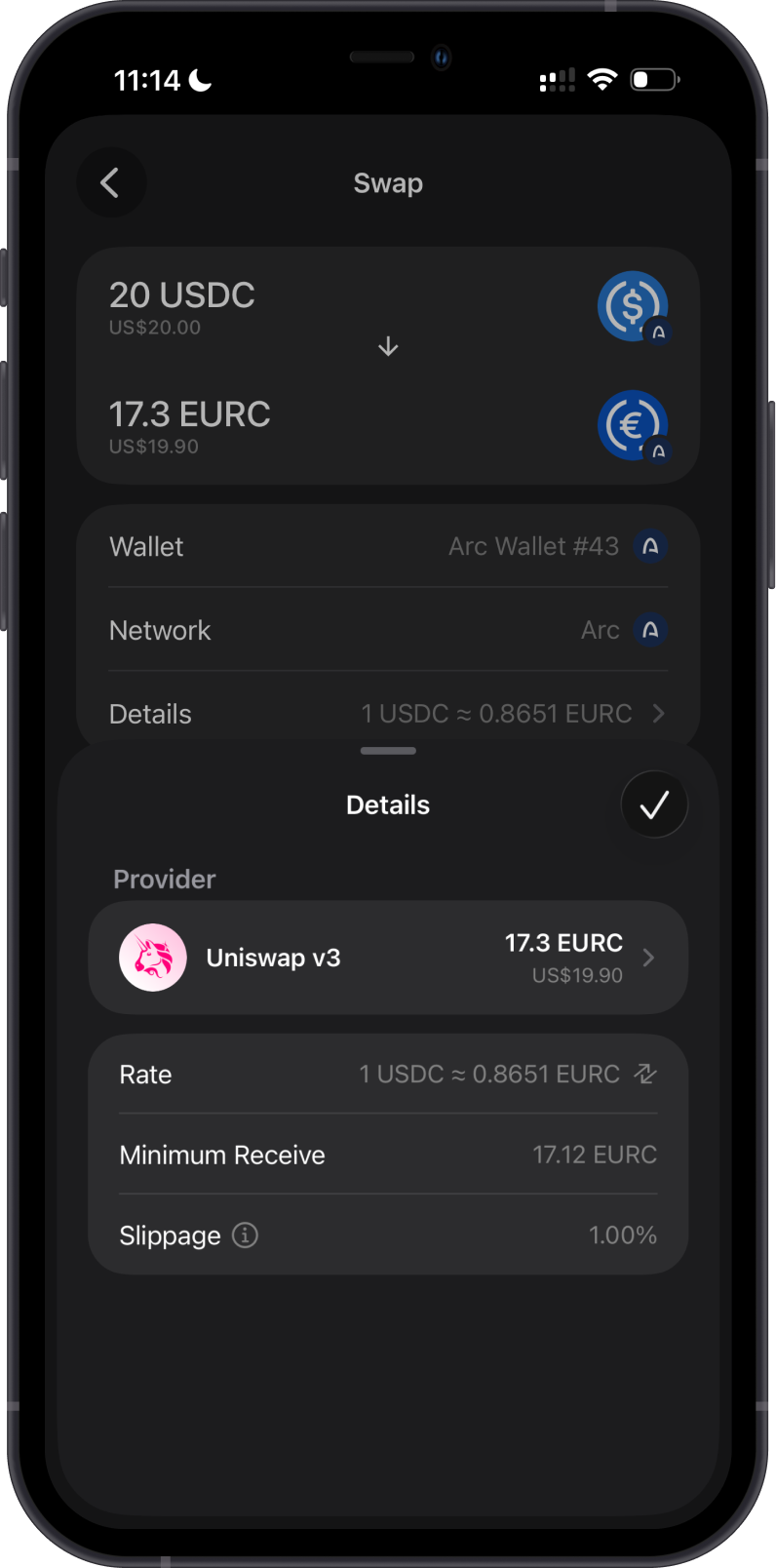
The second example shows an on-chain swap from USDC to EURC on Arc. Confirm the selected Arc tokens, provider, rate, minimum received amount, and slippage before proceeding.
Transaction Fees on Arc
Arc uses USDC for network fees rather than a separate gas token. Gem Wallet displays the network fee before confirmation, so keep enough Arc USDC to cover the fee as well as the amount you are sending or swapping.
The displayed fee can vary with the transaction's required computation. Review the final fee shown in Gem Wallet immediately before you confirm the transaction.
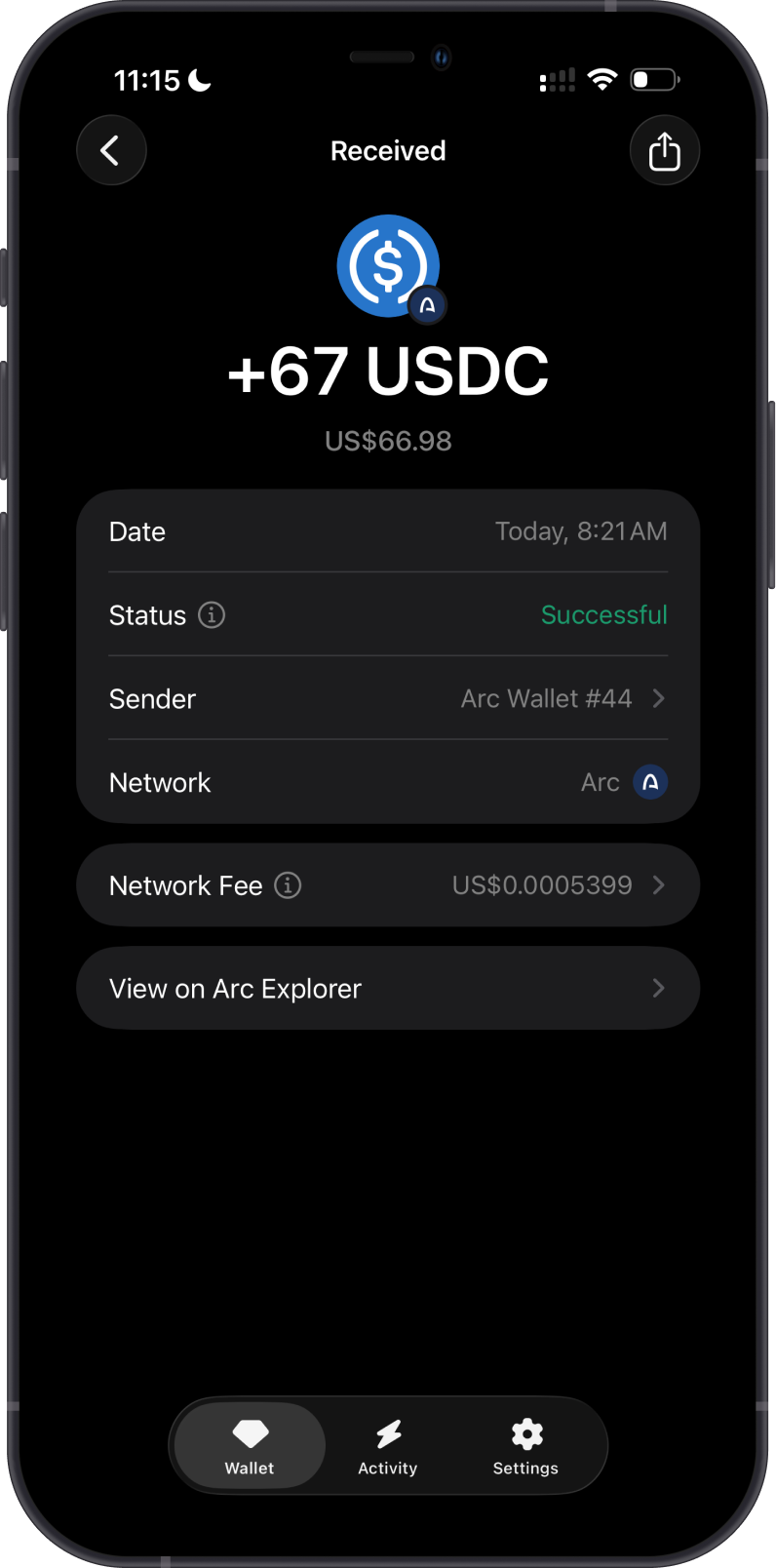
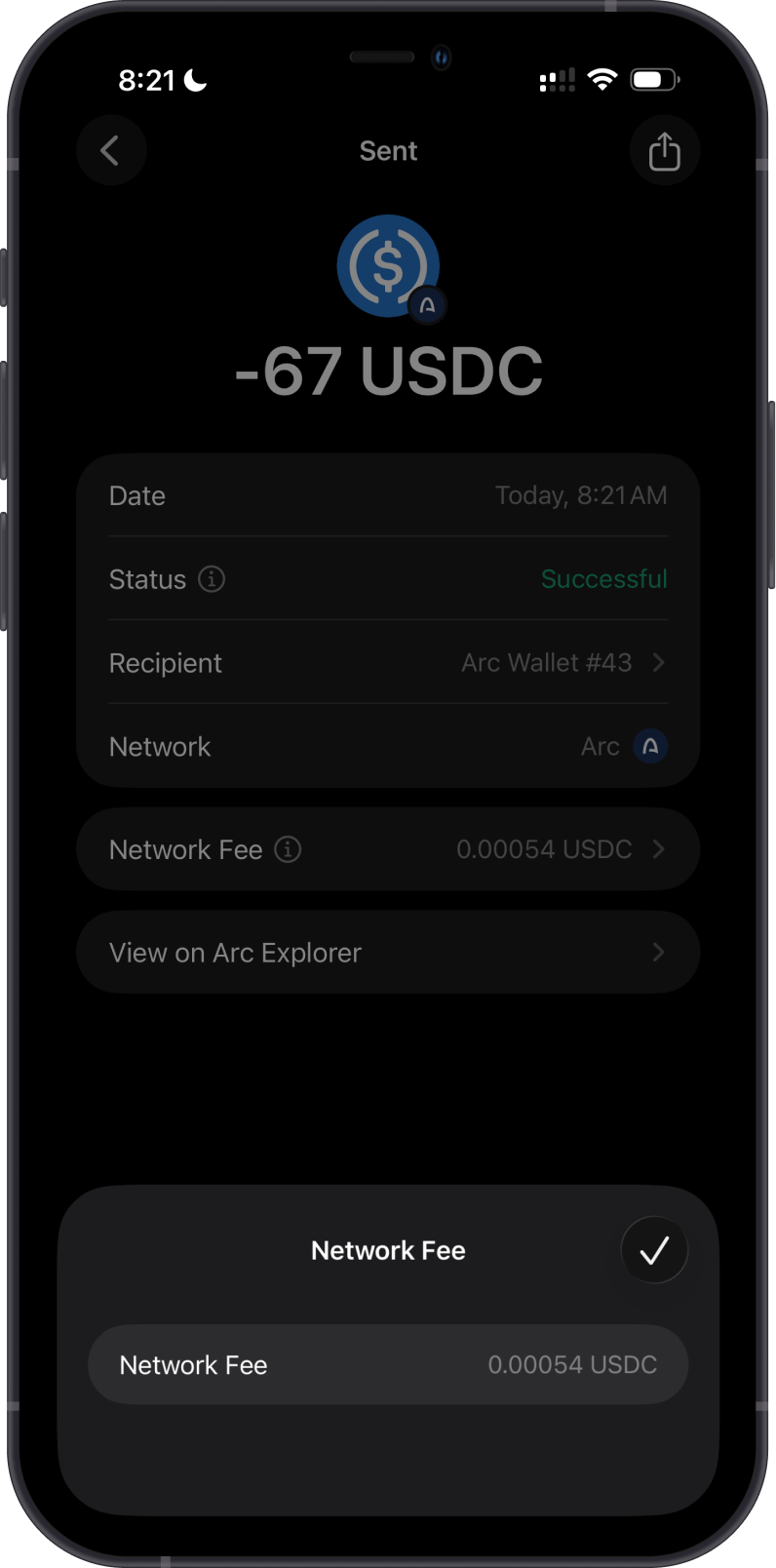
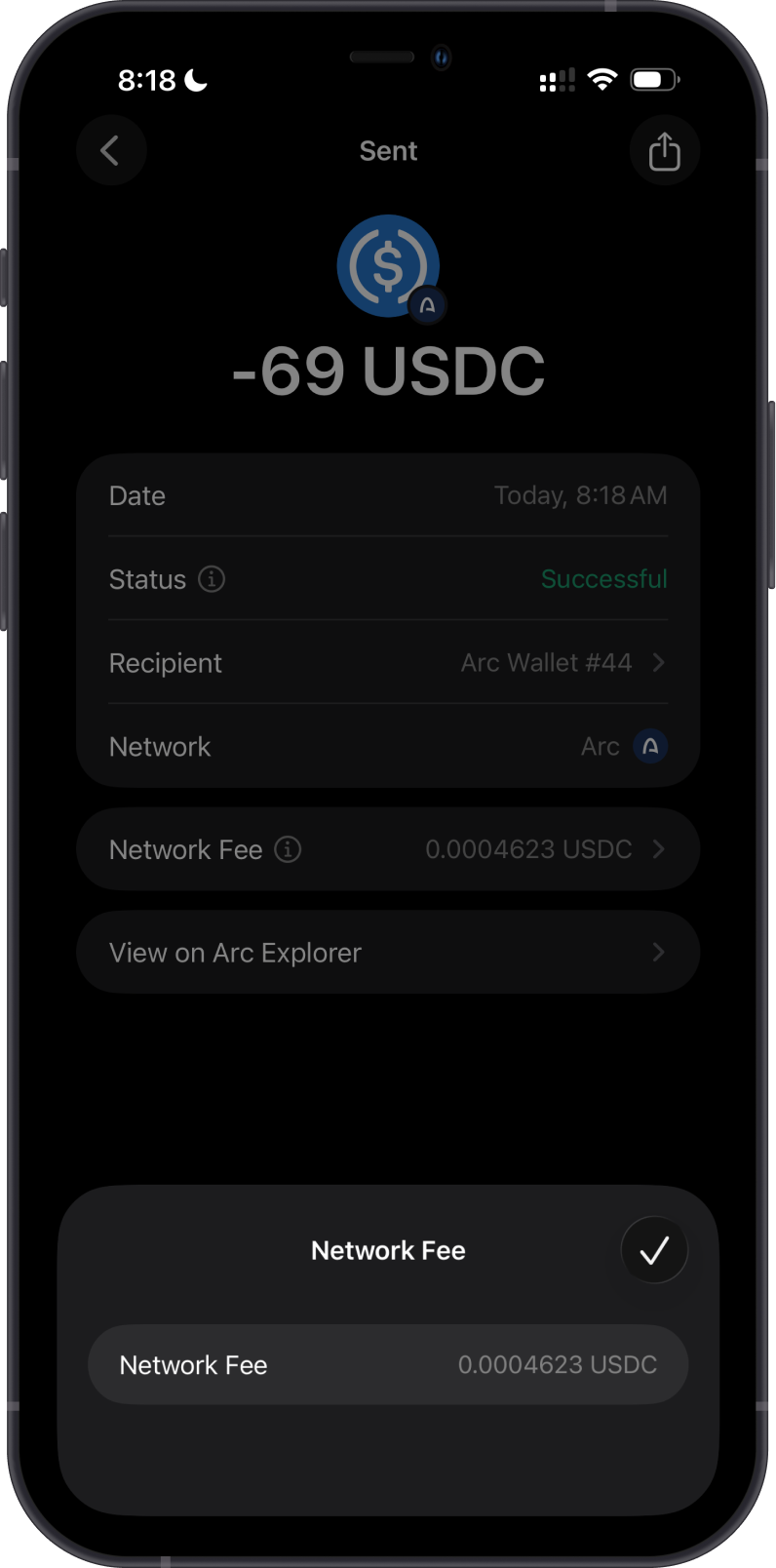
The examples below show the network fee for two Arc USDC transfers. Open Network Fee in the transaction details to review the exact USDC fee paid.
How to Check Arc Transactions?
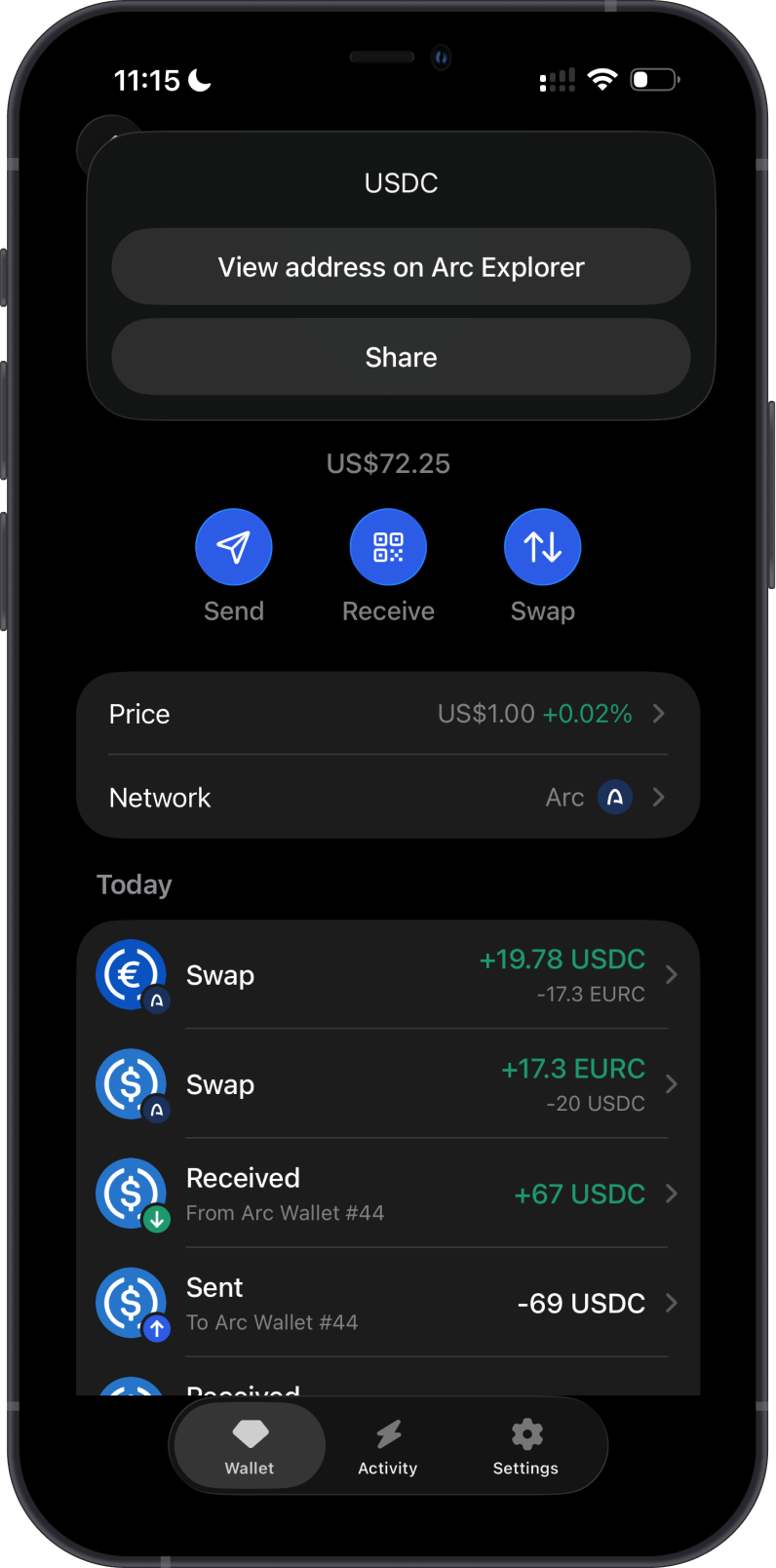
Gem Wallet displays your Arc balances and transaction history. To inspect an address or transaction on the blockchain explorer, open the token or Arc network menu and select View address on Arc Explorer when available.
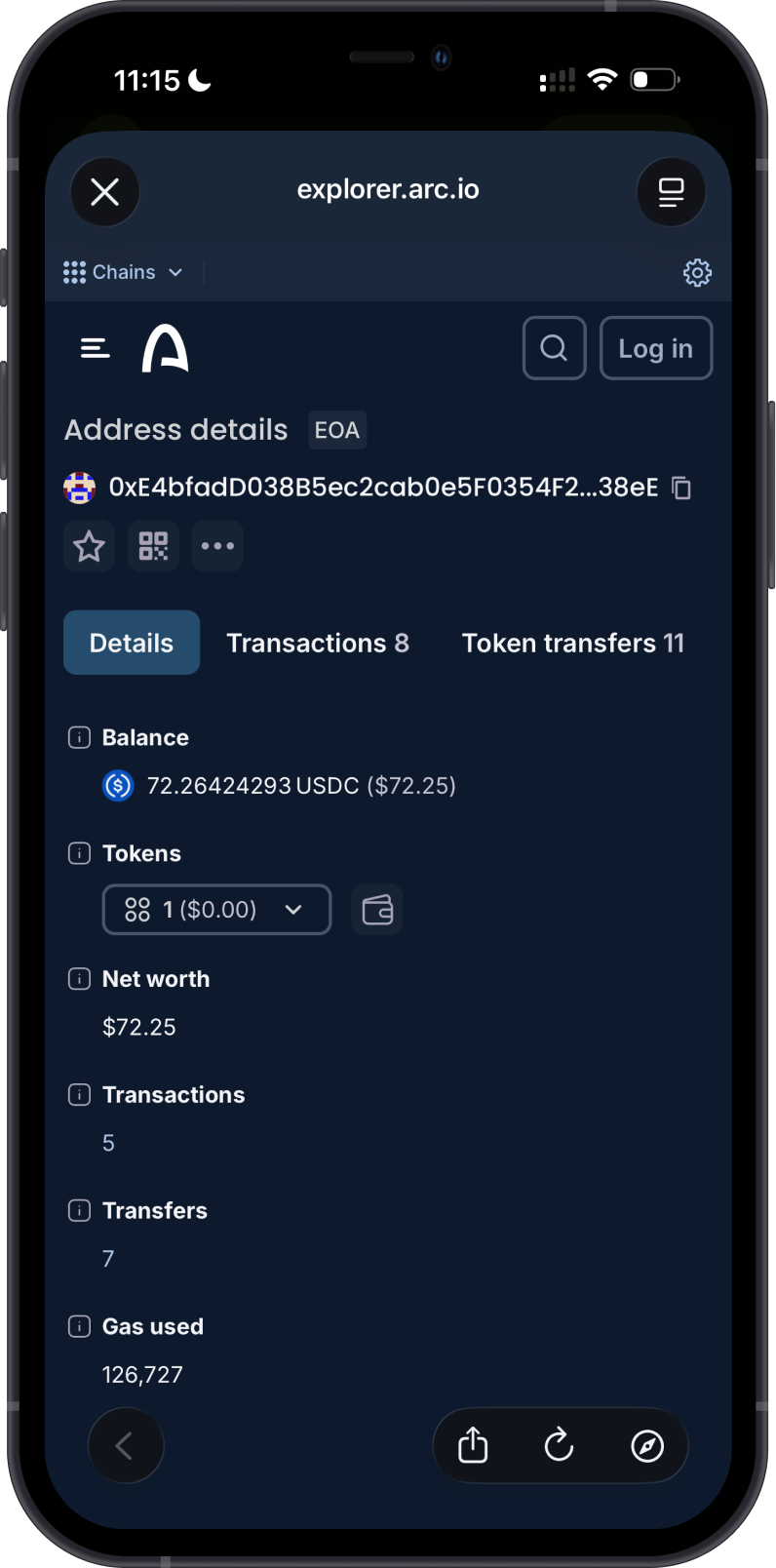
Arc Explorer is the default Arc explorer in Gem Wallet. Search for an address, token, or transaction ID to review public balances, token transfers, transaction status, and fees.
Why Choose Gem Wallet for Arc?
- Self-Custody: You retain control of your Arc assets and private keys.
- USDC-Native Fees: Keep one stablecoin balance available for both transfers and network fees.
- Simple Token Discovery: Find supported Arc tokens through search or filter them by the Arc network.
- Swaps and App Connectivity: Review available swap routes and connect to compatible applications with WalletConnect.
Conclusion
Gem Wallet provides a self-custodial way to manage USDC and supported Arc tokens, pay Arc network fees in USDC, review available swap routes, and inspect on-chain activity.