Near (NEAR)
What is NEAR?
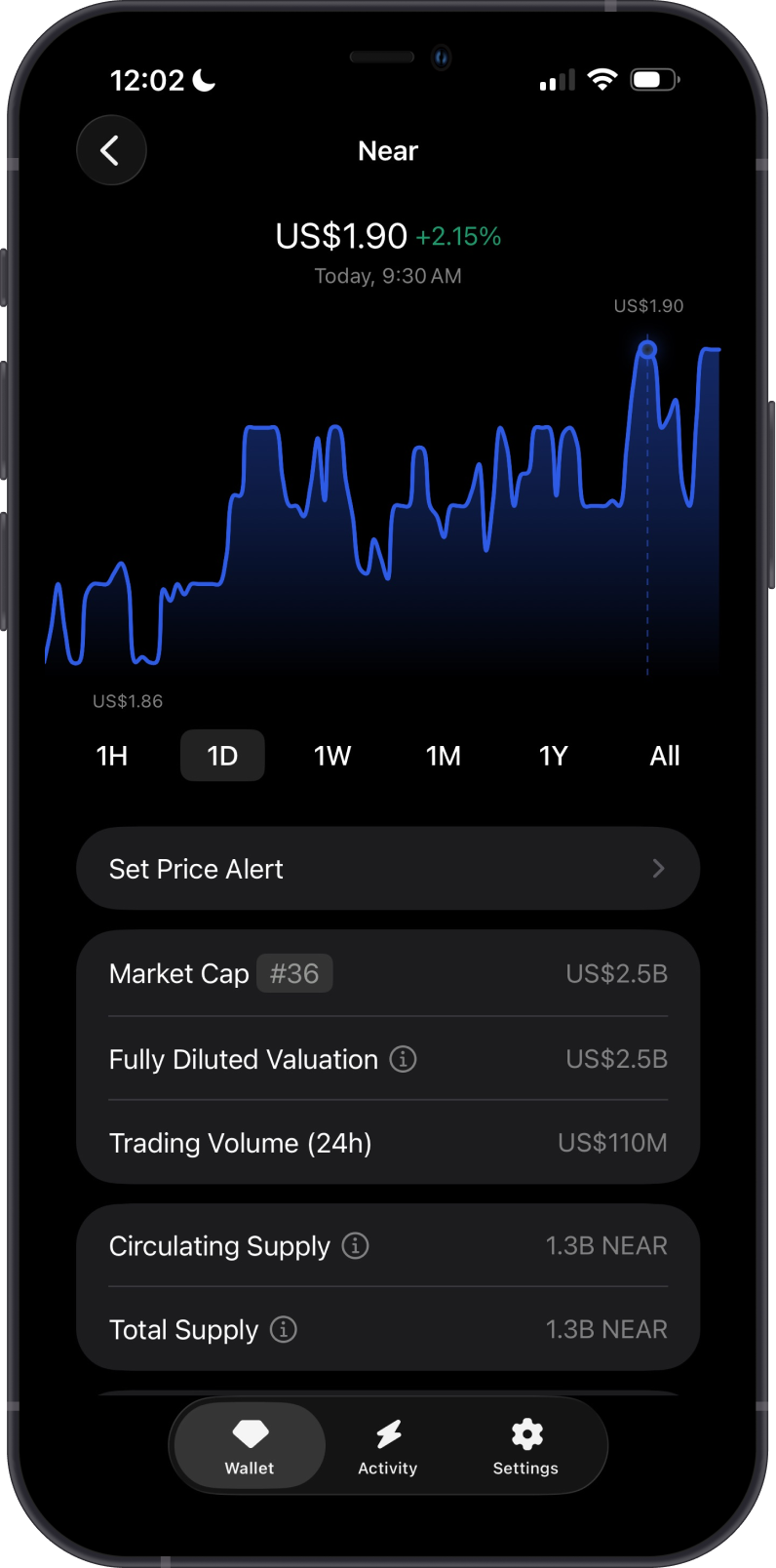
NEAR is a Layer 1 blockchain built for fast, low-cost transactions and user-friendly apps. It uses a sharding design called Nightshade to help the network scale while keeping transaction fees practical for everyday wallet activity.
Here are 5 key points about NEAR:
-
NEAR is the native asset used to pay transaction fees on the NEAR network.
-
NEAR uses Nightshade sharding to help process transactions efficiently as activity grows.
-
NEAR supports smart contracts and decentralized apps.
-
NEAR is known for user-friendly account features, including human-readable account names in supported wallets and apps.
-
NEAR is used for transfers, app activity, and cross-chain swap routes through supported providers.
Learn more about NEAR by reading the Gem Wallet Learn article: What Is The NEAR Blockchain?
NEAR on Gem Wallet
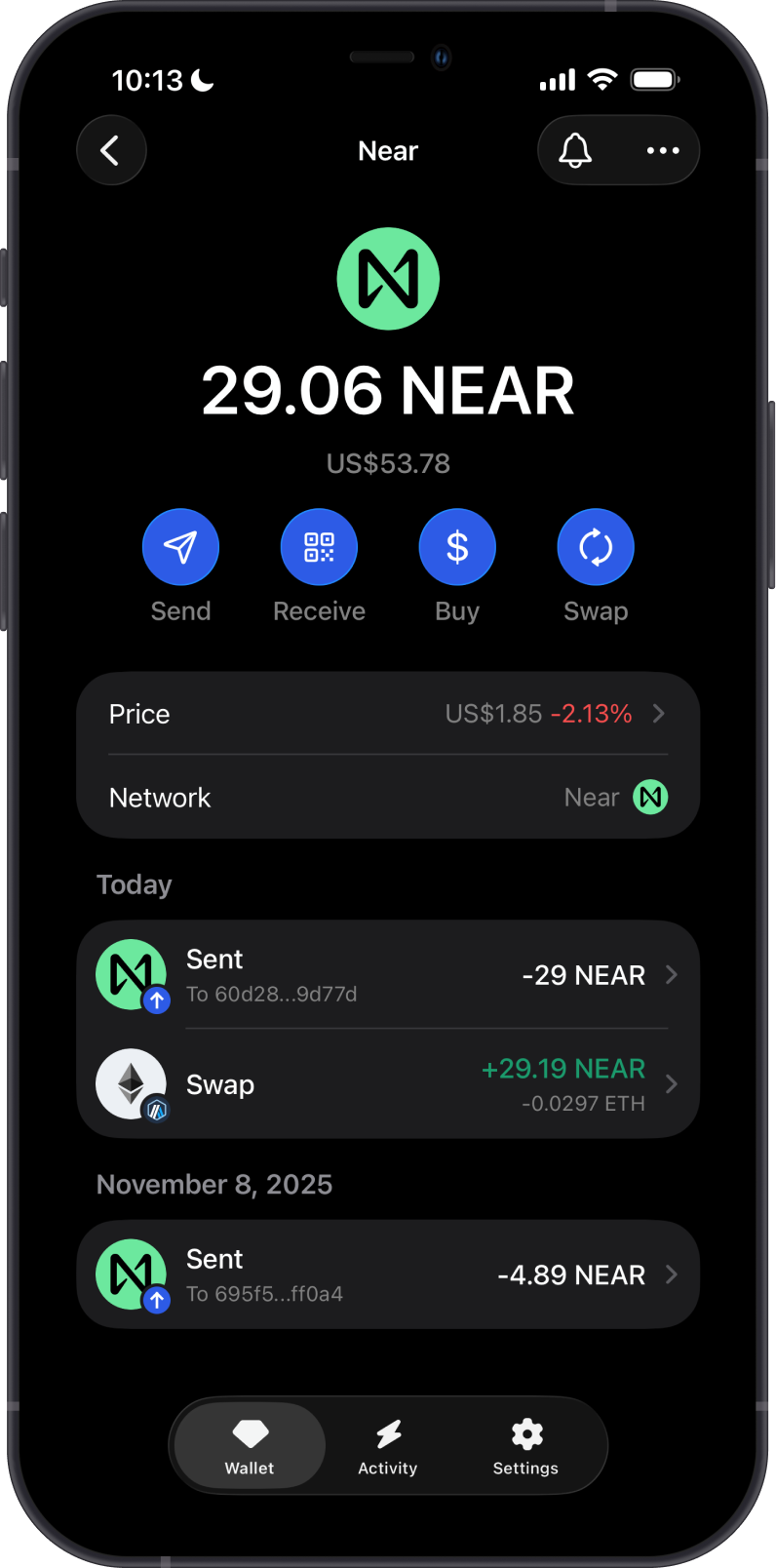
Gem Wallet has the following features enabled for NEAR:
- Store NEAR securely.
- Send and receive NEAR.
- Buy NEAR directly in the app.
- Swap NEAR to or from another supported cryptocurrency via Cross-Chain Swap.
How to Add a NEAR Wallet?
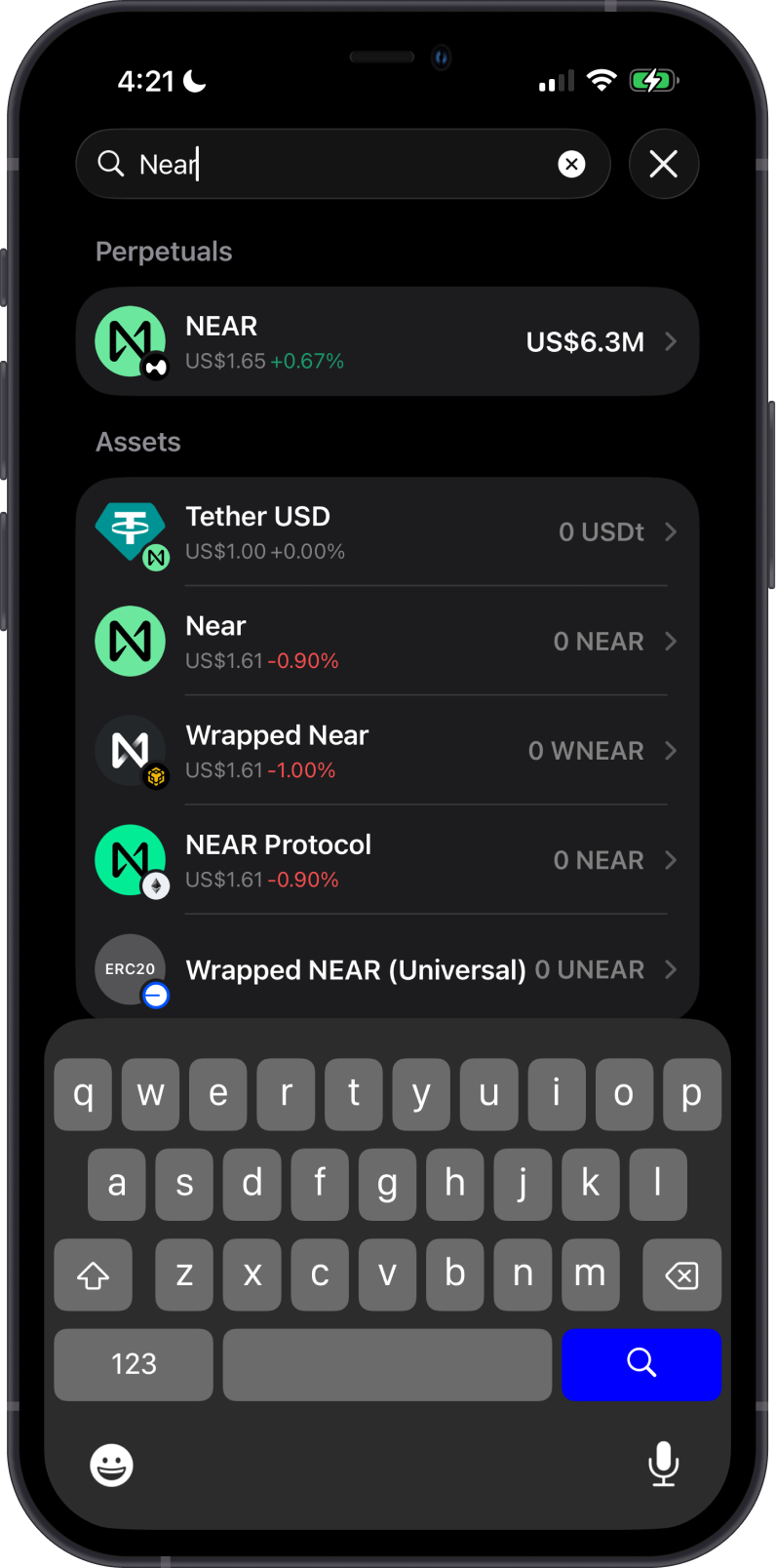
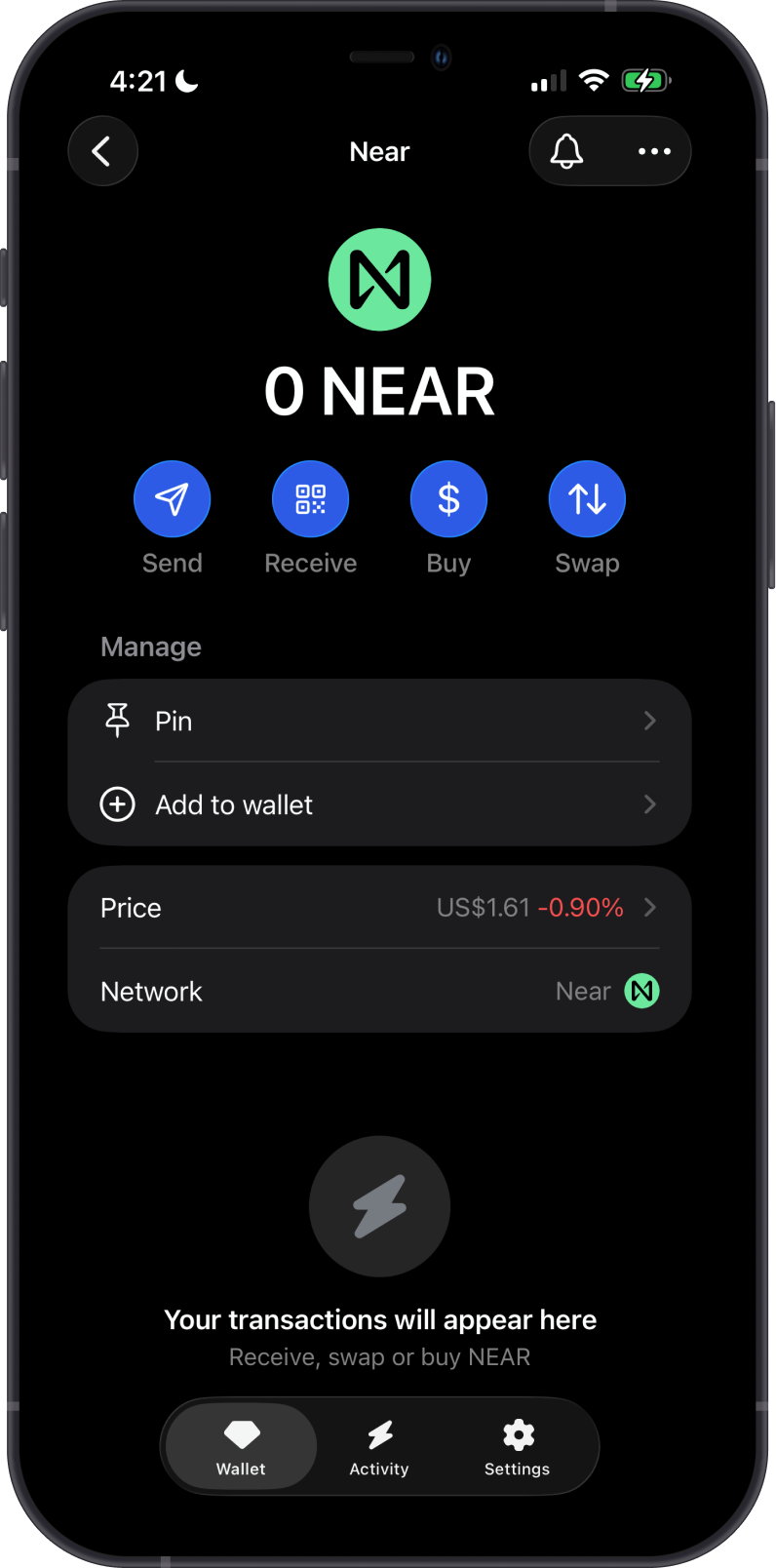
To activate your NEAR wallet in Gem Wallet:
- Tap the magnifying glass in the upper-right corner.
- Search for “Near” or “NEAR”.
- Select the native Near asset.
- Choose “Pin” to keep it easily accessible, or tap “Add to wallet” to enable it.
Your NEAR wallet will appear on the main wallet screen, ready for buying, sending, receiving, and swapping.
How to Get NEAR?
Here are some ways to get NEAR:
- Buy NEAR directly on the Gem Wallet app.
- Receive NEAR with your NEAR address in Gem Wallet.
- Swap supported assets into NEAR using Gem Wallet.
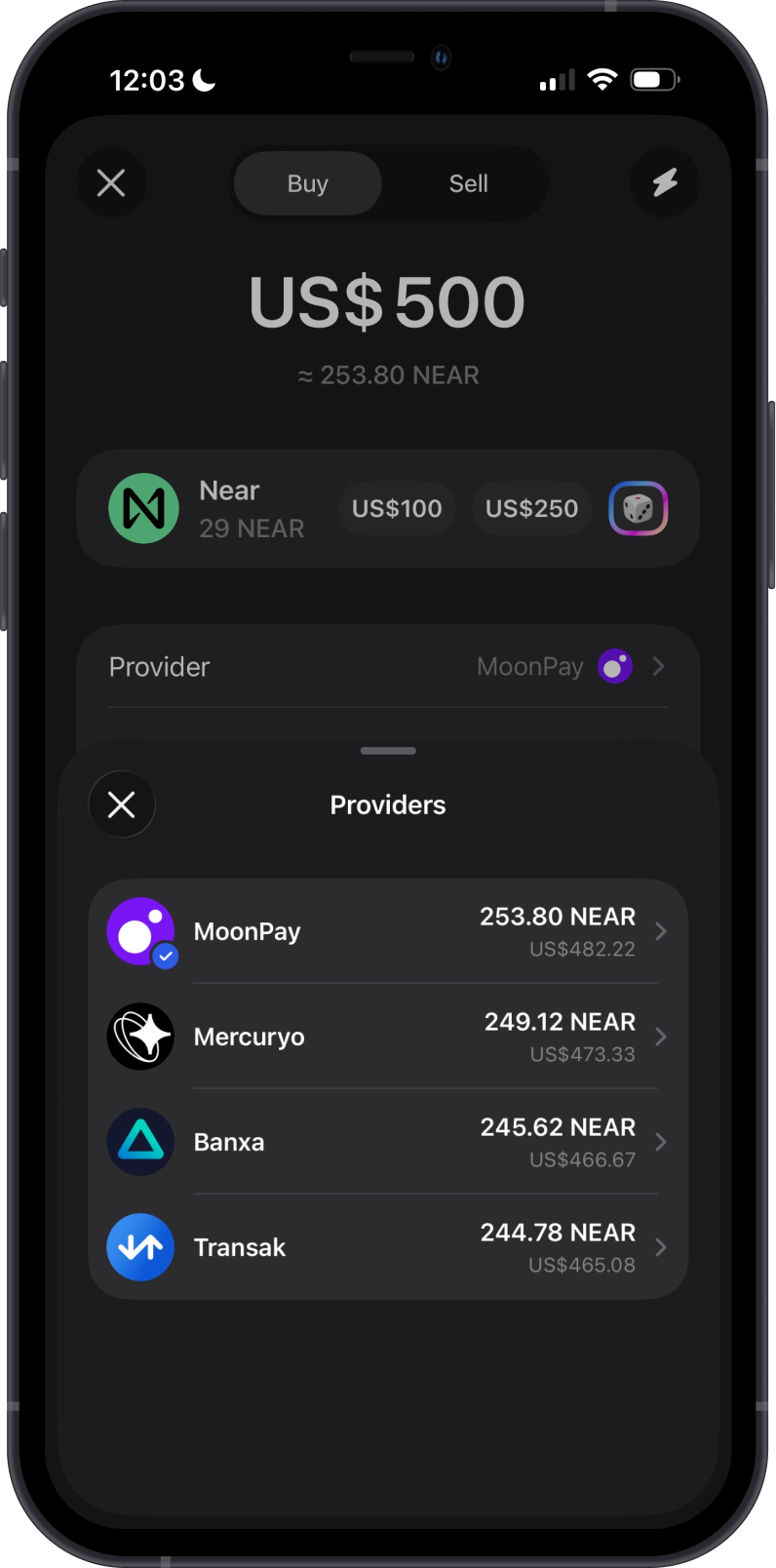
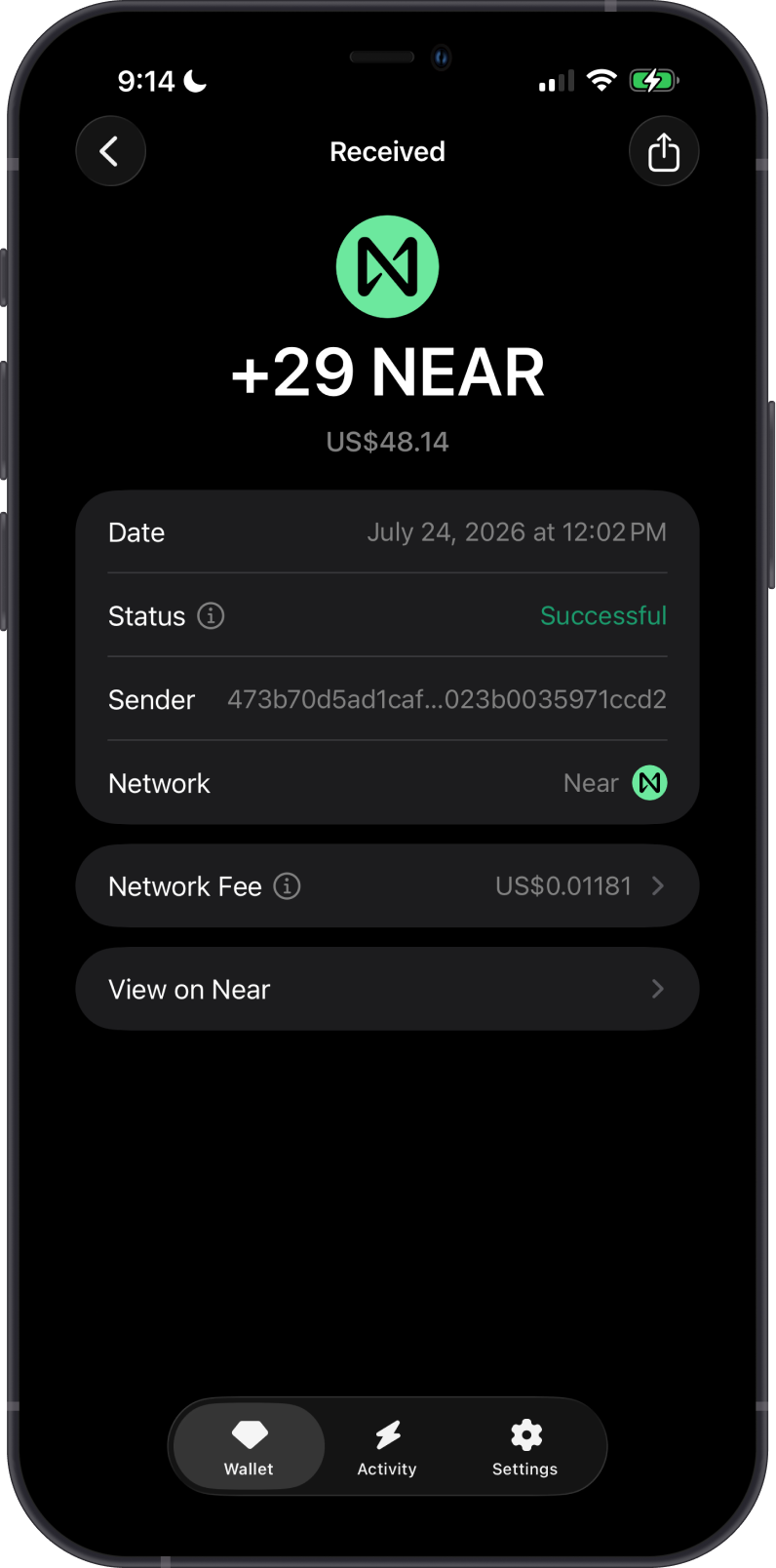
Send only NEAR network assets to your NEAR address. Assets sent on the wrong chain may not appear in your wallet.
How to Manage NEAR Tokens?
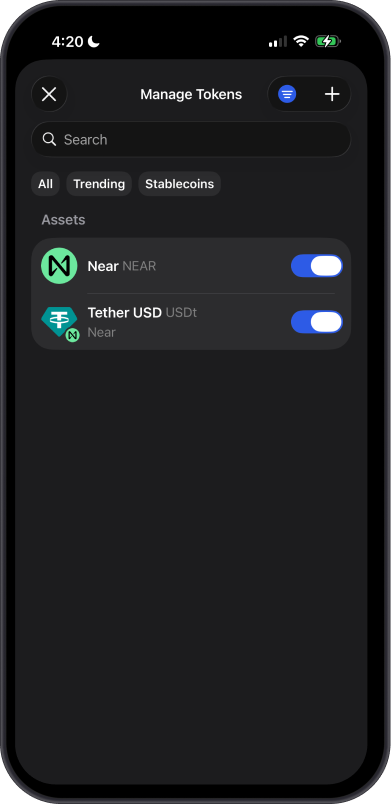
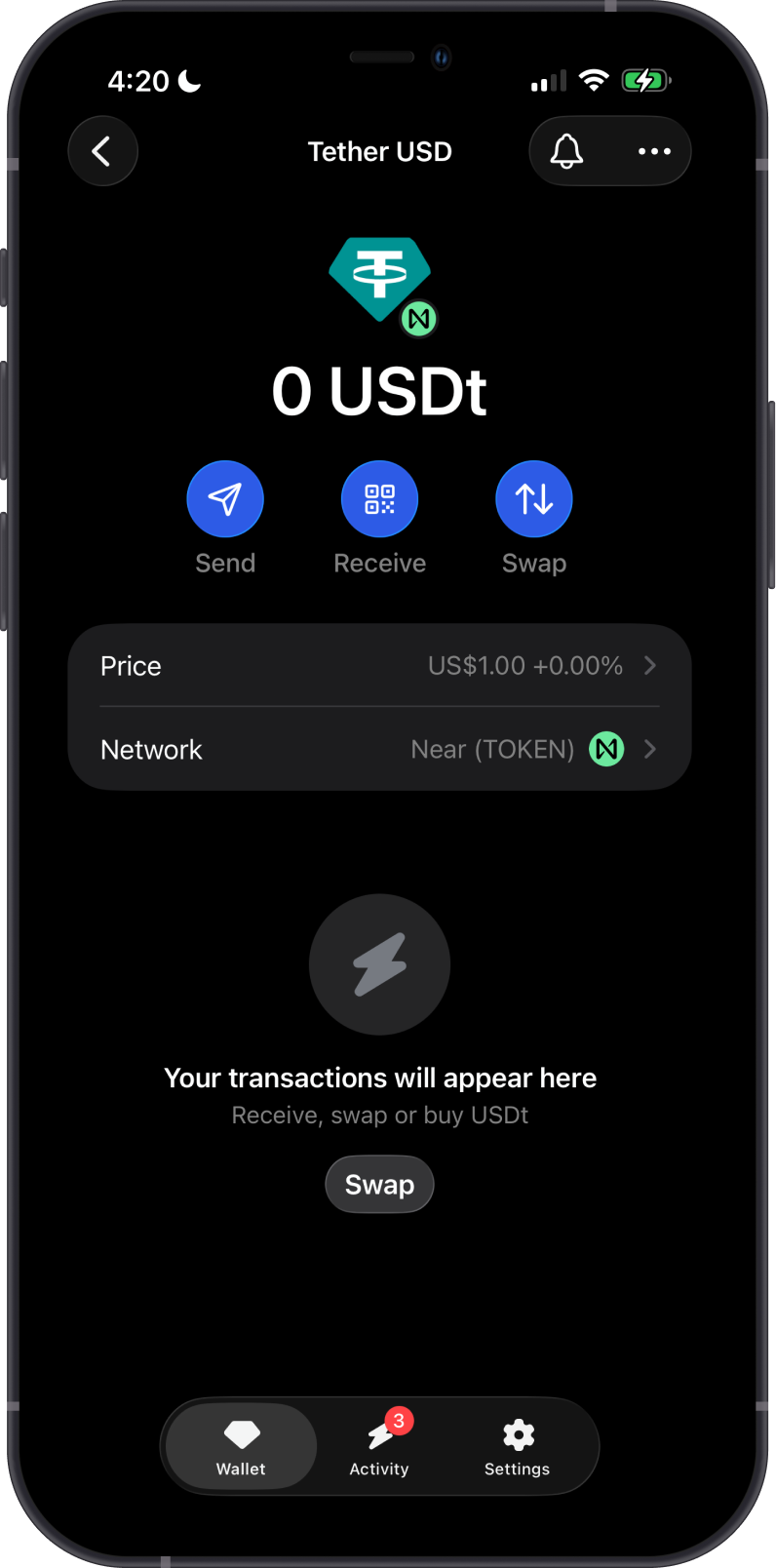
Gem Wallet can show supported tokens issued on the NEAR network. Scroll to the bottom of the main wallet screen, then select Manage Tokens and search for the token manually. To narrow the results, tap the filter icon and set the network to Near. Once enabled, the token appears as its own asset in your wallet, with its network shown as Near (TOKEN).
Token availability can change. Always check the token's network before receiving or sending it.
Can I Swap NEAR on Gem Wallet?
Gem Wallet displays swap quotes for routes supported by its available providers. You can swap supported assets to or from NEAR, including supported tokens on the NEAR network. Routes, providers, and quote details can vary by asset, amount, and market conditions.
The left example shows a cross-chain swap from ETH on Arbitrum to NEAR. The right example shows a swap from NEAR to USDT on NEAR, including the selected provider, rate, price impact, minimum received amount, and slippage before confirmation.
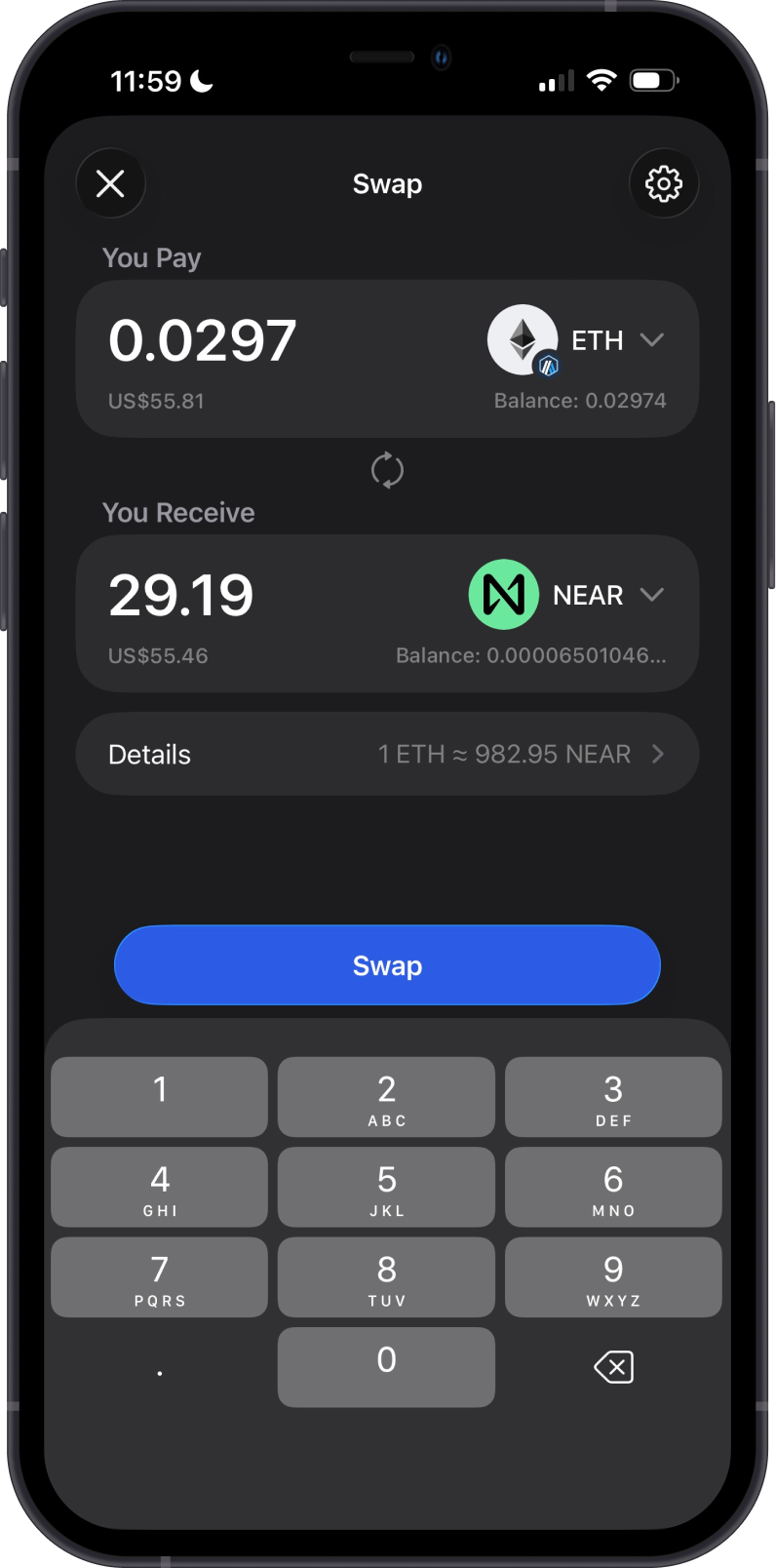
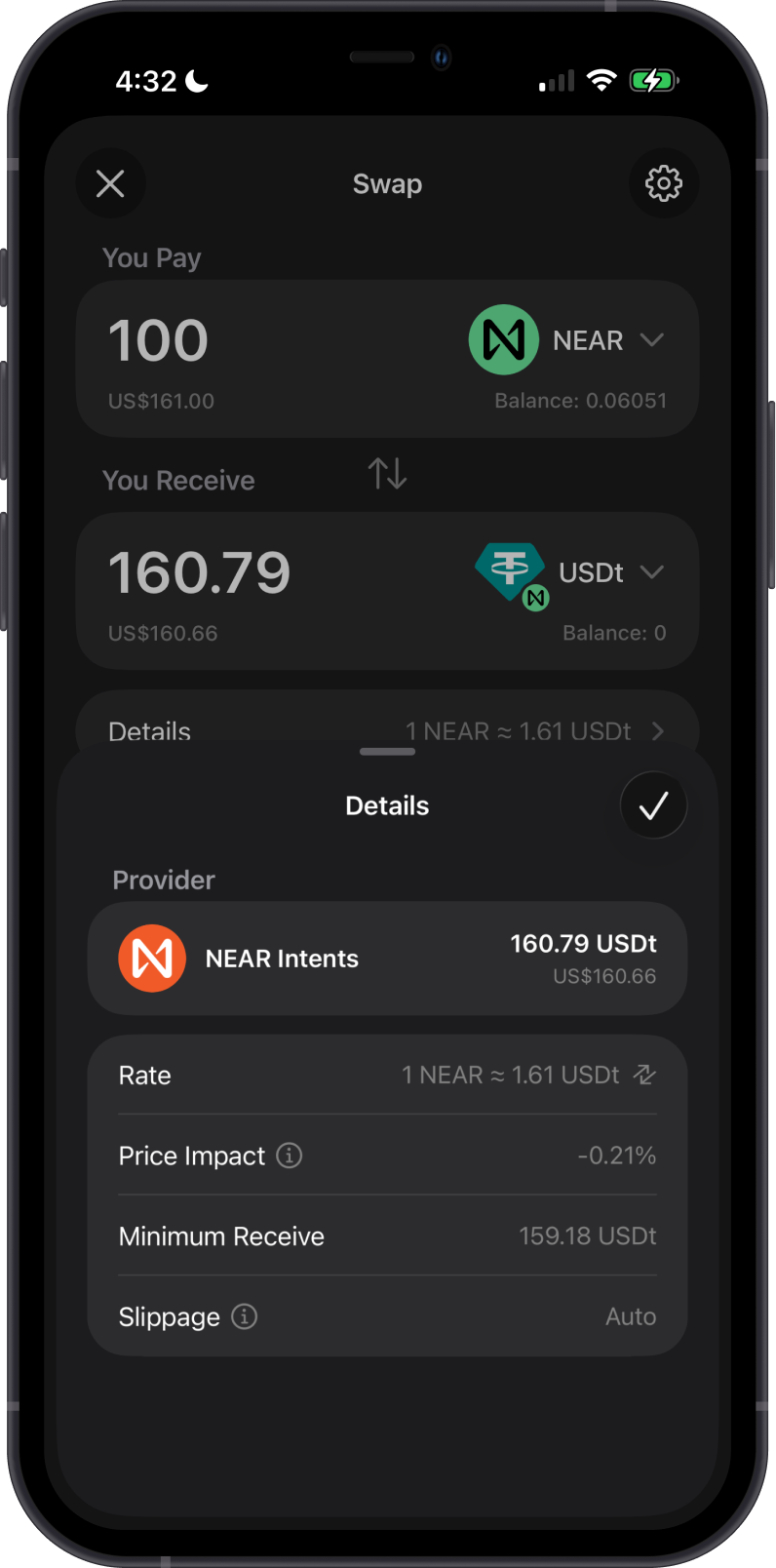
Network fees vary by blockchain. Make sure you have enough of the sending asset to cover the fee before starting a cross-chain swap.
Transaction Fees on NEAR
The fees on NEAR are summarized as follows:
-
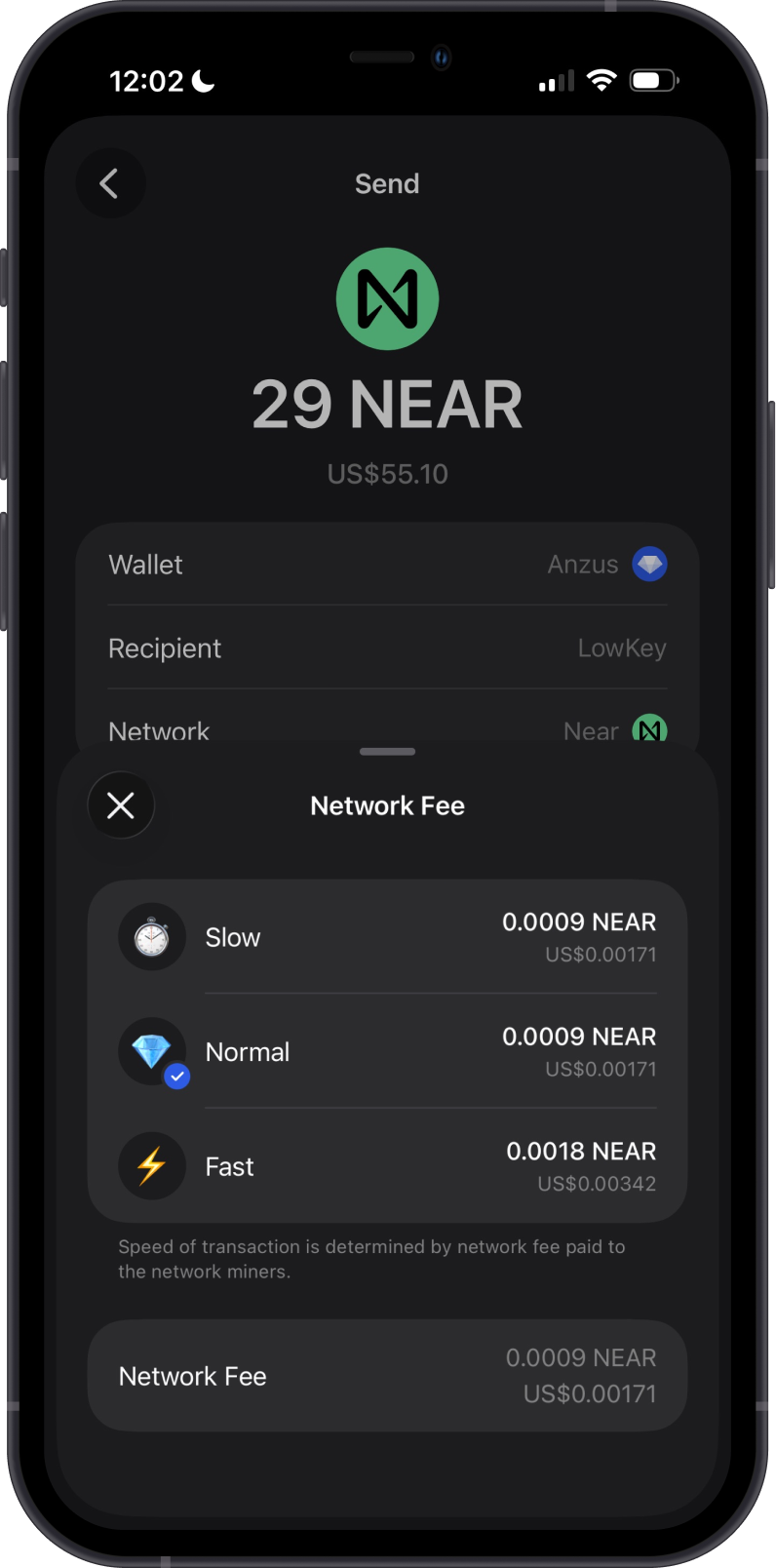
NEAR transactions require fees paid in NEAR.
-
Fees are usually low, which makes NEAR practical for regular wallet transfers.
-
Fees can vary depending on network activity and the transaction type.
-
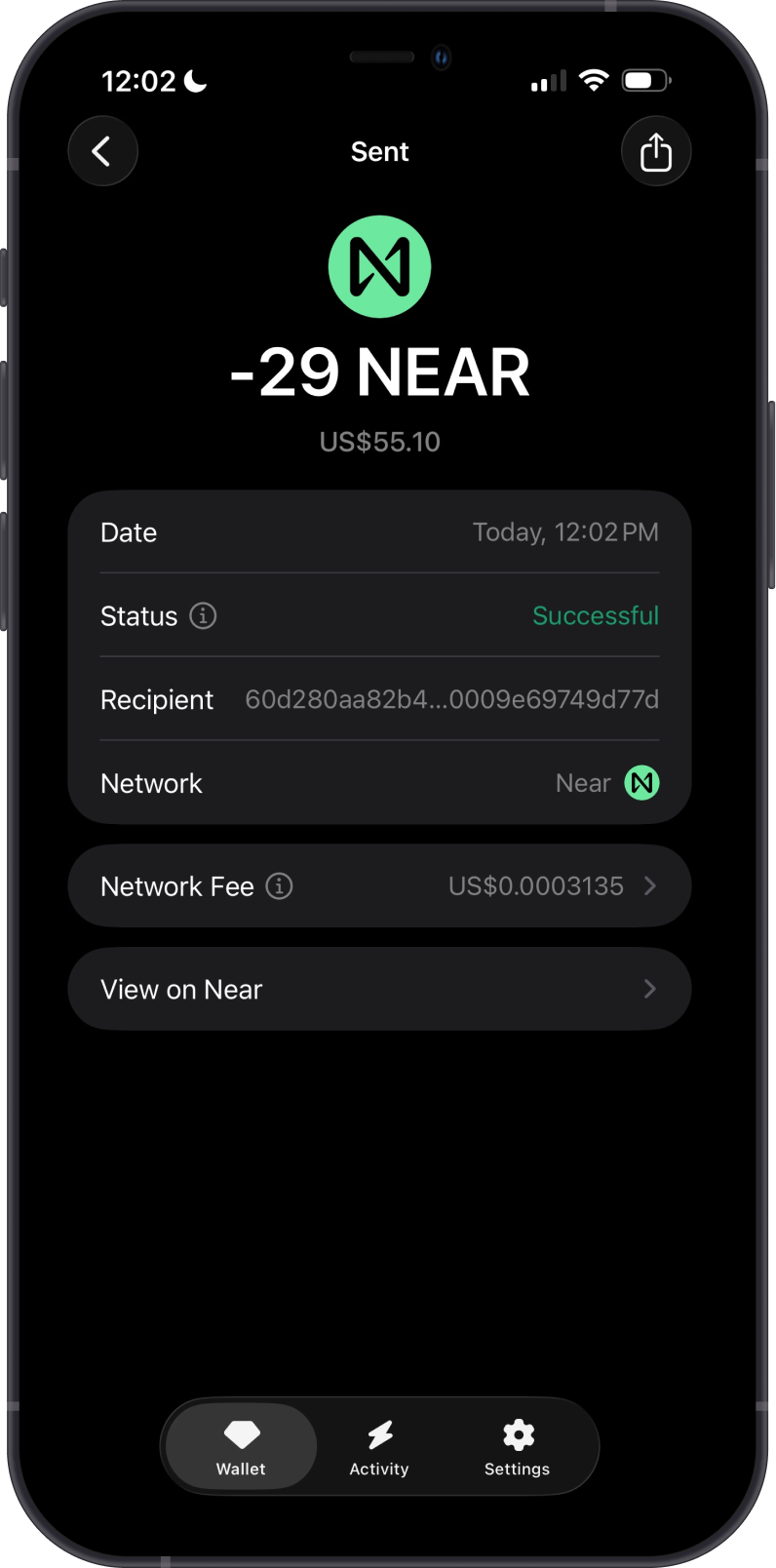
Gem Wallet shows the network fee before you confirm a NEAR transaction.
How to Check NEAR Balance?
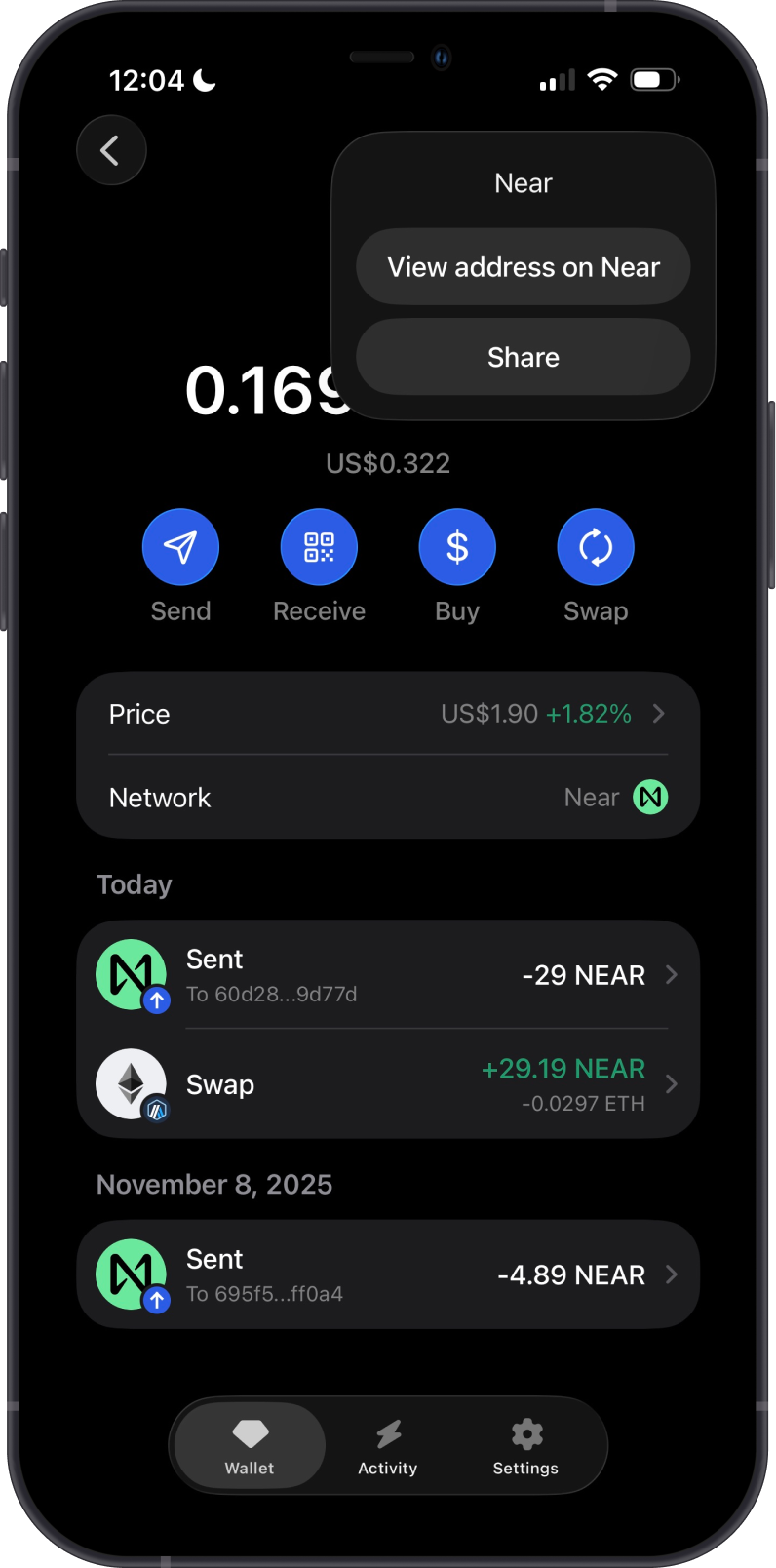
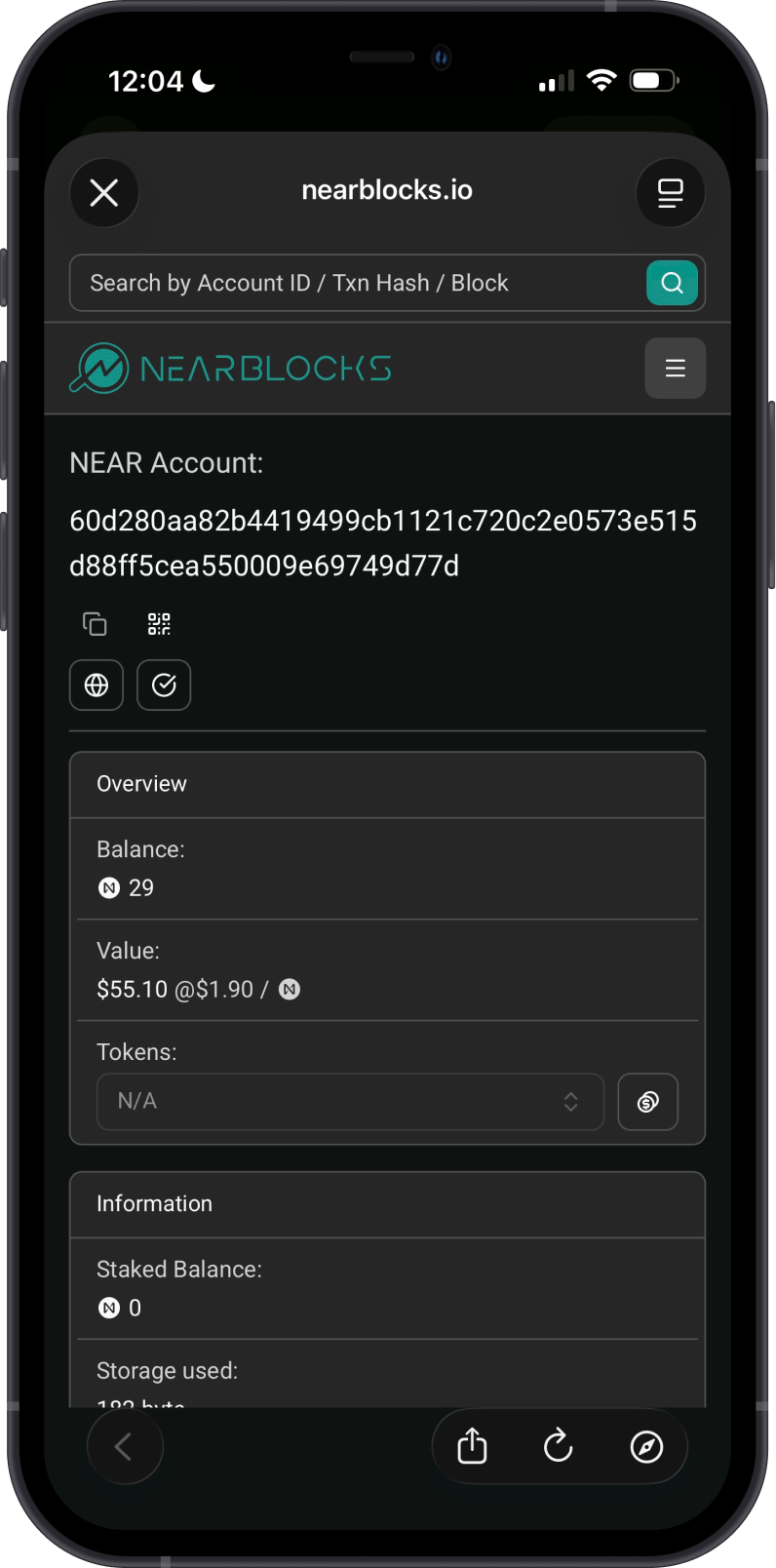
Gem Wallet connects to NEAR to show your NEAR balance. Tap on the 3 dots at the upper right corner, then tap View address on NEAR Blocks.
NEAR Blocks is the default NEAR explorer of Gem Wallet. You can manually check balances and transactions by going to NEAR Blocks and searching for your NEAR address.
Why Choose Gem Wallet for NEAR?
-
Self-Custody & Security: Gem Wallet gives you full control over your private keys and NEAR.
-
Simple NEAR Support: Send, receive, buy, and store NEAR in one wallet.
-
Cross-Chain Support: Gem Wallet supports cross-chain swaps into NEAR and from NEAR to other supported assets.
-
Open-Source Wallet: Gem Wallet is open source and built for users who want transparent, self-custody crypto management.
Conclusion
NEAR is a fast Layer 1 blockchain built for low-cost transfers and app activity. With Gem Wallet, users can buy, store, send, receive, and cross-chain swap NEAR while keeping full control of their wallet.