MAYAChain (CACAO)
What is MAYAChain?
MAYAChain is a decentralized cross-chain liquidity protocol and a friendly fork of THORChain. It allows supported assets to move through native liquidity pools without relying on wrapped tokens or traditional bridges.
Here are 5 key points about MAYAChain:
-
MAYAChain connects supported blockchains through decentralized liquidity pools.
-
Cross-chain swaps use native assets instead of wrapped versions of those assets.
-
CACAO is the native MAYAChain asset used for transaction fees, liquidity, network security, and incentives.
-
MAYANodes observe supported networks and work together to process and secure cross-chain transactions.
-
MAYAChain is built with the Cosmos SDK and Tendermint consensus technology.
Learn more about MAYAChain in the official Maya Protocol documentation.
MAYAChain on Gem Wallet
Gem Wallet currently supports the following features for MAYAChain:
- Store MAYAChain (CACAO) securely.
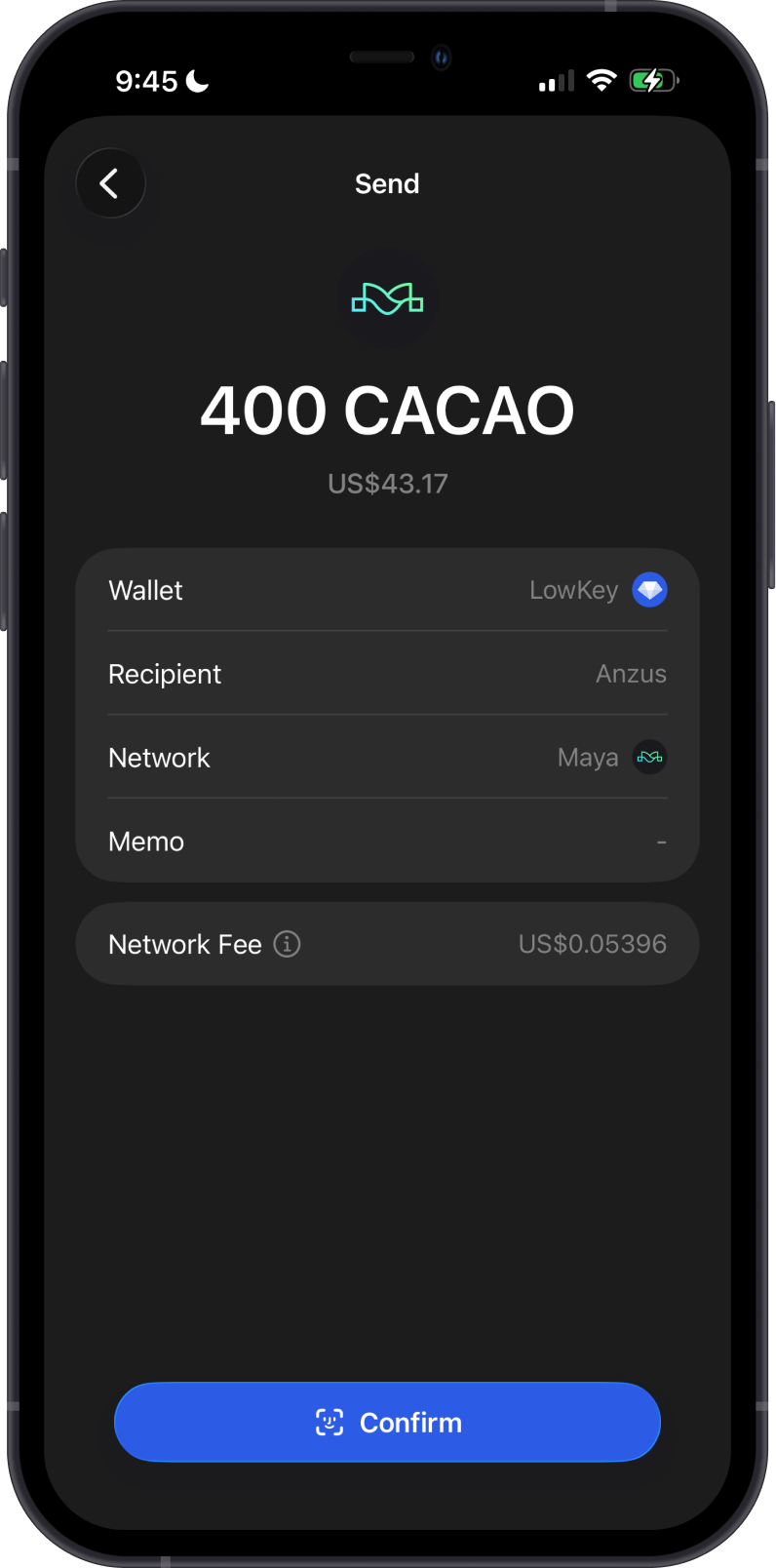
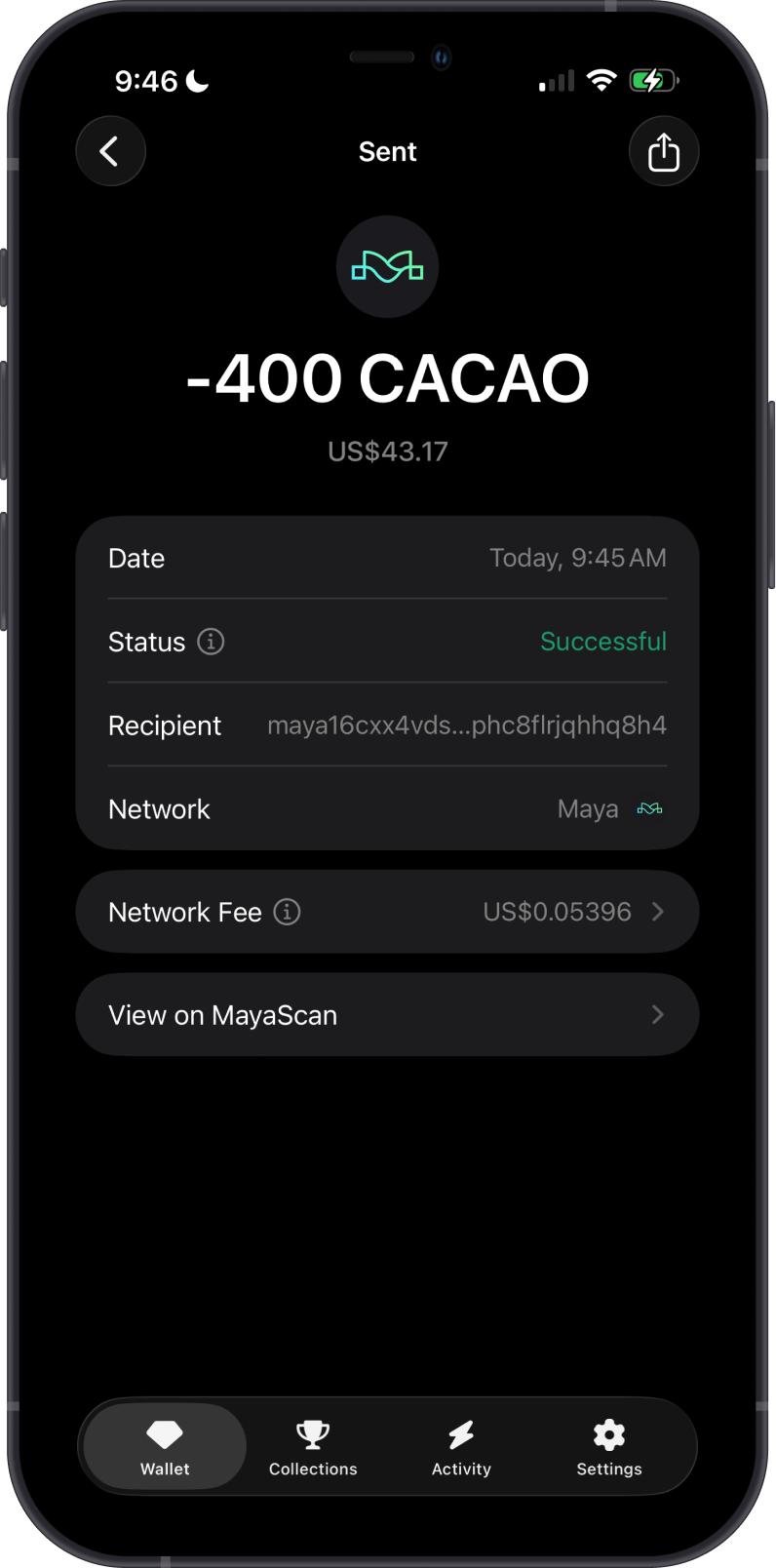
- Send and Receive CACAO natively.
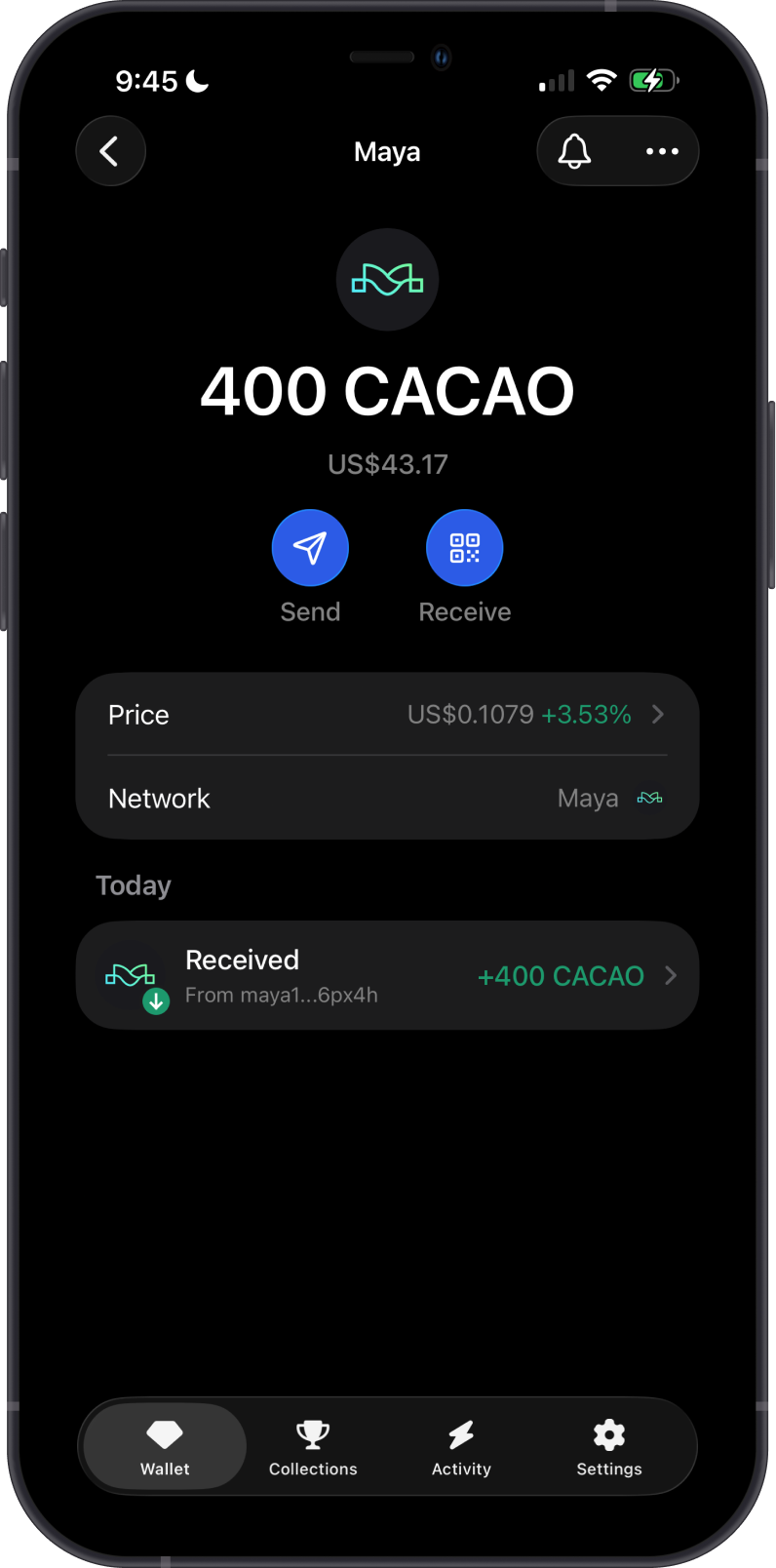
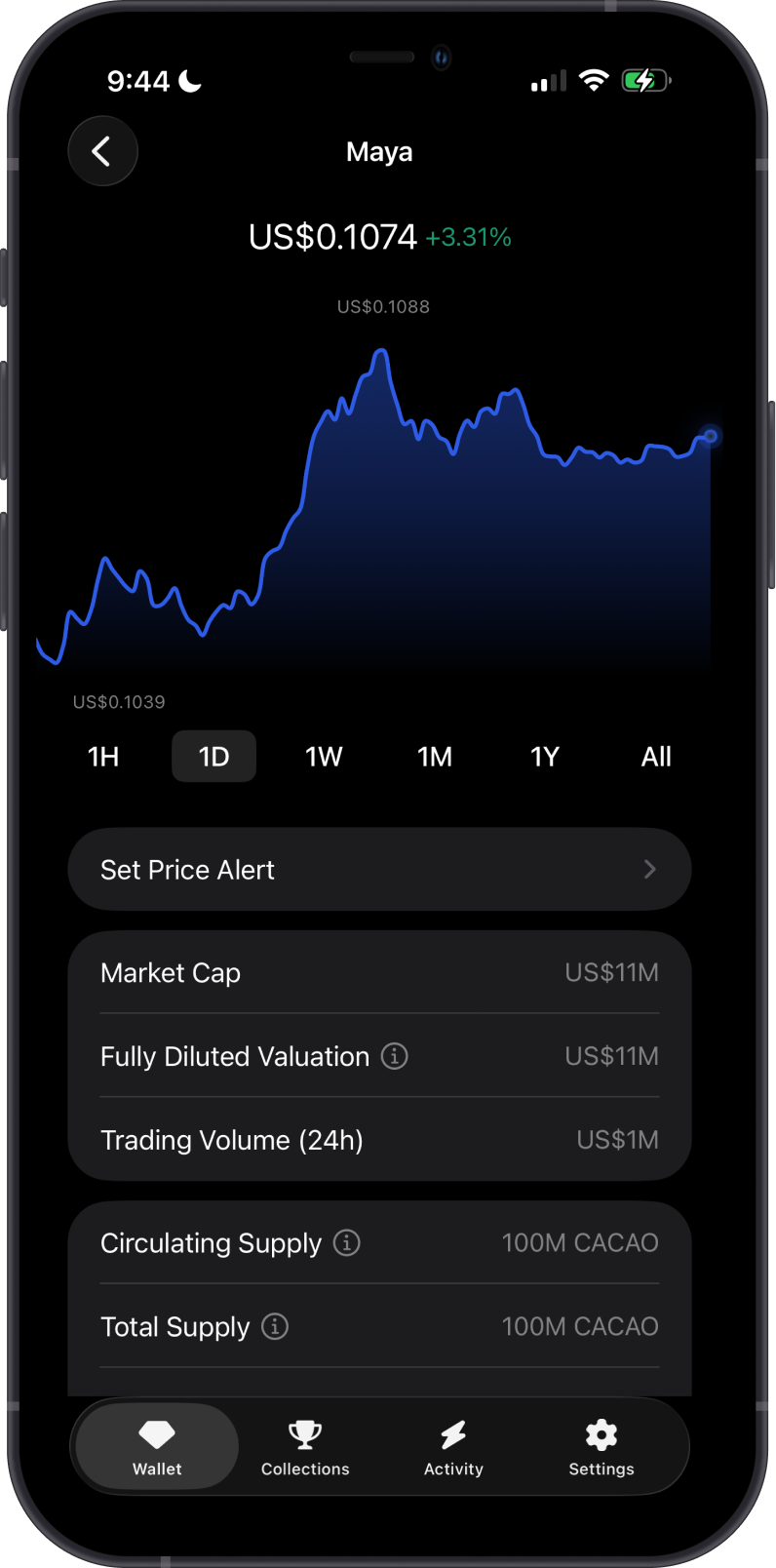
CACAO is the native asset of MAYAChain and is used for:
-
Transaction fees: CACAO pays network fees when sending assets on MAYAChain.
-
Network security: Node operators bond value to help secure the network.
-
Liquidity and settlement: CACAO connects assets in MAYAChain liquidity pools.
How to Get MAYAChain (CACAO)?
You can receive CACAO with your MAYAChain address in Gem Wallet or withdraw it to MAYAChain from a platform that supports the network.
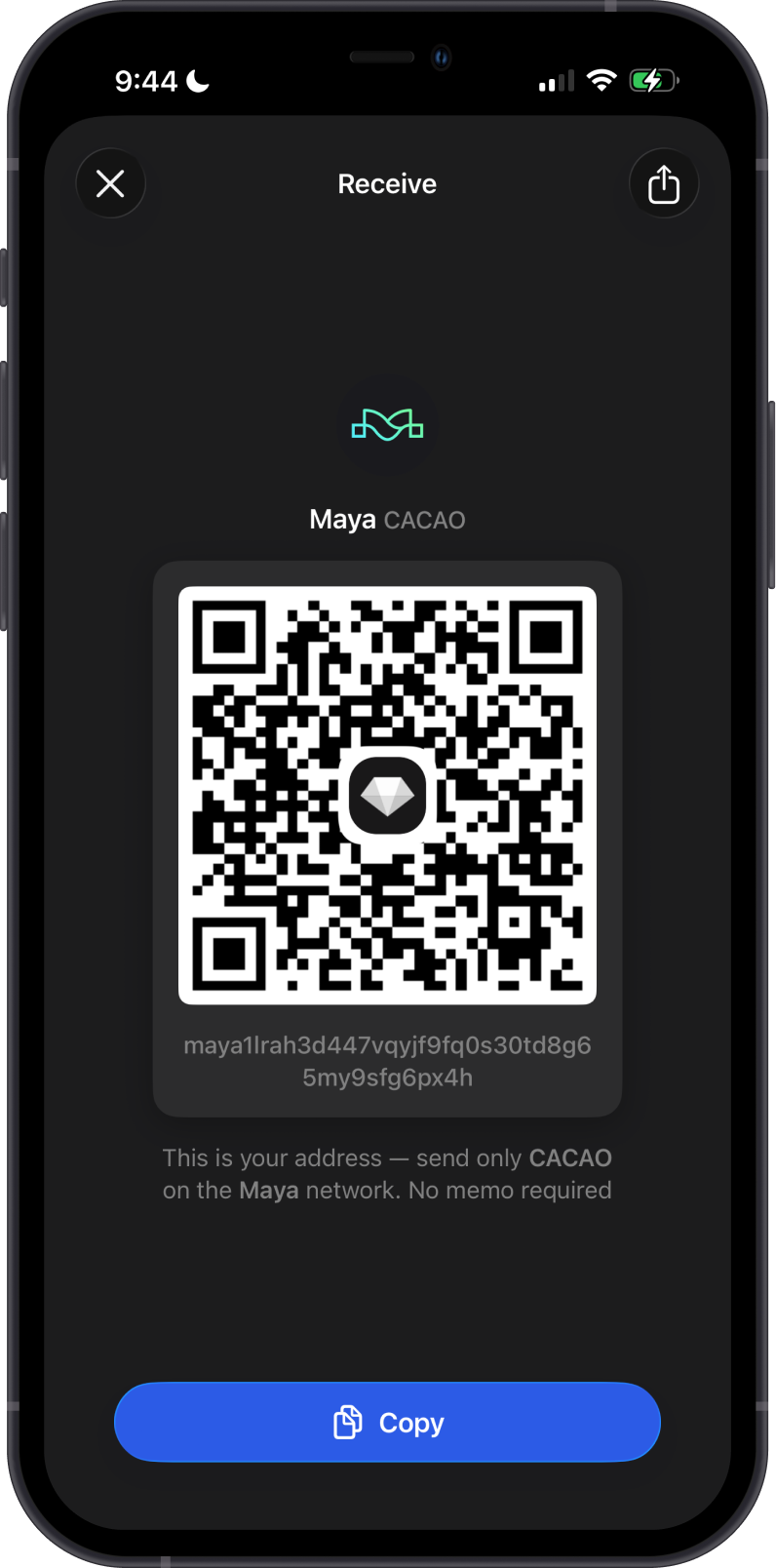
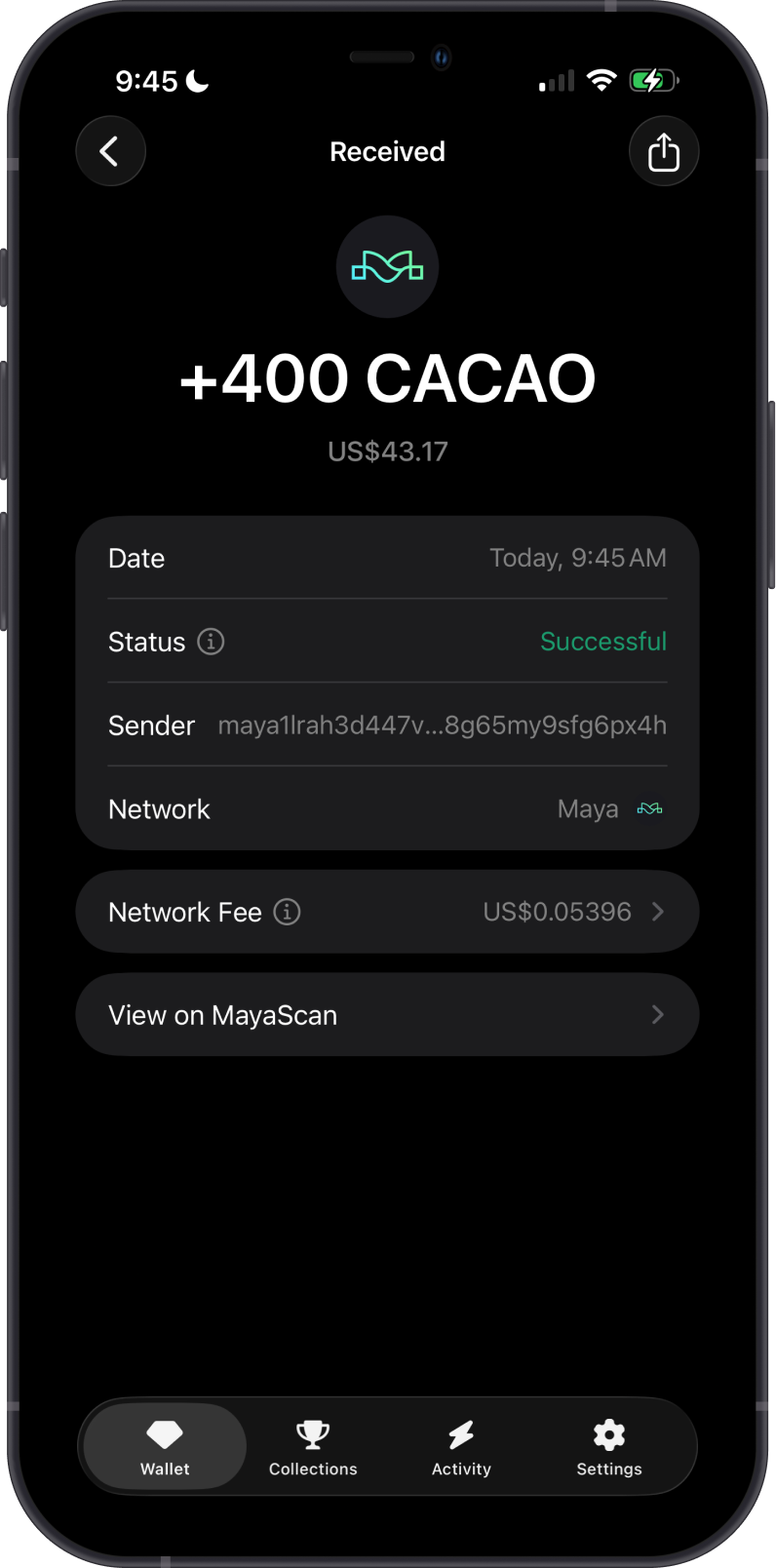
Buying CACAO directly in Gem Wallet will be added soon.
Send only native MAYAChain assets to your MAYAChain address. Assets sent on the wrong network may not appear in your wallet.
What Assets are Supported on MAYAChain?
Gem Wallet currently provides basic native asset support for MAYAChain.
-
CACAO is available as the native MAYAChain asset.
-
Additional MAYAChain assets are not currently supported in Gem Wallet.
Can I Swap MAYAChain Assets on Gem Wallet?
This feature will be added soon.
MAYAChain supports cross-chain swaps at the protocol level, but swaps involving native MAYAChain (CACAO) are not currently enabled in Gem Wallet.
Transaction Fees on MAYAChain
The fees on MAYAChain are summarized as follows:
-
MAYAChain transactions require network fees paid in CACAO.
-
Keep enough CACAO in your wallet before sending assets.
-
Swap fees and external-chain fees may also apply when using MAYAChain through supported third-party interfaces.
How to Check MAYAChain (CACAO) Balance?
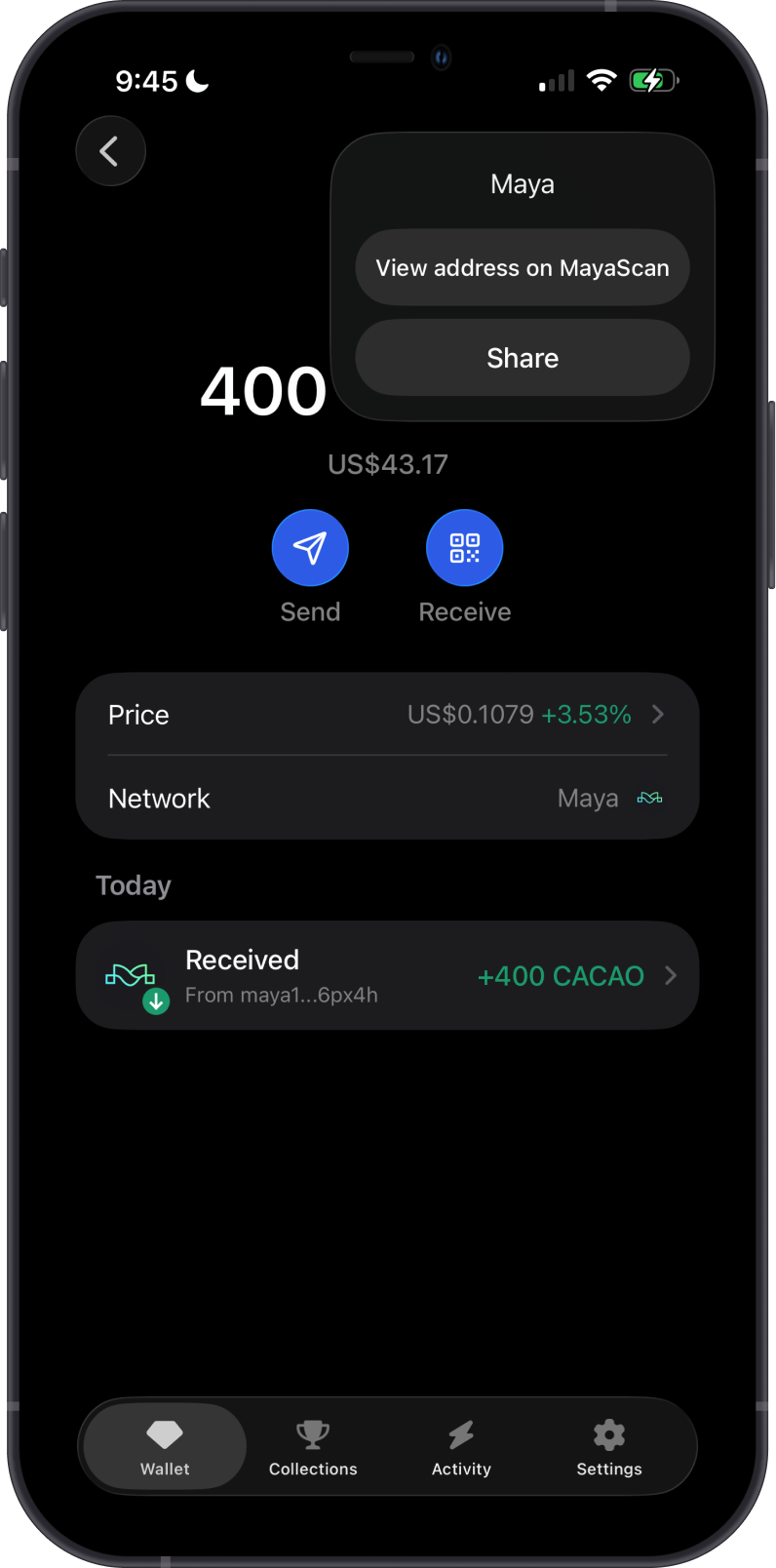
Gem Wallet connects to MAYAChain to show your CACAO balance. Tap the 3 dots in the upper-right corner, then tap View on MayaScan.
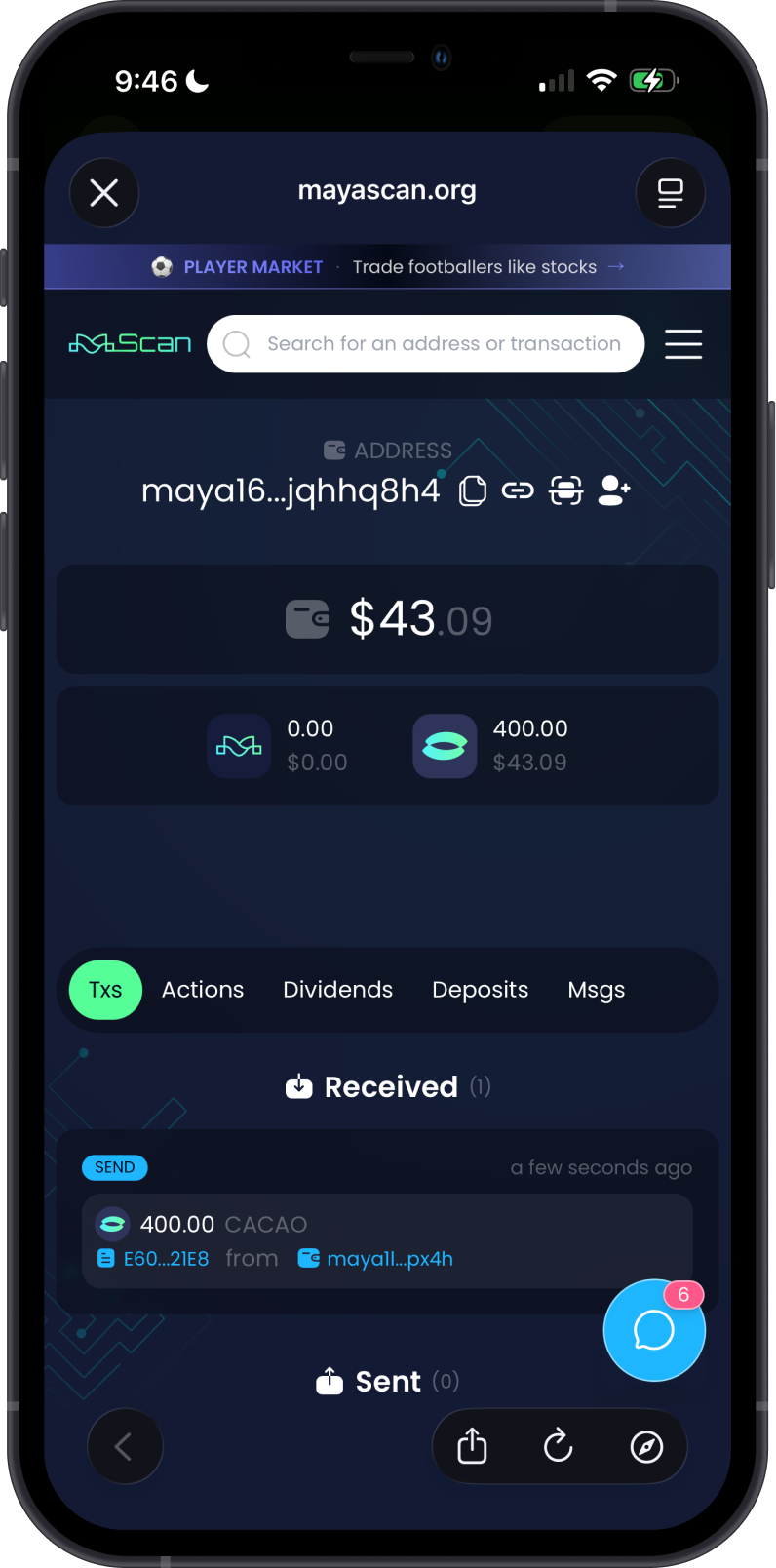
MayaScan is the default MAYAChain explorer in Gem Wallet. You can check balances and transactions by visiting MayaScan and searching for your MAYAChain address.
Why Choose Gem Wallet for MAYAChain?
-
Self-Custody & Security: Gem Wallet gives you full control over your private keys and CACAO.
-
Native MAYAChain Support: Send and receive CACAO using a native
mayaaddress. -
Open Source: Gem Wallet is open source, allowing its wallet implementation to be reviewed publicly.
-
Simple Asset Management: Manage CACAO alongside assets from other supported networks in one wallet.
Conclusion
MAYAChain is a decentralized cross-chain liquidity protocol powered by CACAO. Gem Wallet currently provides straightforward support for storing, sending, and receiving CACAO, with additional features to follow as wallet support expands.