Robinhood Chain (ETH)
What is Robinhood Chain?
Robinhood Chain is a permissionless, Ethereum-compatible Layer 2 blockchain built by Robinhood for onchain financial services. It is designed to bring traditional markets, crypto, and tokenized real-world assets onto a fast and open network.
Here are 5 key points about Robinhood Chain:
-
Robinhood Chain is built on Arbitrum Dedicated Blockchains and inherits security from Ethereum.
-
The network is designed for tokenized real-world assets, including equities, ETFs, and other financial instruments.
-
ETH is the native token used to pay network fees on Robinhood Chain.
-
Robinhood Chain is EVM-compatible, so it supports Ethereum-style addresses, ERC20 tokens, and familiar developer tools.
-
Transactions use first-come, first-served ordering, helping make transaction processing transparent and predictable.
Learn more about Robinhood Chain in the Gem Wallet Learn article:
Gem Wallet Now Supports Robinhood Chain: Store and Swap ETH and Tokenized Stocks
Robinhood Chain on Gem Wallet
Gem Wallet has the following features enabled for Robinhood Chain:
- Store Robinhood Chain (ETH) securely.
- Send and Receive Robinhood Chain (ETH) natively.
- Manage supported Robinhood Chain ERC20 tokens.
- Swap Robinhood Chain tokens directly in the app.
- Cross-chain swap supported assets into Robinhood Chain (ETH).
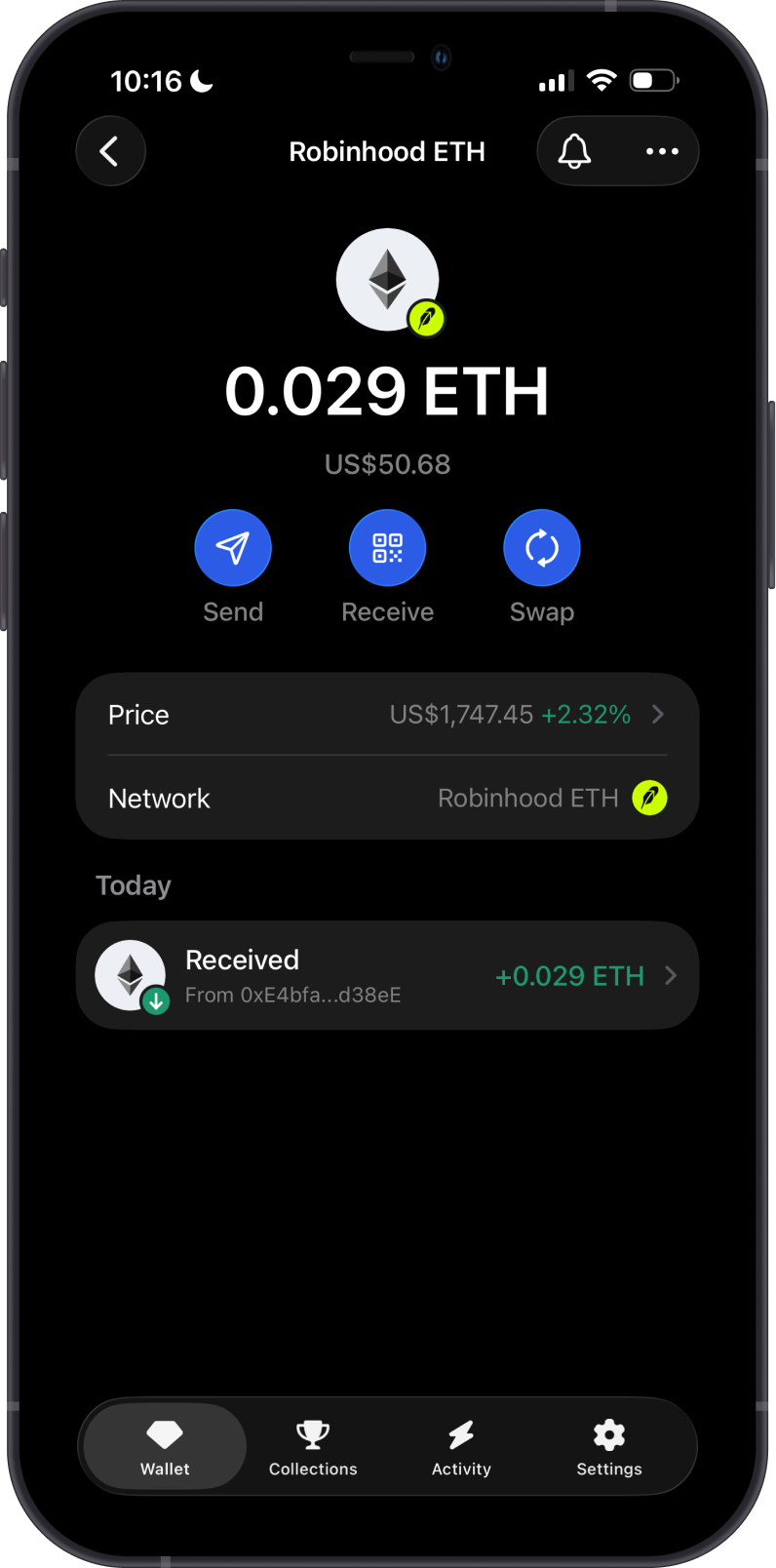
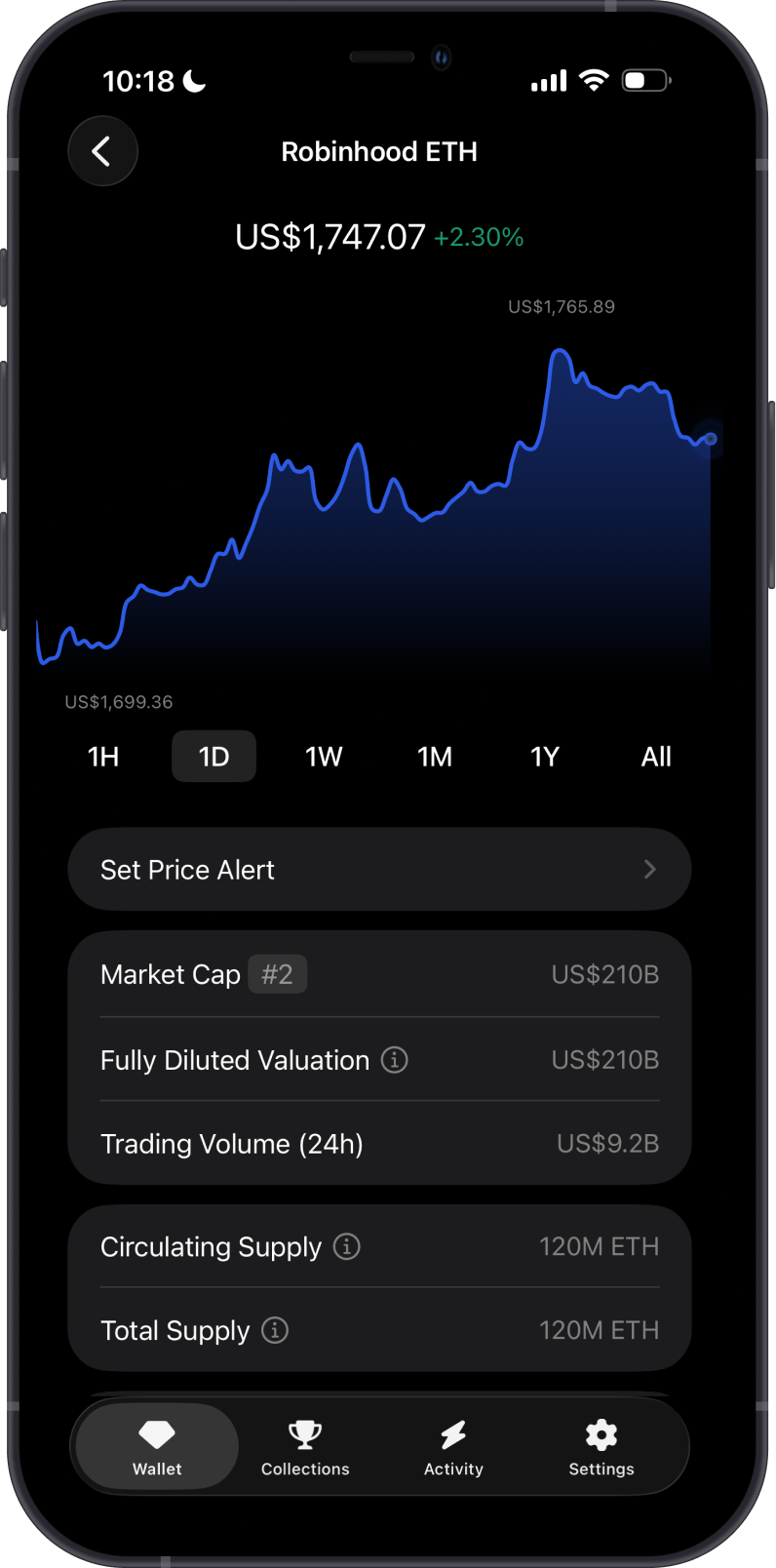
ETH is the native gas token of Robinhood Chain and is used for:
-
Transaction fees: ETH pays gas for sending assets and interacting with Robinhood Chain applications.
-
Network utility: ETH is required to move assets and use smart contracts on Robinhood Chain.
How to Get Robinhood Chain (ETH)?
Here are some ways to get ETH on Robinhood Chain:
-
Receive ETH with your Robinhood Chain address in Gem Wallet.
-
Swap supported assets into Robinhood Chain (ETH) using Gem Wallet.
-
Bridge or withdraw ETH to Robinhood Chain from a supported platform.
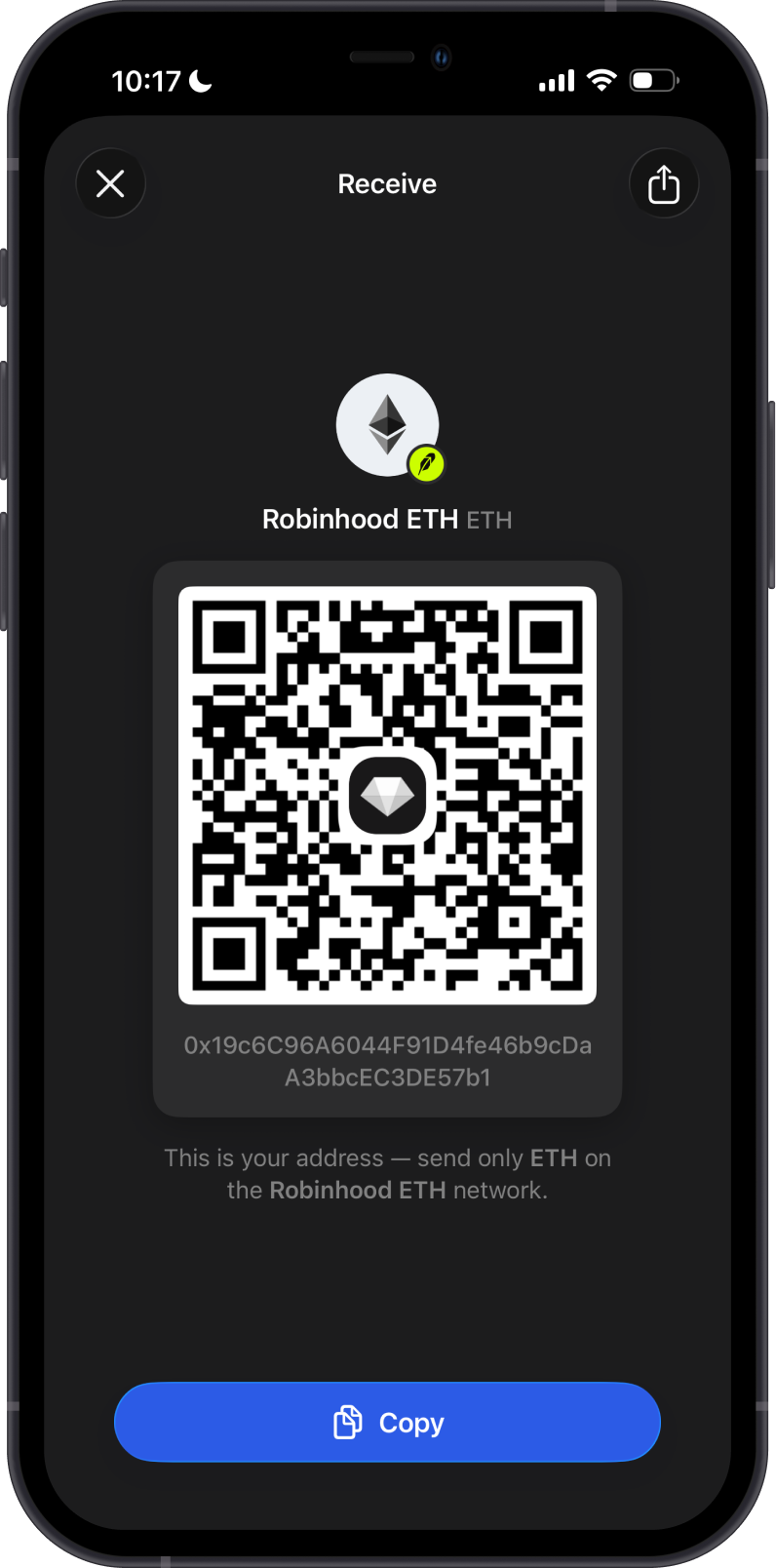
Buying Robinhood Chain (ETH) directly in Gem Wallet will be added soon.
Send only Robinhood Chain network assets to your Robinhood Chain address. Assets sent on the wrong network may not appear in your wallet.
What Tokens are Supported on Robinhood Chain?
Robinhood Chain supports ERC20 tokens in Gem Wallet.
-
ETH is supported as the native Robinhood Chain asset.
-
Supported ERC20 tokens, including USDG, can be enabled from Manage Tokens.
-
If a Robinhood Chain token does not appear in Gem Wallet, it is not supported yet in the app.
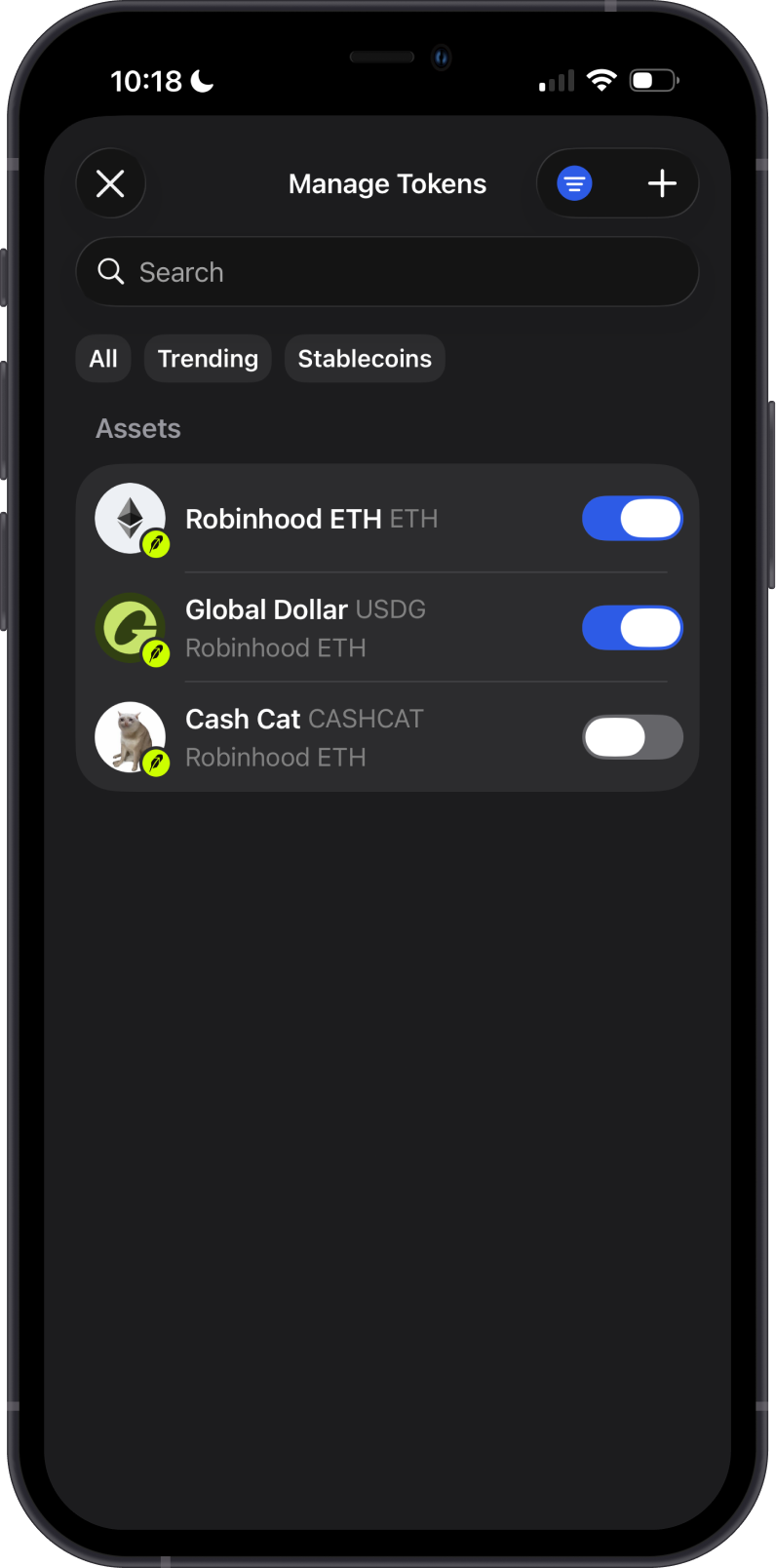
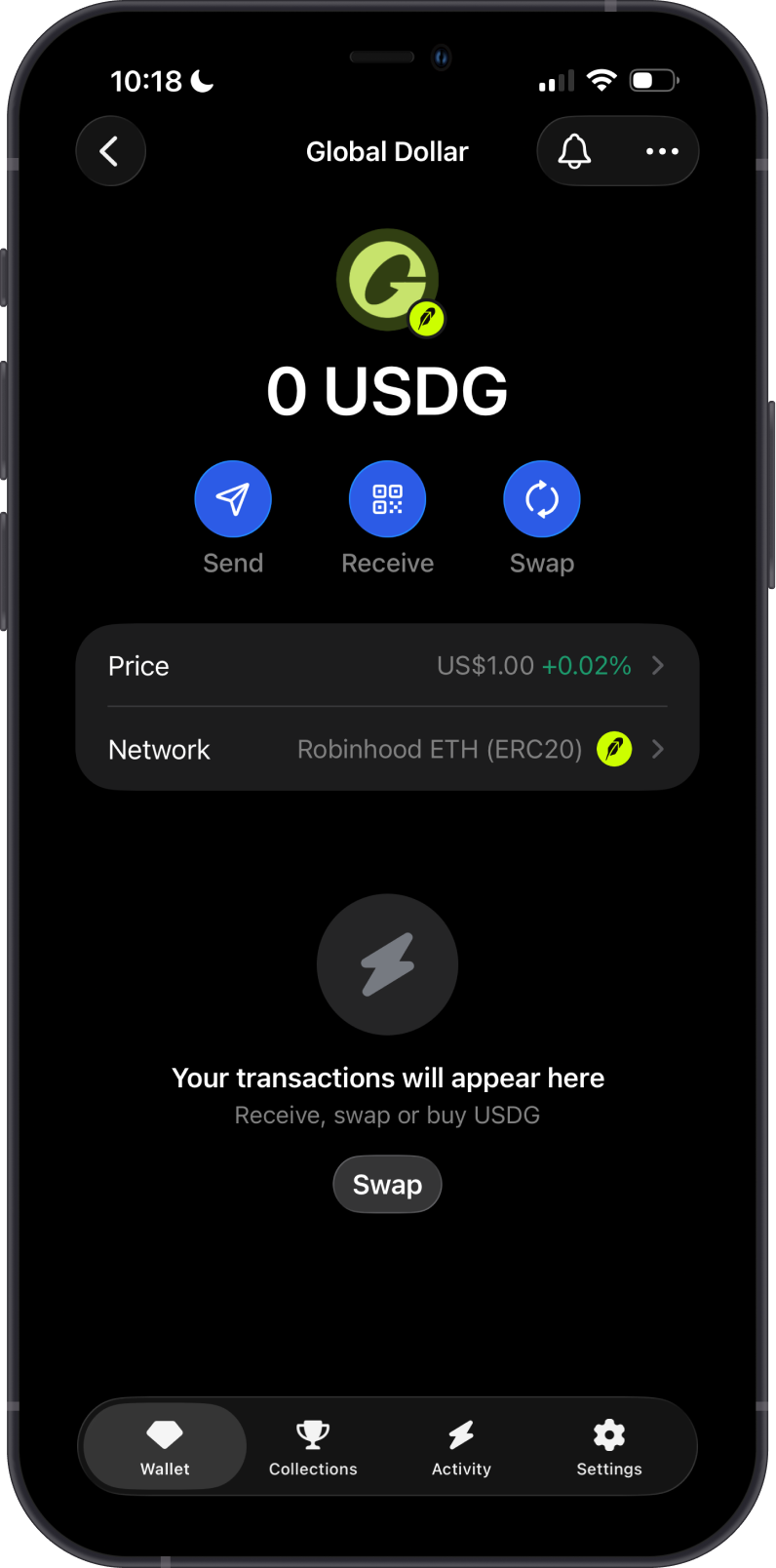
Only send Robinhood Chain tokens that appear as supported in Gem Wallet. Unsupported tokens may not display in your wallet.
Can I Swap Robinhood Chain Assets on Gem Wallet?
Yes. Gem Wallet supports swaps for Robinhood Chain network assets:
- Swap Robinhood Chain (ETH) for supported Robinhood Chain ERC20 tokens, and swap supported ERC20 tokens back to ETH.
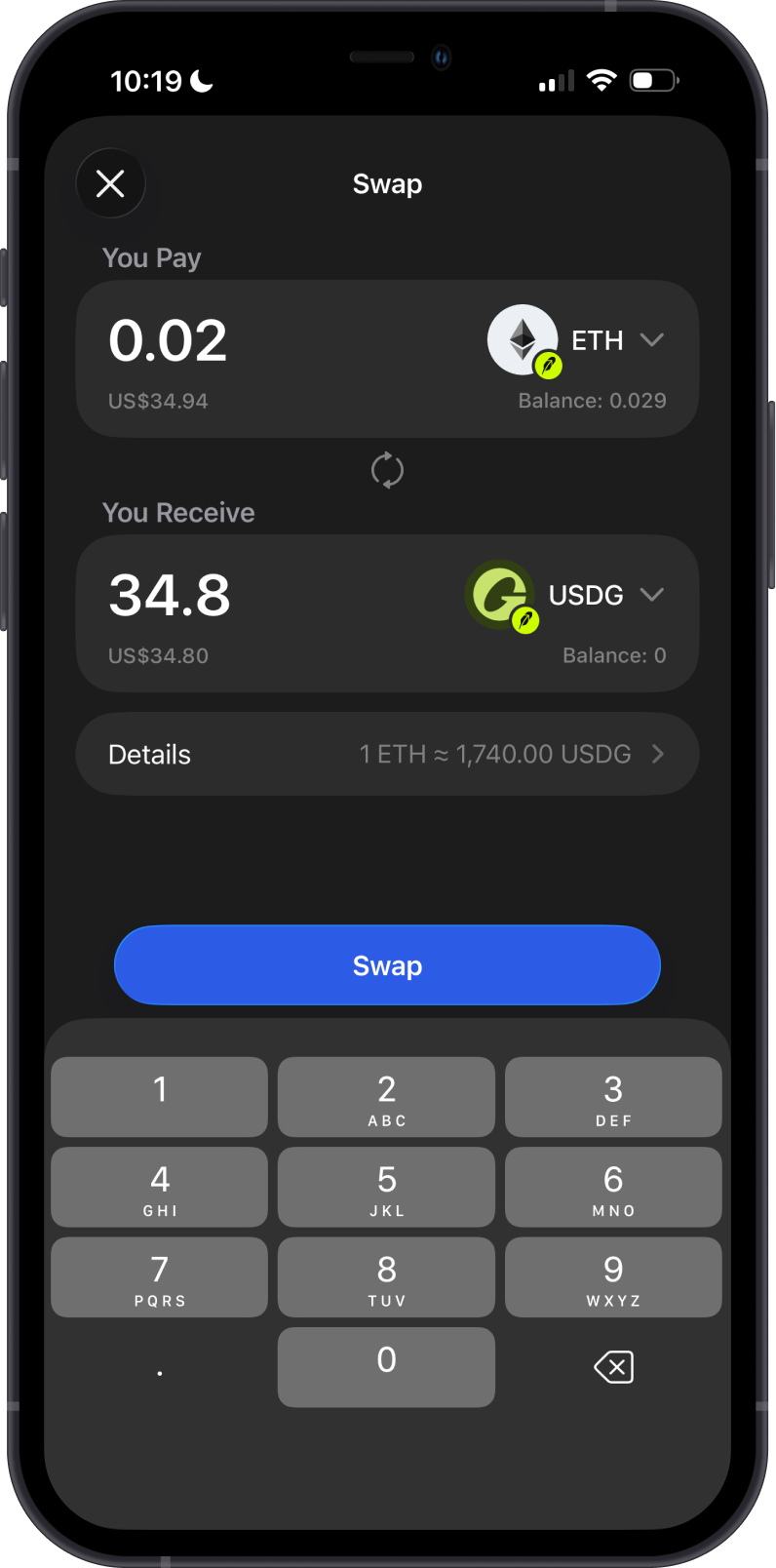
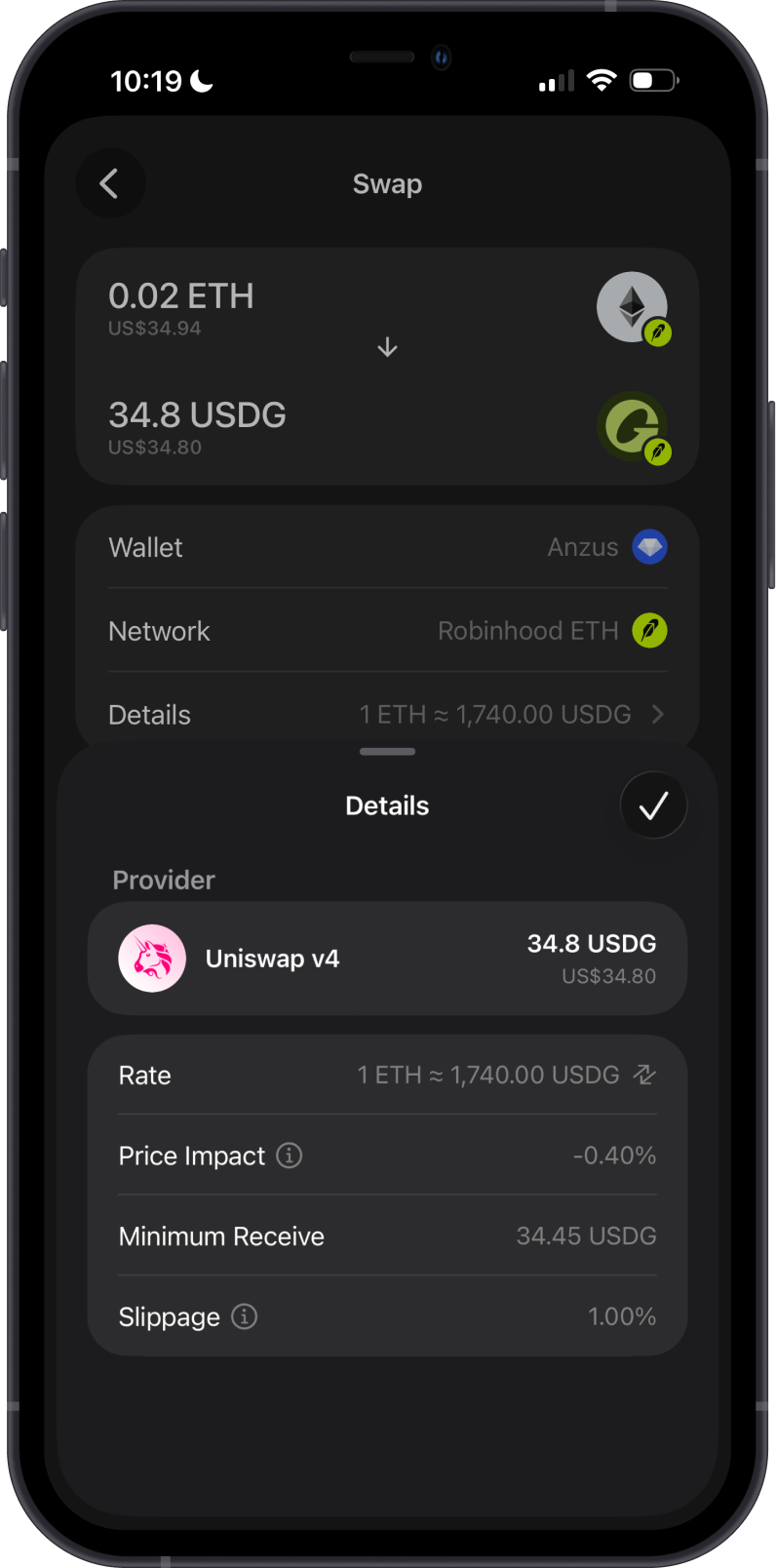
- Use Cross-Chain Swap to swap supported assets from other blockchains into Robinhood Chain (ETH).
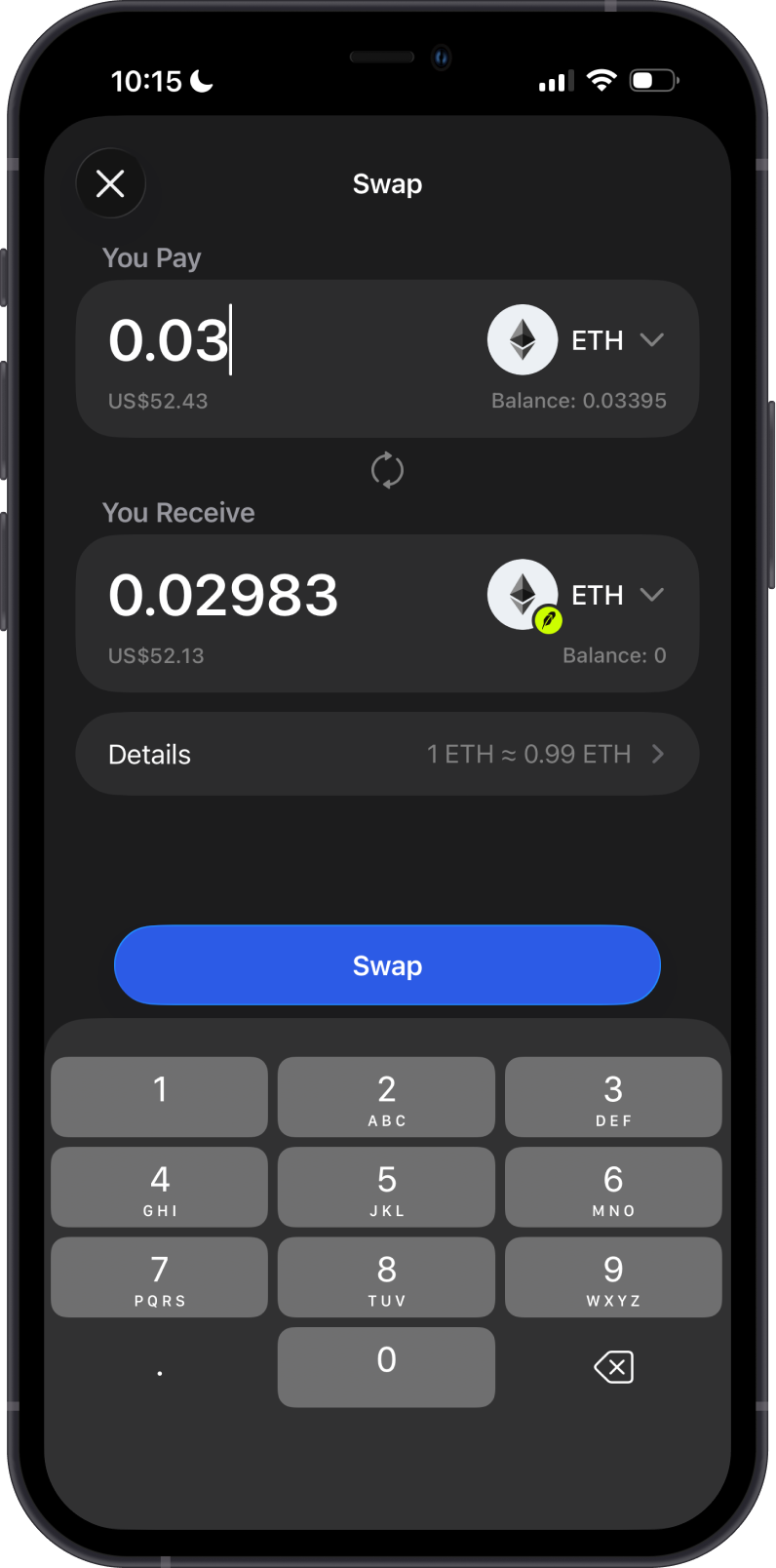
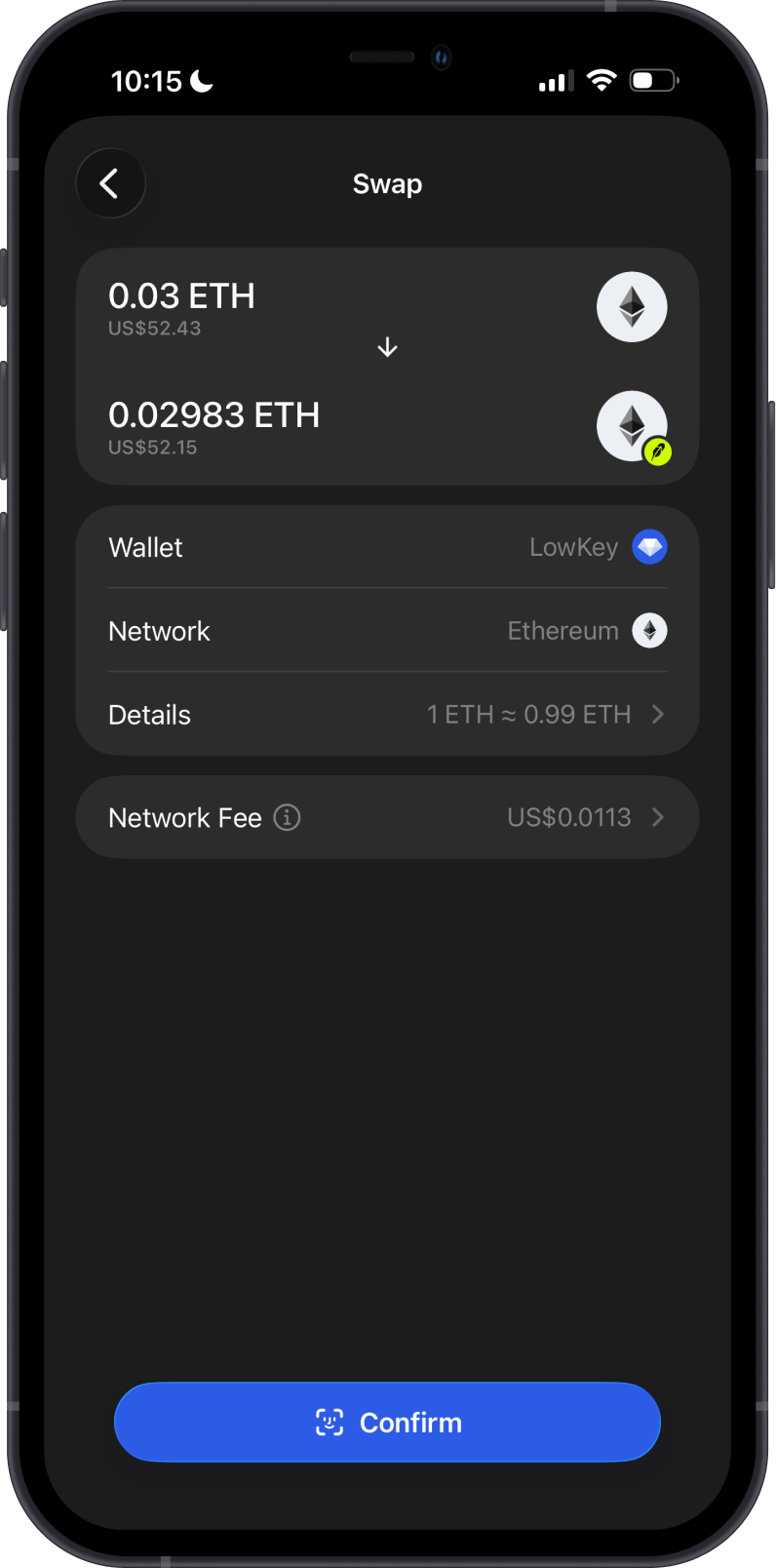
You need enough ETH on Robinhood Chain to pay network fees when swapping.
Transaction Fees on Robinhood Chain
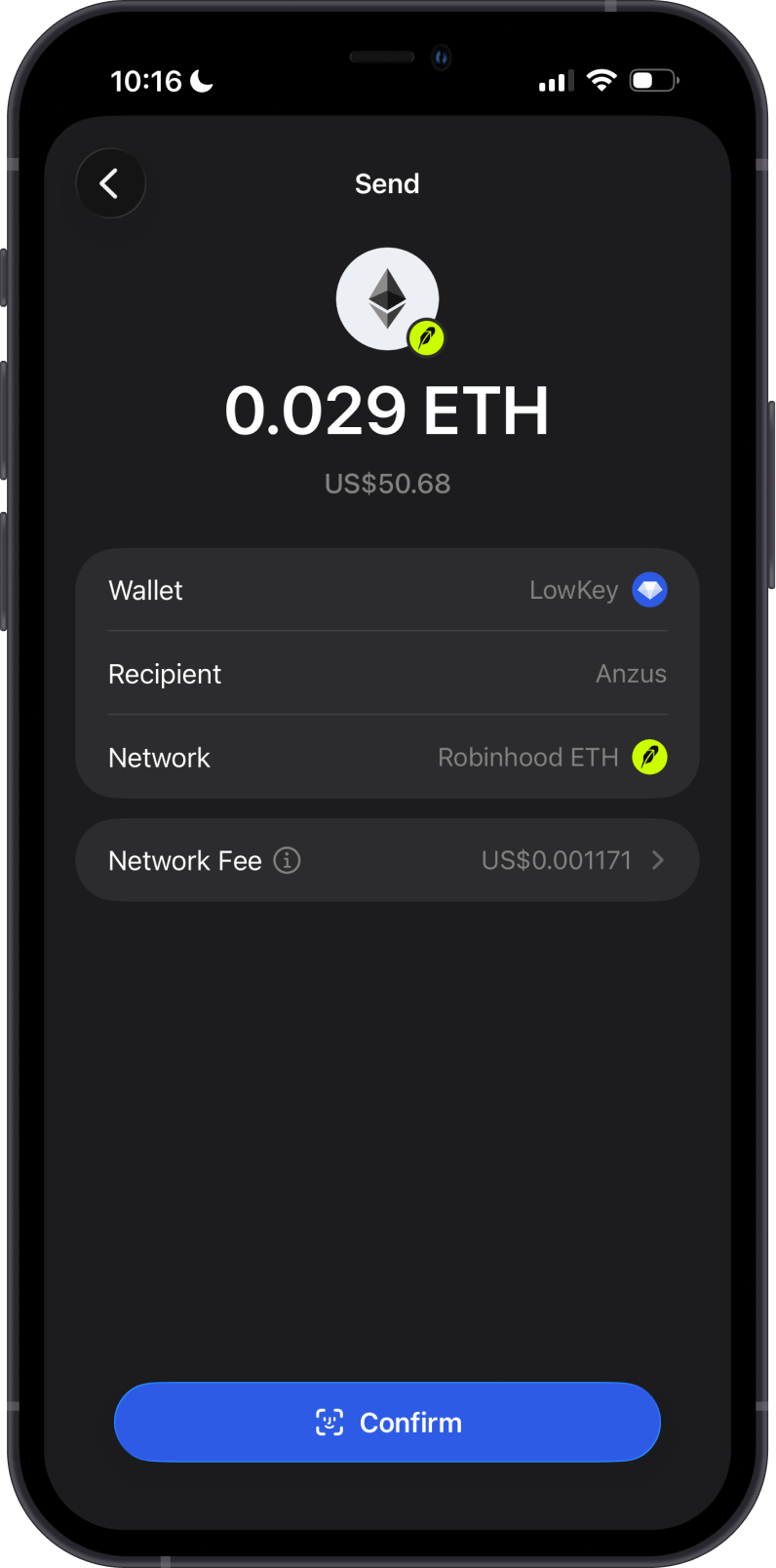
The fees on Robinhood Chain are summarized as follows:
-
Robinhood Chain transactions require network fees paid in ETH.
-
Keep enough ETH in your wallet before sending or swapping Robinhood Chain assets.
-
As an Ethereum Layer 2, Robinhood Chain is designed for lower costs and faster processing than Ethereum mainnet.
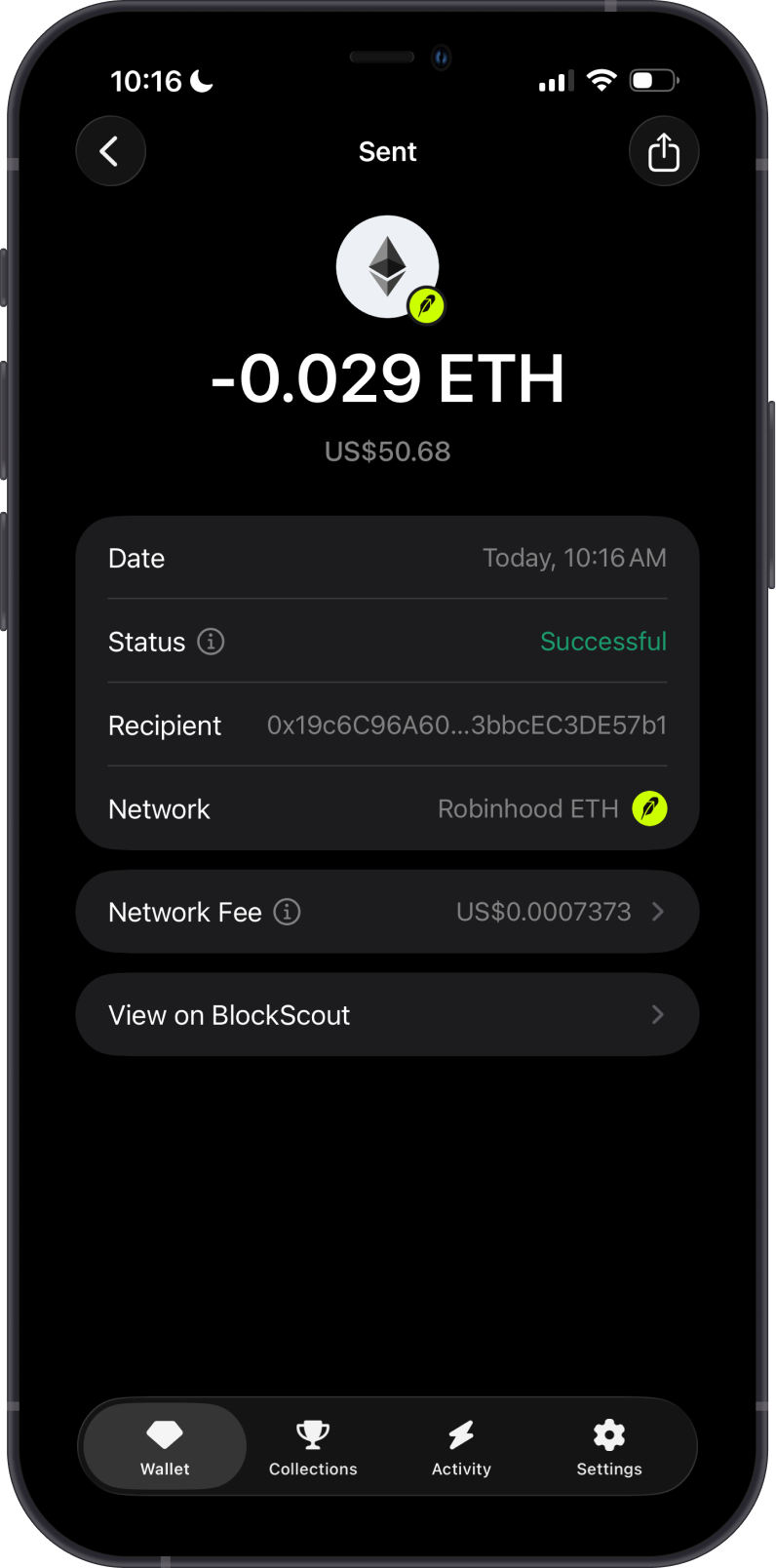
How to Check Robinhood Chain (ETH) Balance?
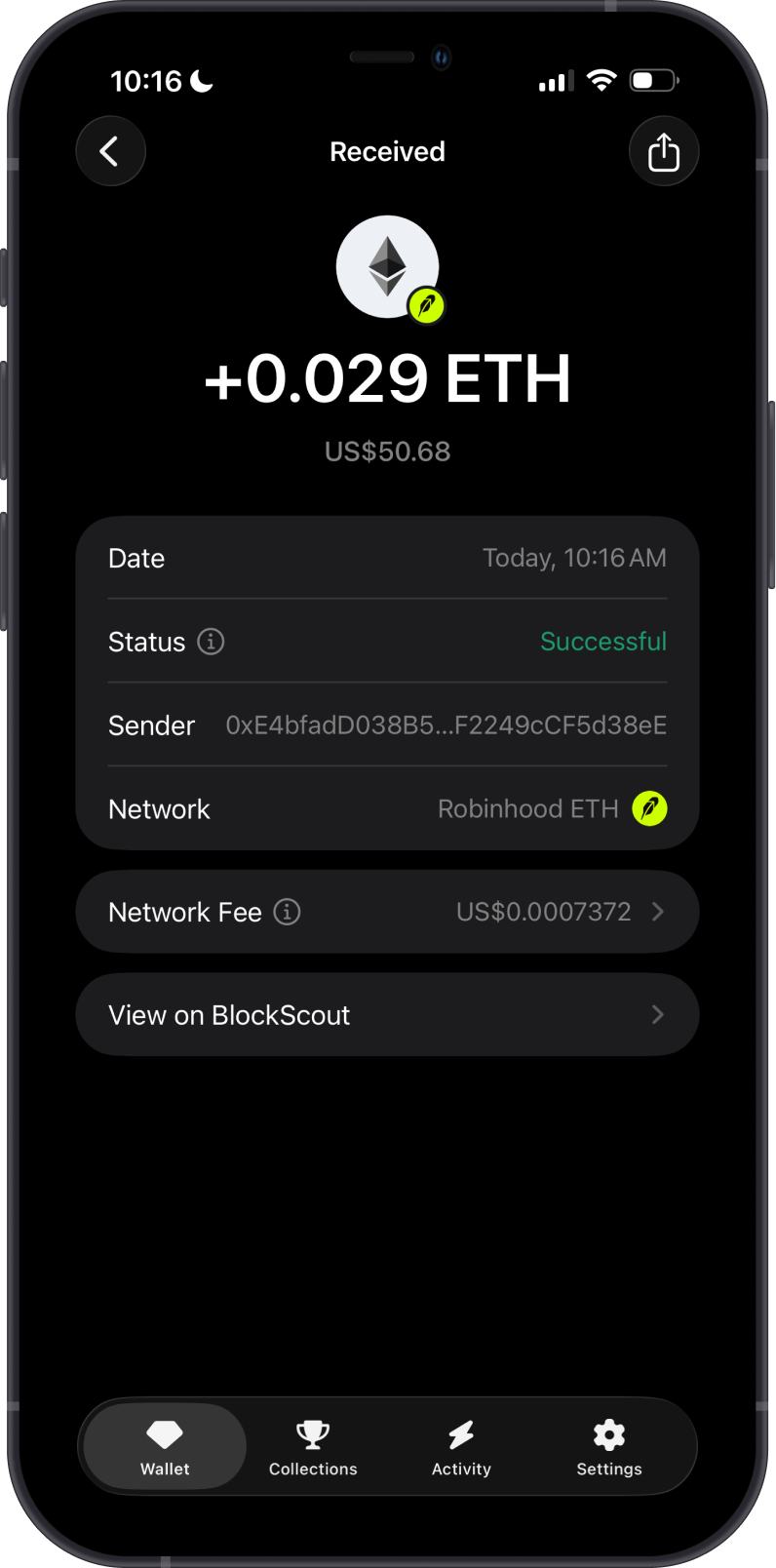
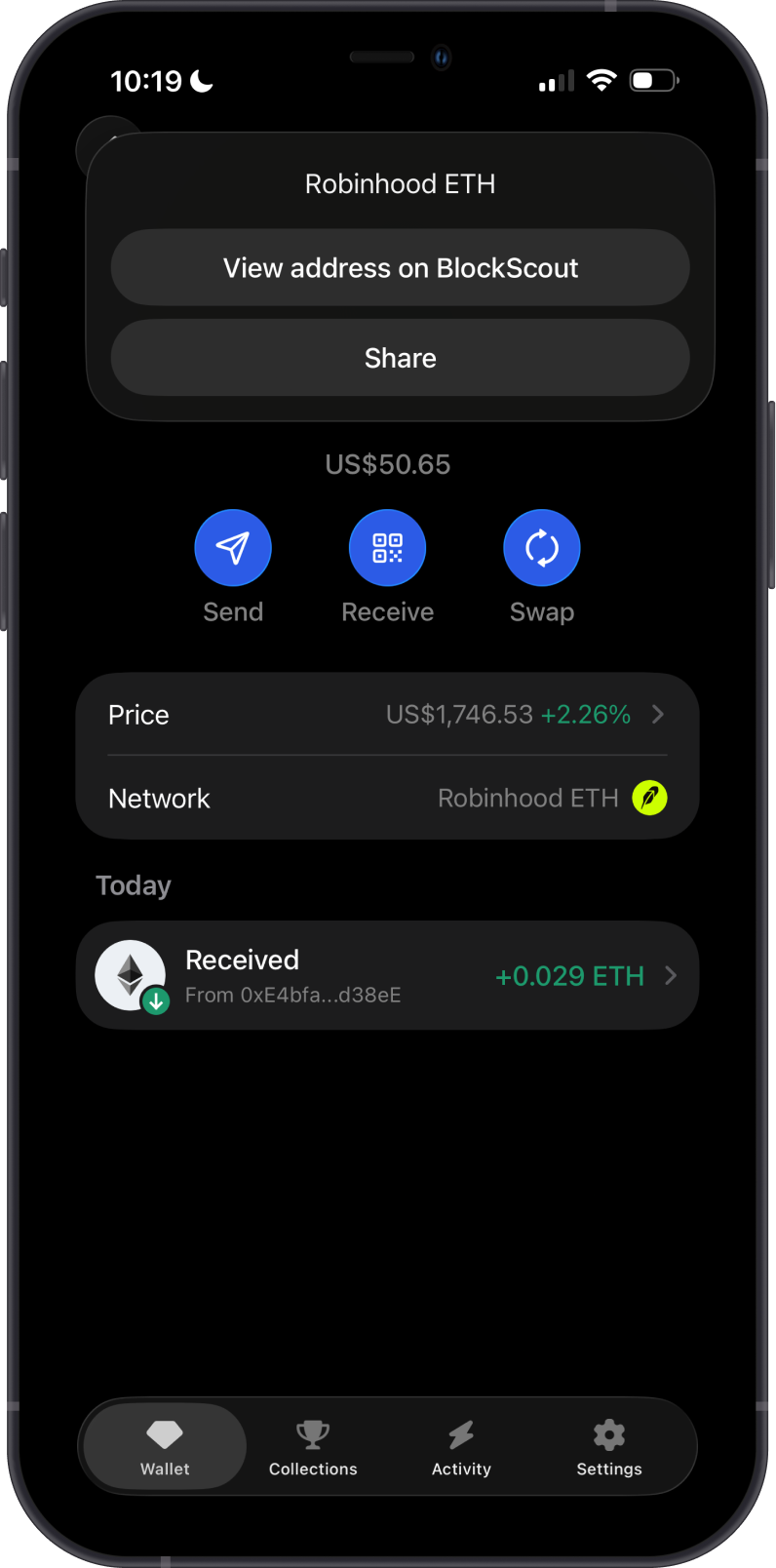
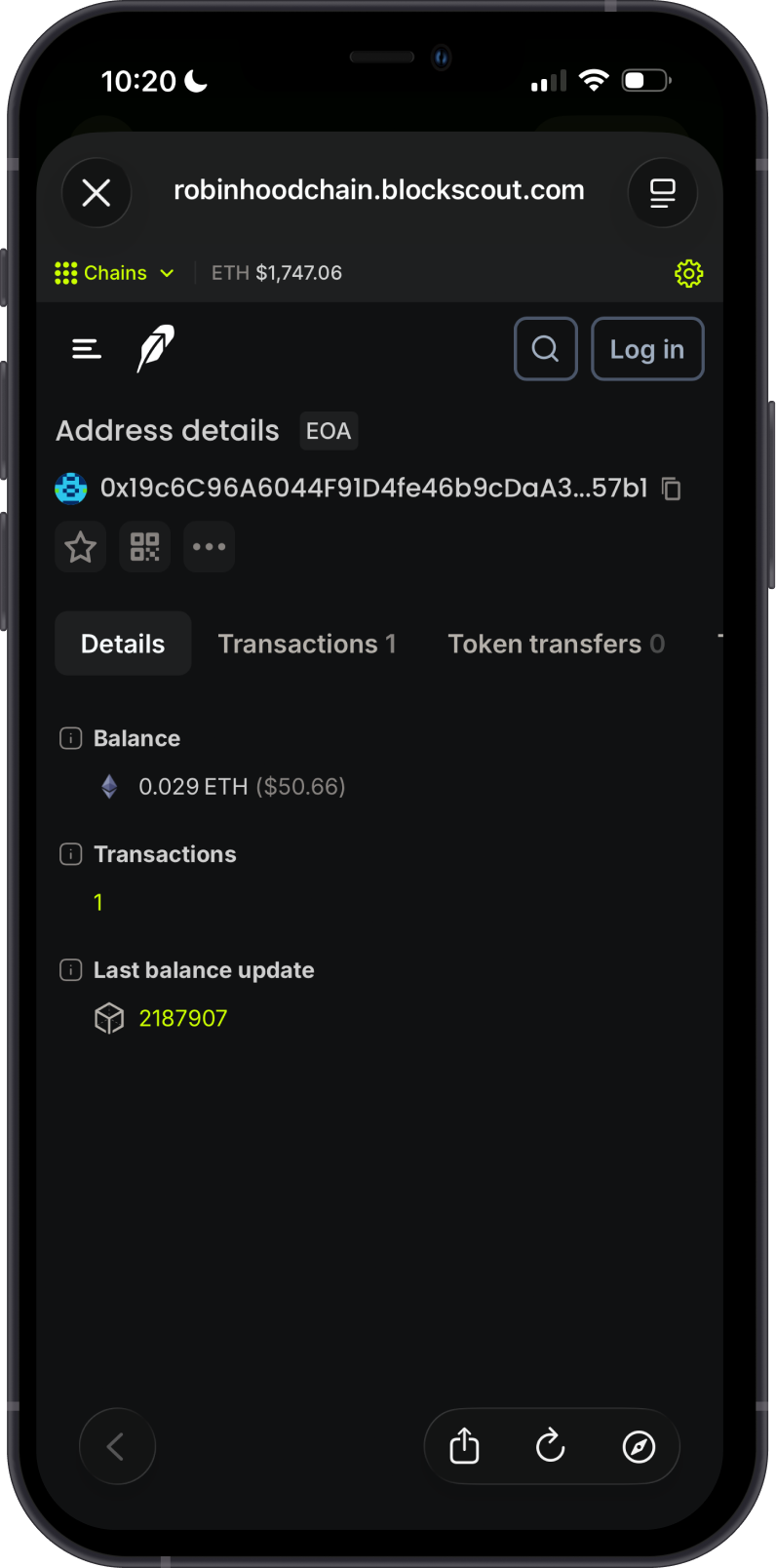
Gem Wallet connects to Robinhood Chain to show your ETH balance. Tap the 3 dots in the upper-right corner, then tap View on BlockScout.
BlockScout is the default Robinhood Chain explorer in Gem Wallet. You can check balances and transactions by visiting BlockScout and searching for your Robinhood Chain address.
Why Choose Gem Wallet for Robinhood Chain?
-
Self-Custody & Security: Gem Wallet gives you full control over your private keys and assets.
-
EVM Compatibility: Robinhood Chain uses familiar Ethereum-style addresses and supports ERC20 tokens.
-
Swap and Cross-Chain Support: Gem Wallet supports Robinhood Chain token swaps and cross-chain swaps into ETH.
-
Simple Asset Management: Manage Robinhood Chain assets alongside other supported networks in one wallet.
Conclusion
Robinhood Chain is an Ethereum Layer 2 built for onchain financial services and tokenized real-world assets. Gem Wallet provides self-custody support for storing, sending, receiving, and swapping supported Robinhood Chain assets.