How to Sell Crypto with Gem Wallet
info
Selling cryptocurrency using Gem Wallet is straightforward and beginner-friendly. This guide shows you how to sell crypto—like Ethereum (ETH)—via Mercuryo, one of Gem Wallet’s trusted fiat providers, right from your mobile device.
Step 1: Open Gem Wallet
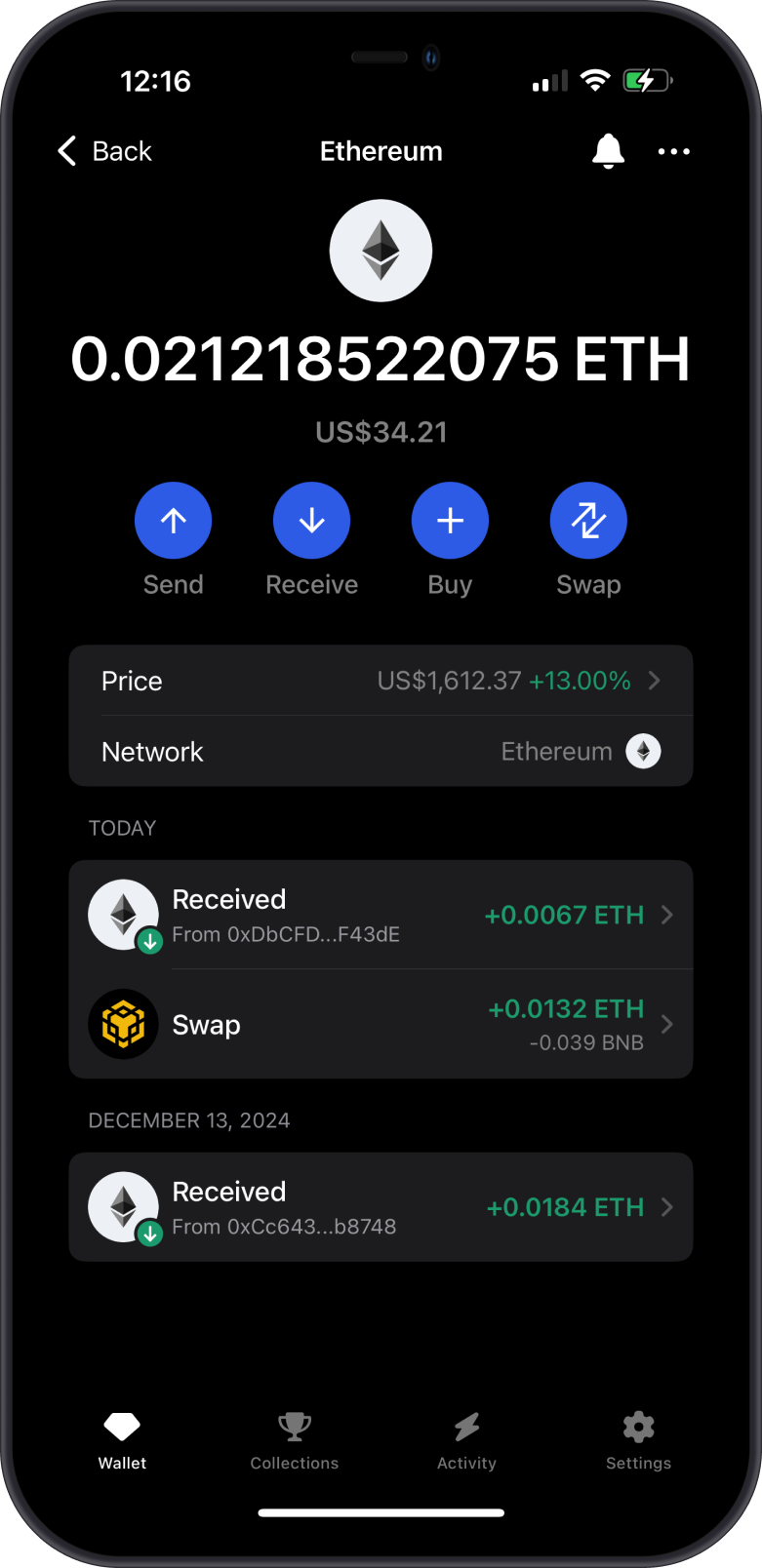
- Launch the Gem Wallet app on your phone.
- Tap on the crypto you are going to sell.
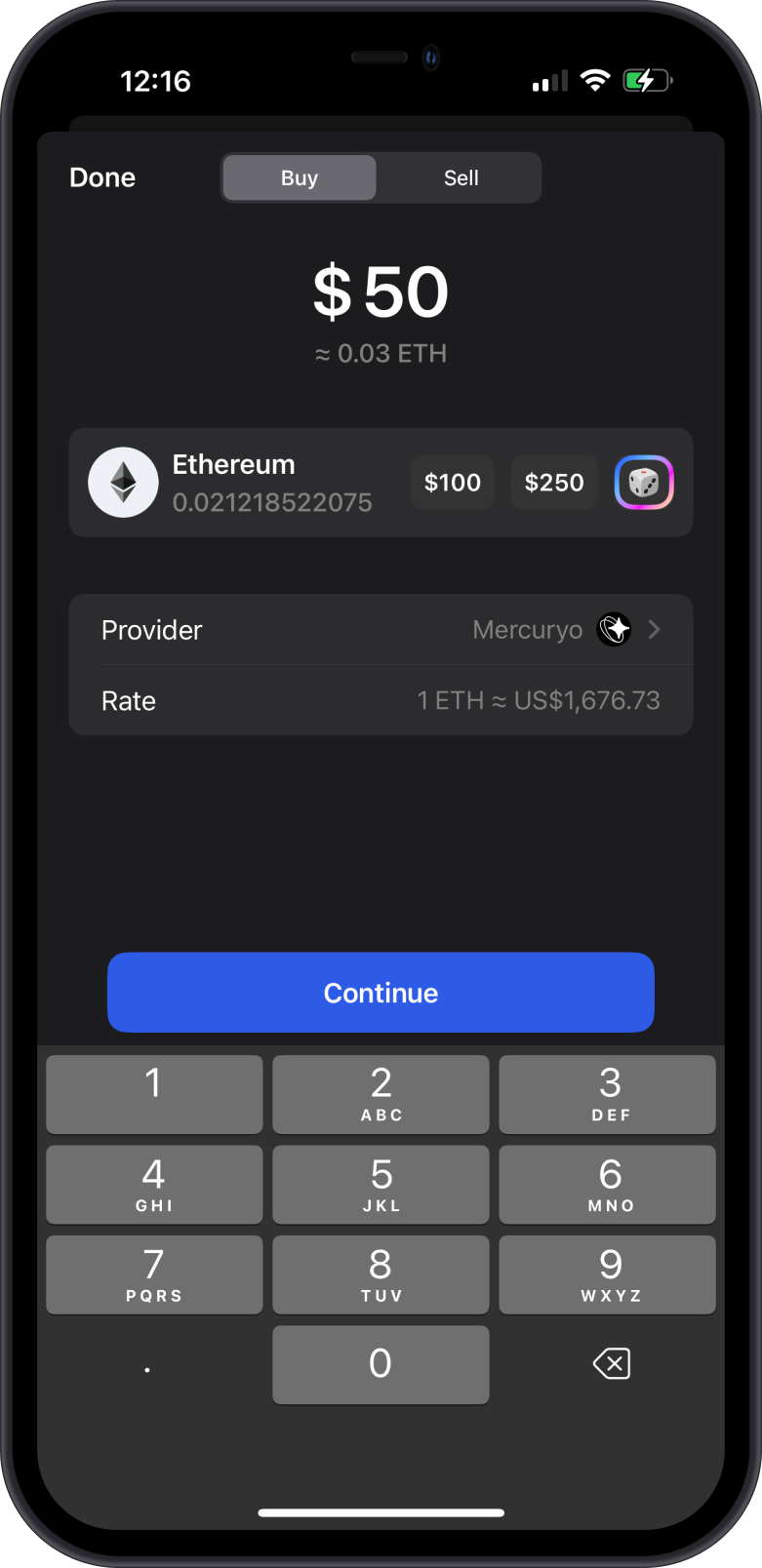
- Next, tap on the Buy option.
tip
You’ll only see the Sell tab if the crypto is eligible for selling via the fiat provider.
If the Sell tab or an expected provider is missing, follow Why Is a Fiat Provider Unavailable for an Asset?.
Step 2: Create a Sell Order
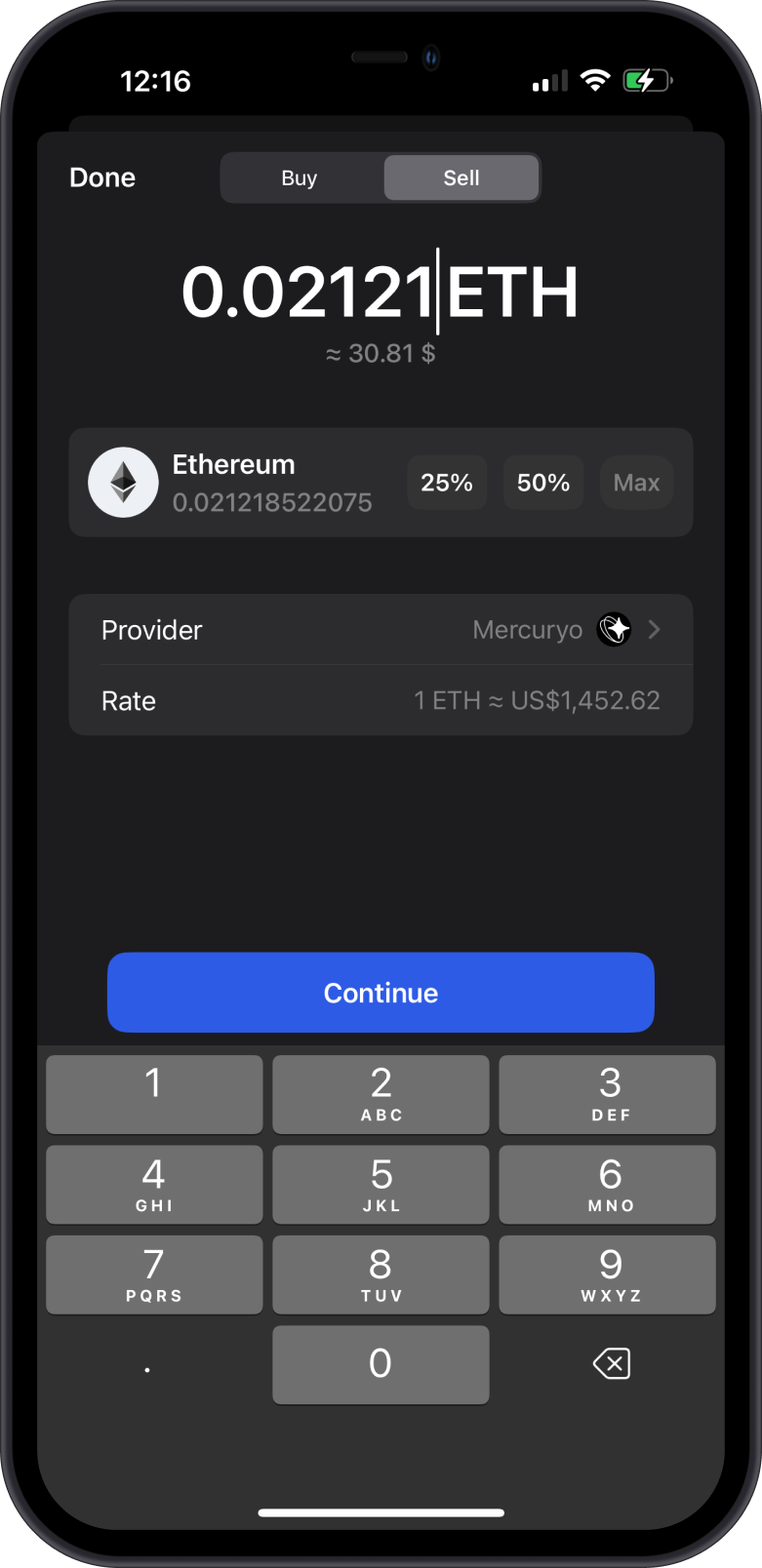
- Tap on the Sell tab then enter the amount that you want to sell.
- Choose the provider that you want to proceed with, then tap on Continue.
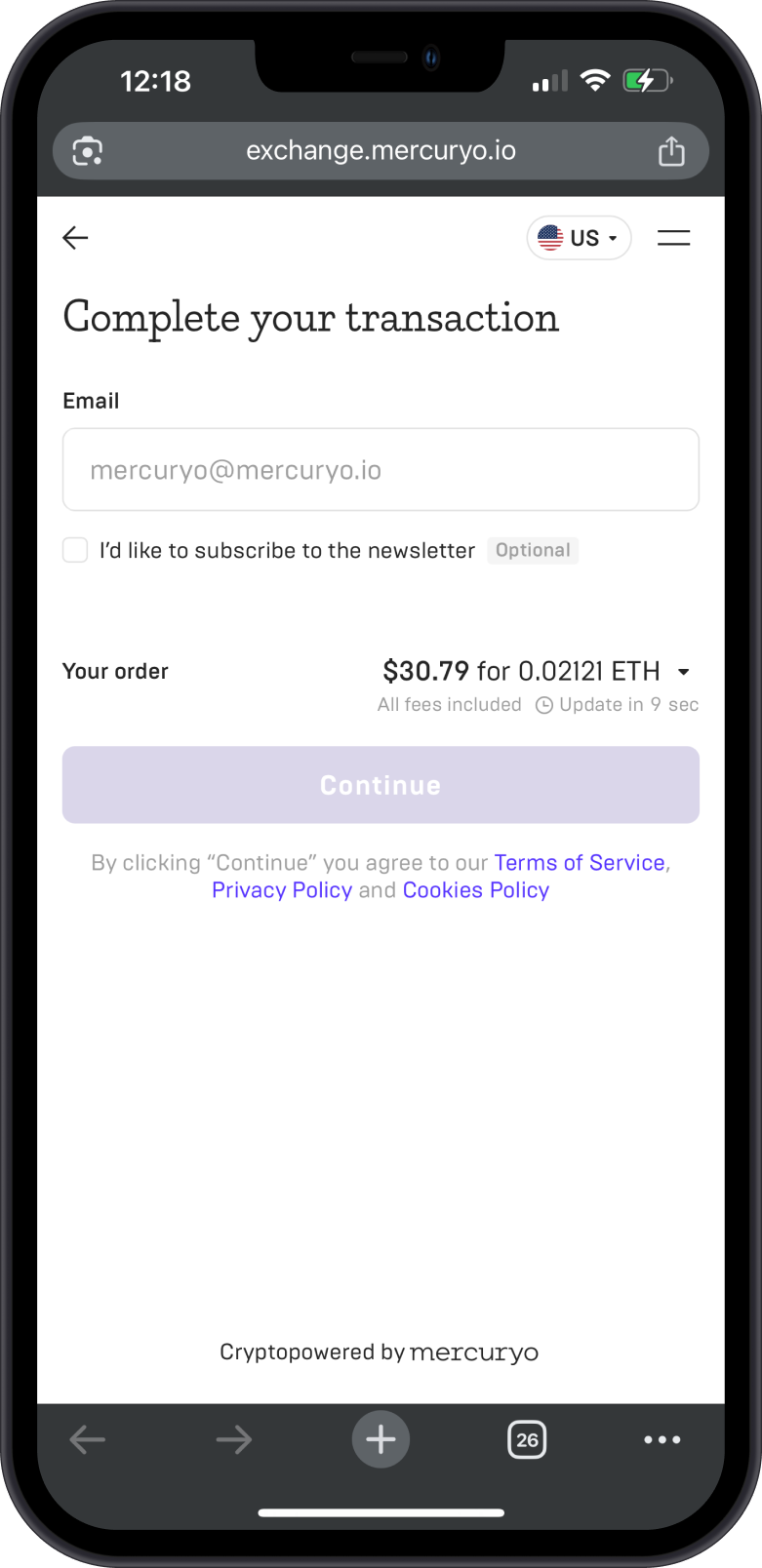
- Complete the verification in order to submit your Sell Order.
Step 3: Connect Gem Wallet
- You will be given an option to Connect Gem Wallet or proceed with a manual transfer.
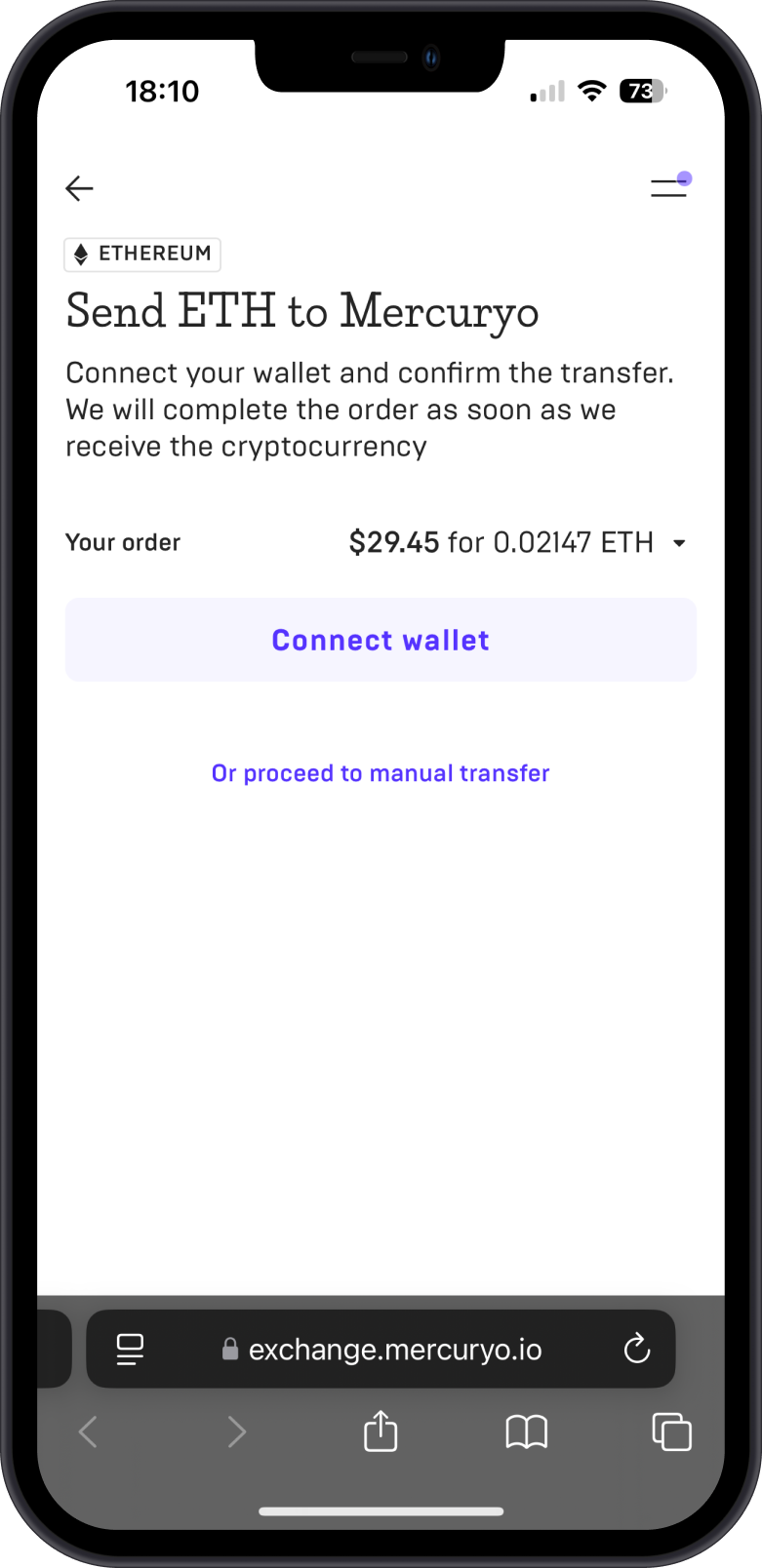
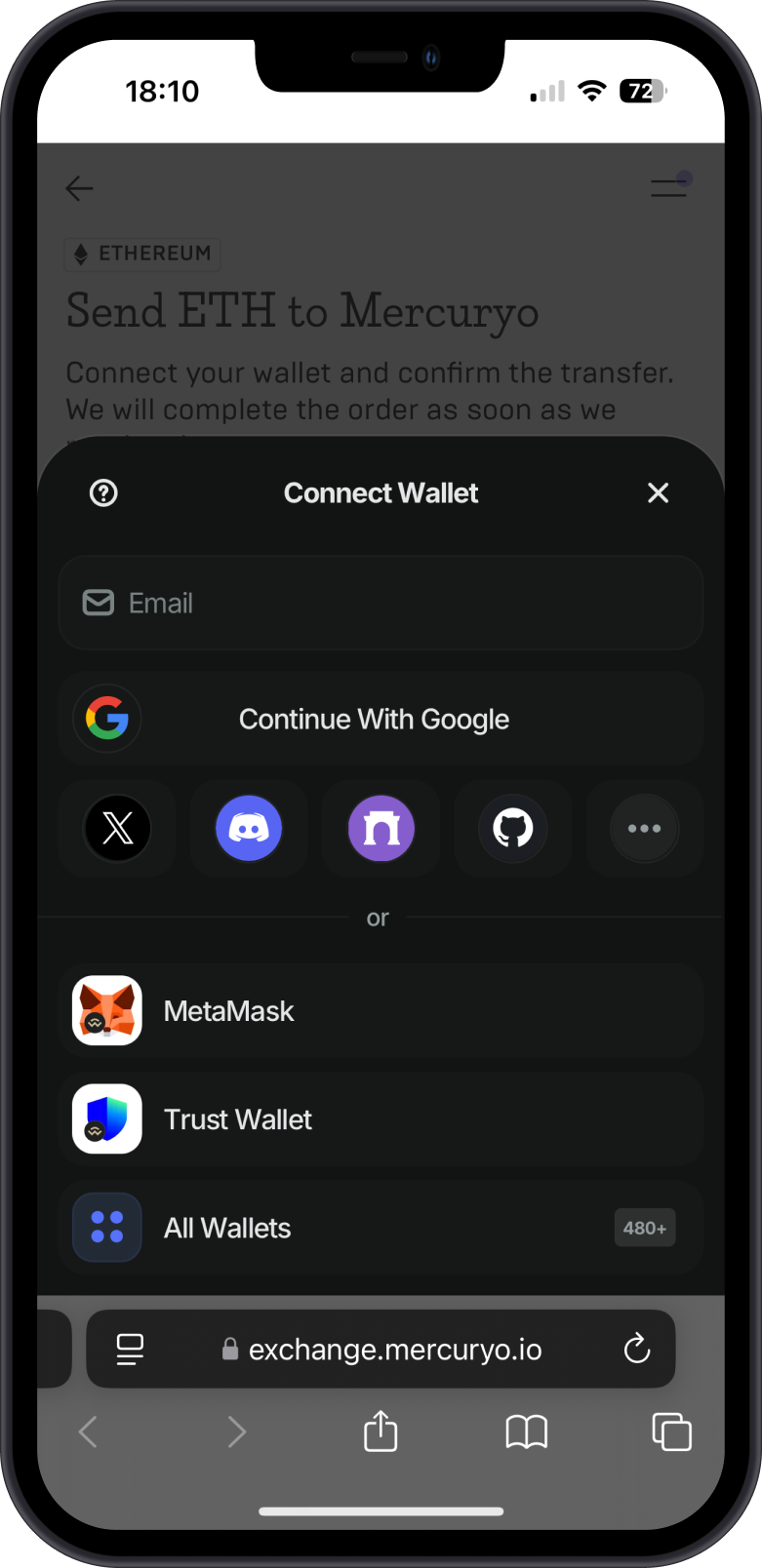
- If you choose the Connect Wallet option, make sure to select Gem Wallet.
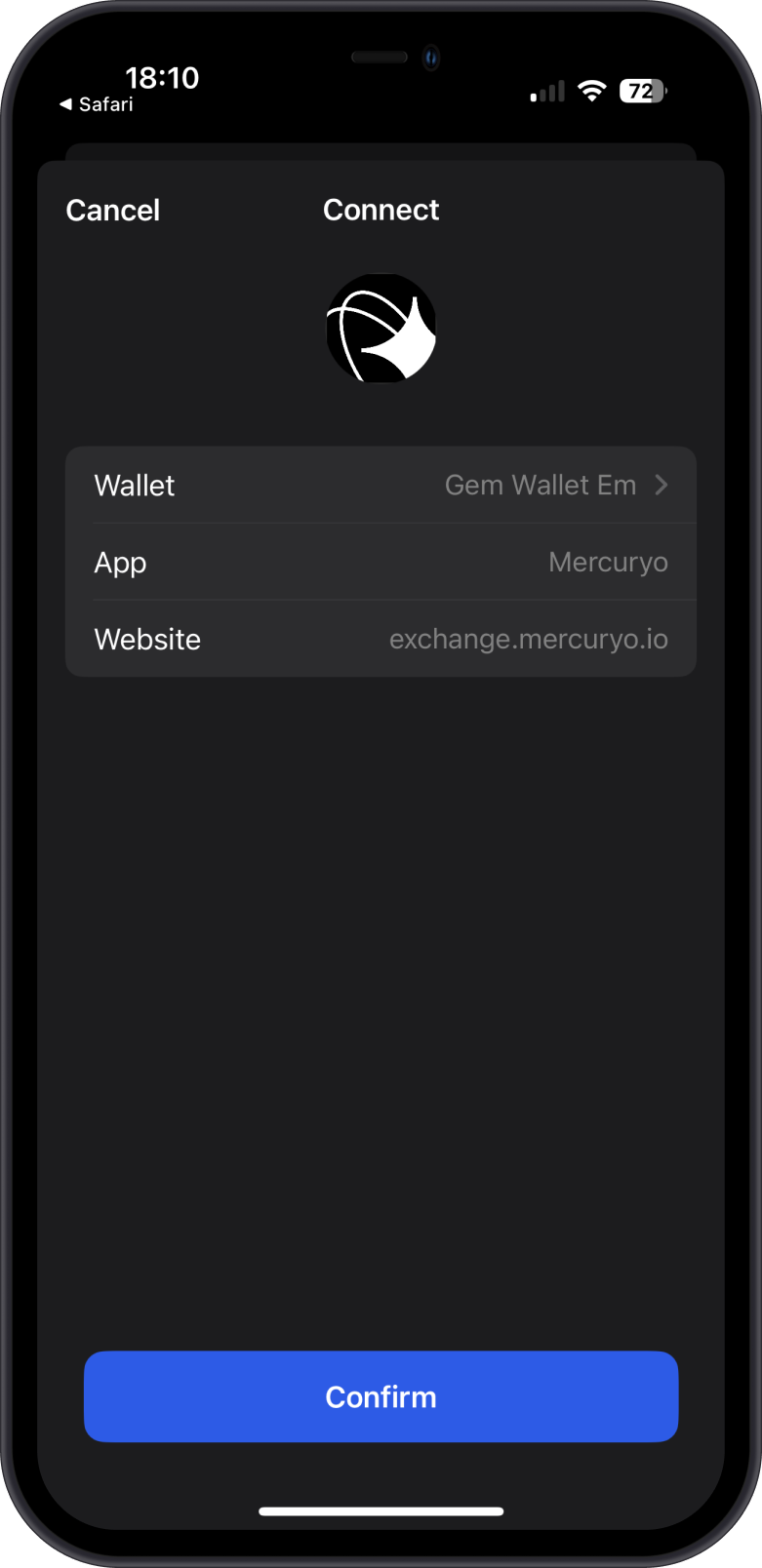
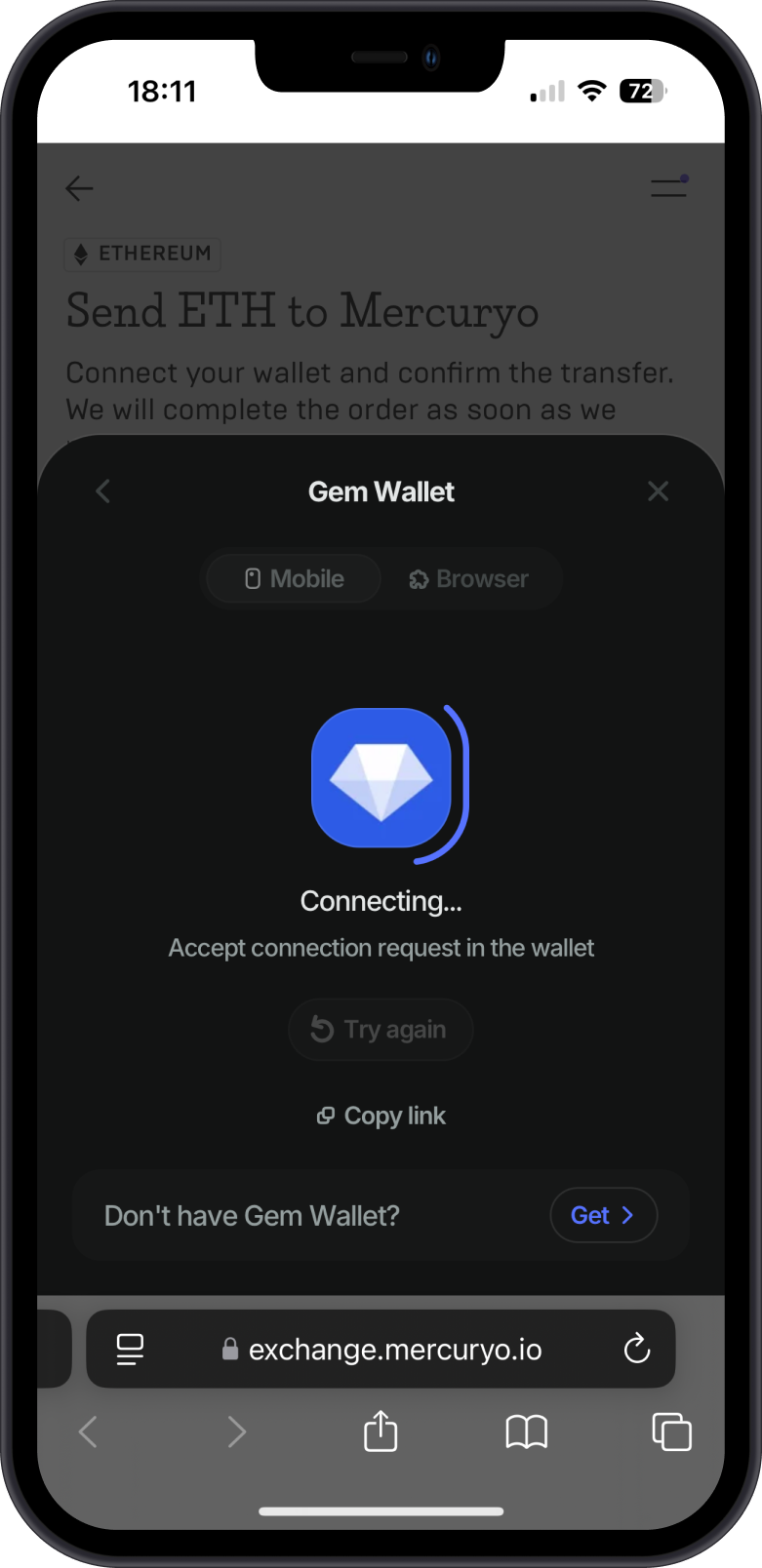
Step 4: Transfer your Crypto
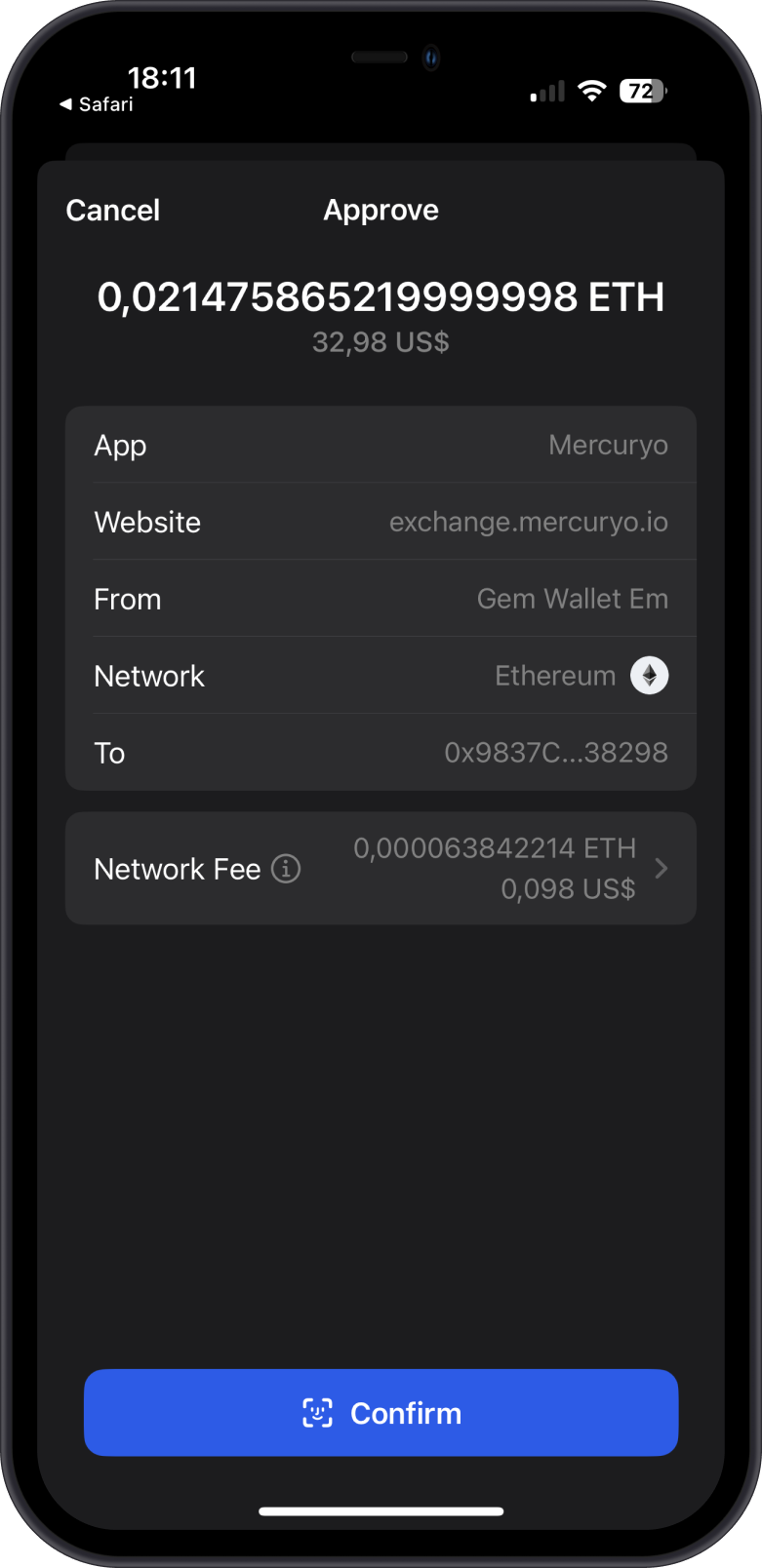
- Once your Gem Wallet is connected, you will be prompted to approve the transfer of your crypto.
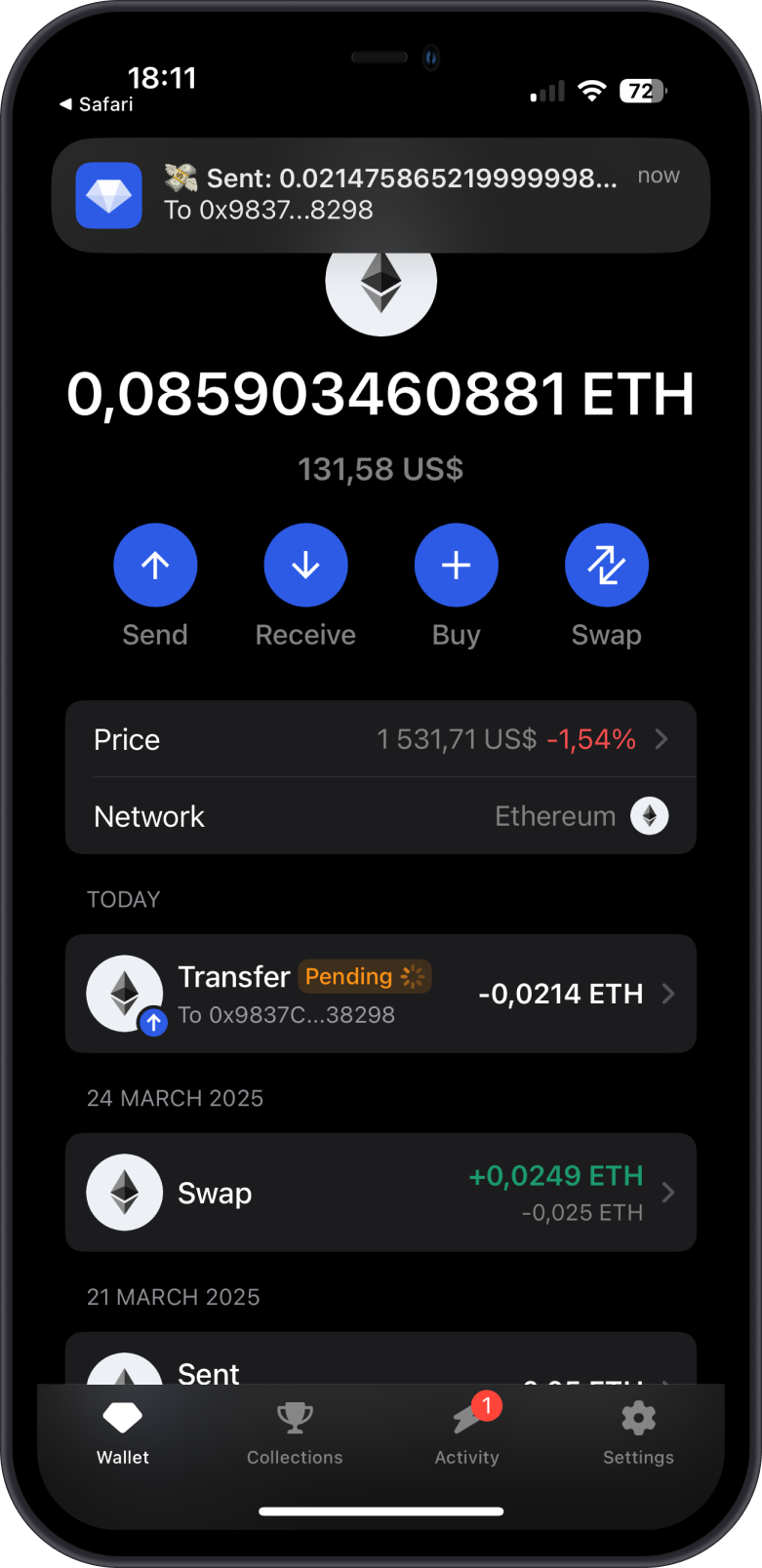
- Wait for the transfer transaction to be confirmed.
Step 5: Sale Completed, Check Your Funds
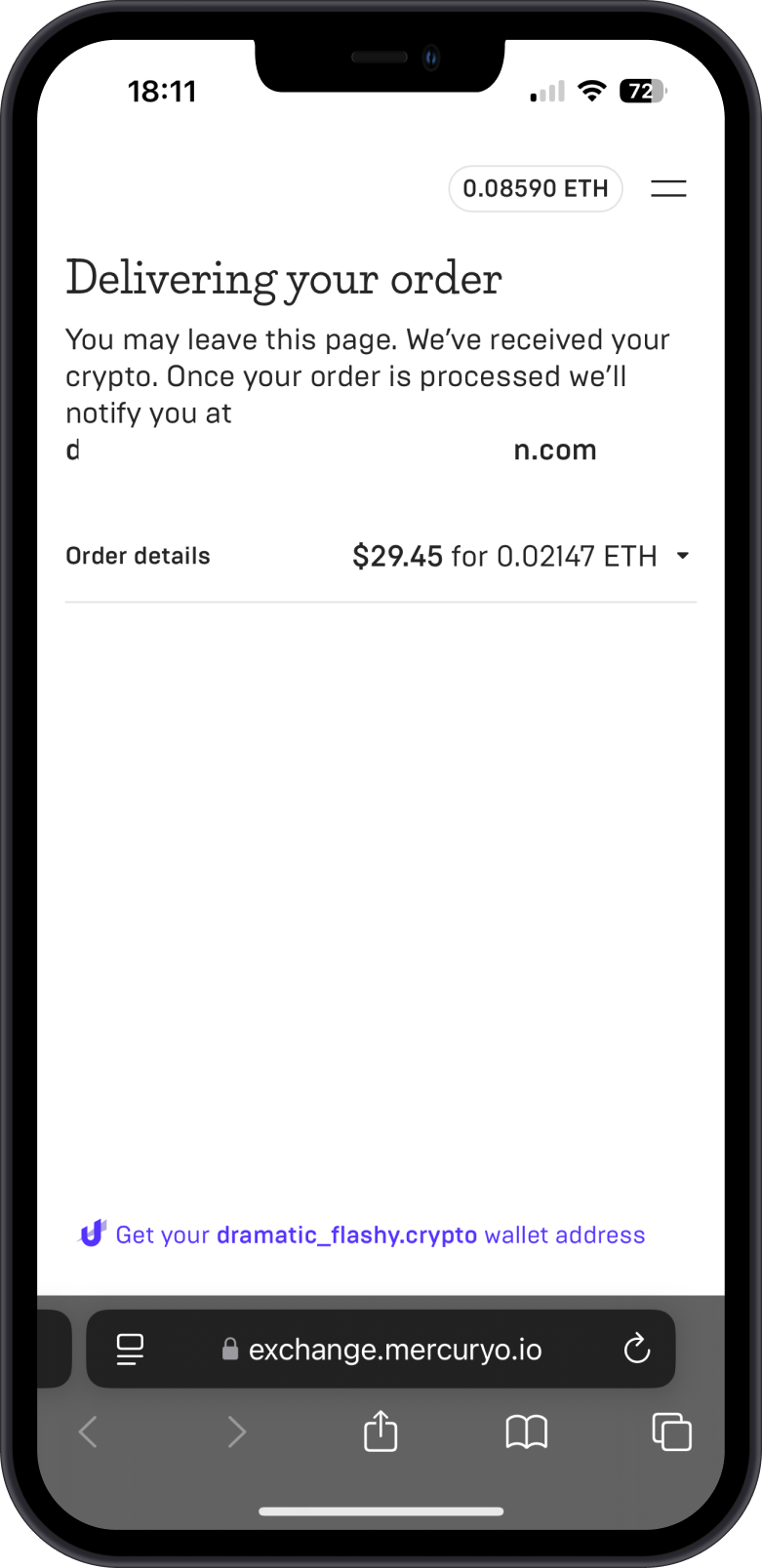
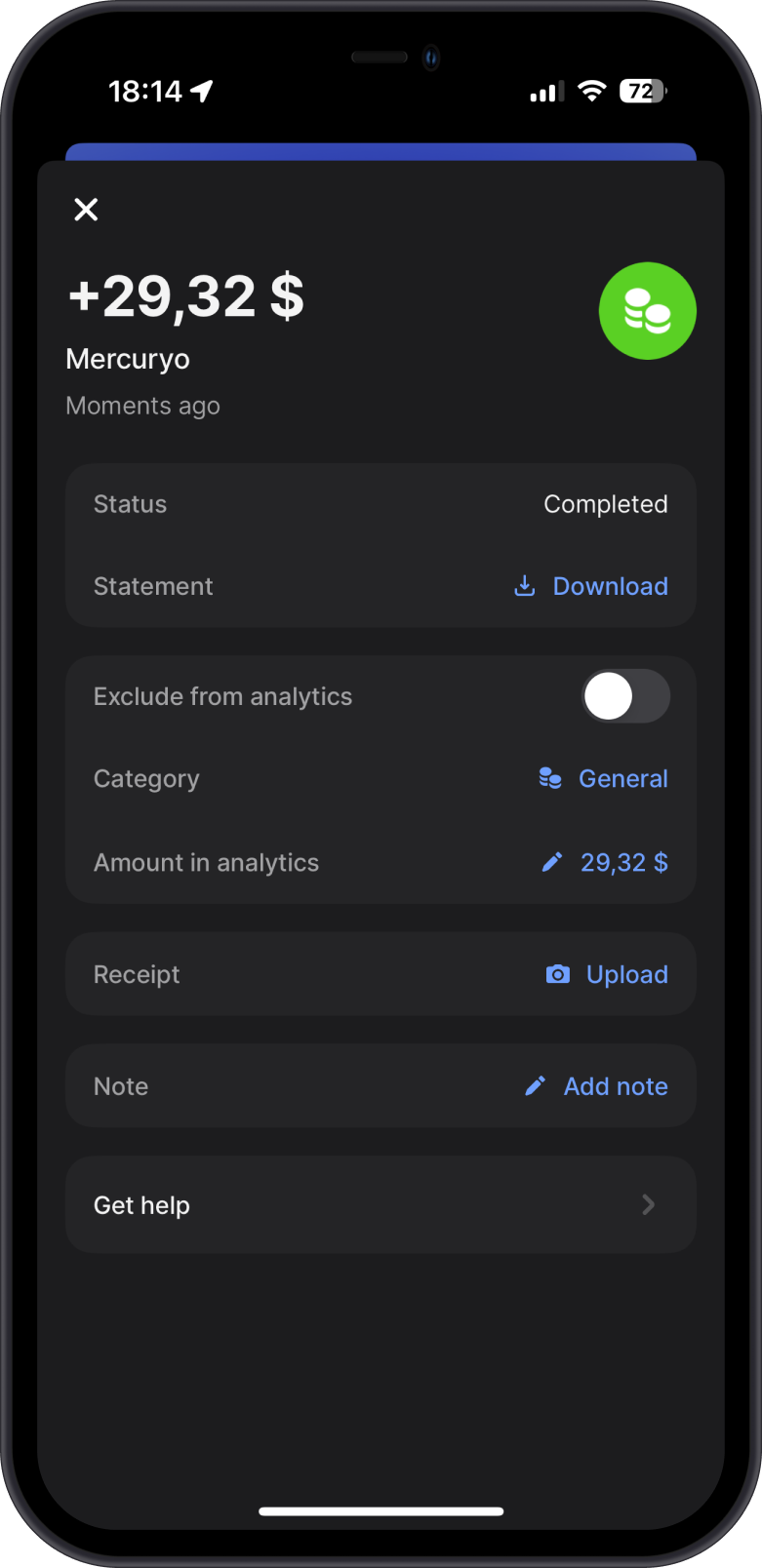
- After sending your crypto, the fiat provider will begin processing the order.
- The fiat amount will be sent to your linked bank account or payment method.
note
The steps might look a bit different depending on the provider you pick, but the basic way to sell crypto stays pretty much the same.
Tips for a Smooth Sale
- Network Fees: Selling involves a blockchain transaction, so keep a tiny bit of crypto for Network Fees.
- Supported Regions: Sell option may not work everywhere—check if the provider operates in your current location.
- Stay Safe: Use only official links in Gem Wallet, and never share your Secret Phrase.