Backup Gem Wallet
How to Backup Gem Wallet
Your Secret Phrase is the only way to restore your wallet if your phone is lost, reset, damaged, or the app is deleted. Back it up before making any device or wallet changes.
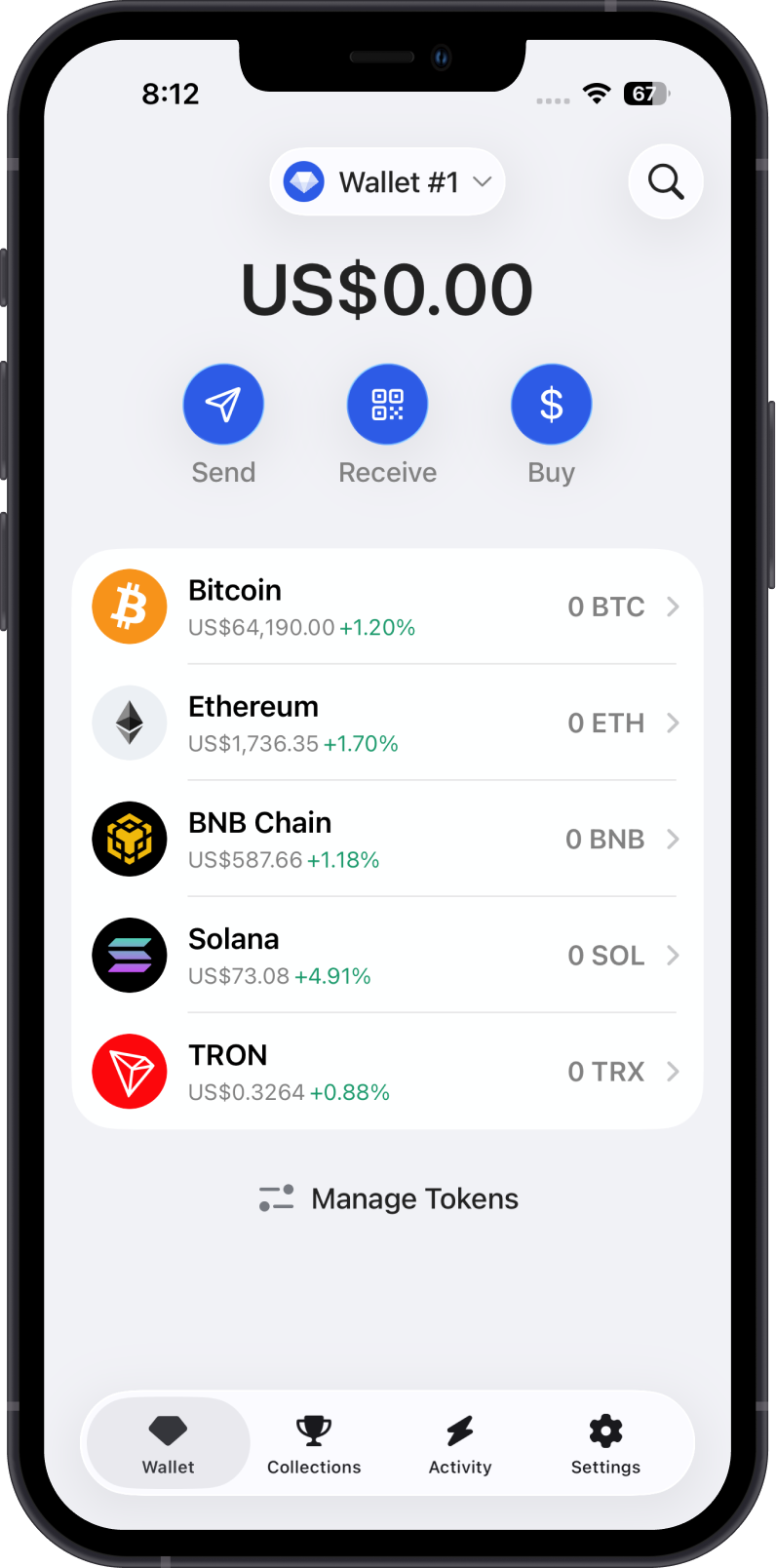
Step 1 - Go to Settings
From the Wallet screen, tap Settings on the lower right corner of the screen.
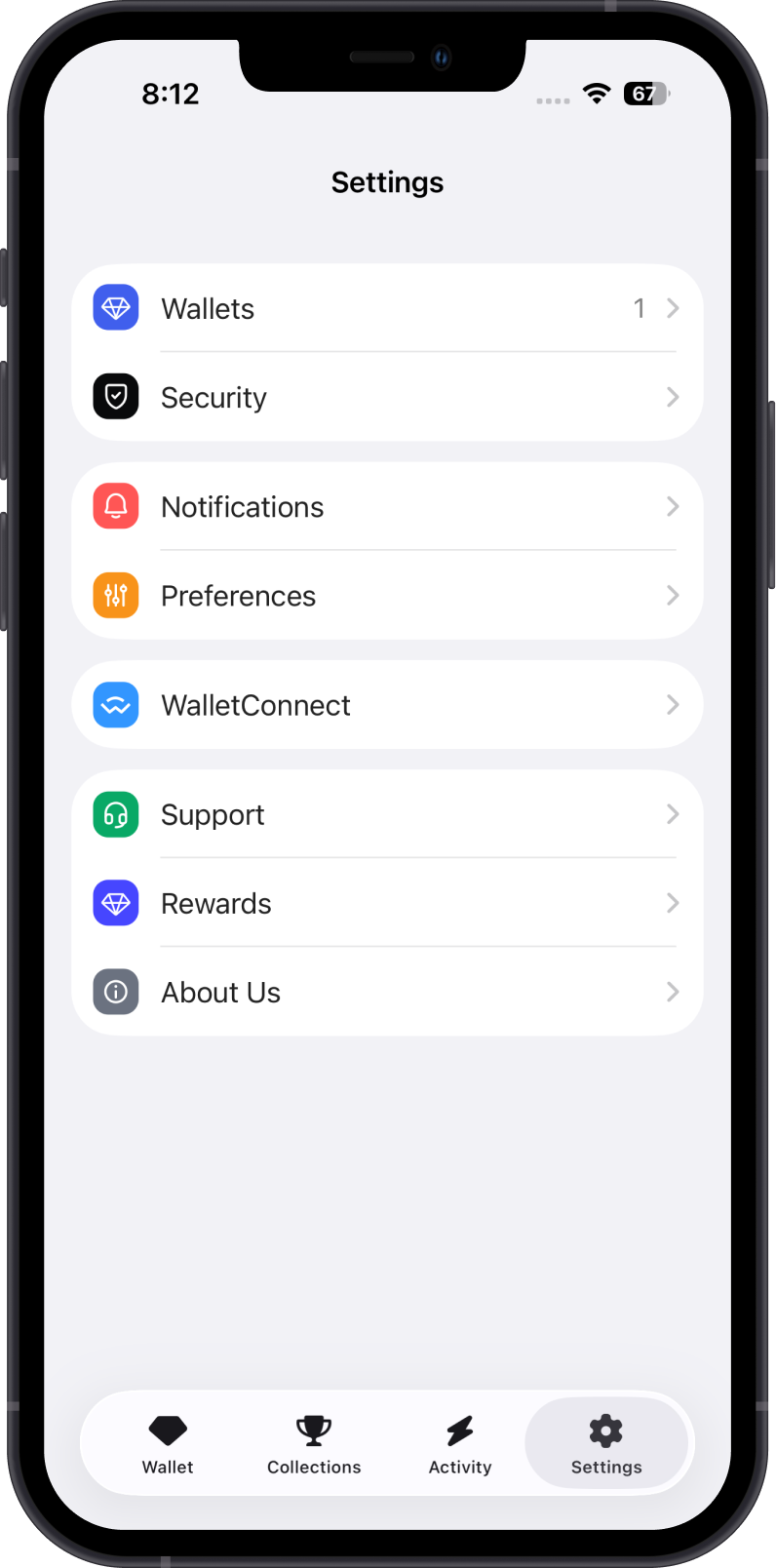
Step 2 - Go to Wallets
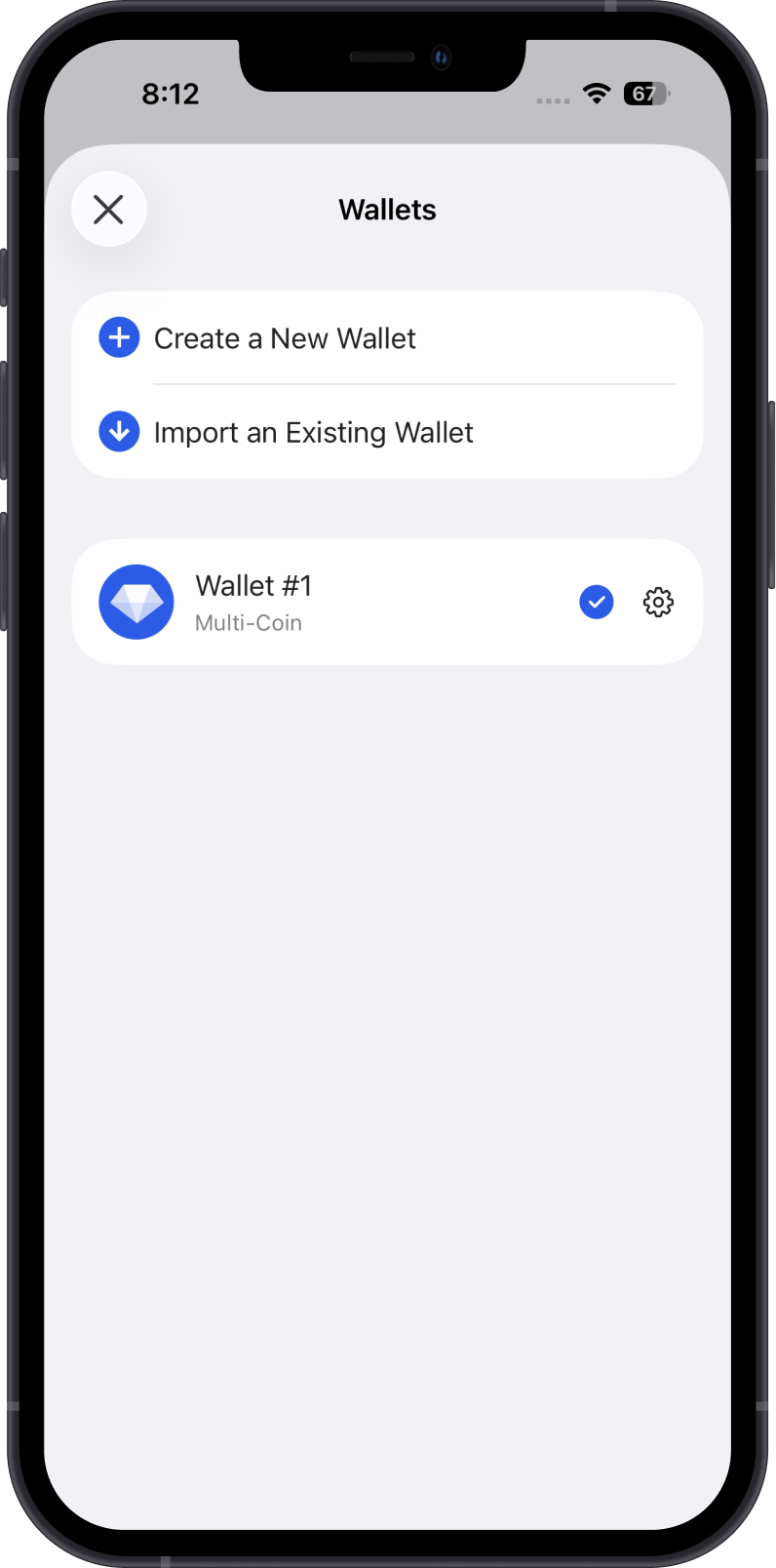
Tap Wallets, then tap the gear icon beside the wallet you want to back up.
Step 3 - Show Recovery Phrase
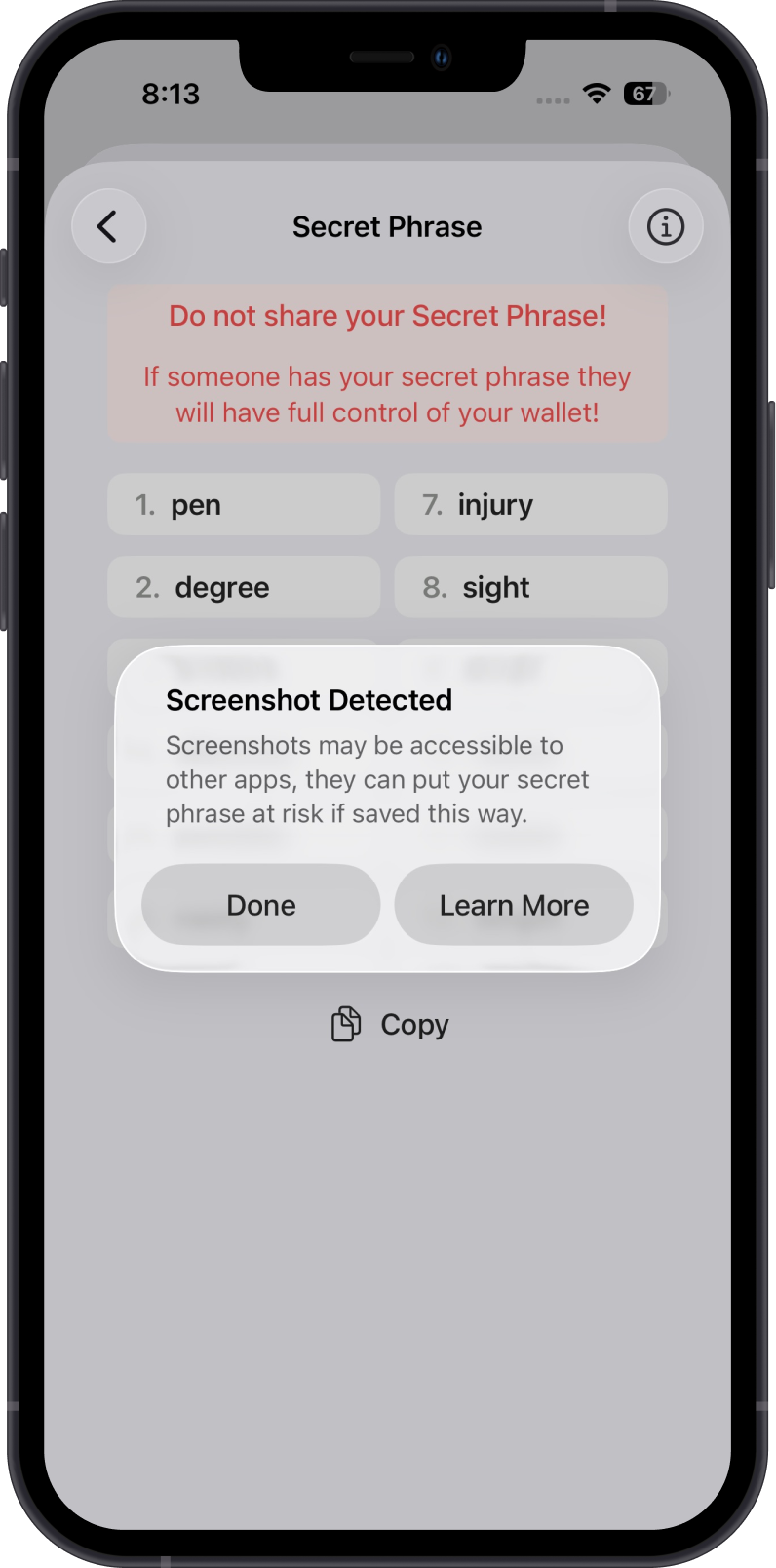
Review the Secret Phrase safety reminder, then continue to view your Secret Phrase.
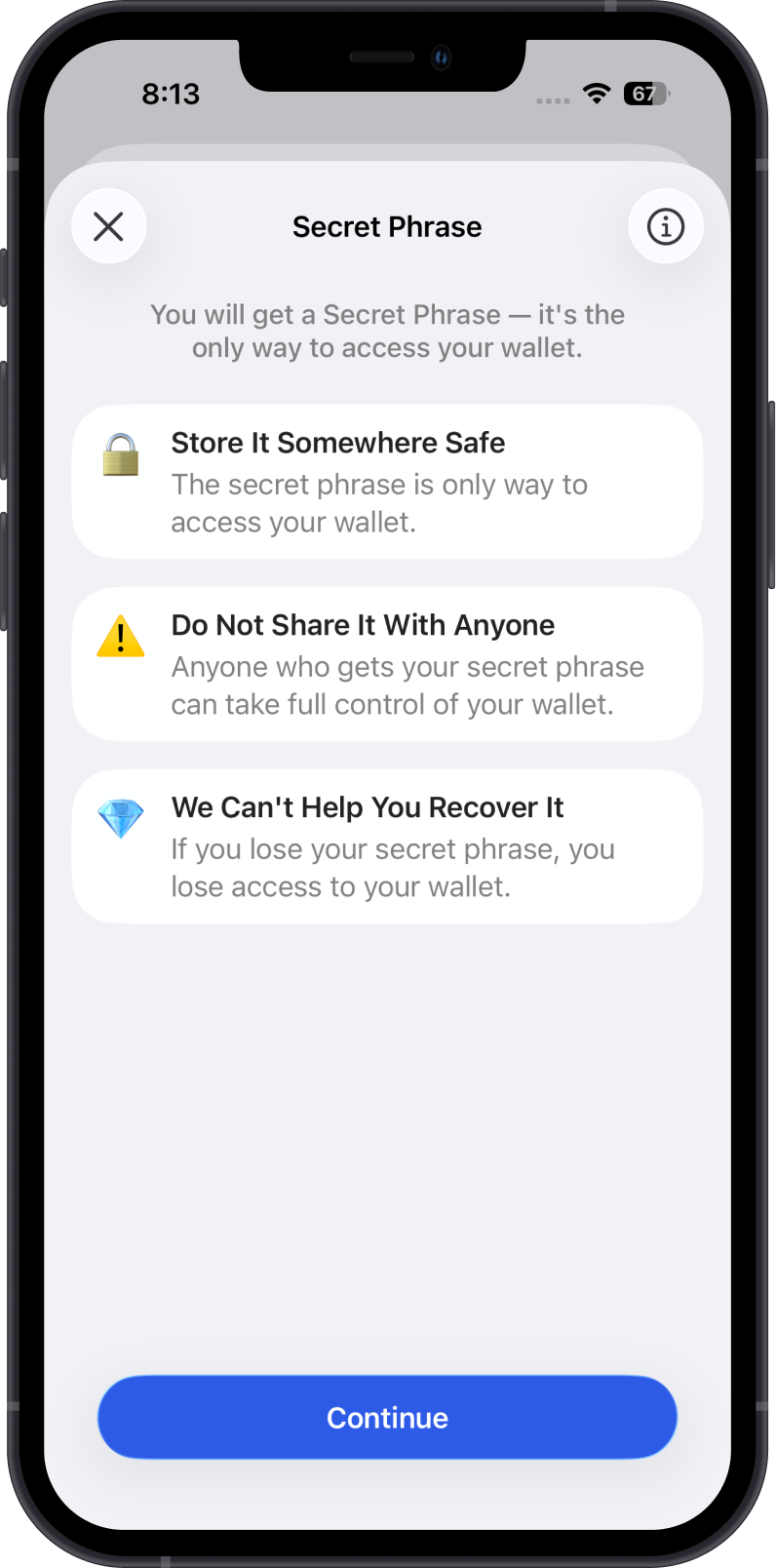
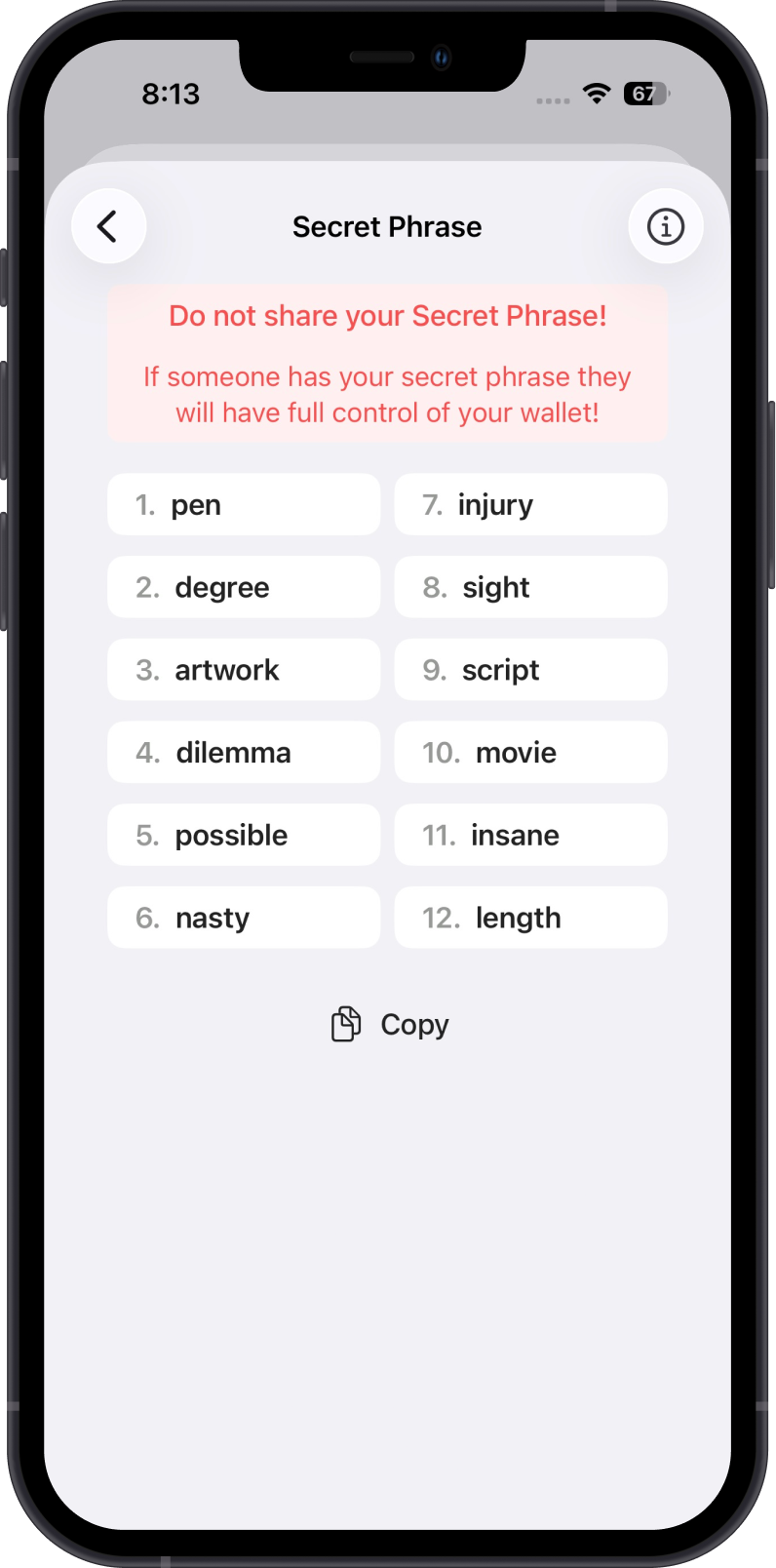
Write down your Secret Phrase in the correct order and store it offline in a secure place. Do not take screenshots, save it in plain text, upload it to cloud storage, or share it with anyone.
Always remember to keep it safe and secure.
If you take a screenshot, Gem Wallet shows a warning, because screenshots can be accessible to other apps or cloud backups. On iOS, the words are left out of the screenshot. On Android, the screenshot is blocked.