Gem Wallet Setup
How to Setup Gem Wallet
Start using Gem Wallet in just a few easy steps. The screenshots below show iOS, but the setup flow is the same on Android.
Step 1 - Download and Install
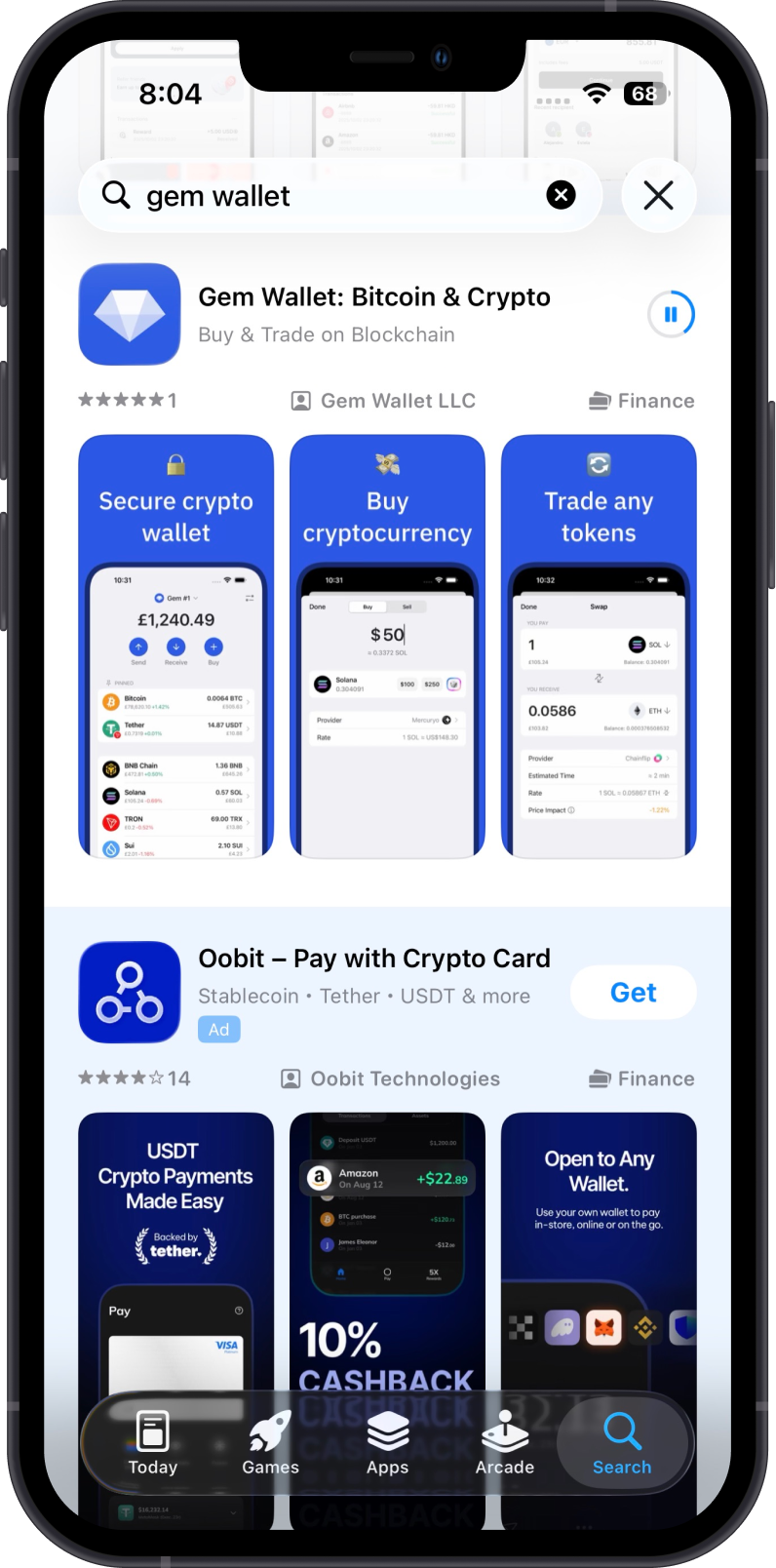
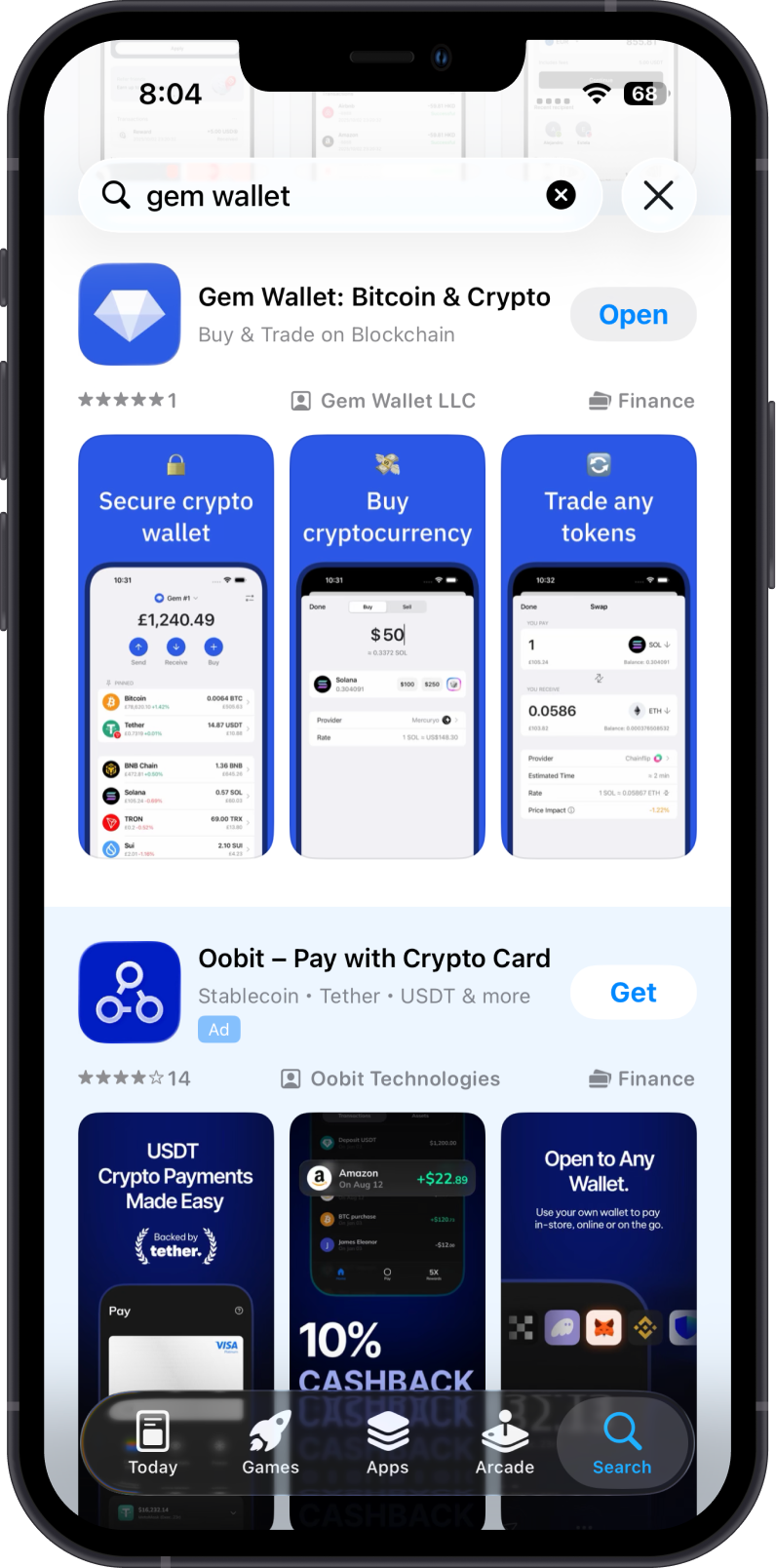
Download Gem Wallet from the App Store for iOS or Google Play for Android.
Install Gem Wallet then tap on Open. The screens and steps are mirrored across both platforms.
Step 2 - Create New Wallet
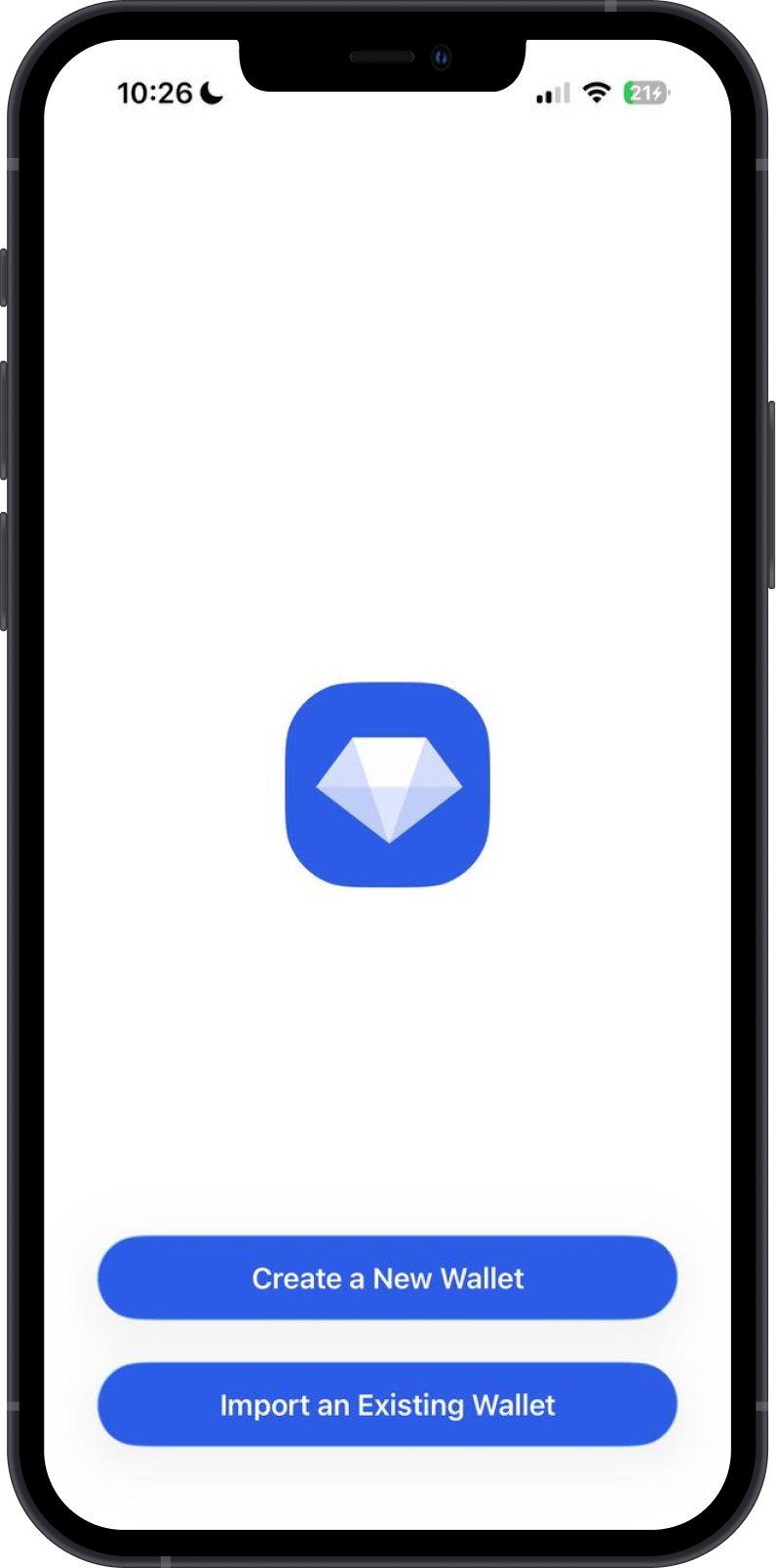
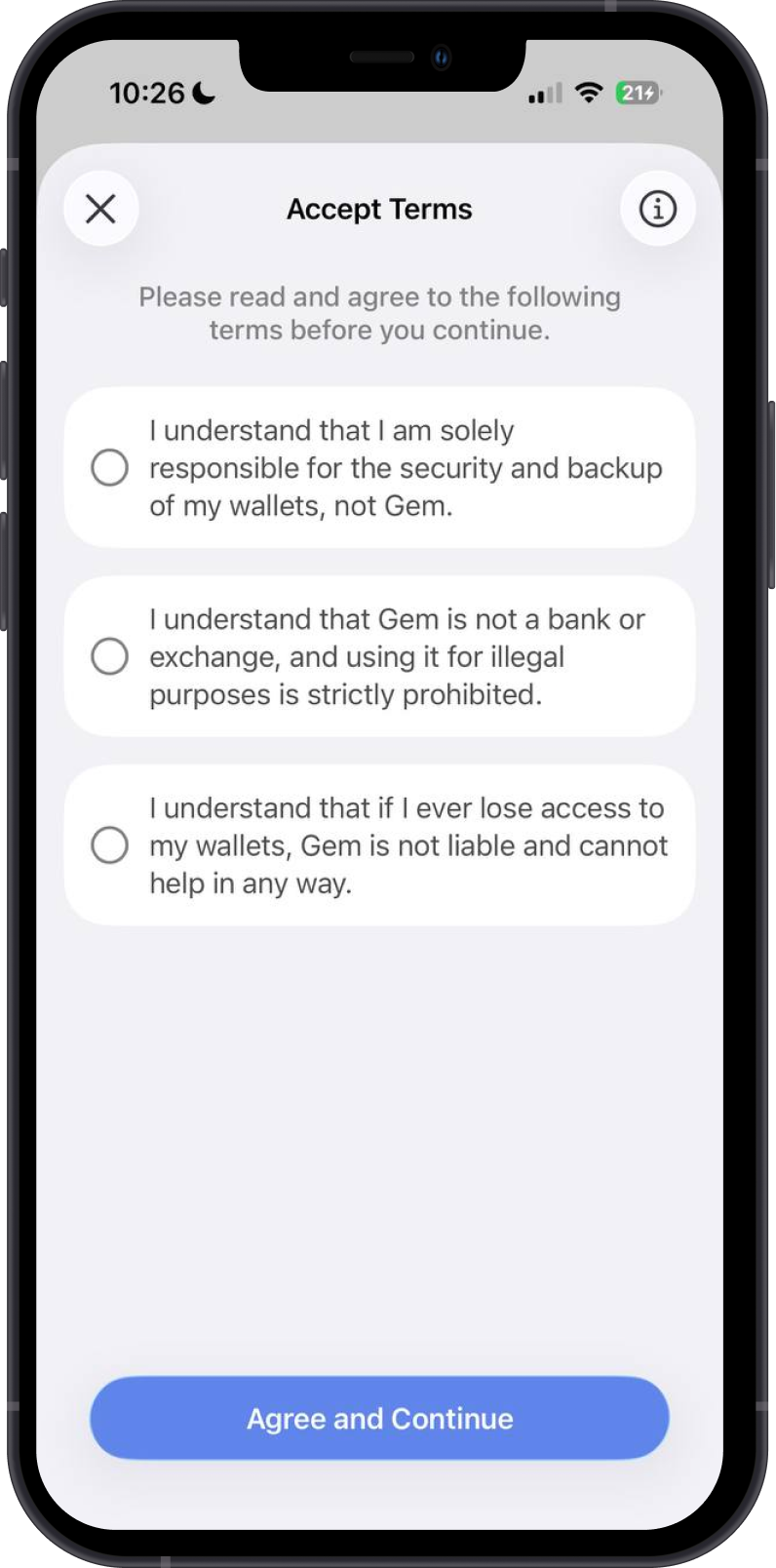
Tap on Create a New Wallet, review the terms, then tap Agree and Continue.
Step 3 - Back Up Your Secret Phrase
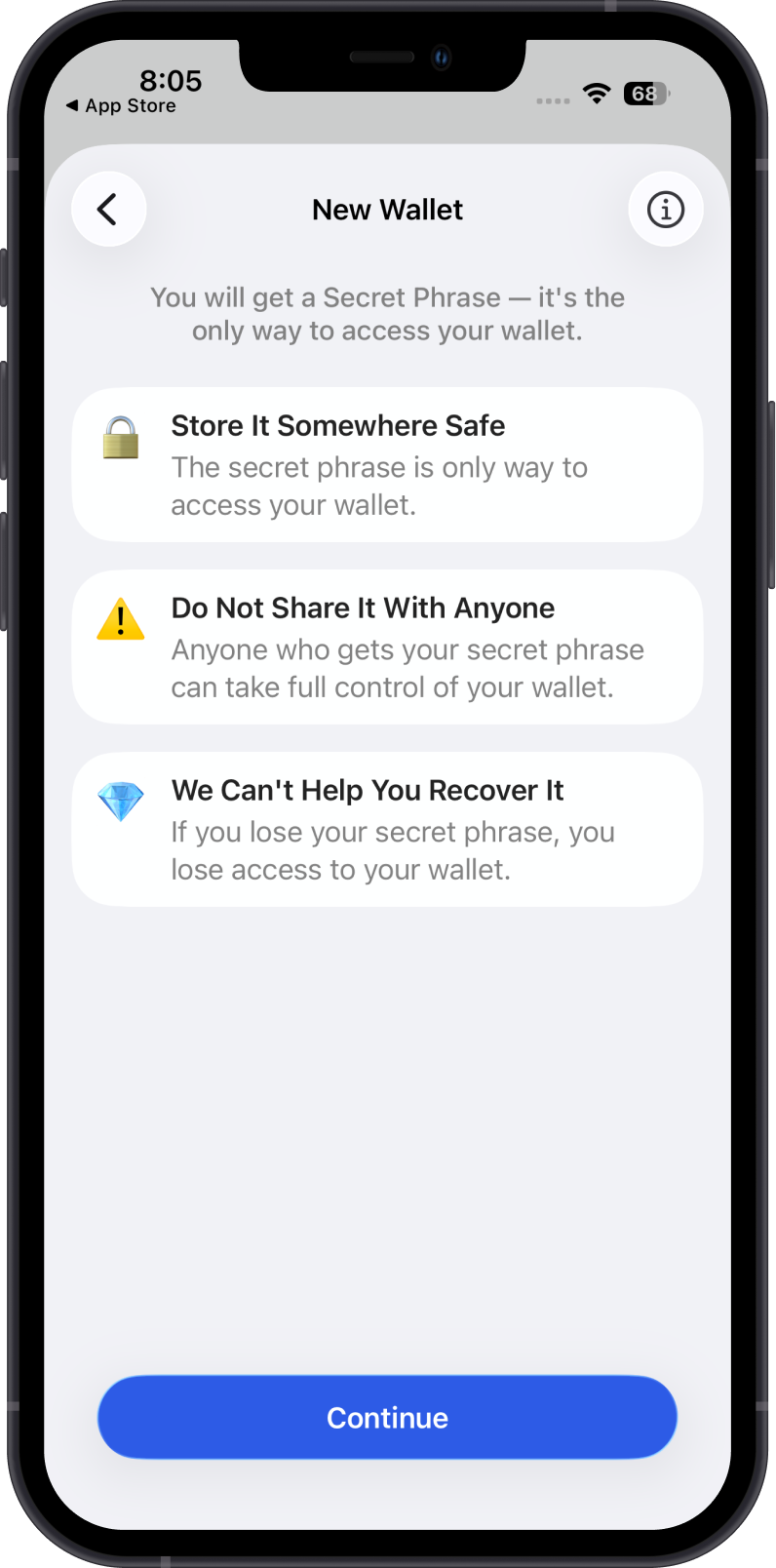
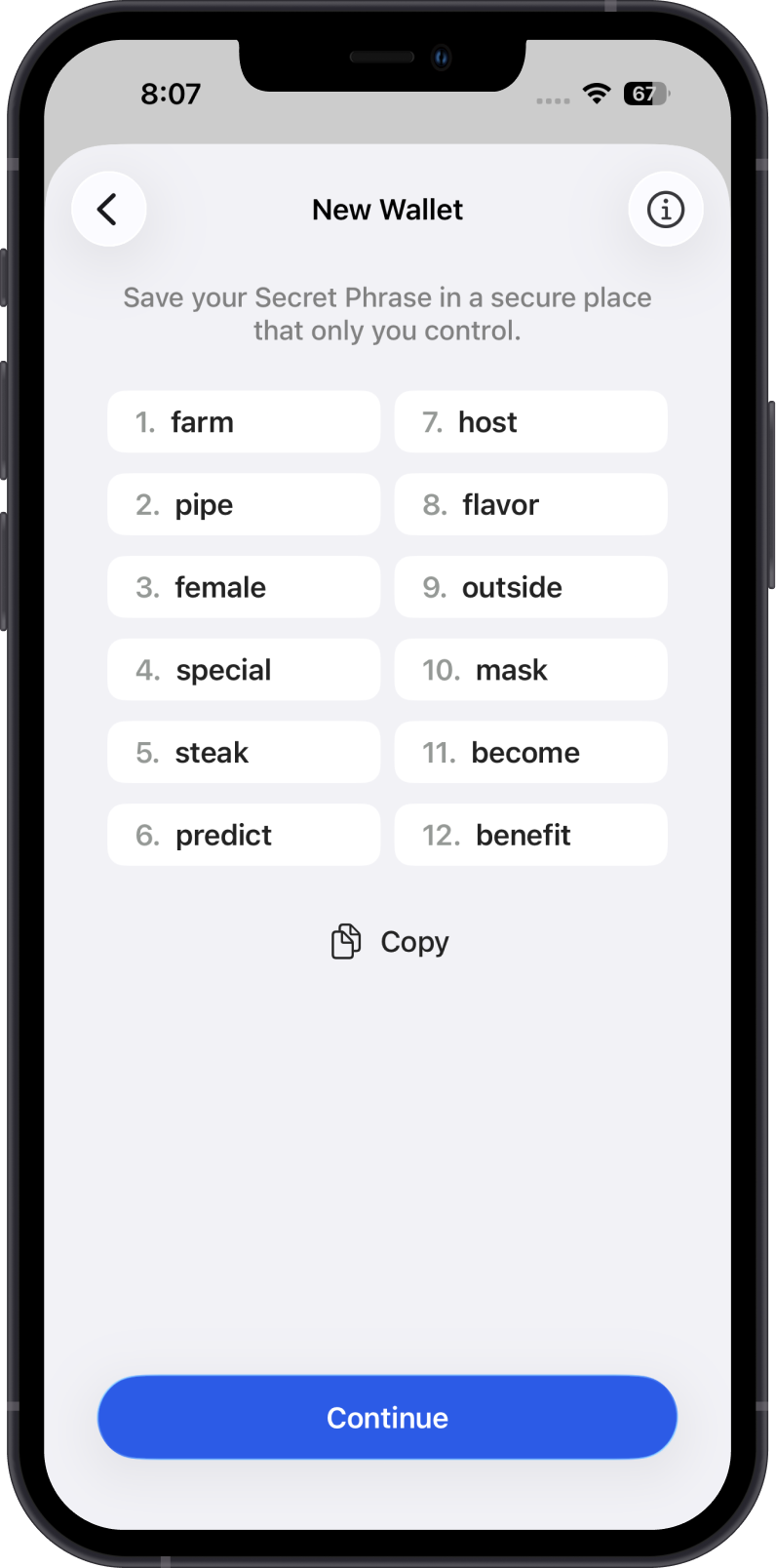
Review the Secret Phrase safety reminders, then write down your Secret Phrase in the correct order and store it offline.
important
Save your Secret Phrase. Never share it with anyone or store it as a screenshot, plain note, or cloud backup.
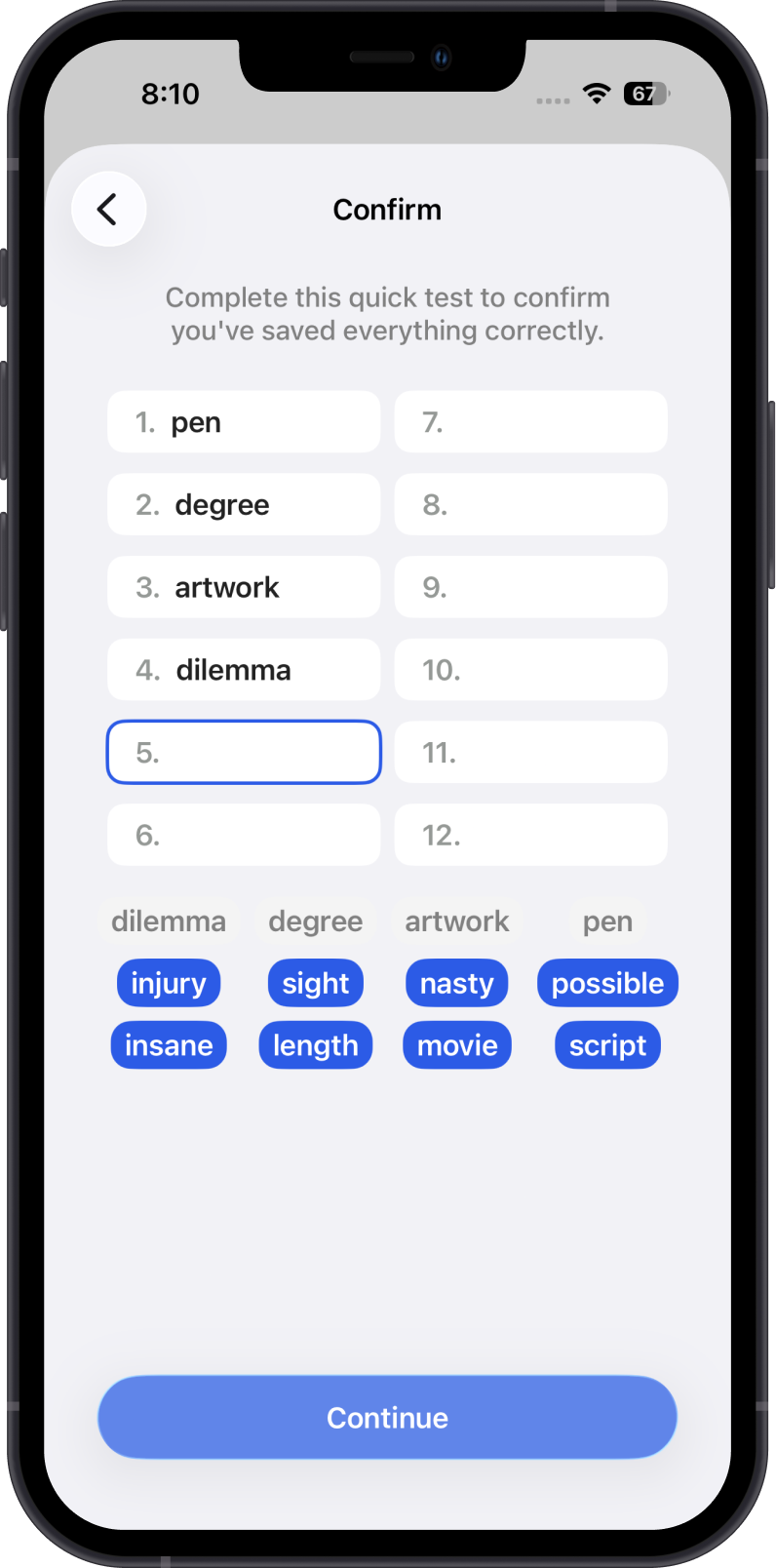
Step 4 - Complete the Secret Phrase Quick Test
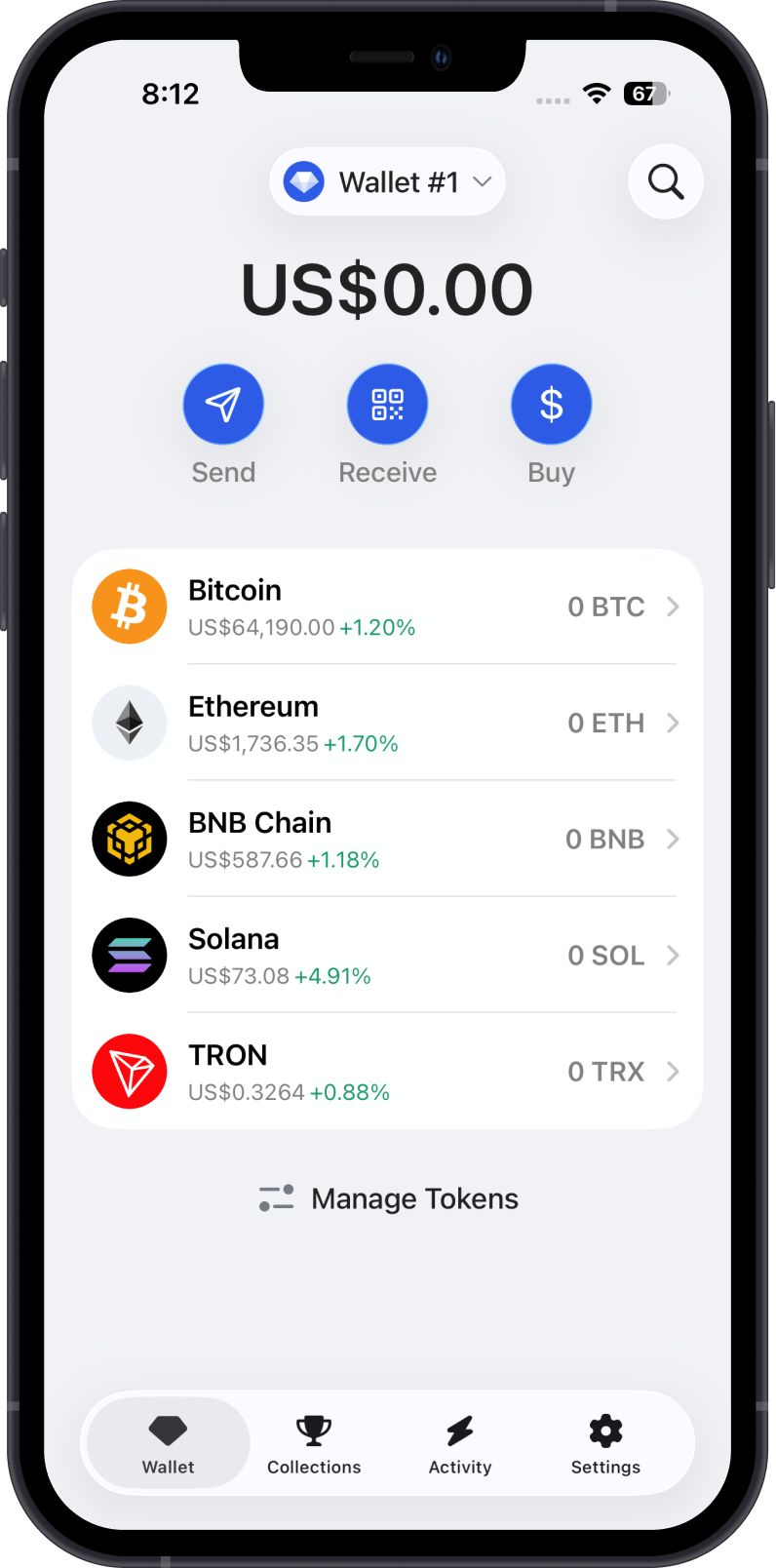
Complete the quick test to make sure that you have saved your Secret Phrase. Tap on Continue, and you can now start using Gem Wallet.