What to Do If Your Crypto Wallet Is Compromised?
Gem Wallet is a non-custodial, self-custodial wallet. We cannot reverse unauthorized transactions or restore stolen funds.
Follow these steps as soon as possible!
If your Secret Phrase was seen, copied, or entered somewhere unsafe, follow the dedicated Secret Phrase exposure response.
-
Create a new Gem Wallet on a clean device
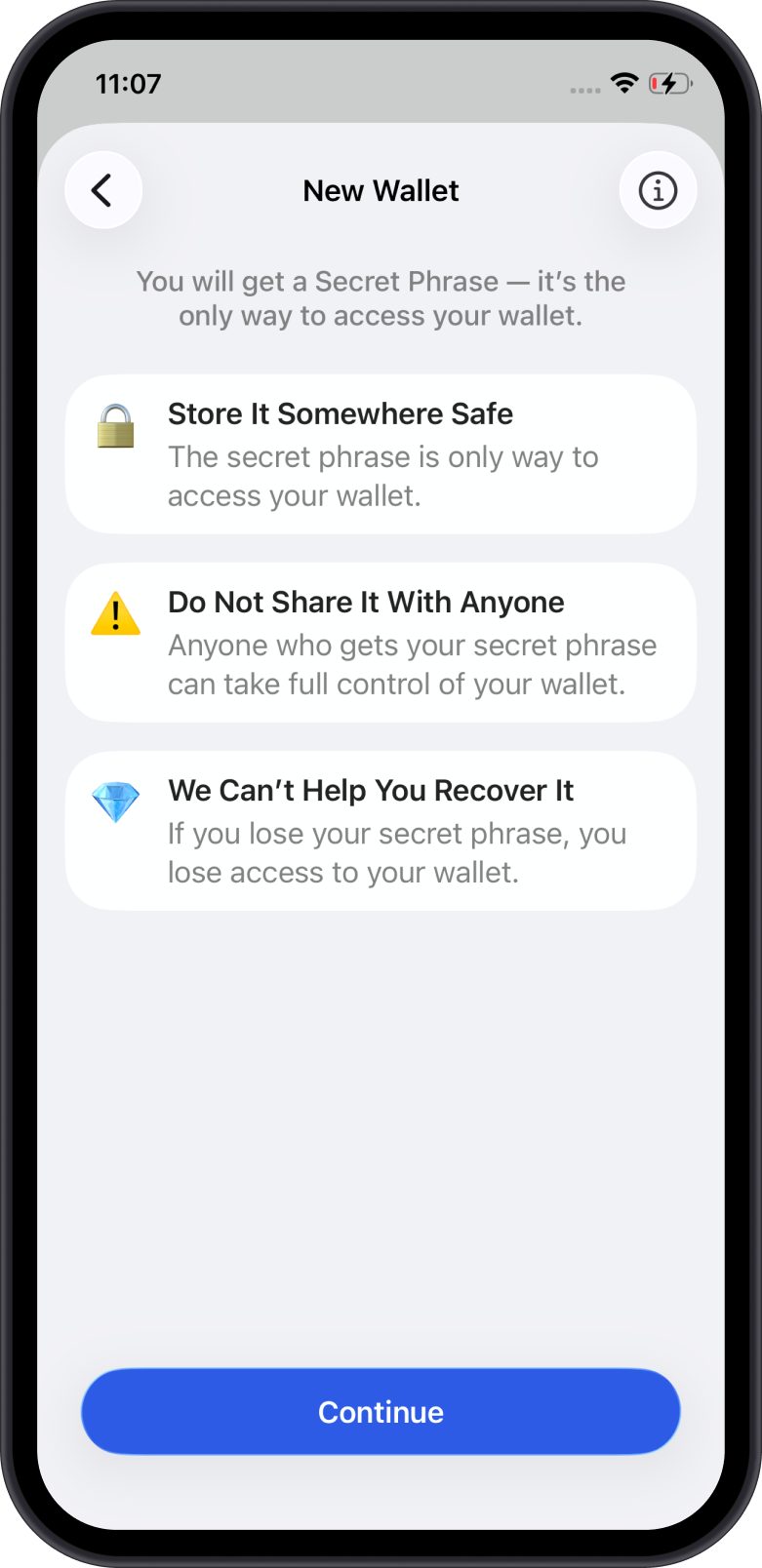
Install Gem Wallet on a different phone or a completely clean device. Create a brand new wallet. Do not recover or import your old Secret Phrase into it.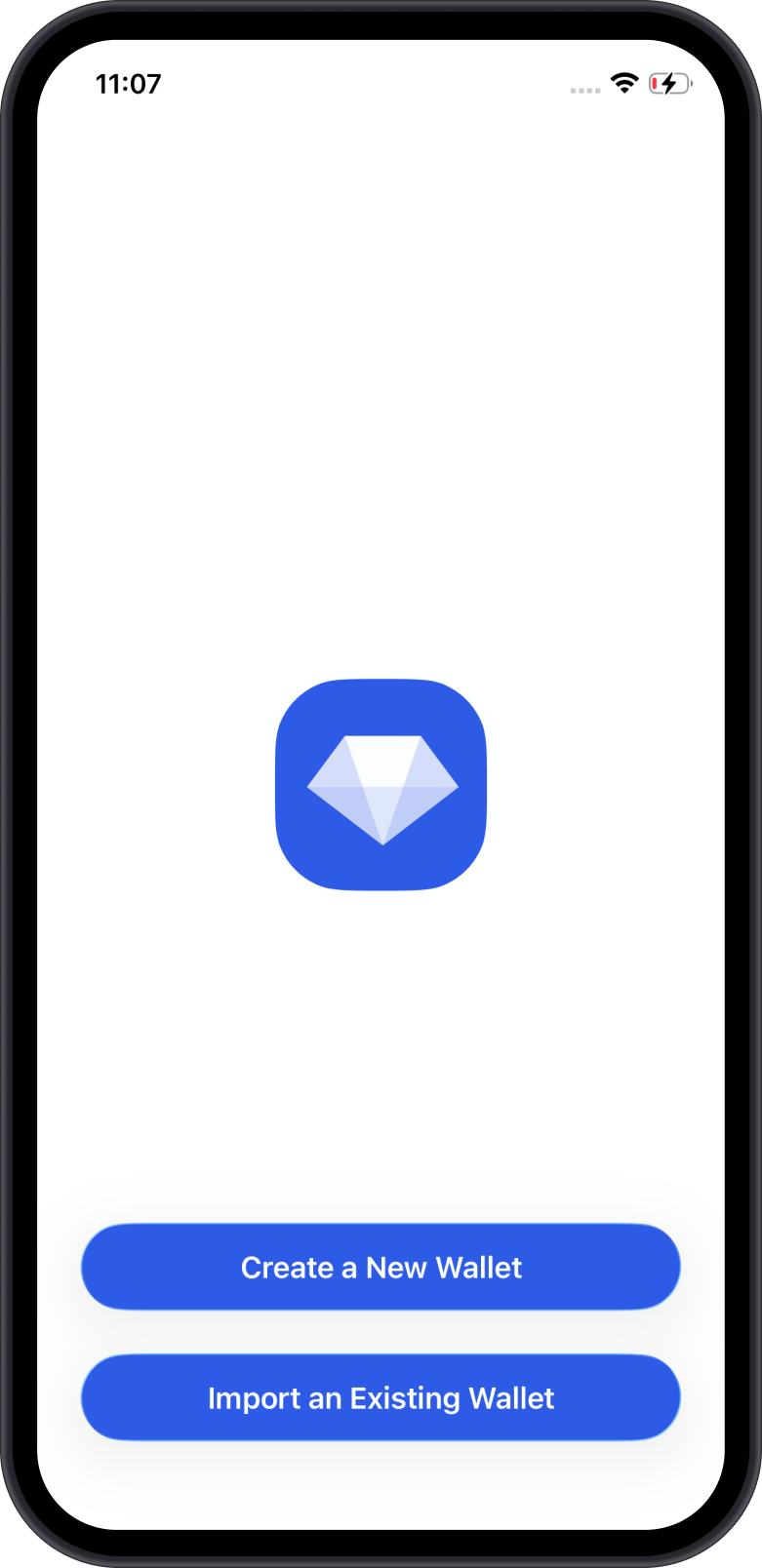
-
Backup your new Secret Phrase securely
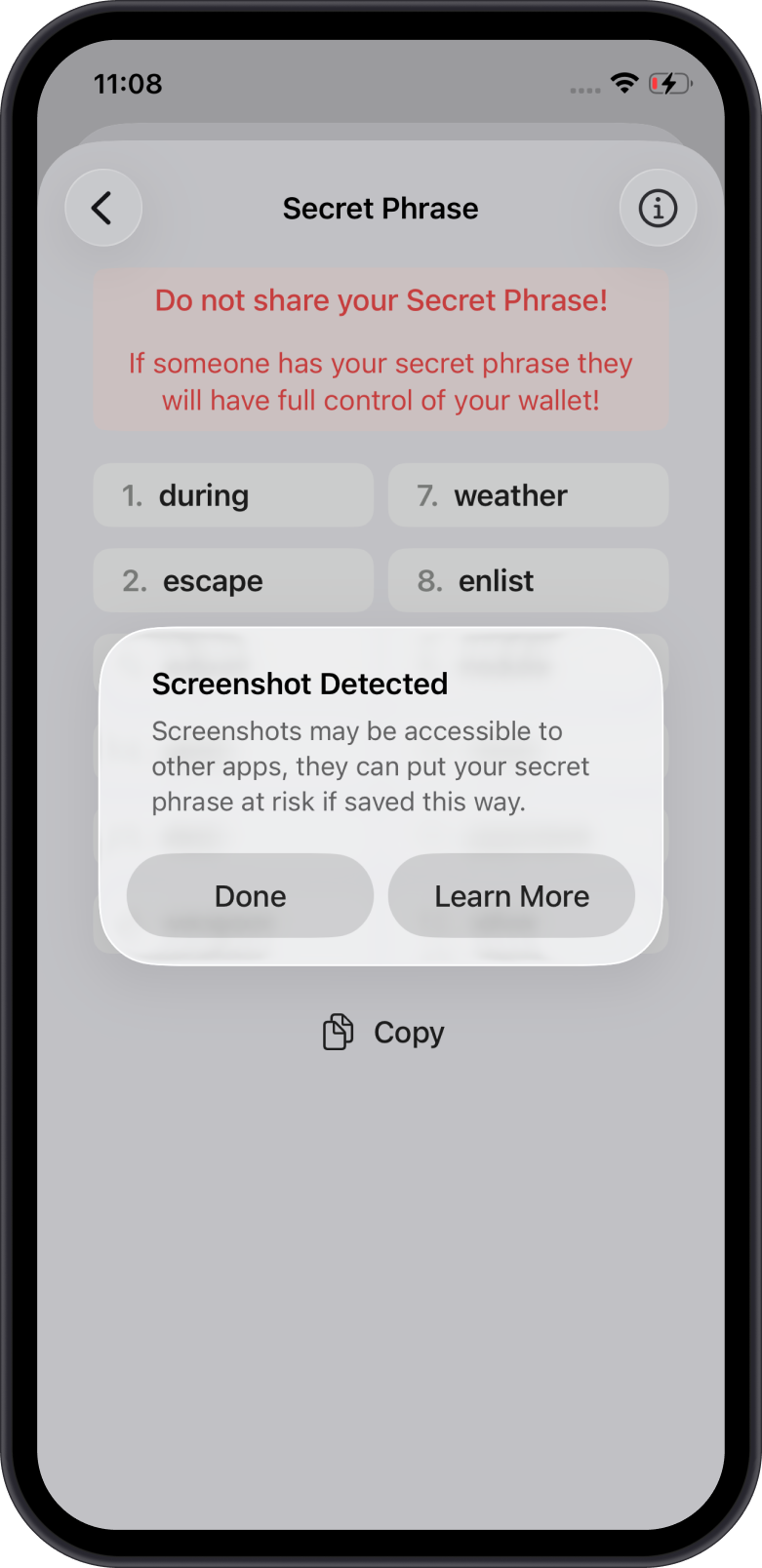
Write down the Secret Phrase in the correct order and store it somewhere safe and offline. Never share it with anyone.
See also: How to Secure Your Secret Phrase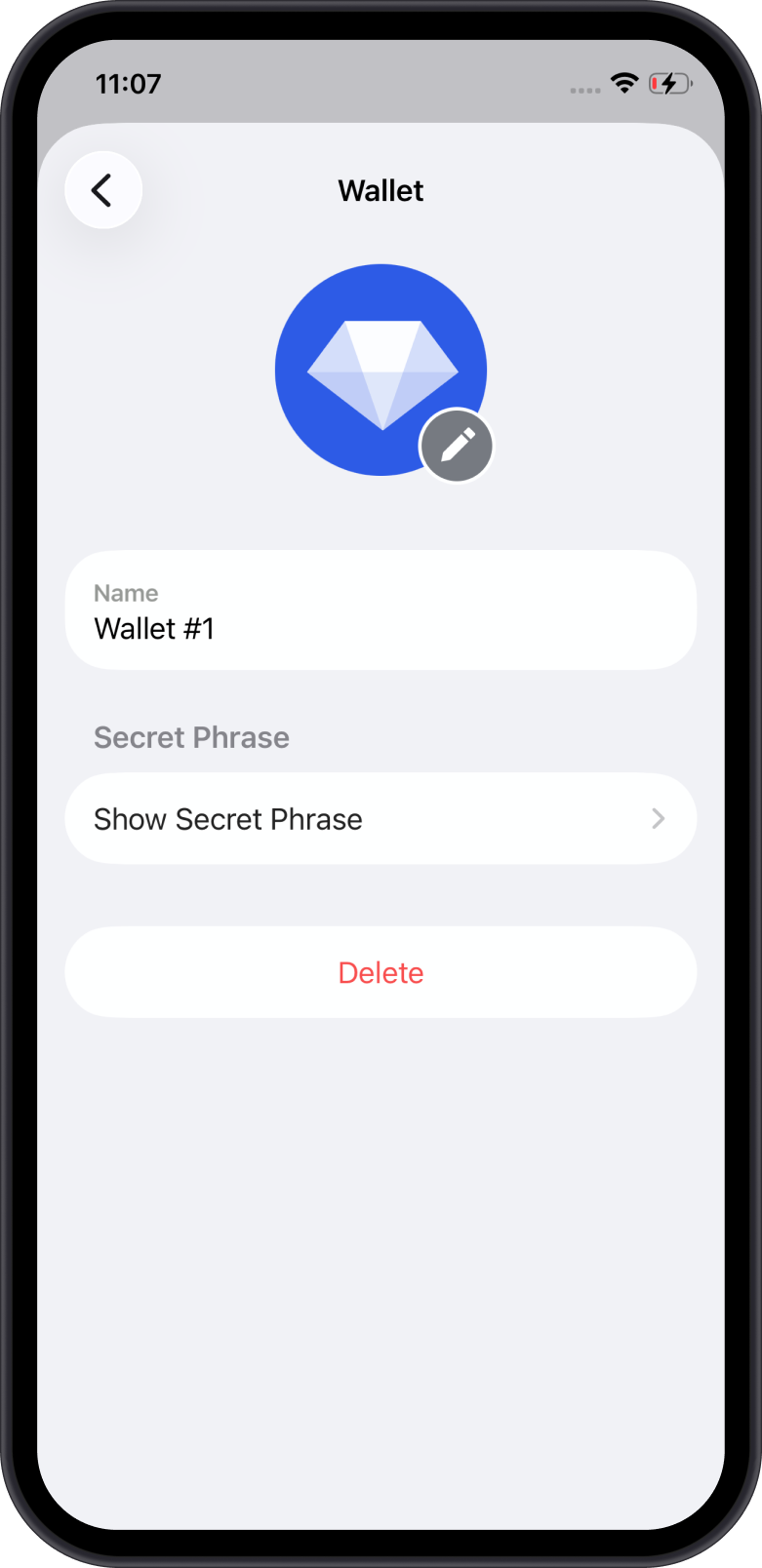
-
Move remaining funds to the new wallet
From your old wallet, transfer any remaining cryptocurrencies to your new wallet's address as quickly as possible.
Caution: If a sweeper bot is active, move fast and be mindful of gas fees. Do not add more funds if unnecessary. -
Revoke any token approvals
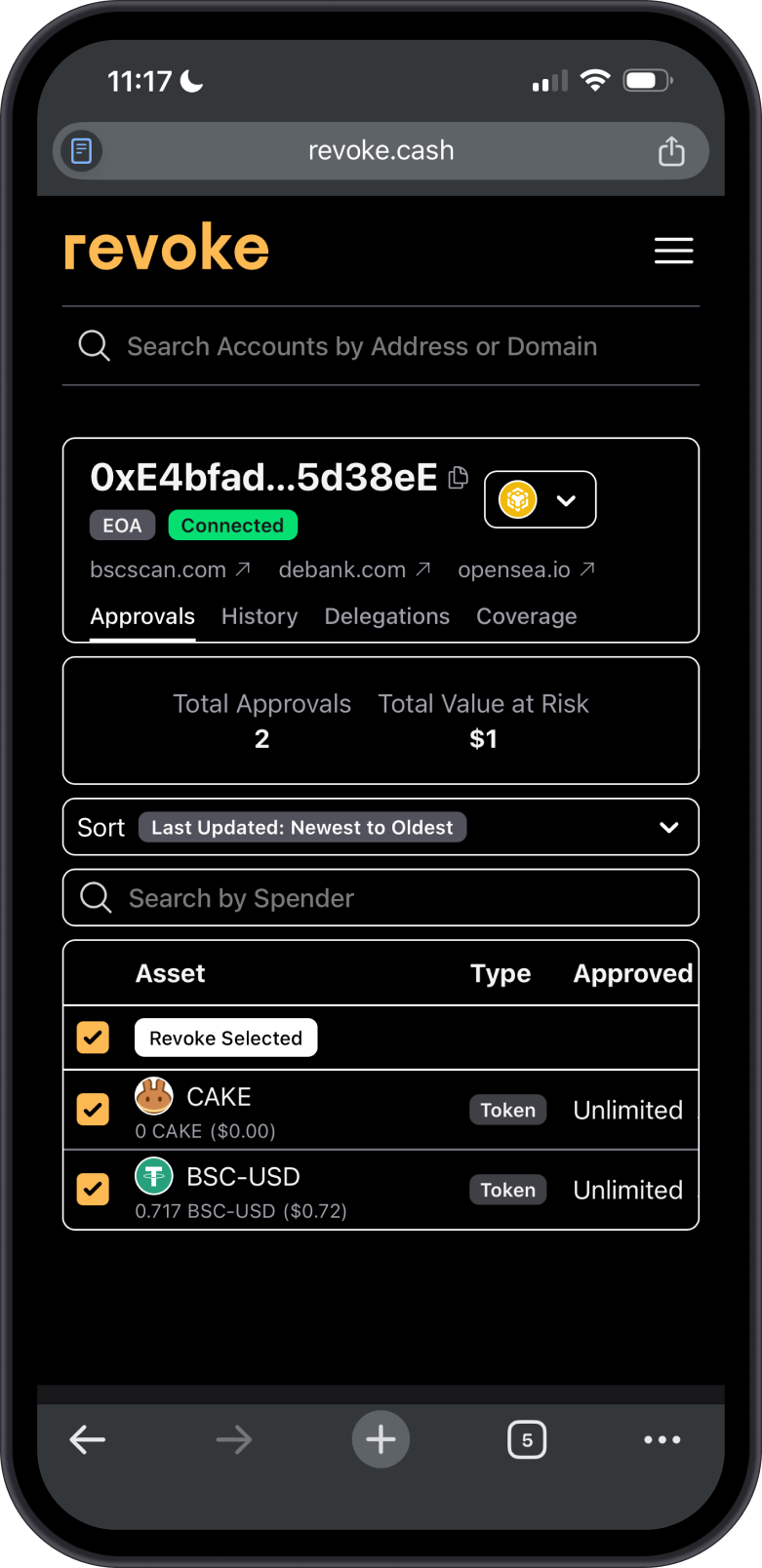
Use WalletConnect in order to use tools such as revoke.cash to revoke permissions granted to dApps and smart contracts. Learn more in our Token Approvals guide.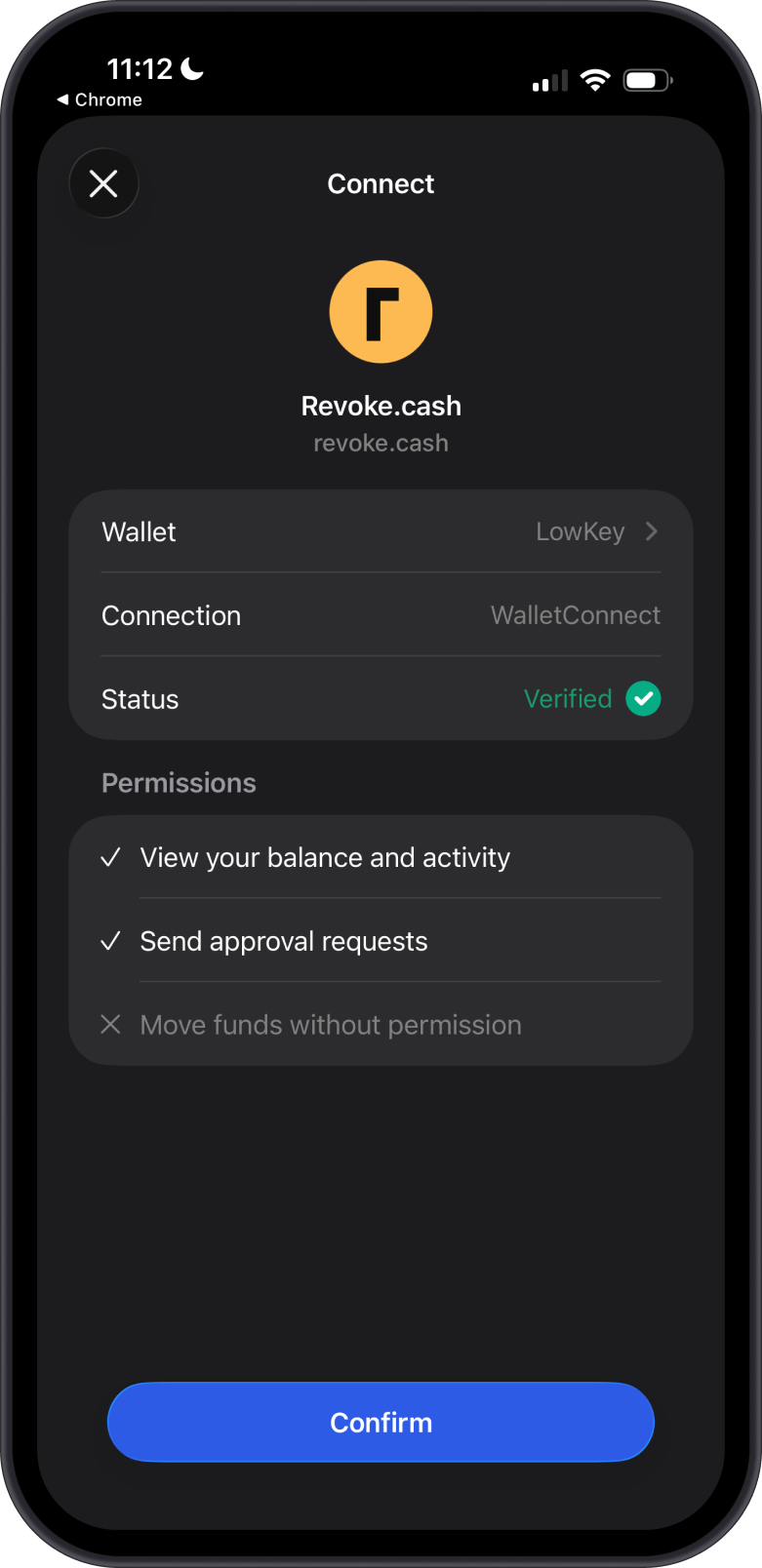
-
Abandon the compromised wallet
Stop using the old wallet entirely once funds are transferred.warningNever send any funds to a compromised wallet.
-
Report the incident
Report the scam to local law enforcement or cybercrime authorities. For guidance, go to Settings > Support in Gem Wallet to use In-App AI Support. If you cannot access the app, email [email protected]. Gem Wallet cannot recover stolen funds.
Common Causes
- Device malware stealing your Secret Phrase
- Phishing sites or fake dApps
- Sharing your Secret Phrase or private keys
- Unlimited token approvals to malicious contracts
- Fake wallet apps
Learn how to verify official download sources in How to Recognize a Fake Gem Wallet App.
Prevention Tips
- Always verify URLs and dApps before connecting.
- Use hardware wallets for significant holdings.
- Regularly review and revoke approvals.
- Keep your device and apps updated and scanned for malware.