How to Find the Gem Wallet Version?
Gem Wallet Version on Android
Through the Gem Wallet Settings:
- Open Gem Wallet on your device.
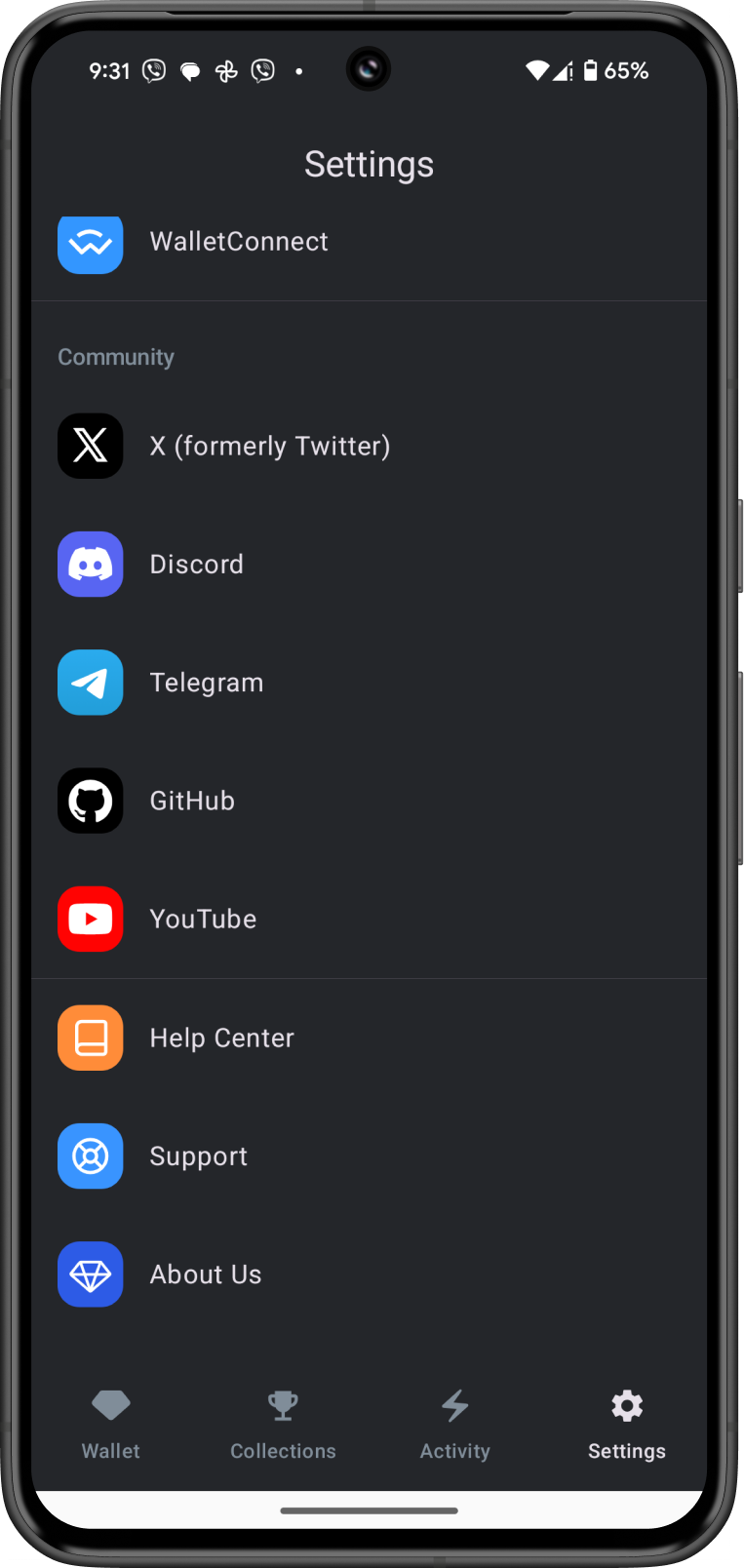
- Go to Settings tab located at the lower right.
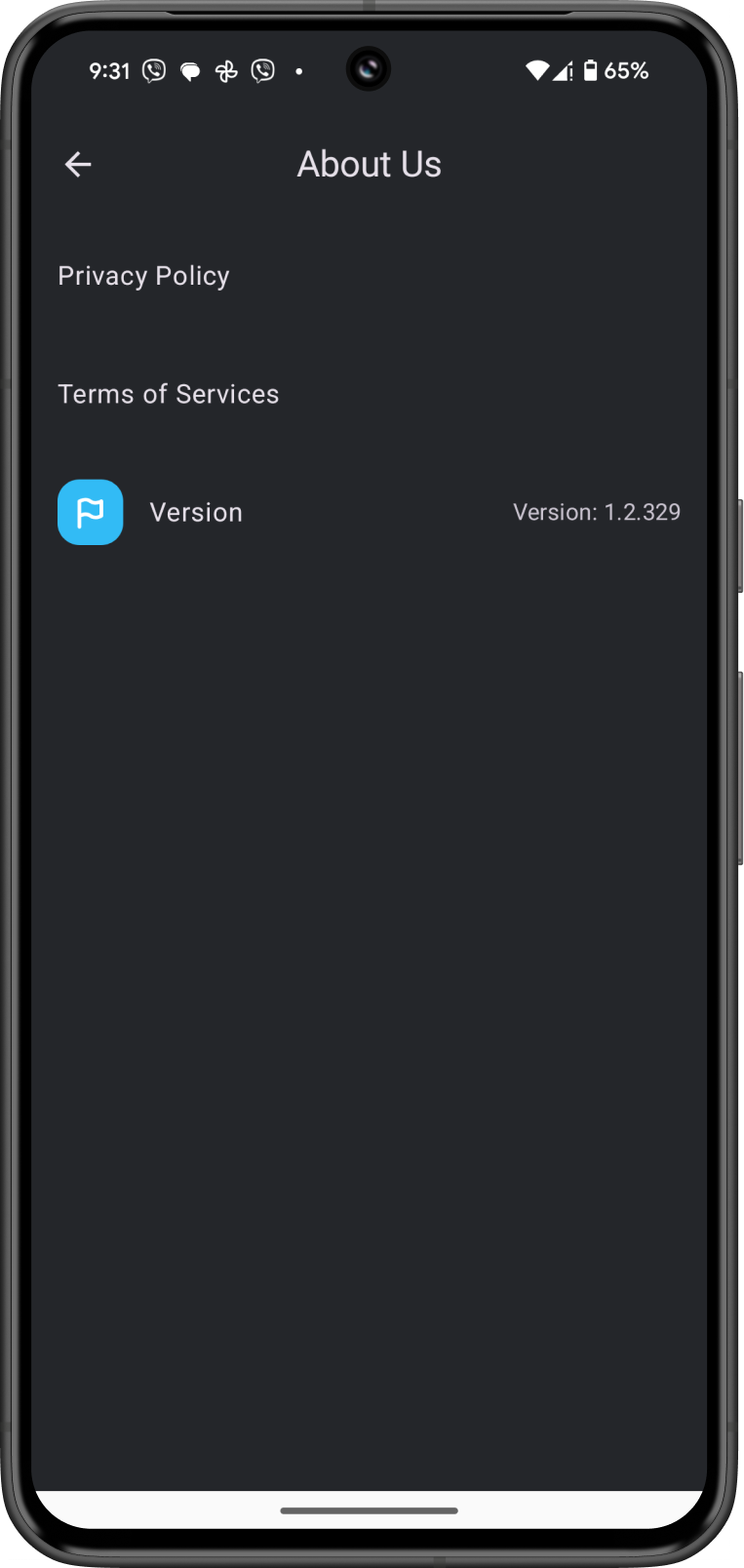
- Scroll down and then tap on About Us to find the Gem Wallet version.
Through the Android App Drawer:
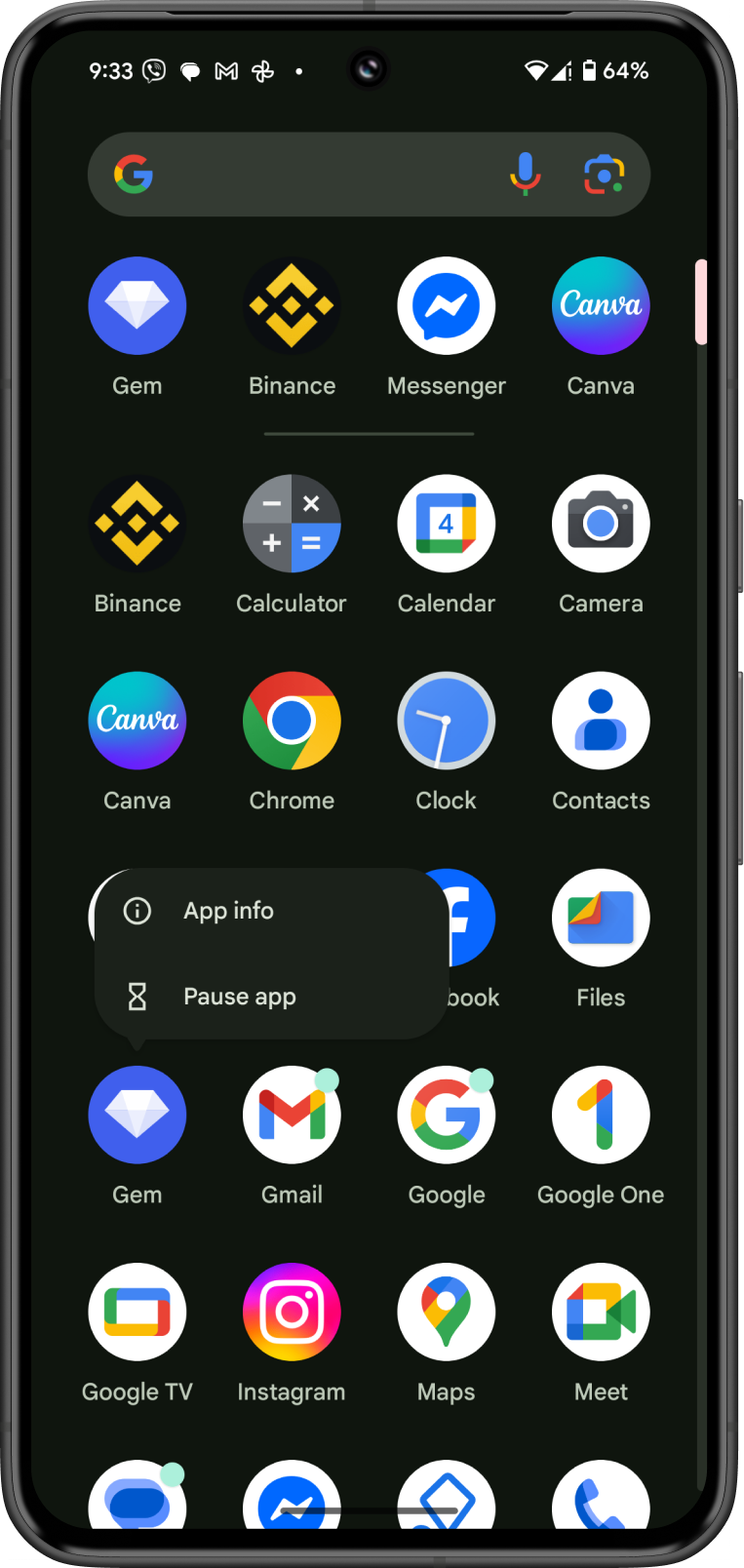
- Open the App Drawer to see all apps on your device.
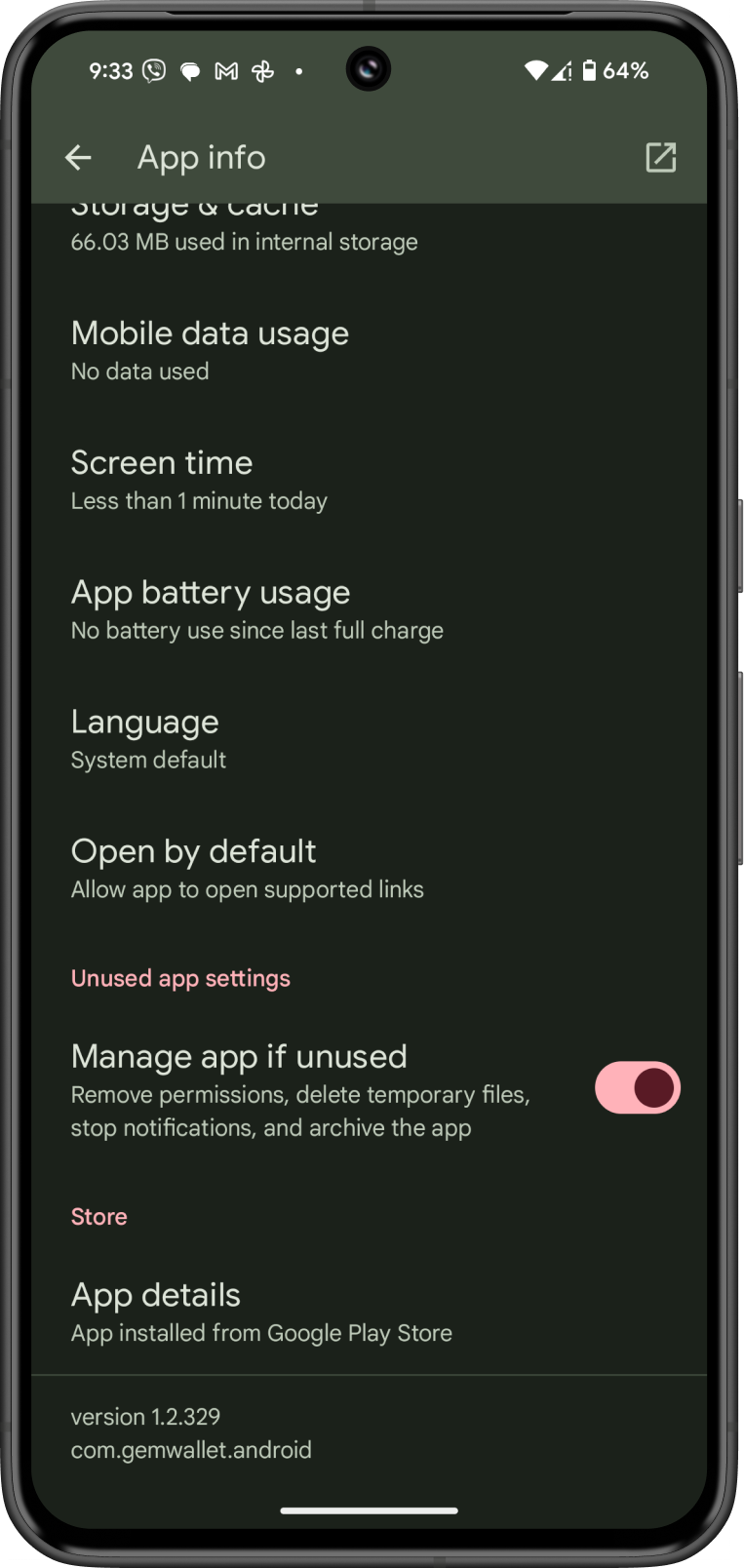
- Tap and Hold on the Gem Wallet icon then tap on App Info.
- Scroll down to the bottom to find the Gem Wallet version.
Gem Wallet Version on iOS
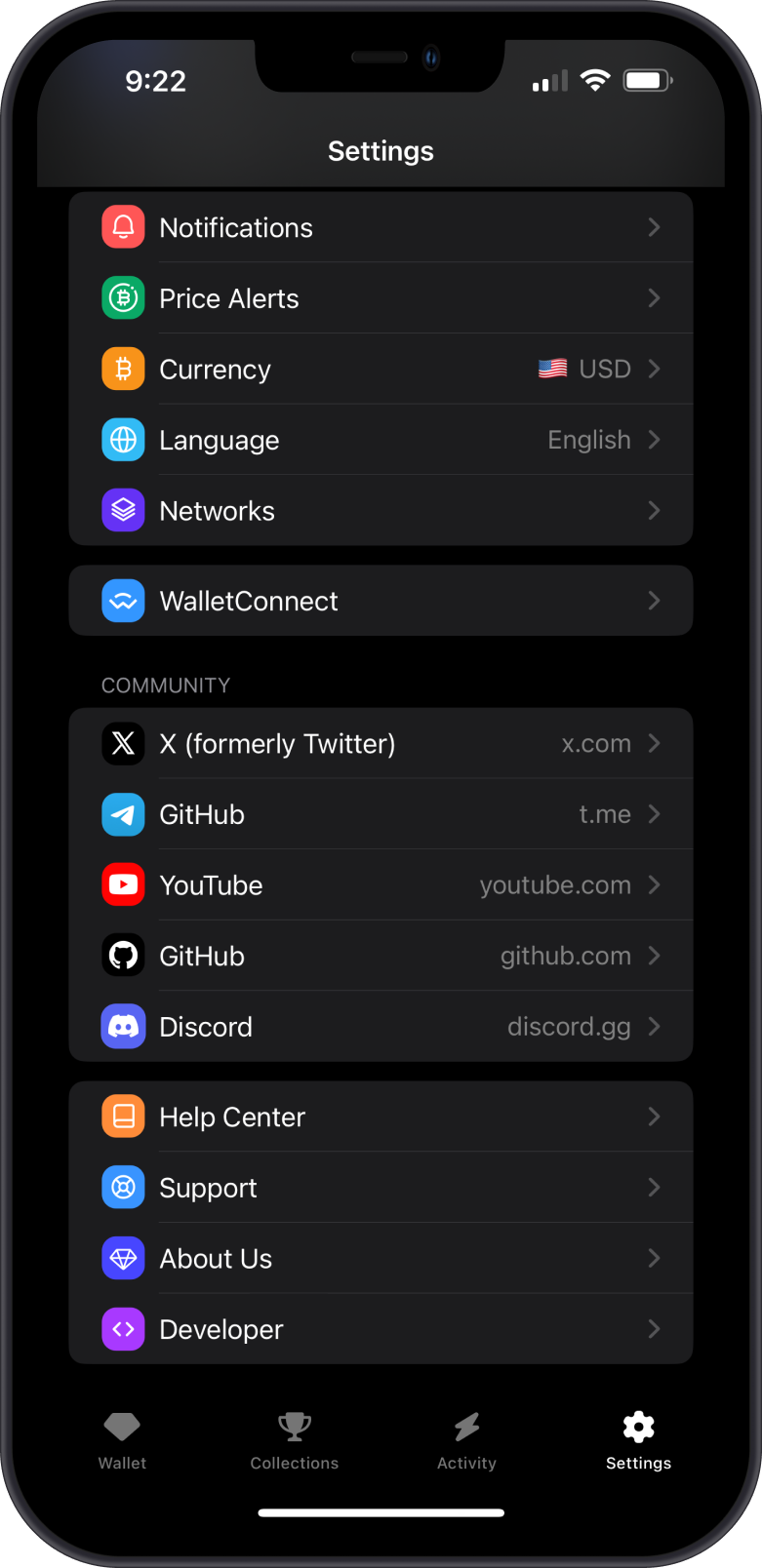
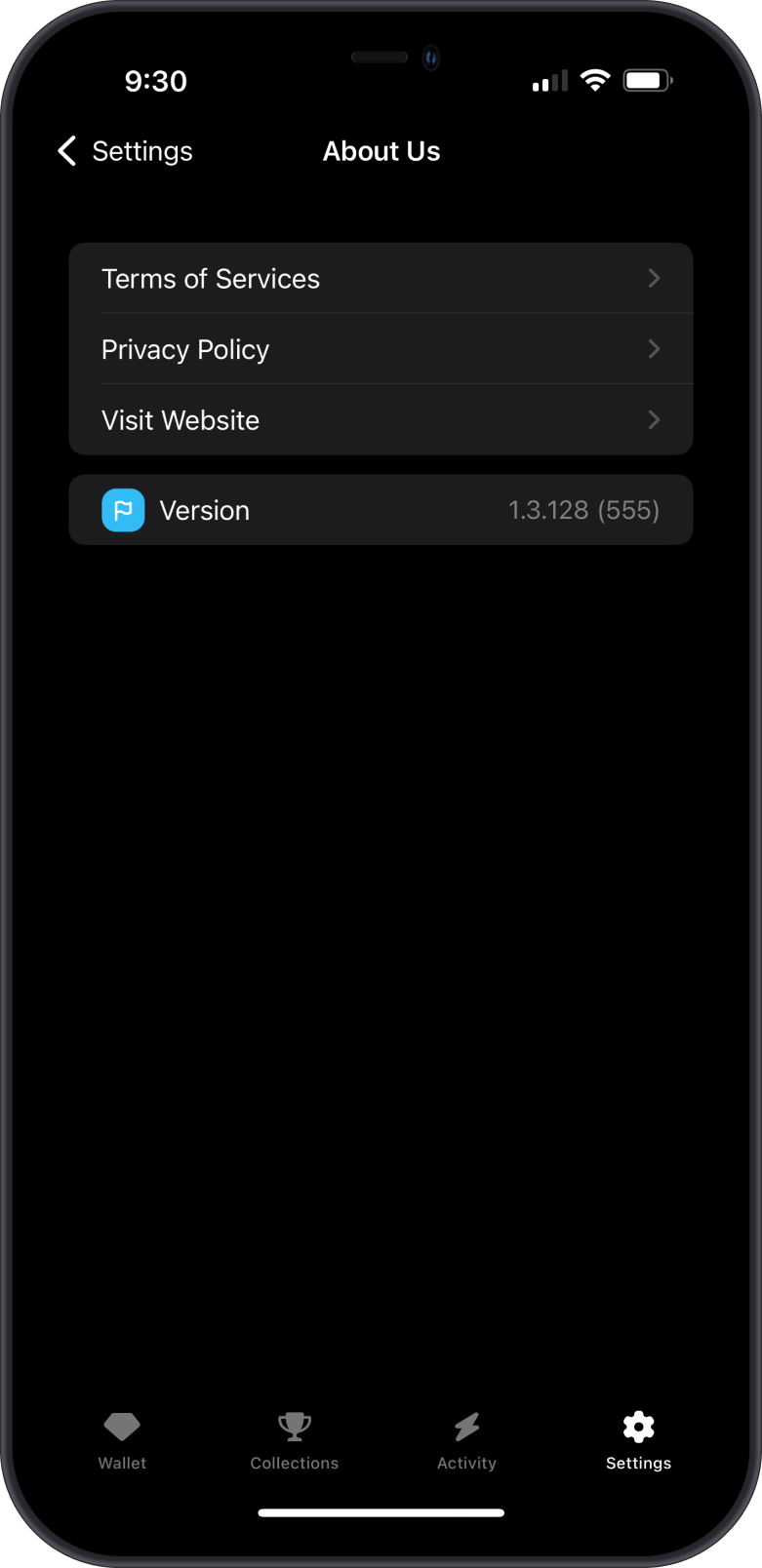
Through the Gem Wallet Settings:
- Open Gem Wallet on your device.
- Go to Settings tab located at the lower right.
- Scroll down and then tap on About Us to find the Gem Wallet version.
Through iPhone Settings:
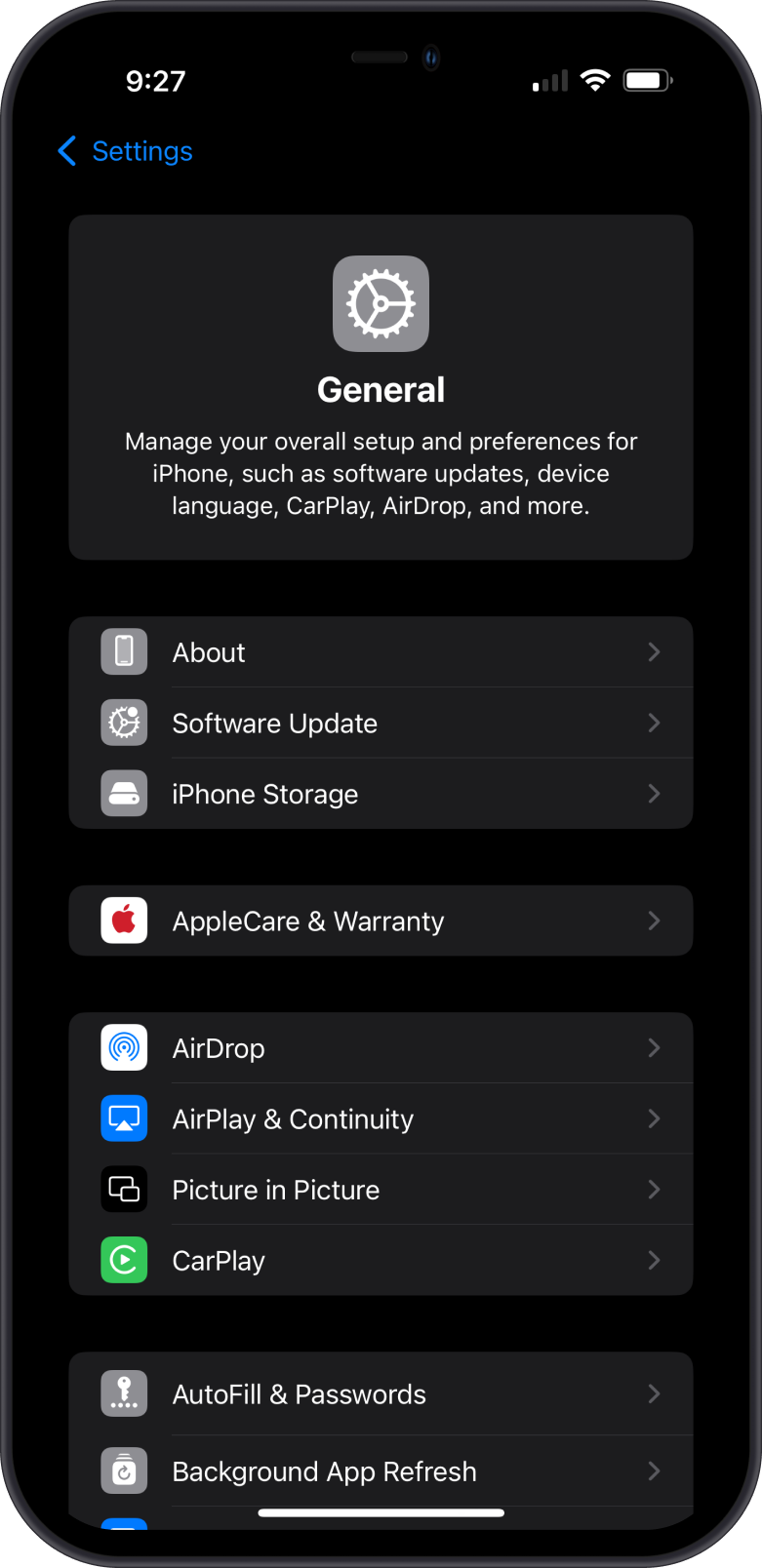
- Open the Settings app on your iPhone.
- Navigate to General > iPhone Storage.
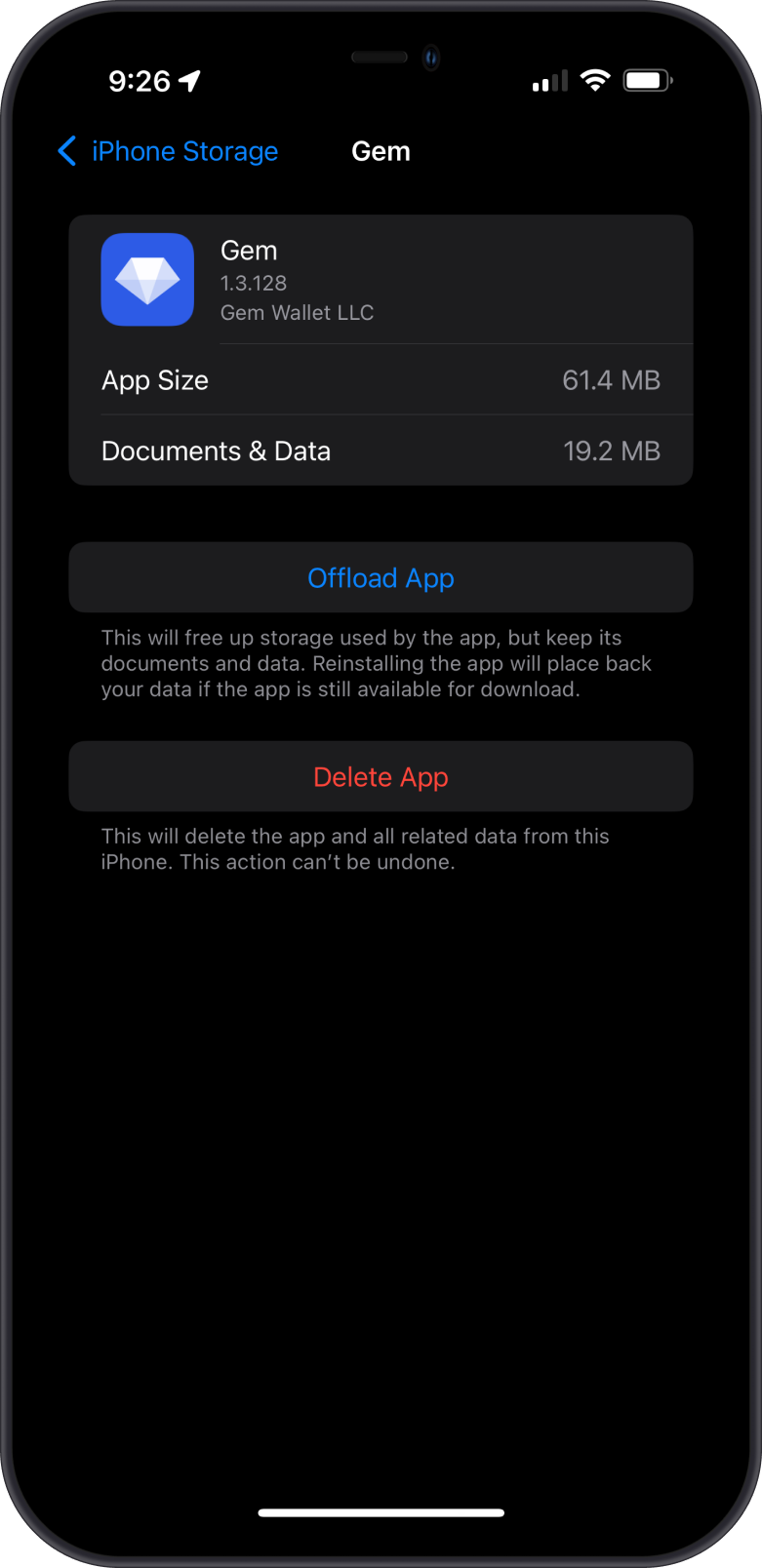
- Find Gem Wallet.
- The App Version will be displayed.
By following these steps, you can easily check the current version of Gem Wallet on your Android or iOS device.
To update to the latest version, see How to Keep Gem Wallet Updated.