danger
If someone may already know your Secret Phrase, do not continue using that wallet. Follow What to Do If Your Secret Phrase Is Exposed.
Securing your Secret Phrase
Always keep it a Secret
Why do I Need to Secure It?
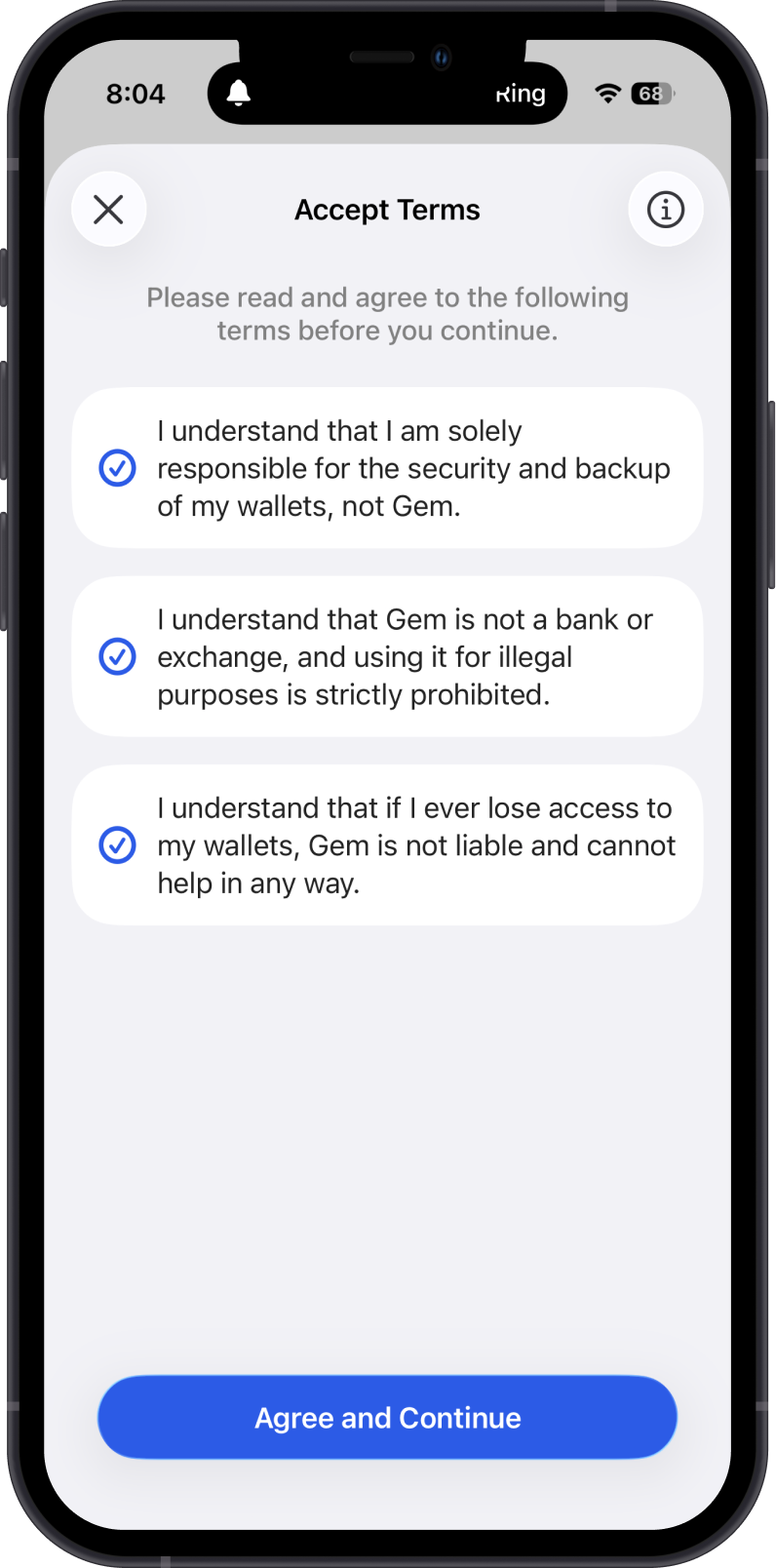
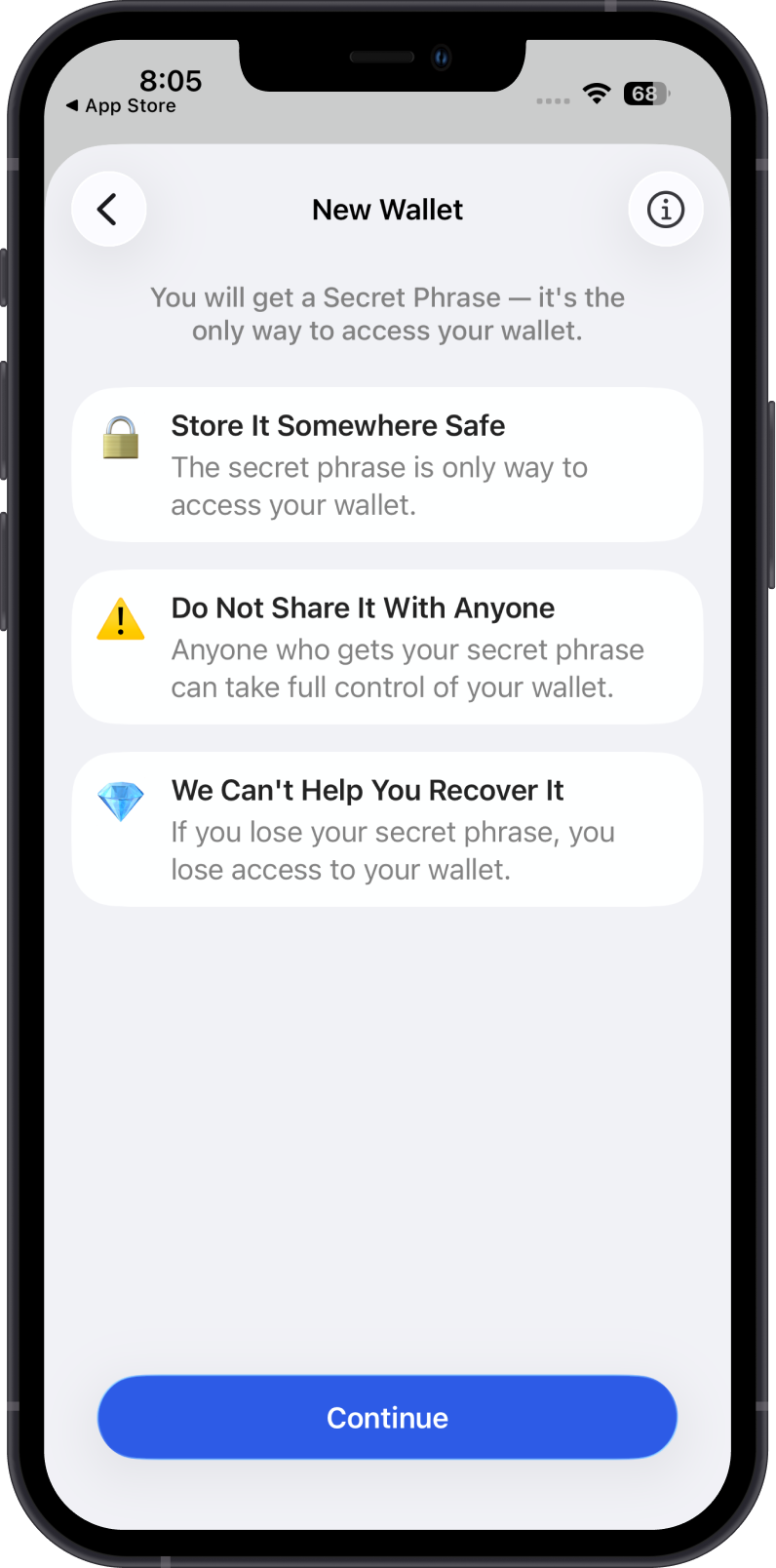
- Access to Funds: Your Secret Phrase lets you restore your wallet if you lose access to your device or app. Your keys, your wallet.
- Protection Against Loss: Without the Secret Phrase, there's no way to recover your wallet or the assets stored within it.
- Prevention of Unauthorized Access: Prevent unauthorized individuals from gaining control of your wallet, mitigating the risk of theft or unauthorized transactions.
How to Secure my Secret Phrase?
For some peace of mind
- Physical Security: Write down your Secret Phrase on paper or engrave it on a piece of metal. Store it in a secure location, such as a safe or a locked box.
- Redundancy: Create multiple copies of your Secret Phrase and store them in separate secure locations.
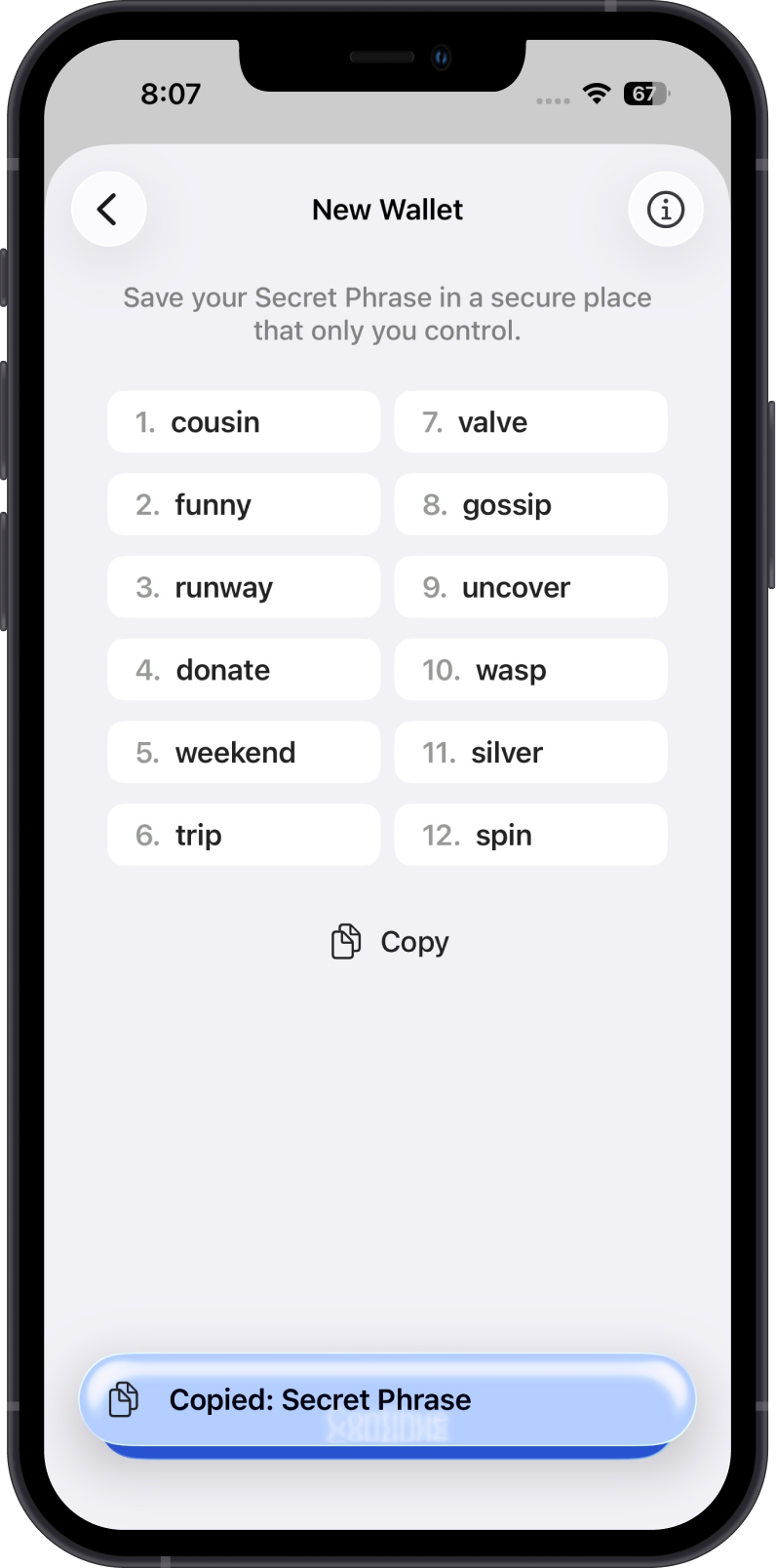
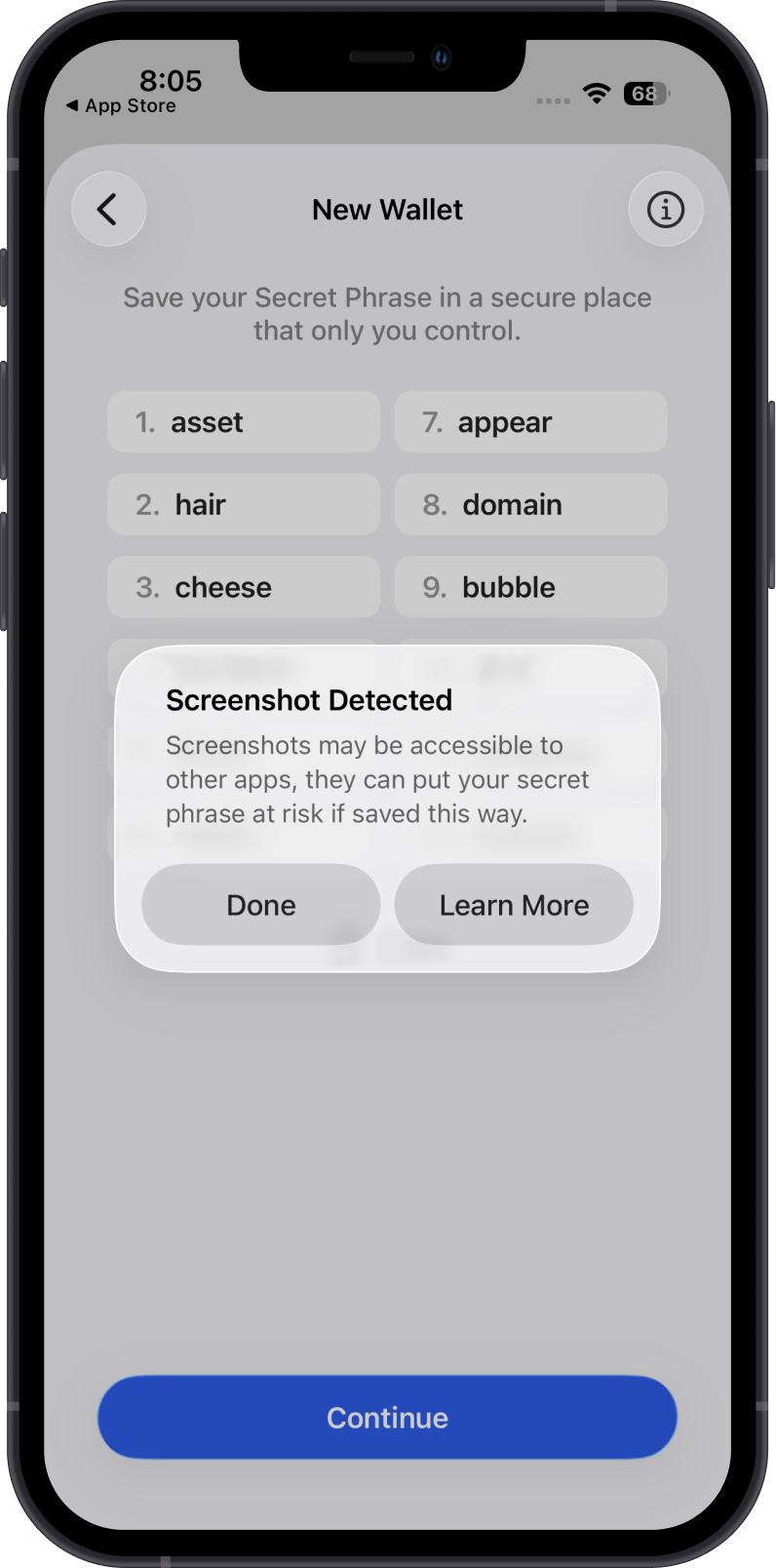
- Avoid Unsafe Digital Storage: Do not save your Secret Phrase as a screenshot, plain note, email, chat message, or cloud photo backup. If you use a digital backup, only use a strongly encrypted password manager and understand the added risk.
Unsafe Digital Backup Examples
Copying your Secret Phrase to the clipboard or taking a screenshot may feel convenient, but it can expose your phrase to other apps, cloud backups, photo libraries, or anyone with access to your device. Use these screens as reminders of what not to rely on for a safe backup.
Can The Gem Wallet Team Access My Wallet?
warning
No one else has access to your wallet, not even the Gem Wallet team. Your Secret Phrase is encrypted locally and saved privately on your device.
Always back up your wallet after you create it.
If someone tells you they can help recover your Secret Phrase, they are most likely a scammer.