What to Do If Your Crypto Wallet Is Compromised?
Gem Wallet is a non-custodial, self-custodial wallet. We cannot reverse unauthorized transactions or restore stolen funds.
Follow these steps as soon as possible!
-
Create a new Gem Wallet on a clean device
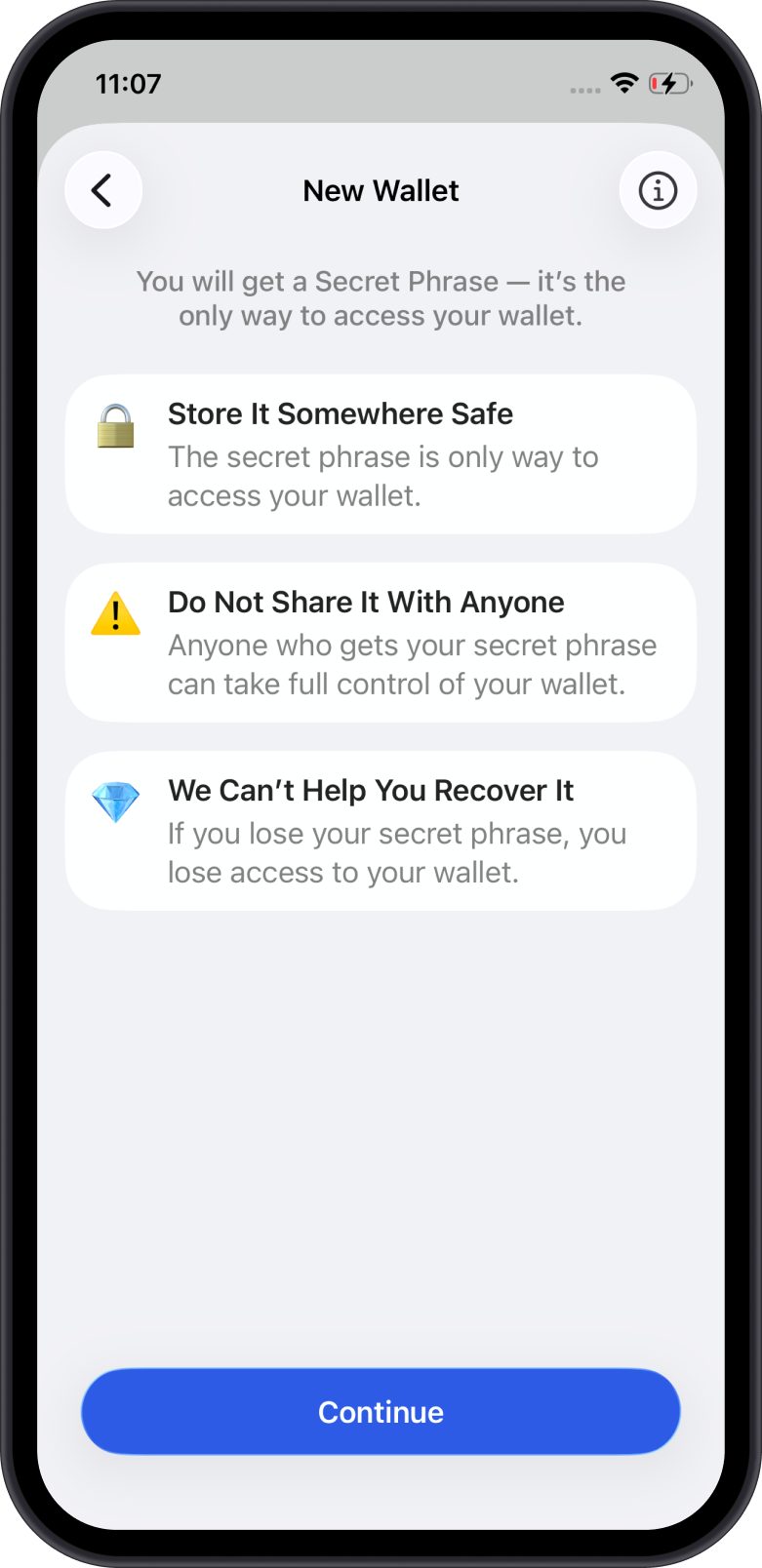
Install Gem Wallet on a different phone or a completely clean device. Create a brand new wallet. Do not recover or import your old Secret Phrase into it.
-
Backup your new Secret Phrase securely
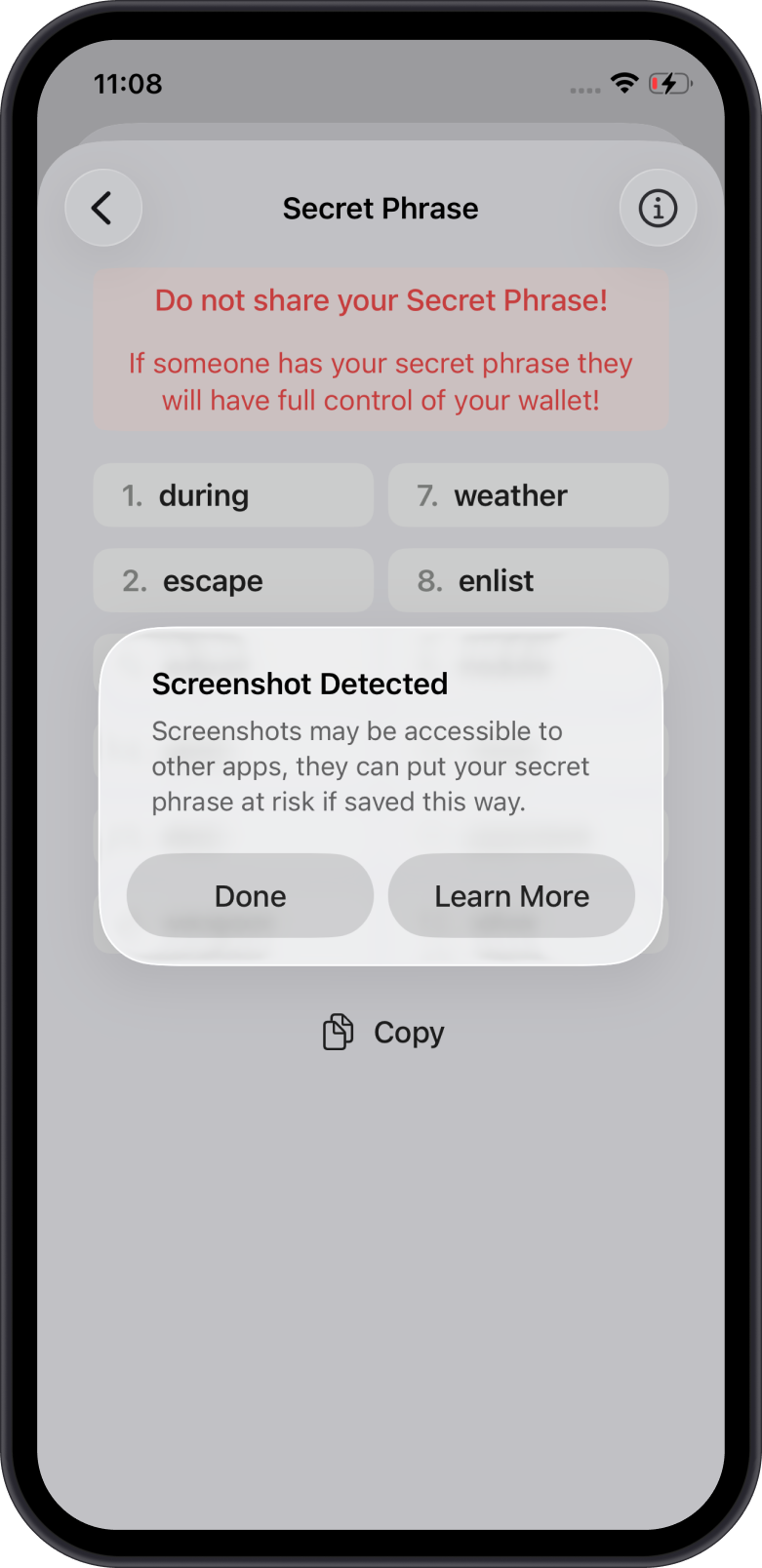
Write down the Secret Phrase in the correct order and store it somewhere safe and offline. Never share it with anyone.
See also: How to Secure Your Secret Phrase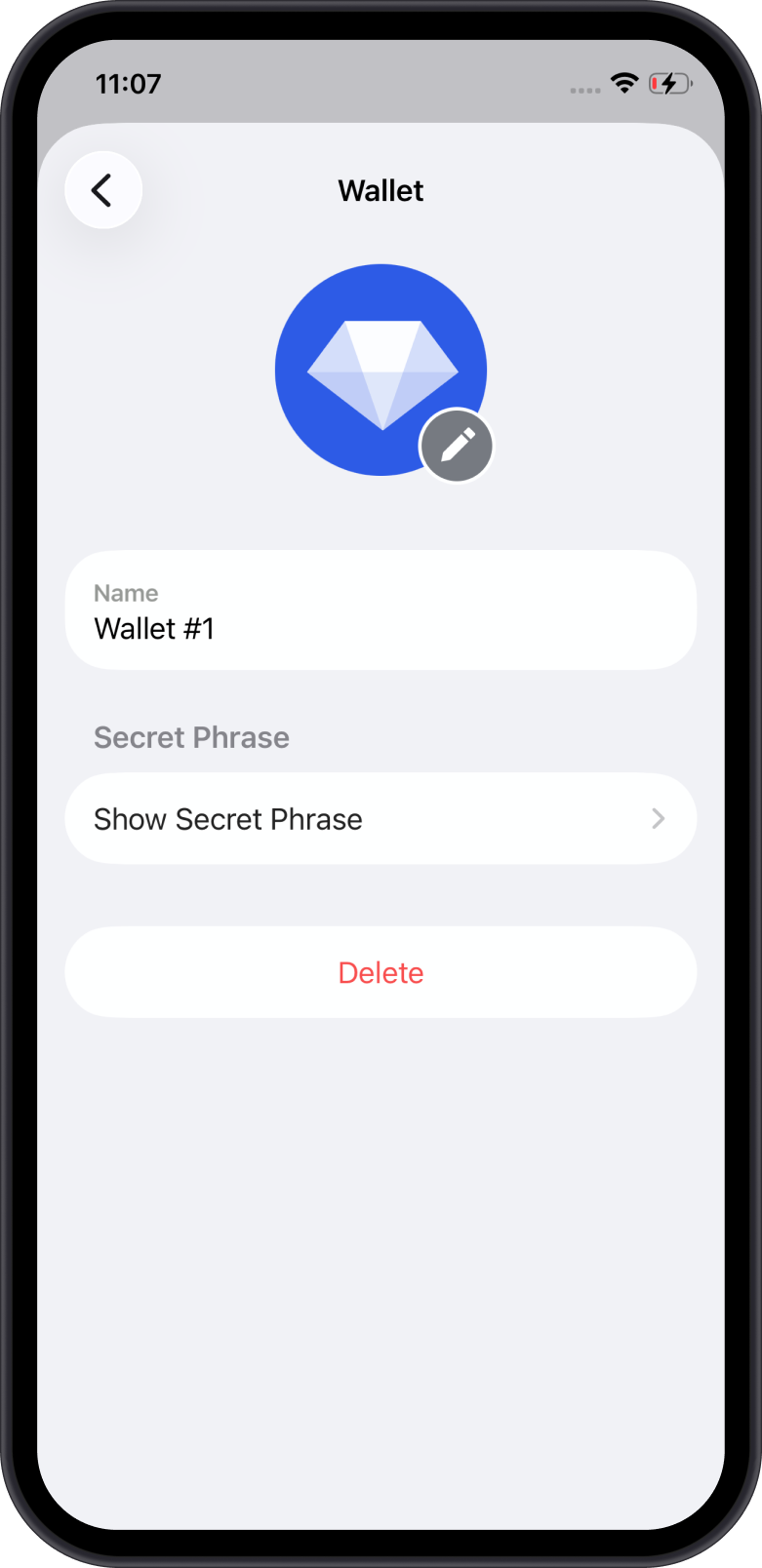
-
Move remaining funds to the new wallet
From your old wallet, transfer any remaining cryptocurrencies to your new wallet's address as quickly as possible.
Caution: If a sweeper bot is active, move fast and be mindful of gas fees. Do not add more funds if unnecessary. -
Revoke any token approvals
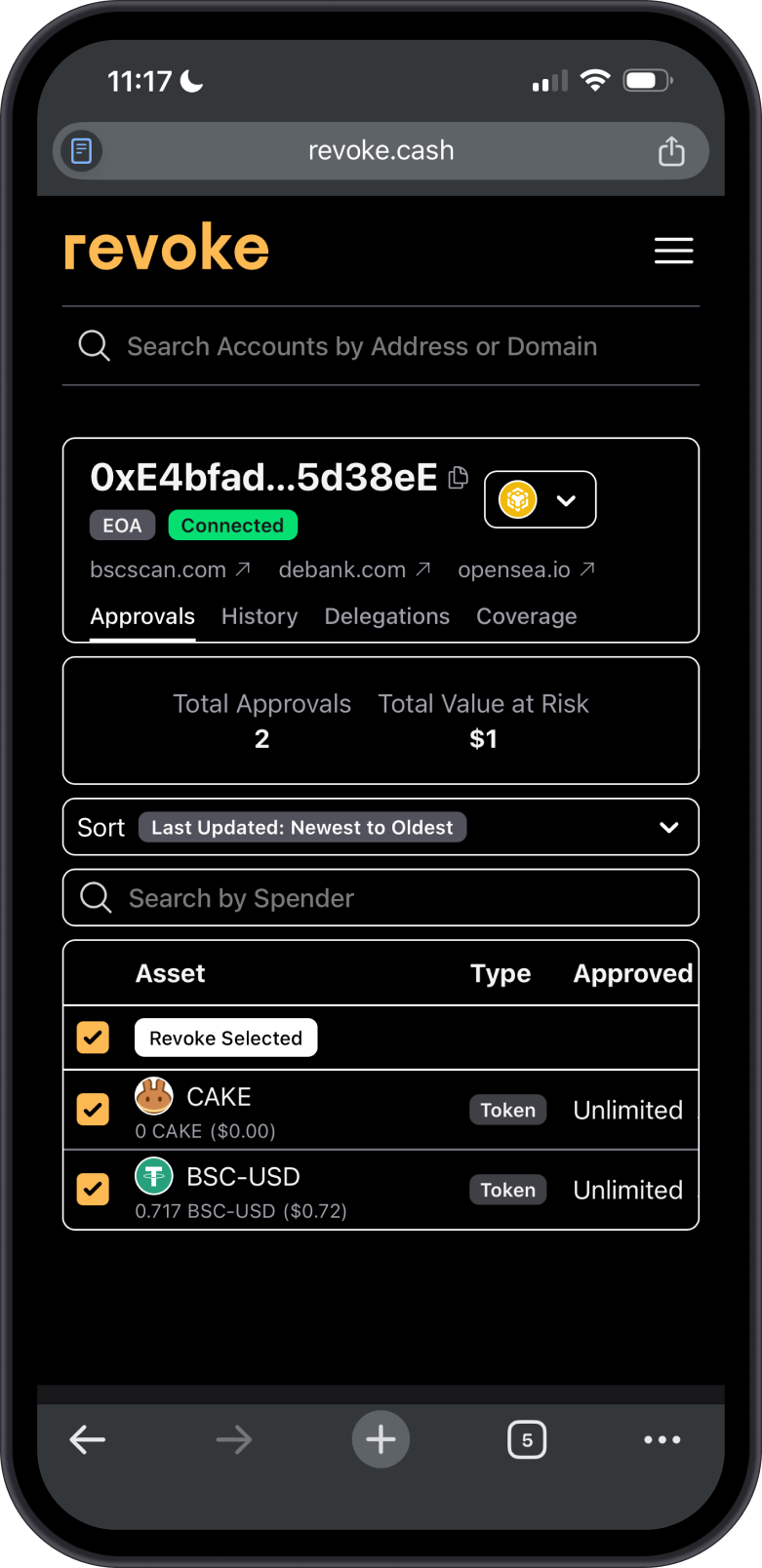
Use WalletConnect in order to use tools such as revoke.cash to revoke permissions granted to dApps and smart contracts.
Learn more in our Token Approvals guide.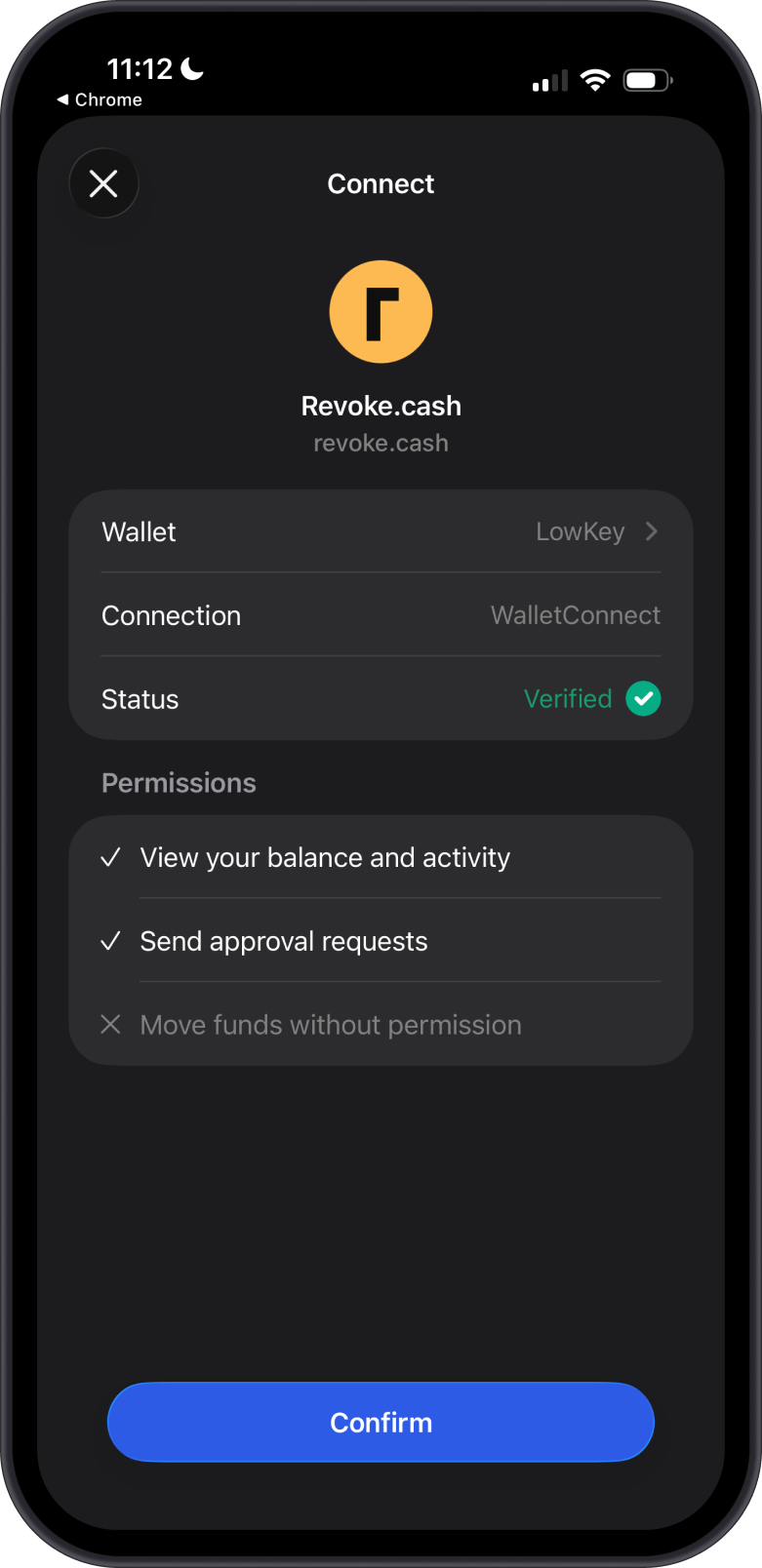
-
Abandon the compromised wallet
Stop using the old wallet entirely once funds are transferred.warningNever send any funds to a compromised wallet.
-
Report the incident
Report the scam to local law enforcement or cybercrime authorities. You can also reach out to Gem Wallet support at [email protected] for advice (funds cannot be recovered by us).
Common Causes
- Device malware stealing your Secret Phrase
- Phishing sites or fake dApps
- Sharing your Secret Phrase or private keys
- Unlimited token approvals to malicious contracts
- Fake wallet apps
Prevention Tips
- Always verify URLs and dApps before connecting.
- Use hardware wallets for significant holdings.
- Regularly review and revoke approvals.
- Keep your device and apps updated and scanned for malware.