Why can’t I send USDT from Gem Wallet?
Problem: USDT transaction failed
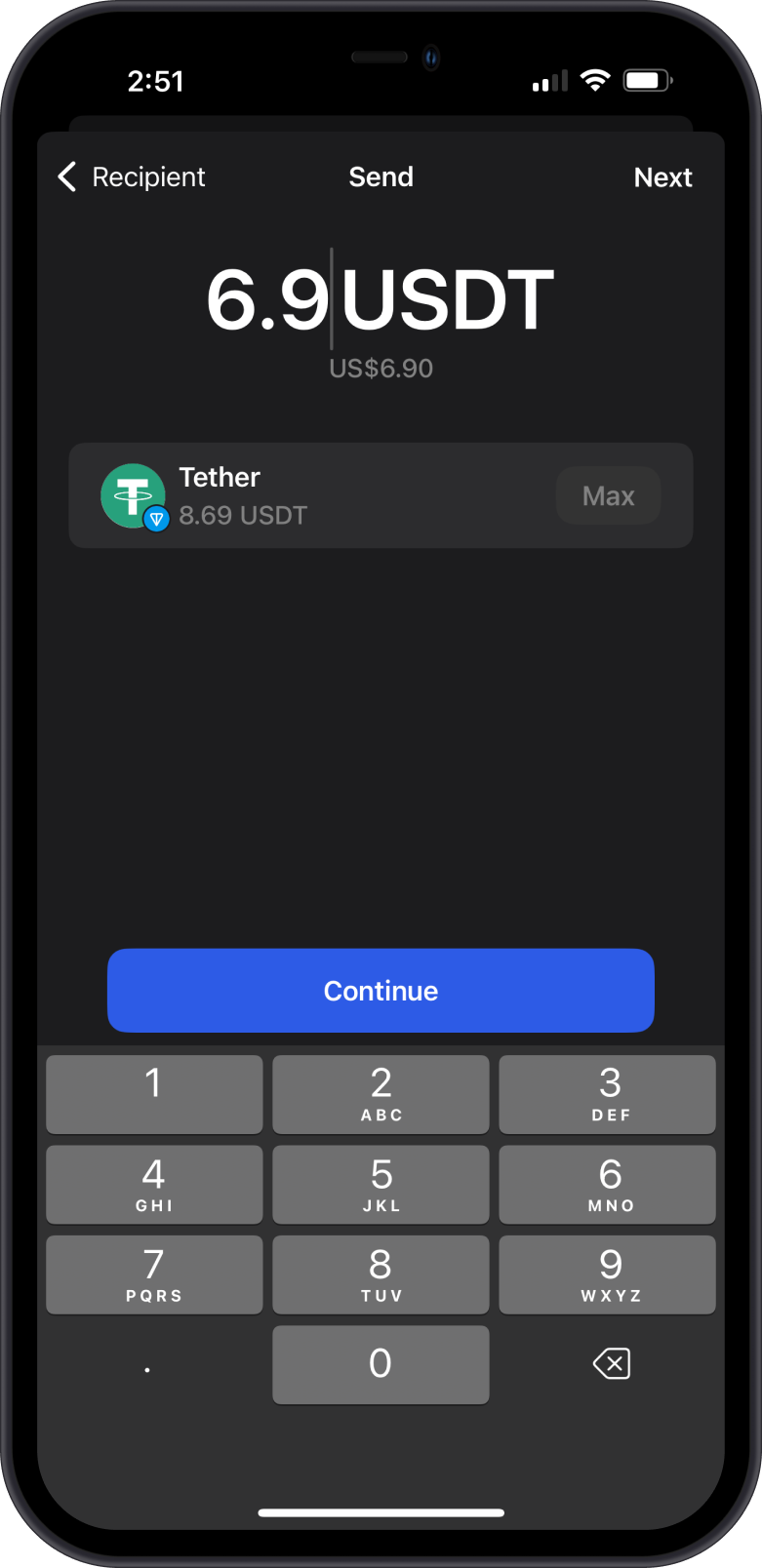
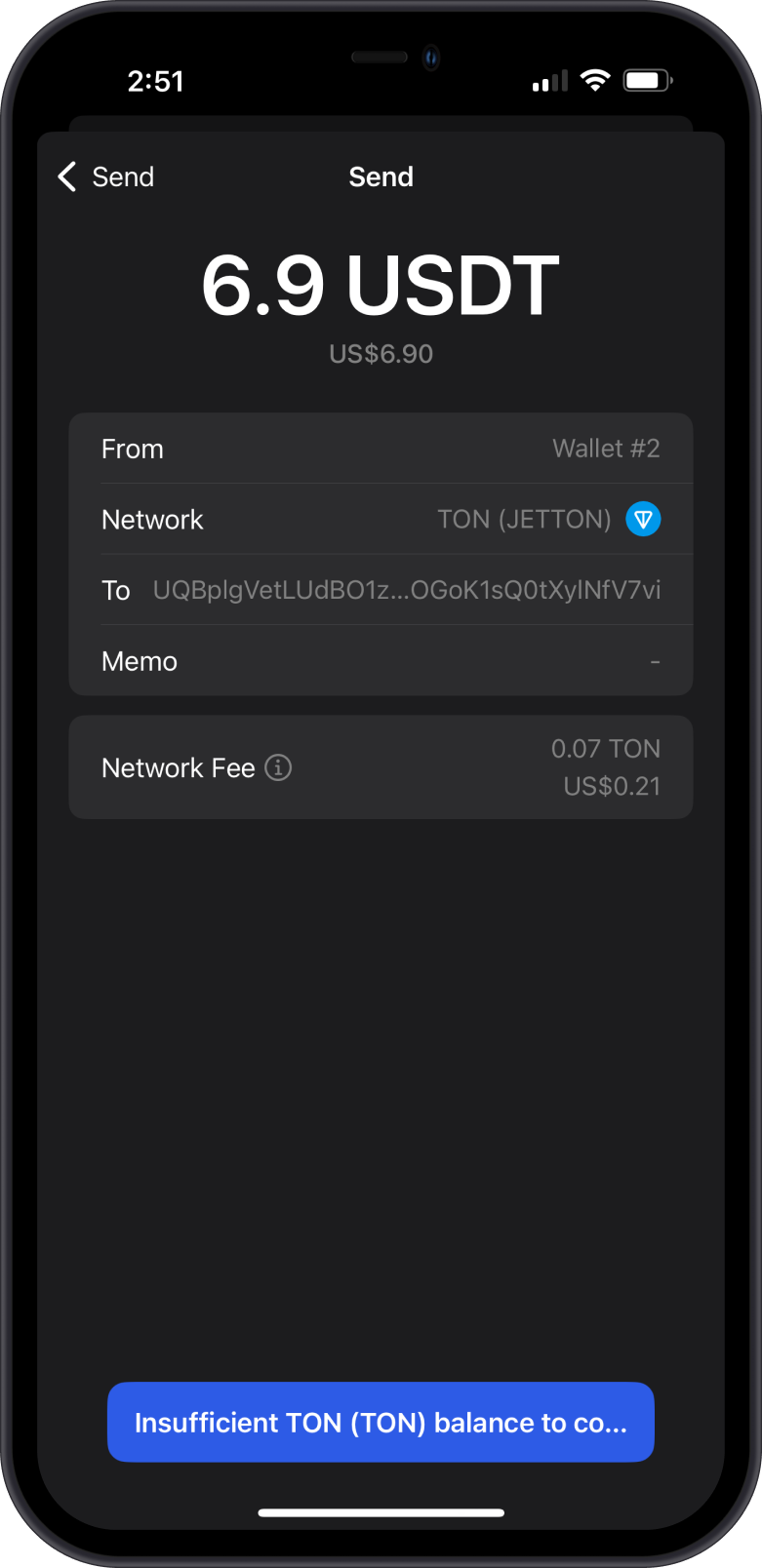
You added some USDT to your Gem Wallet using the TRON network (called TRC-20), but when you try to send it, you see an "Insufficient XXX" error. You thought your USDT would cover the fees, right? Nope! The TRON network needs a different coin called TRX to pay for Network Fees, not USDT. This happens on other blockchains too, like ERC20 tokens on Ethereum needing ETH or Jettons on TON Blockchain needing GRAM. Don’t worry, this is super common for new users, and it’s an easy fix.
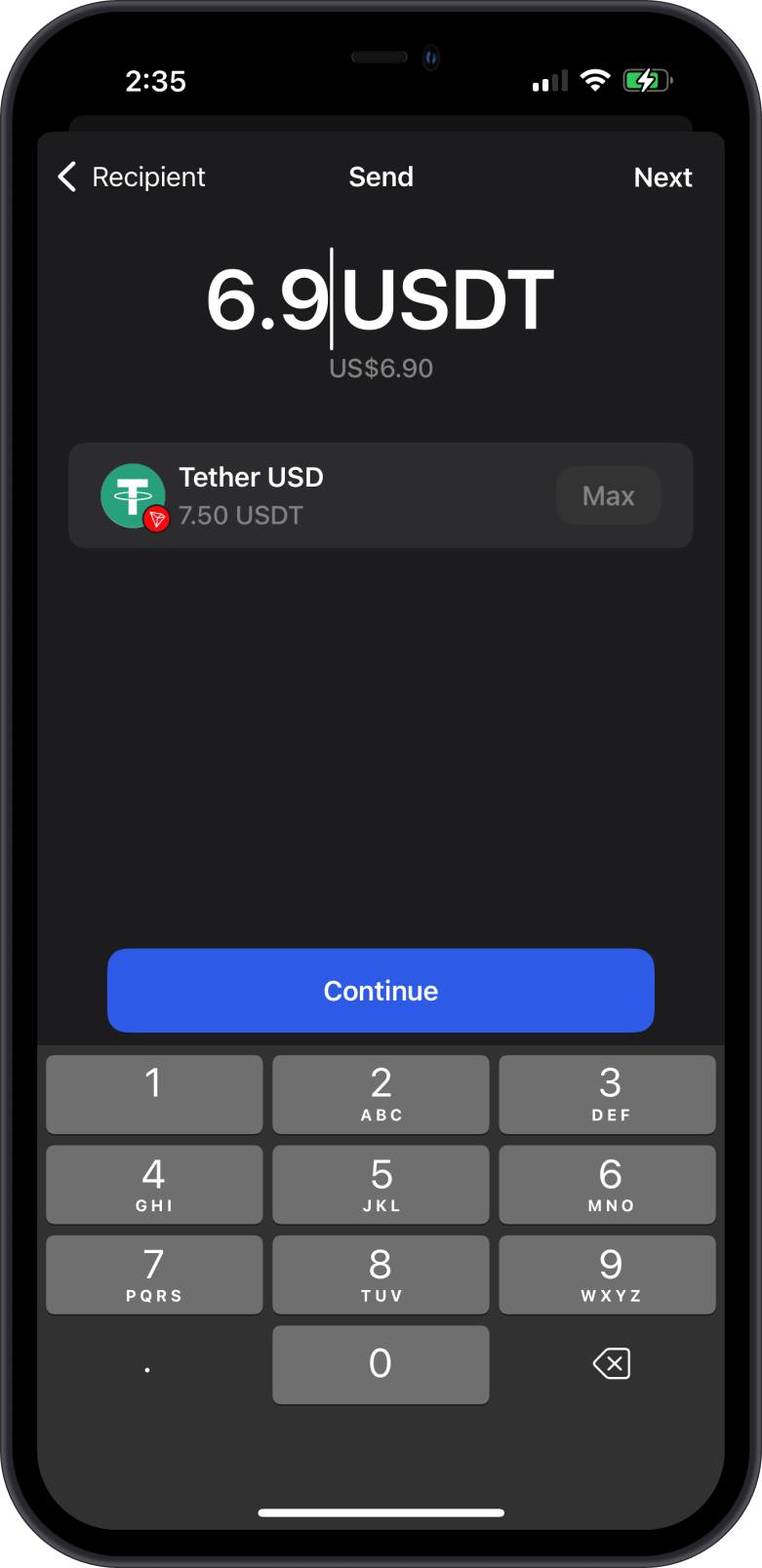
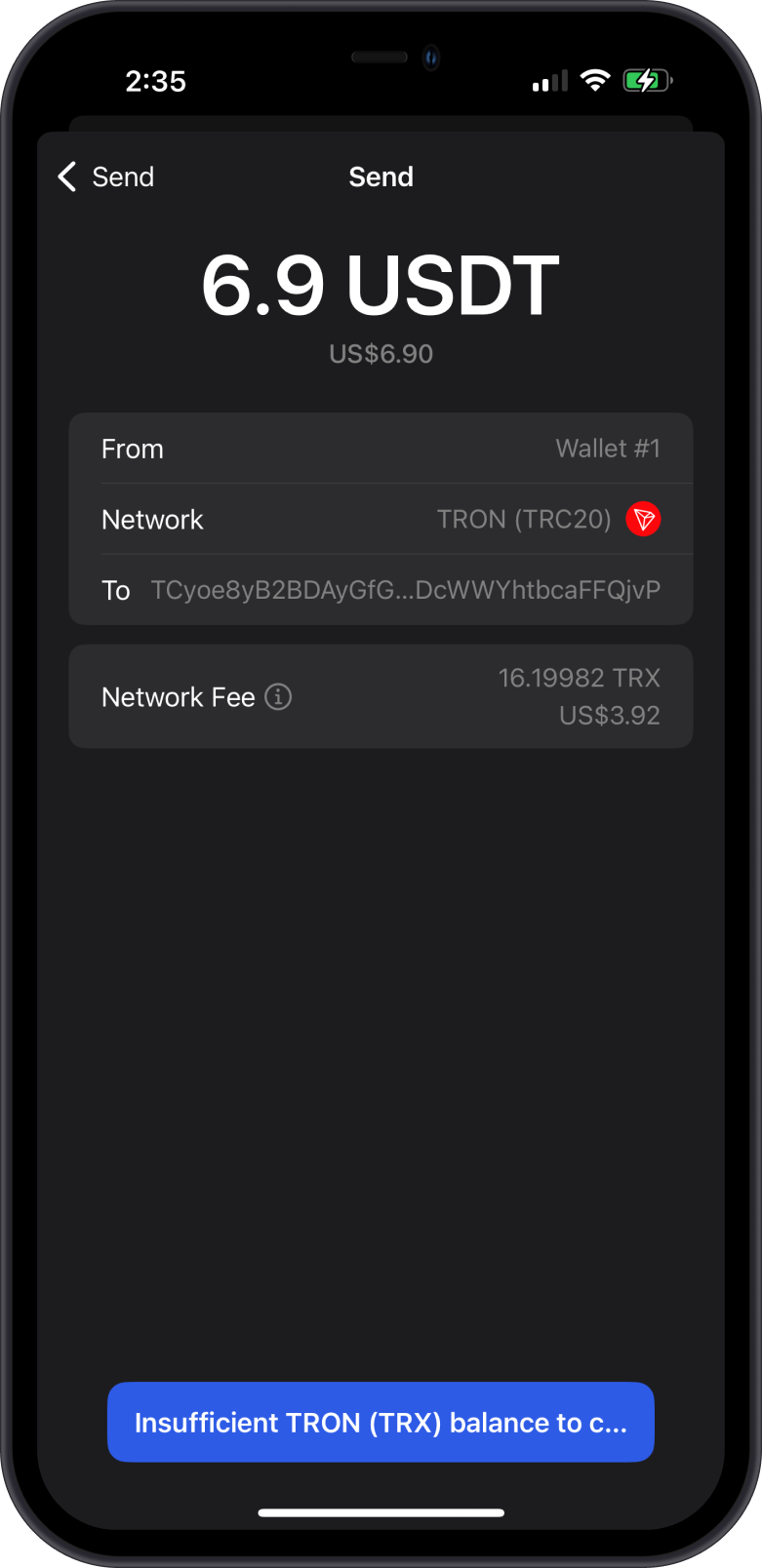
USDT works on different blockchains, like TRON, Ethereum, Solana, TON, or even BNB Chain. Check our list of supported blockchains to make sure Gem Wallet works with the one you’re using!
Resolution: Troubleshooting guide
Here’s how to send your USDT without that pesky error:
-
Check Your Wallet for TRX
- Open Gem Wallet and look at your list of coins.
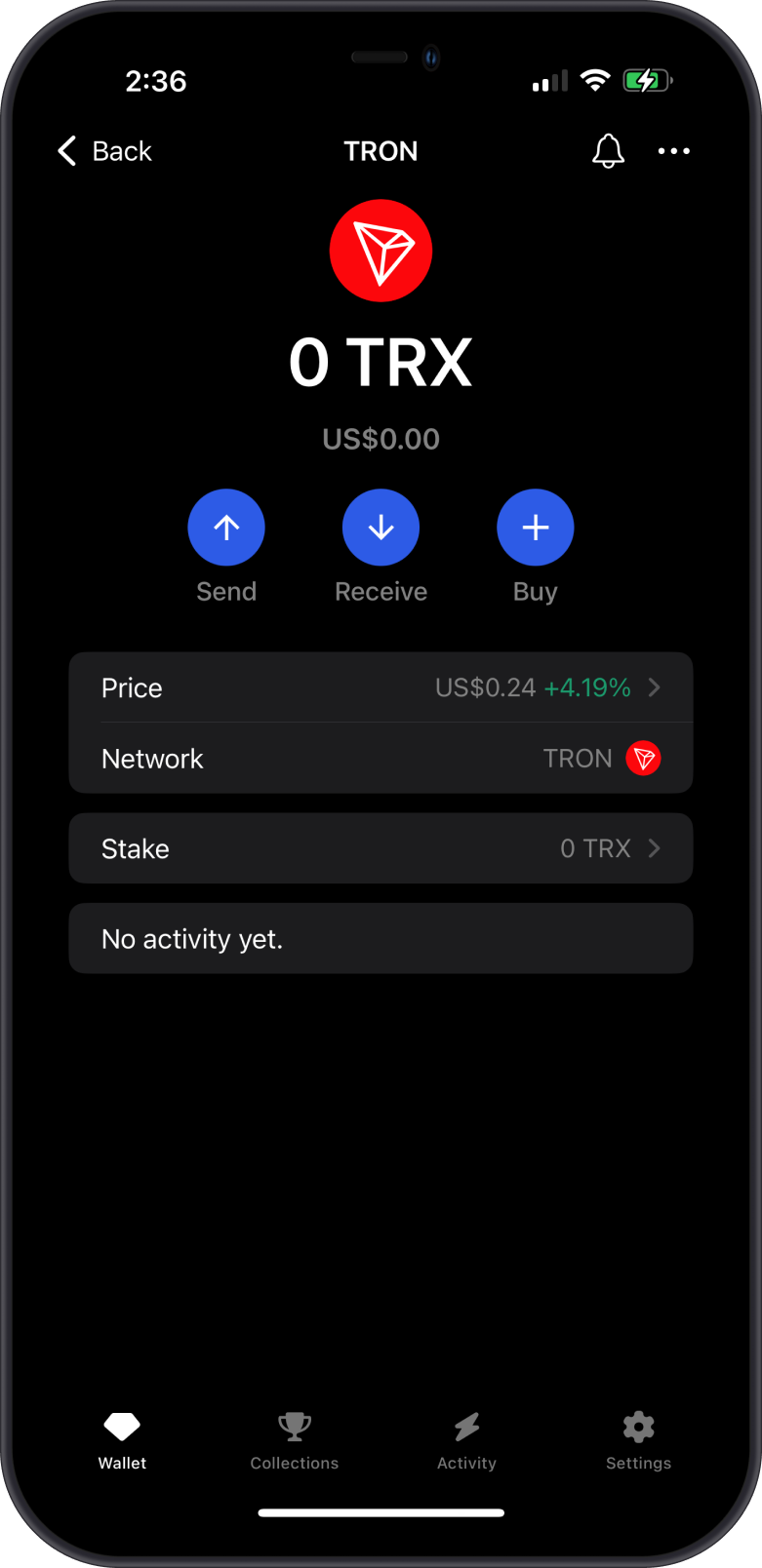
- Find TRX (it’s the main coin for the TRON network).
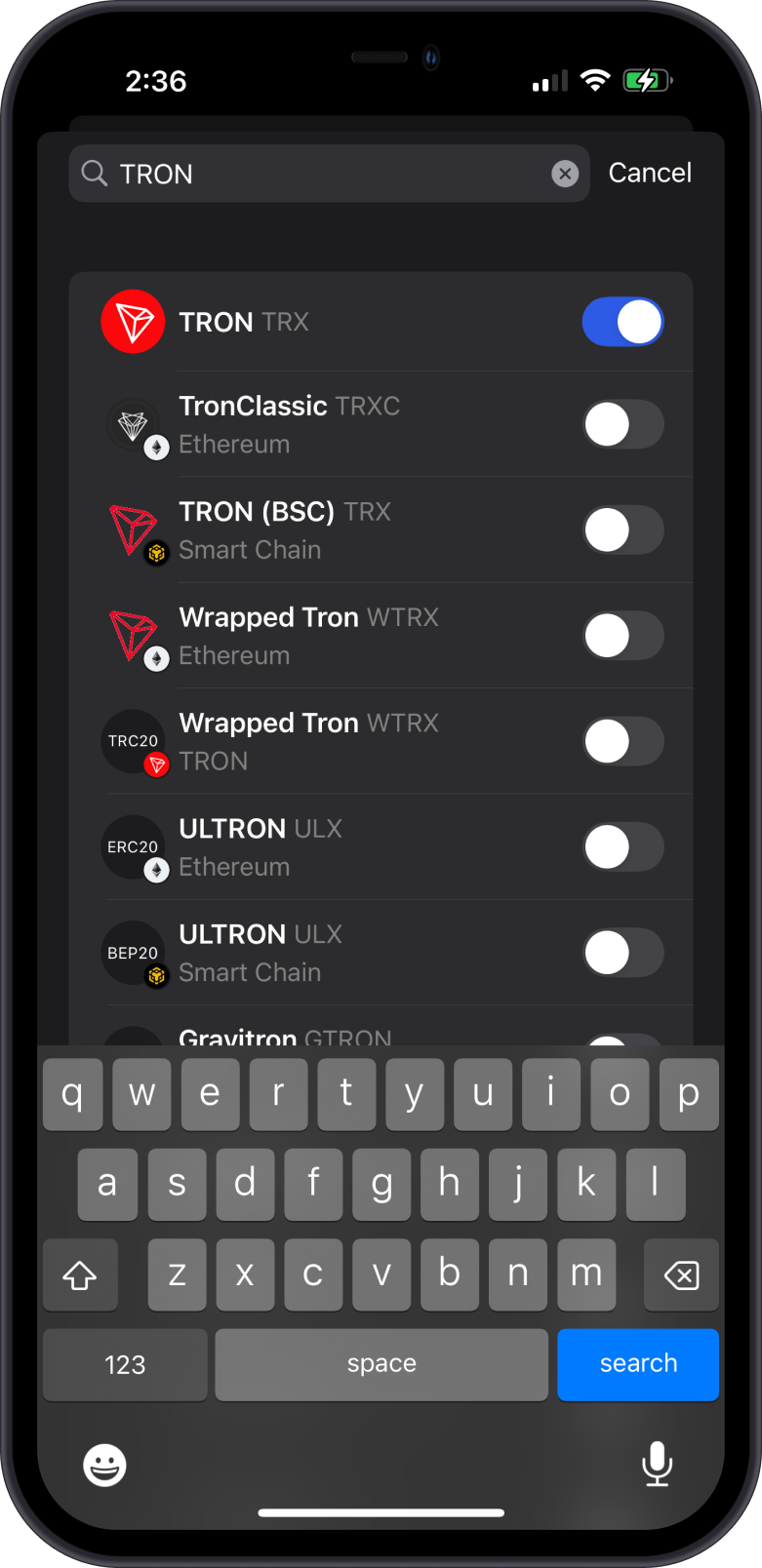
- Enable TRX if you do not see it on your wallet.
-
Get Some TRX
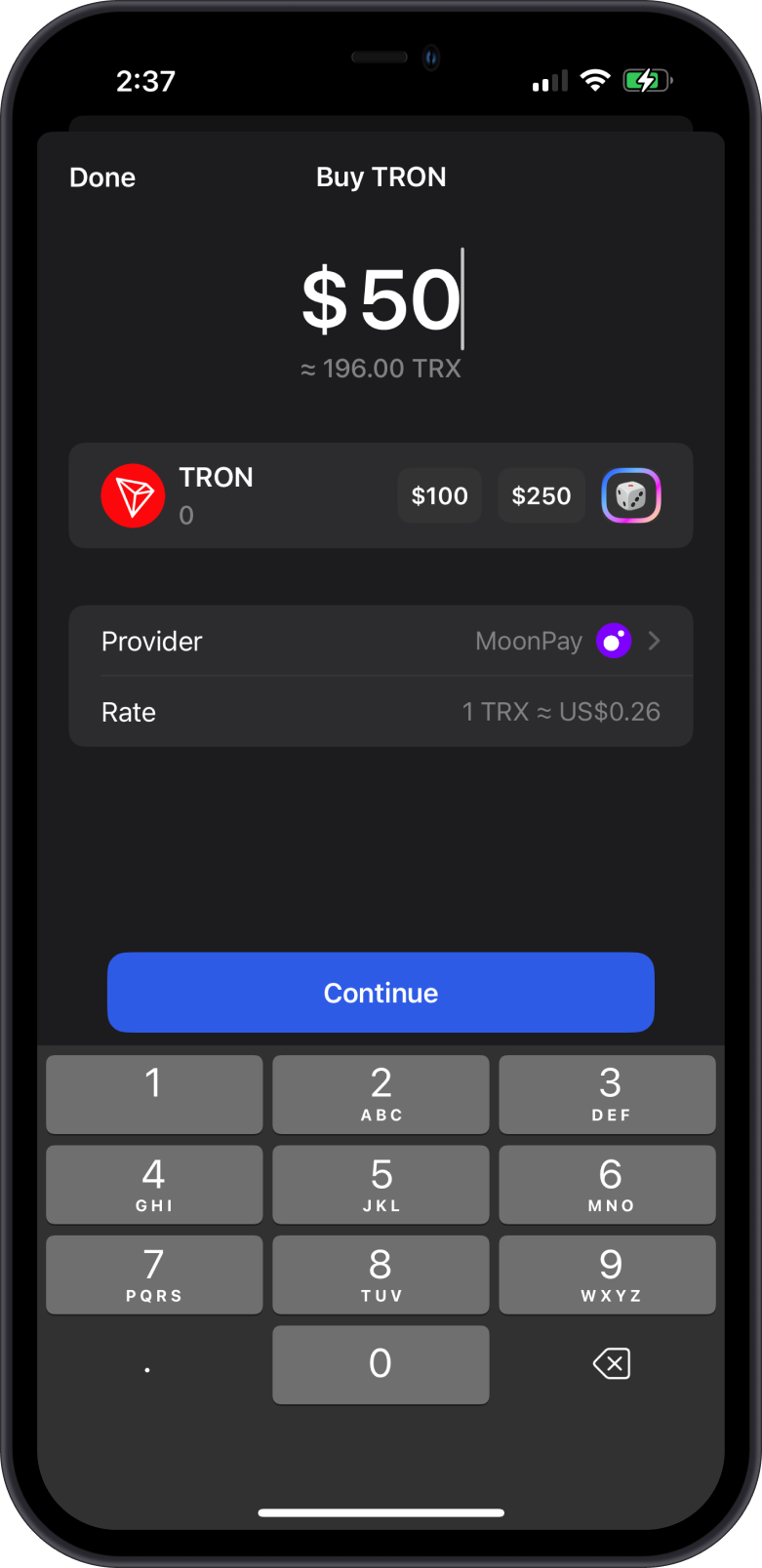
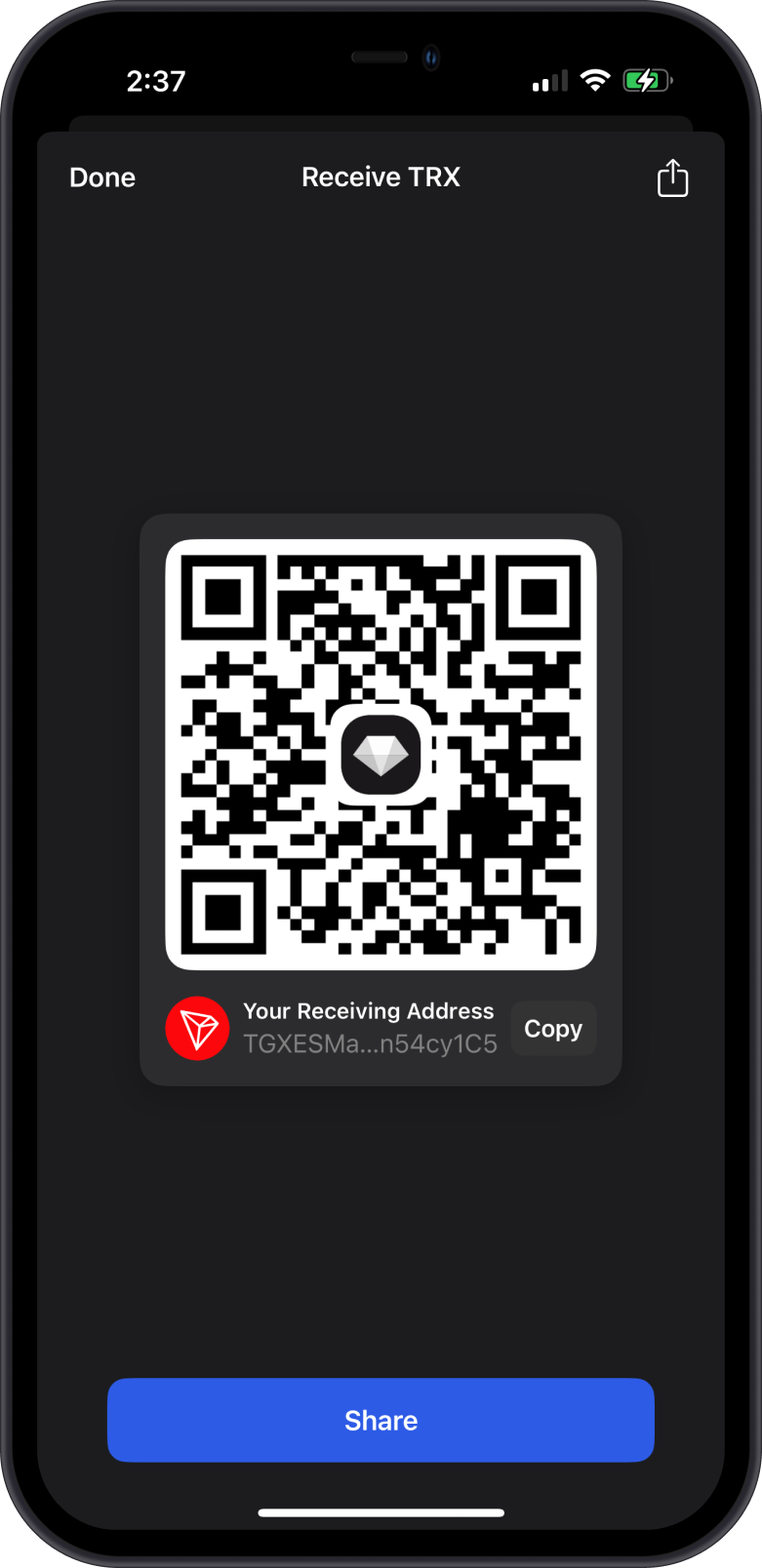
- No TRX? No problem! Tap the Buy or Receive button in Gem Wallet.
- Buy TRX directly on the app.
- Receive TRX to your wallet from a friend or from other sources.
-
Try Sending USDT Again
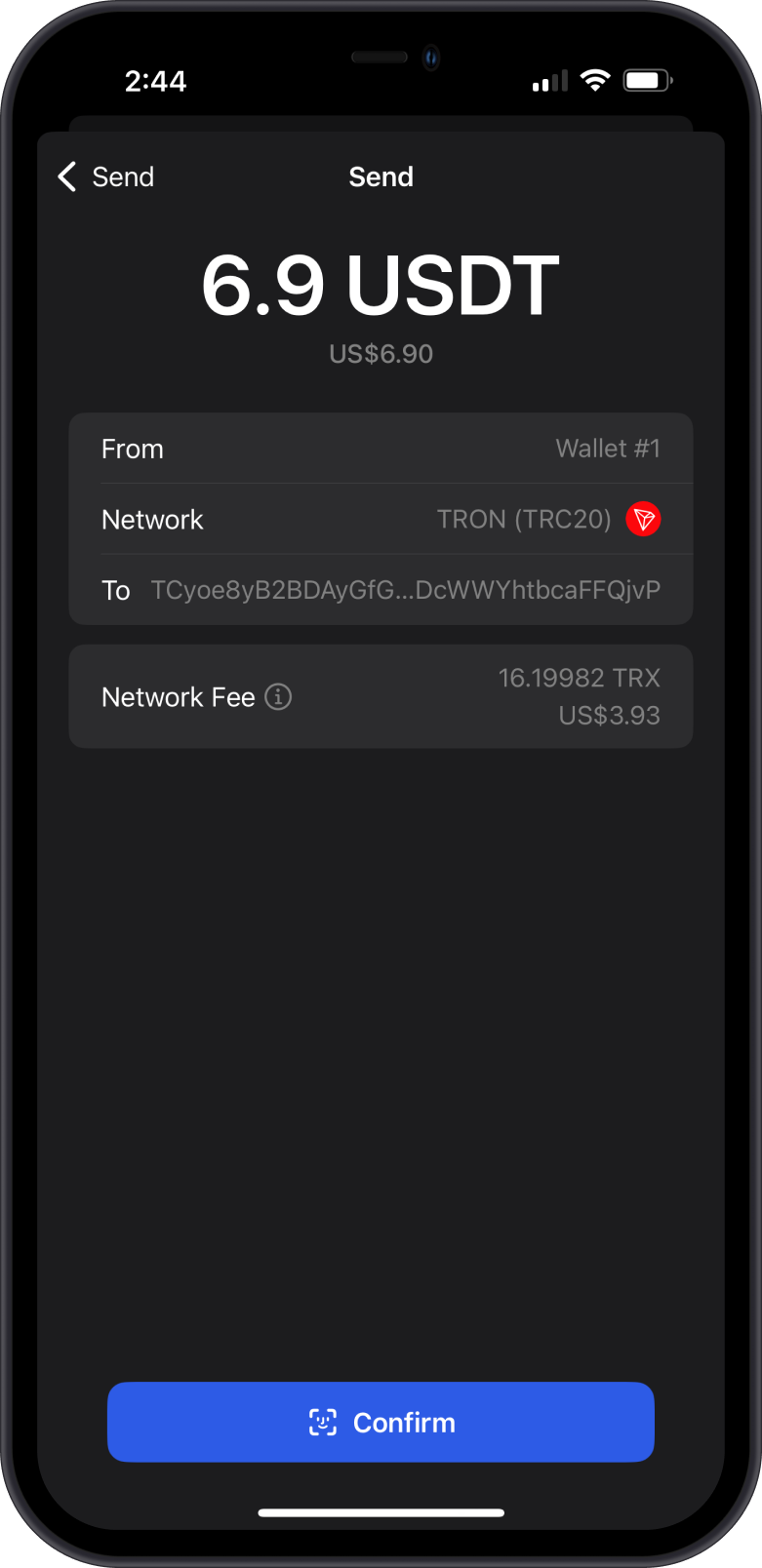
- Go back to your USDT, tap “Send,” and enter the amount and address like before.
- This time, Gem Wallet will use your TRX for the fees.
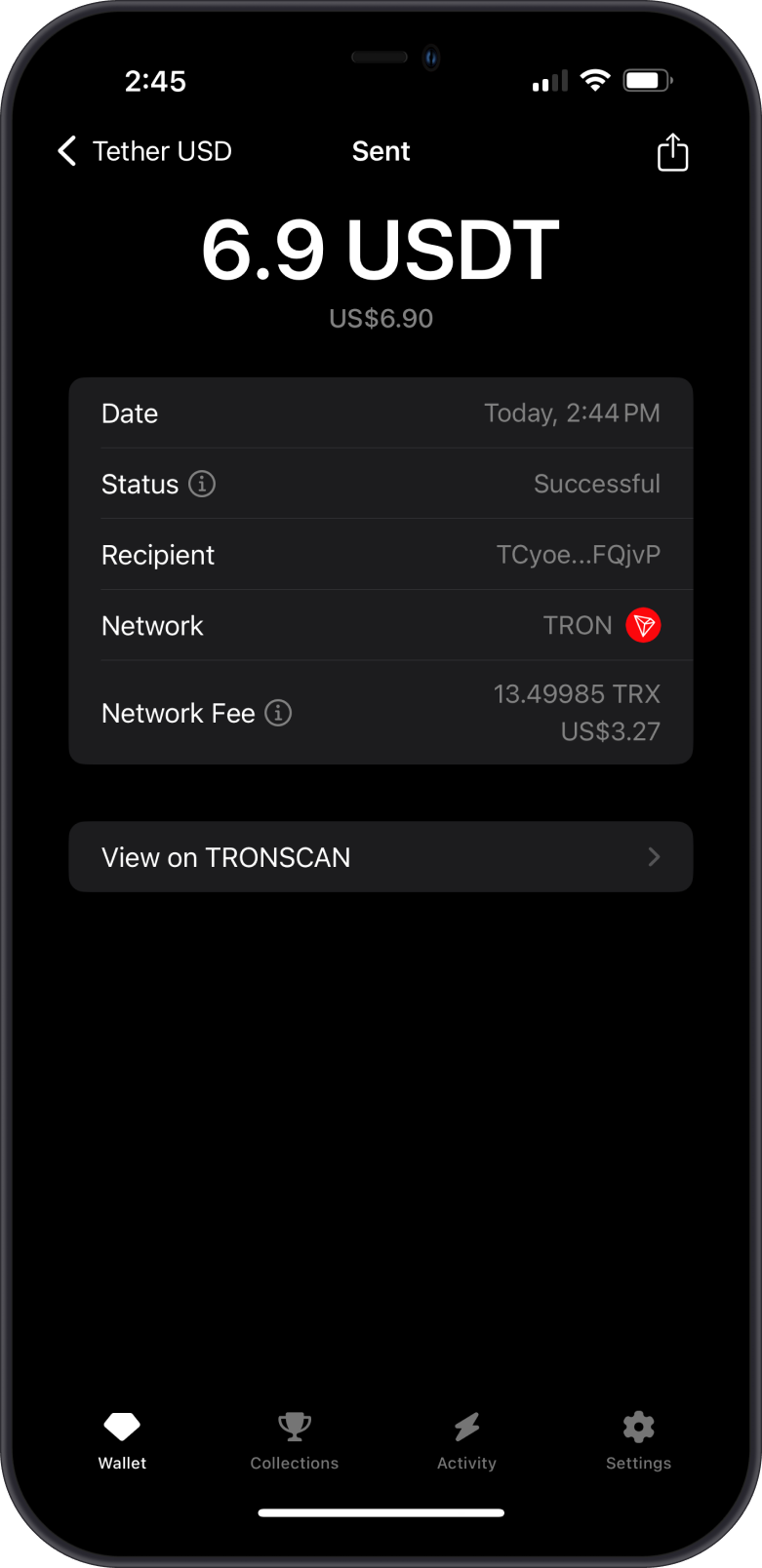
- Hit Confirm, and your USDT should go through smoothly.
How Much TRX Do I Need to Send USDT on TRON?
There's no fixed amount. USDT on TRON is a smart contract token, so a transfer uses two network resources, Energy and Bandwidth, and any resource you don't have is paid for by burning TRX. Before you confirm, Gem Wallet asks the network how much Energy this exact transfer needs and shows the result as the Network Fee.
The fee is higher or lower depending on a few things:
| What affects the fee | Why |
|---|---|
| The recipient has never held USDT | Creating a USDT balance for an address uses roughly twice the Energy of sending to an address that already holds USDT. Sending to a new exchange deposit address often costs more than your usual sends. |
| Your own Energy | Energy you get by freezing TRX for Energy is used first. Only the Energy you're missing is paid for in TRX. |
| Your Bandwidth | Every TRON account gets a small amount of free Bandwidth each day, and freezing TRX for Bandwidth adds more. TRON only uses one of these if it covers the whole transaction. If neither your staked Bandwidth nor your free Bandwidth is enough on its own, all the Bandwidth for that transaction is paid for in TRX. |
| A memo | Adding a memo adds the network's memo fee. |
The Network Fee shown before you confirm includes a small safety margin, so the transfer doesn't fail by running out of Energy. The final fee is usually a little lower. You can compare it on the transaction's explorer page.
Keep more TRX than the fee shown, especially before sending to a new address. If you send USDT often, freezing some TRX for Energy can lower or remove the TRX you burn for each transfer.
Frozen or staked TRX can't pay fees directly. If all your TRX is frozen, you can still see an "Insufficient TRX" error. Unfreeze some TRX or add more.
Prevention Tips
- Always keep a small amount of TRX in your wallet if you’re using TRON stuff (like TRC-20 USDT).
- For other blockchains, grab a bit of their main coin (like ETH for Ethereum or GRAM for the TON Blockchain) too!
- Think of these coins like gas for a car—they power your transactions!
Another example: trying to send USDT on the TON Blockchain without any GRAM in your Gem Wallet will also trigger an 'Insufficient XXX' error.
If this guide didn’t help, go to Settings > Support in Gem Wallet to use In-App AI Support.