Staking Details Are Not Showing
Problem: Existing Stakes Do Not Appear
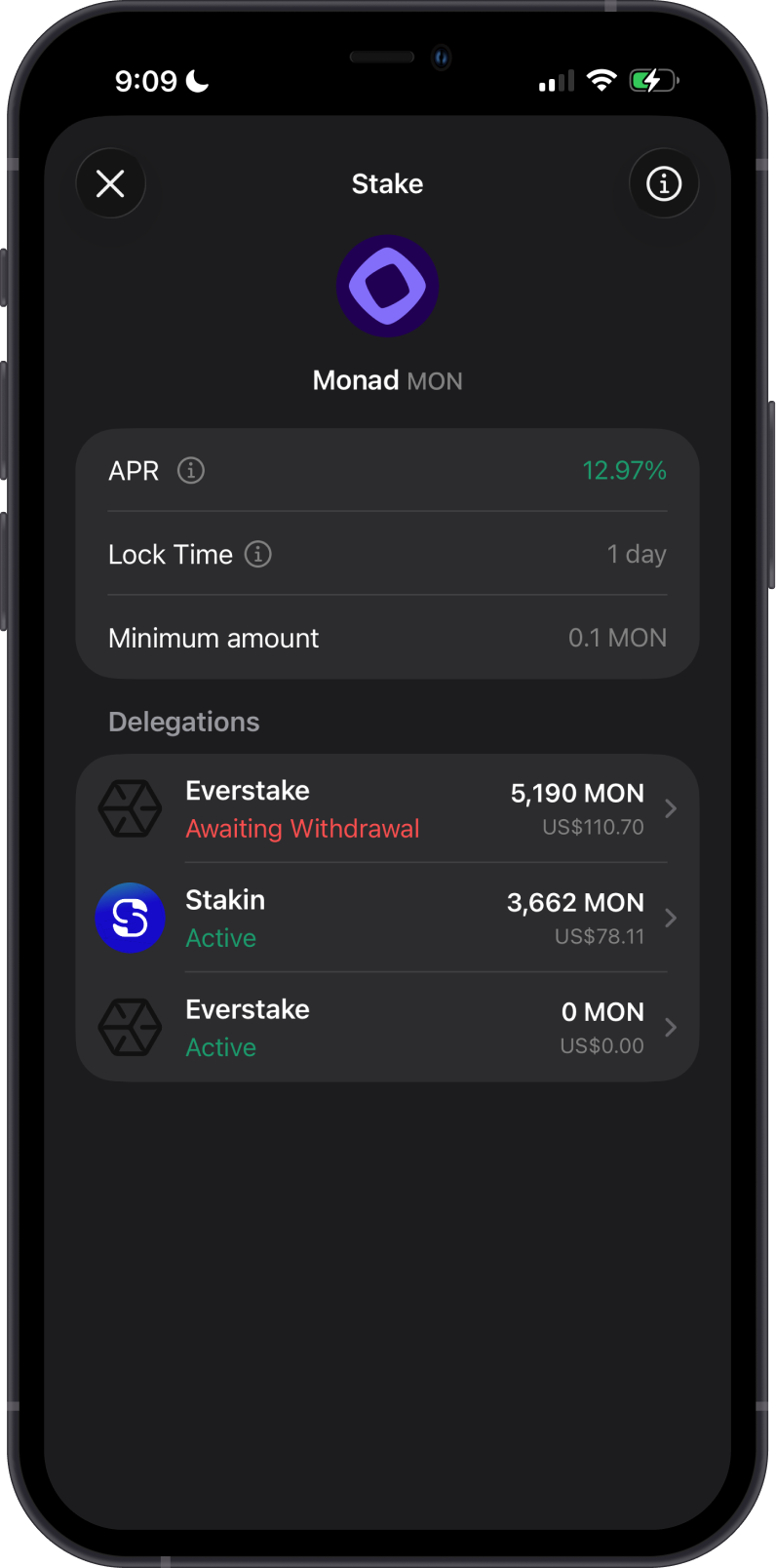
Your staking screen may show Your stakes will appear here even though you already have an active delegation or a pending withdrawal.
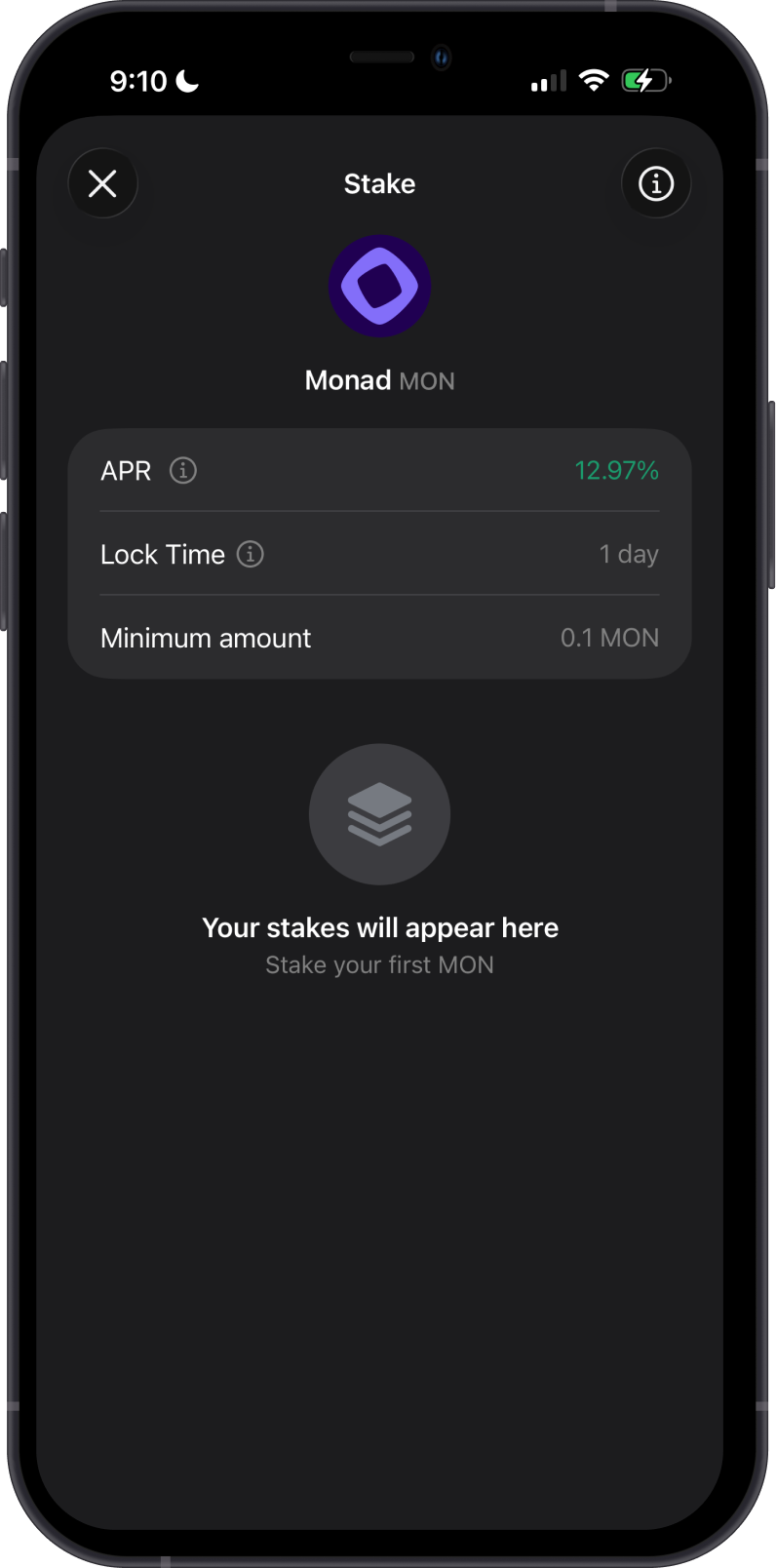
This can happen when the selected blockchain node is temporarily unavailable, behind the latest block, or does not return the staking data correctly. Your funds remain recorded on the blockchain; the app may simply be unable to display the latest details through that node.
Temporary Resolution: Switch the Network Node
-
Open Settings in Gem Wallet.
-
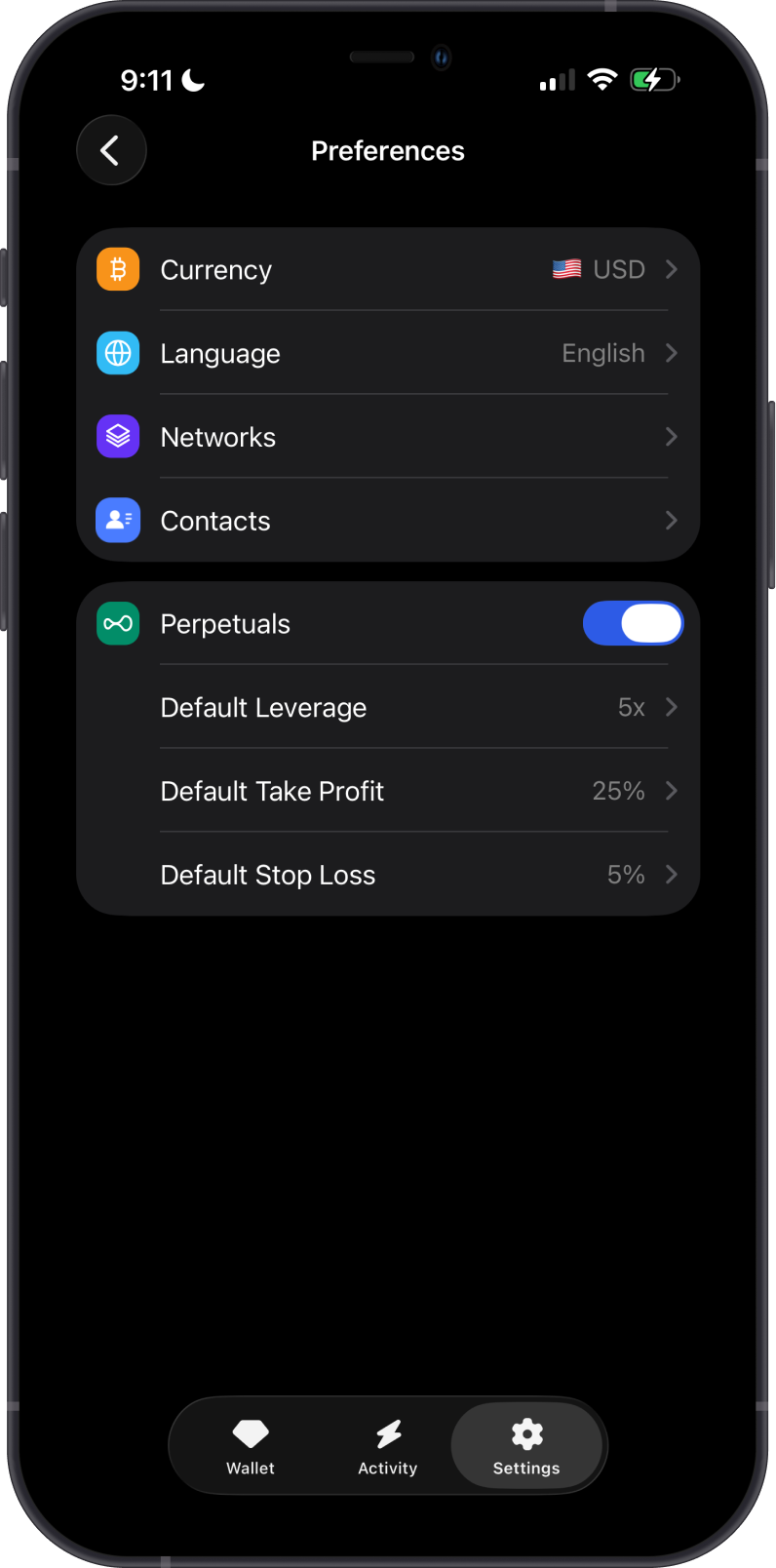
Tap Preferences, then select Networks.
-
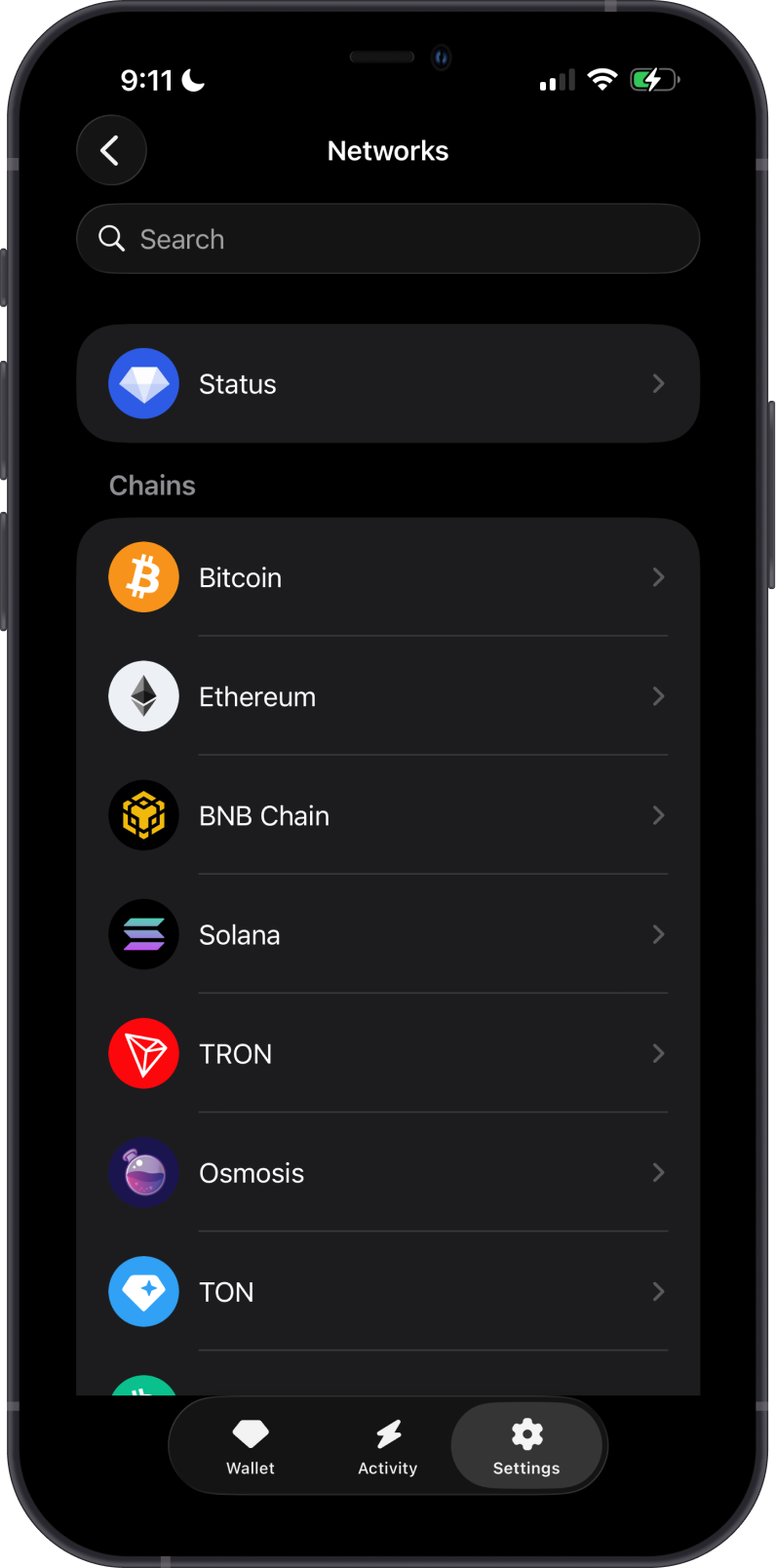
Search for and select the blockchain where your funds are staked.
-
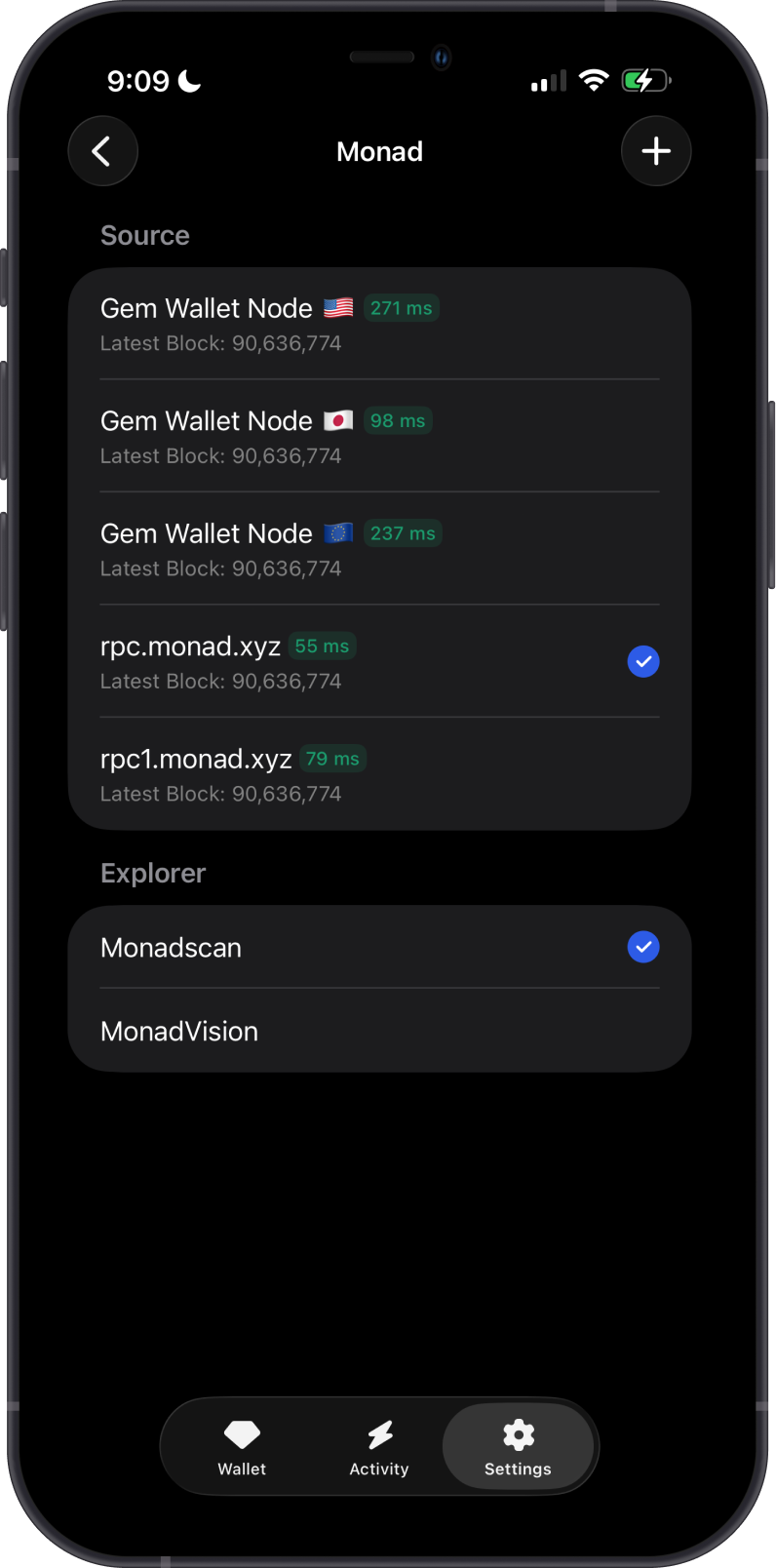
Under Source, choose another available node.
-
Return to the staking screen and refresh it.
See How to Switch a Blockchain Network Node for screenshots and detailed instructions.
After Gem Wallet retrieves the staking information from the newly selected node, your delegations should appear again.
Switching nodes does not unstake, transfer, or otherwise change your funds. It only changes the source Gem Wallet uses to retrieve blockchain data.
If the staking details are still missing, verify the delegation on a blockchain explorer. You can also restart Gem Wallet and try another available node. If the issue continues, go to Settings > Support and include your public wallet address, the affected blockchain, and a screenshot.