What Is a Private Key?
What Is a Private Key?
A private key is a long secret number that controls one blockchain address. Whoever has it can sign transactions from that address and move everything it holds. Your address is derived from the private key and is safe to share; the private key itself must stay secret.
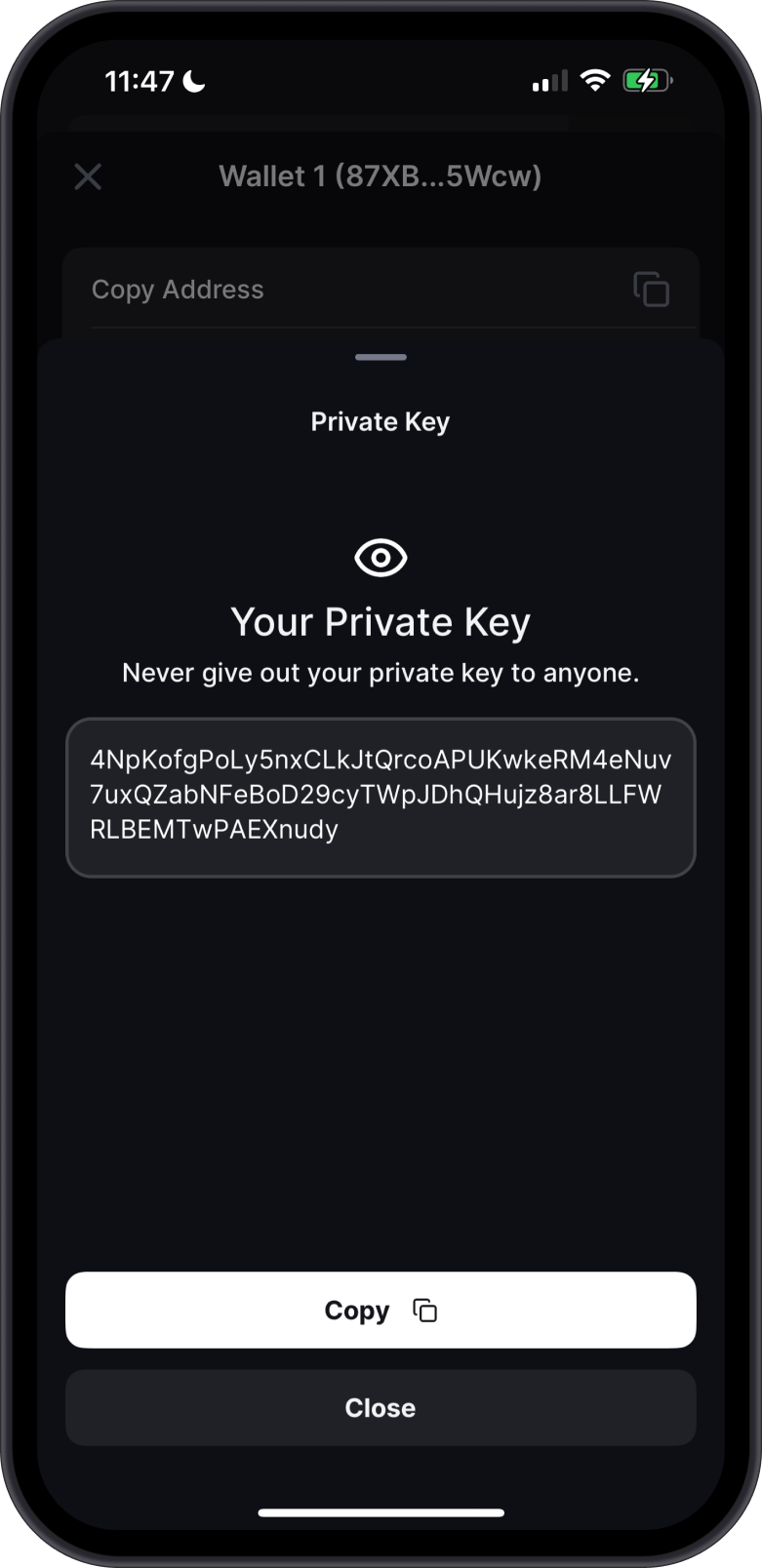
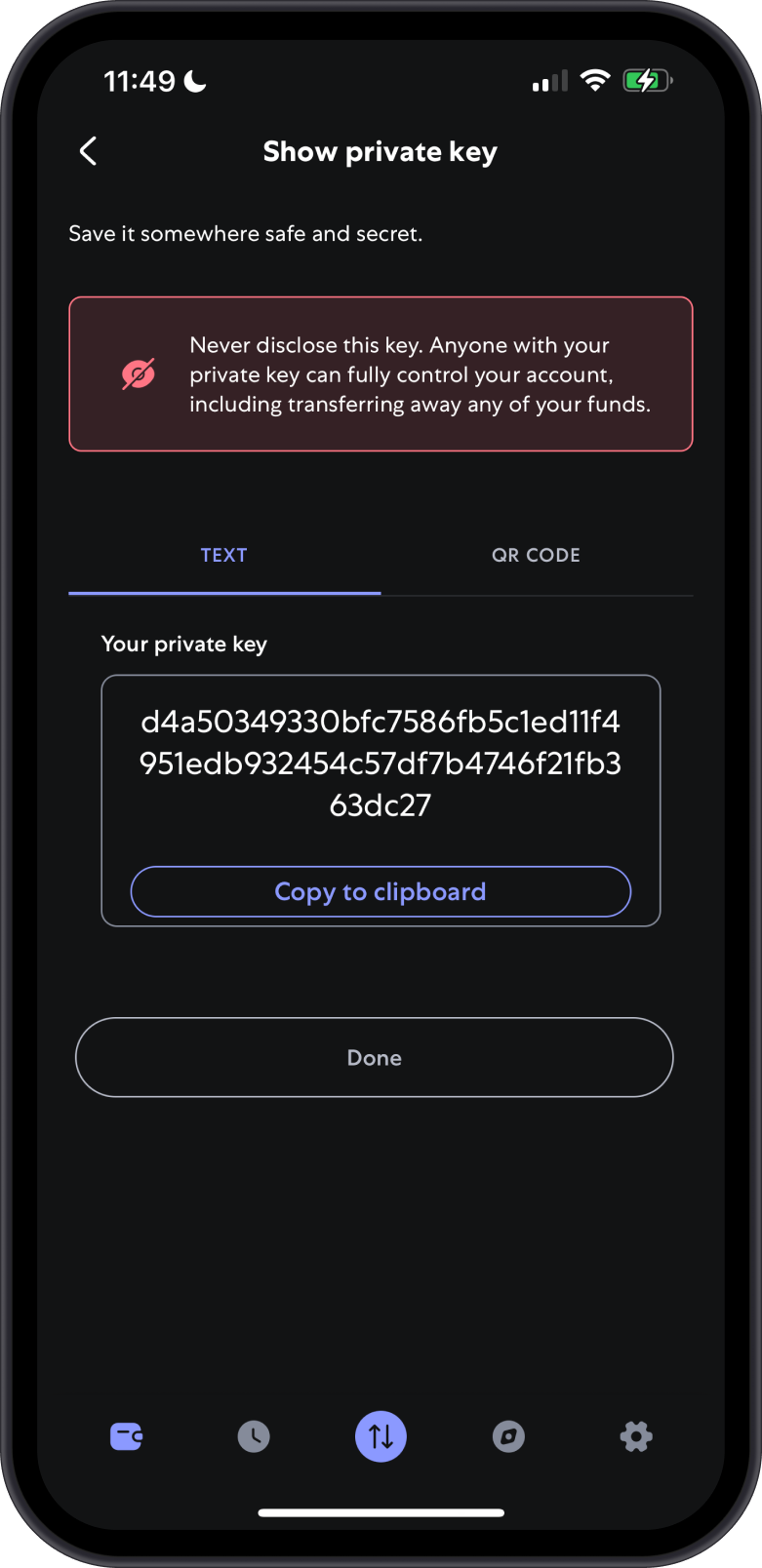
Private keys are usually shown as a string of letters and numbers. The format depends on the network:
| Network | Typical format | Example start |
|---|---|---|
| Ethereum and other EVM networks | 64 hexadecimal characters, sometimes with 0x | 0x4c08… |
| Solana | Base58 string (often 87–88 characters) or hexadecimal | 5Kd3… |
| Stellar | Secret key starting with S (56 characters) or hexadecimal | SB2X… |
| NEAR | ed25519: followed by a Base58 key, or hexadecimal | ed25519:3n… |
| Most other networks | Hexadecimal | 9f1a… |
Private Key vs Secret Phrase
| Private key | Secret Phrase | |
|---|---|---|
| Controls | One address on one network | Every address in a Multi-Coin wallet, on every network |
| Looks like | A long string of characters | 12 or 24 ordinary words |
| Created | Derived from a Secret Phrase, or generated on its own | When you create a wallet |
| Restores | Only that one address | The whole wallet |
A Gem Wallet Multi-Coin wallet is created from a Secret Phrase, and each network's private key is derived from it. Backing up the Secret Phrase backs up all of those keys at once, so you normally never need to handle a private key.
Private Key Wallets in Gem Wallet
Gem Wallet can create a single-network wallet from a private key you already have, for example one exported from another wallet.
Supported: Ethereum and other EVM networks, Solana, TON, TRON, Sui, Aptos, NEAR, Stellar, XRP Ledger, Algorand, Polkadot, Cosmos-based networks, and most other networks in Gem Wallet.
Not supported: Bitcoin, Litecoin, Bitcoin Cash, Dogecoin, Dash, Zcash, and Cardano. For these, import the wallet's Secret Phrase instead.
A private key wallet holds one address on one network. To use more networks, create or import a Multi-Coin wallet with a Secret Phrase.
How to Import a Private Key
- Open Gem Wallet and select Import an Existing Wallet. If you already have a wallet, open Settings > Wallets and select Import an Existing Wallet.
- Choose the network the key belongs to. Private keys are imported per network, not as Multi-Coin.
- Select Private Key.
- Type, paste, or scan the key, then select Import.
If you paste the key, Gem Wallet clears it from the clipboard after importing. If Gem Wallet says the key is invalid, check that you chose the right network and that the key is complete, with no extra spaces or characters.
See Restore Gem Wallet for importing with a Secret Phrase.
How to View a Private Key in Gem Wallet
For a wallet you imported with a private key:
- Open Settings > Wallets and select the wallet.
- Select Show Private Key and authenticate with Face ID, Touch ID, or your passcode.
- Read the security reminders, then view or copy the key.
Gem Wallet protects the key while it's shown:
- A copied private key is removed from the clipboard after one minute, and isn't shared with your other devices.
- On iOS, the key is left out of screenshots, and Gem Wallet warns you if you take one. On Android, screenshots of this screen are blocked.
- The key is hidden during screen recording and whenever the app isn't active.
Multi-Coin wallets show Show Secret Phrase instead, because one phrase controls every network. If another app needs a single private key from a Multi-Coin wallet, see How to Get Your Private Key from a 12-Word Recovery Phrase, and do it offline.
Keep Your Private Key Safe
Anyone who has your private key can take everything in that address. Gem Wallet can't recover a lost key or reverse a transaction made with a stolen one.
- Never share it. Gem Wallet support, exchanges, and swap providers will never ask for your private key.
- Never type it into a website or a form you reached from a link, an email, or a direct message.
- Store it offline, written down or in a secure password manager you control, not in screenshots, cloud notes, or chat messages.
- A private key wallet's only backup is the key itself. If you delete the wallet or lose your device without a copy, the funds can't be recovered.
If you think someone has seen your private key, move the funds to a new wallet right away. See What to Do If Your Crypto Wallet Is Compromised?.