What is a Watch Wallet?
A Watch Wallet is a read-only view of a public blockchain address. It lets you monitor the address's balances and transaction history in Gem Wallet without importing its private key or recovery phrase.
Anyone can add a public address from a blockchain supported by Gem Wallet. You can add your own address for convenient view-only monitoring, track an address from a hardware or cold-storage wallet, or view another public address.
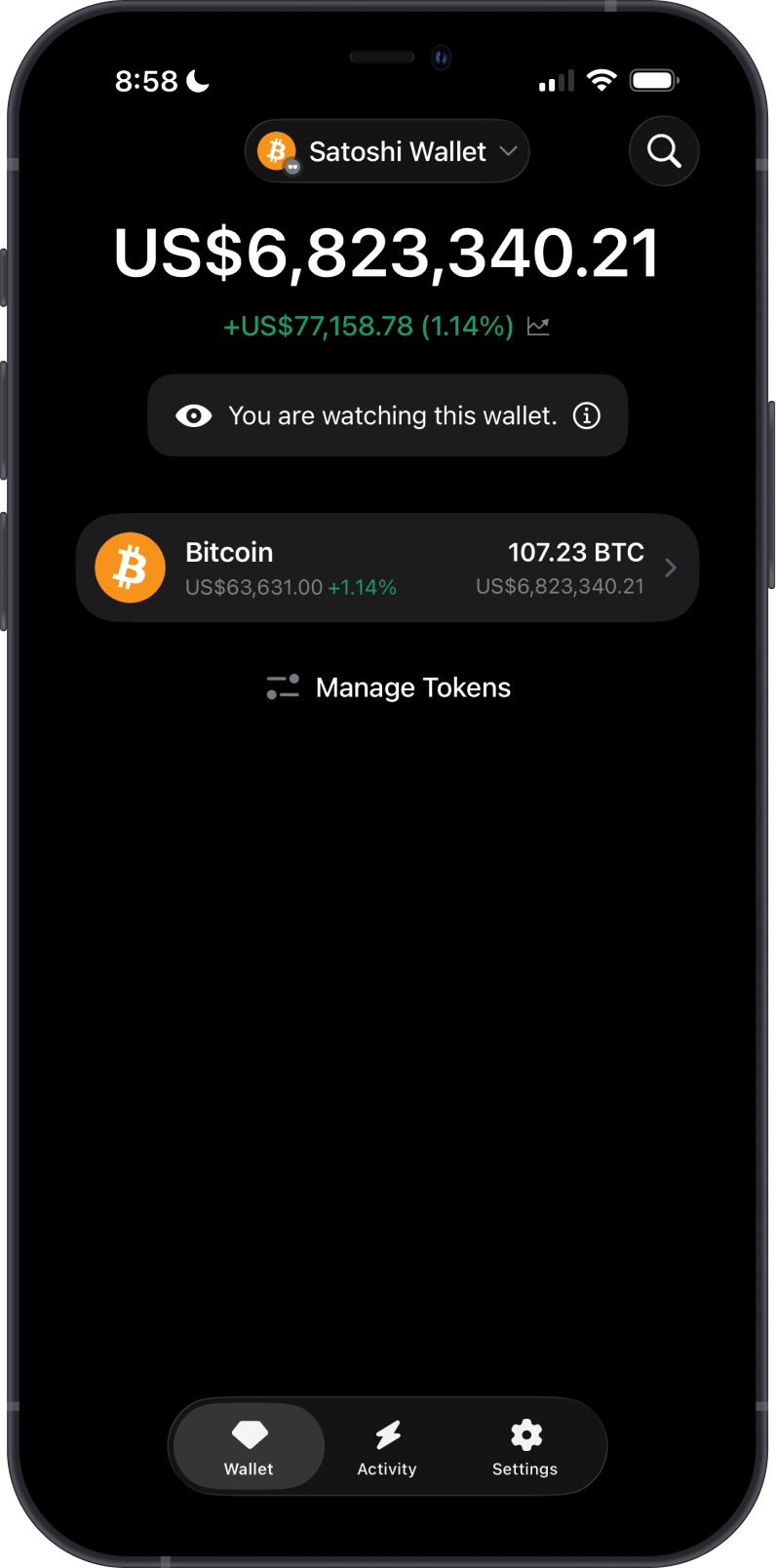
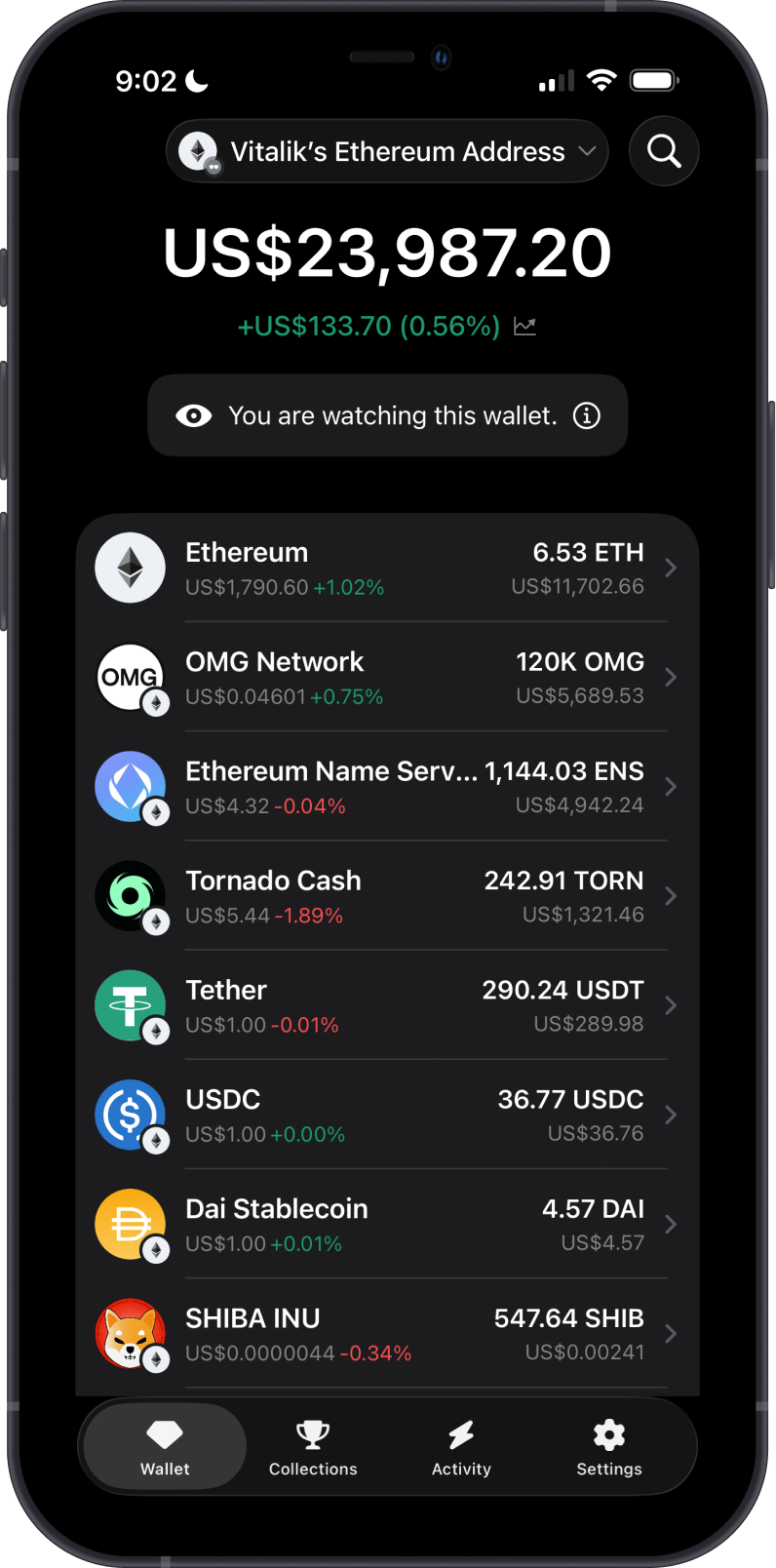
Important Facts About Watch Wallets
-
View only: A Watch Wallet displays the funds and public transaction history associated with the imported address.
-
No transactions: You cannot send, sell, swap, stake, sign, or perform any other transaction from a Watch Wallet.
-
No ownership is transferred: Importing a public address does not give you ownership of or access to its funds.
-
Only the owner can access the funds: Spending requires the private key or recovery phrase that controls the address.
-
Gem Wallet cannot unlock it: The Gem Wallet team cannot unlock a Watch Wallet, provide access to its funds, recover funds, or reverse transactions on any blockchain.
What Can You Do With a Watch Wallet?
You can use a Watch Wallet to:
-
View the current balance of an address.
-
Monitor incoming and outgoing transactions.
-
Follow your own address without keeping its private key or recovery phrase on the device.
-
Monitor funds held with a hardware wallet or in cold storage.
-
Track public addresses, such as donation, treasury, or portfolio addresses.
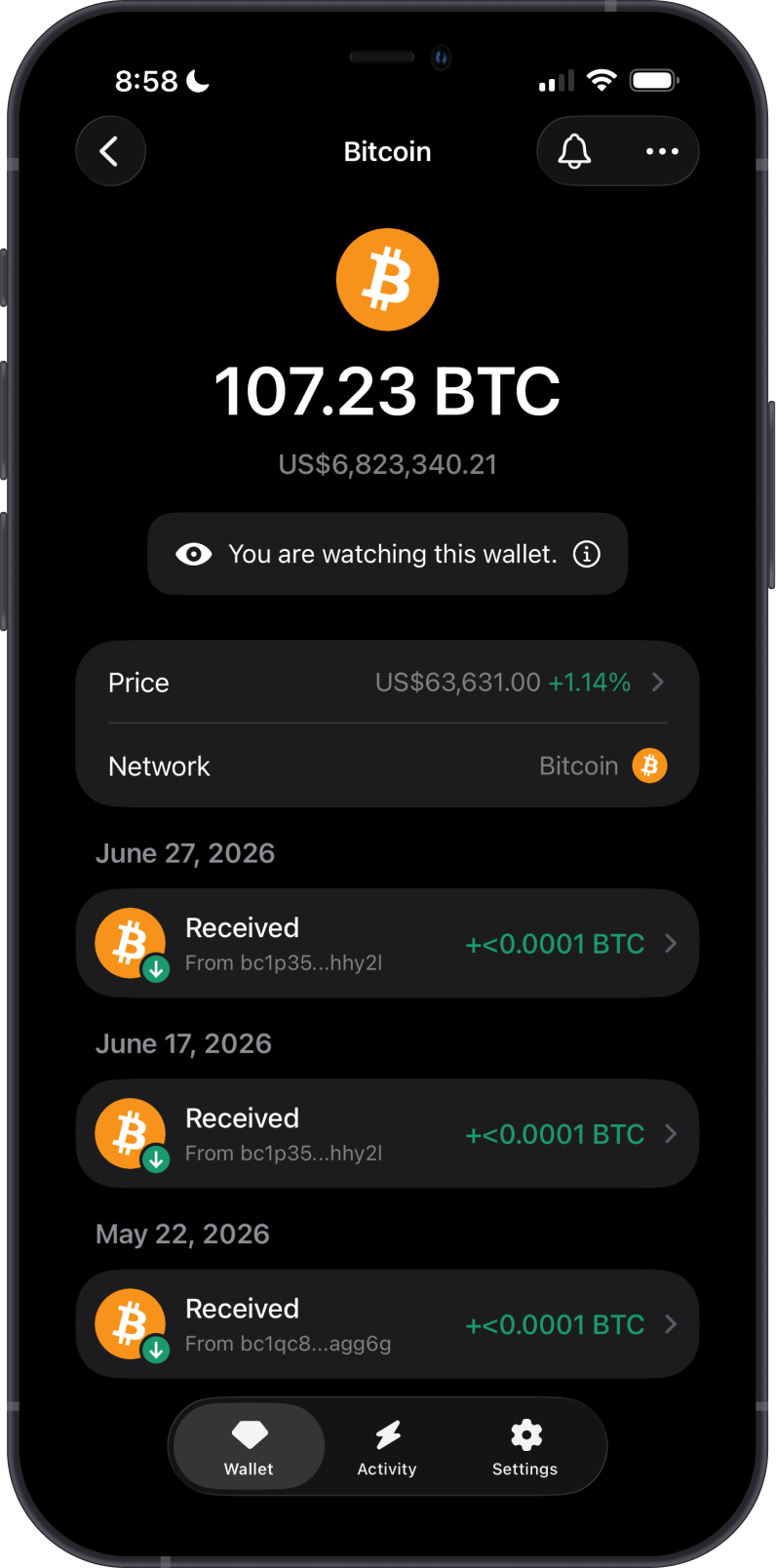
Can a Watch Wallet Receive Funds?
Yes. Funds can be sent to the public address displayed by a Watch Wallet, just like any other blockchain address. However, the Watch Wallet itself cannot spend or move those funds.
Only send funds to a Watch Wallet address if you control its private key or recovery phrase. If you do not control them, you will not be able to access the funds. Gem Wallet cannot unlock the address, recover the funds, or reverse the transaction.
Who Controls a Watch Wallet's Funds?
The person who holds the private key or recovery phrase for the imported address controls its funds. Knowing or importing a public address is not enough to access them.
Gem Wallet does not receive or store the private key when an address is added as a Watch Wallet. This is why the app can display public blockchain activity but cannot authorize transactions.
How Do I Add a Watch Wallet?
Choose a supported blockchain, select Address, and paste or scan the public address. Gem Wallet will clearly label the imported wallet with You are watching this wallet.
Follow the step-by-step How to Add a Watch Wallet guide for Bitcoin and Ethereum examples.
How Do Tokens Work in a Watch Wallet?
On blockchains that support tokens, the network's native asset and enabled token assets can be viewed in the Watch Wallet. Tokens may need to be enabled manually before they appear.
Use Manage Tokens to select the assets you want to view. See How to Add or Enable a Token for detailed instructions.