Referral Rewards
Referral rewards let eligible Gem Wallet users invite friends and earn rewards when a referral is completed.
Requirements
To invite friends, you need an active rewards profile. Gem Wallet checks this automatically based on account activity, such as how long the profile has been active and whether it has enough completed transactions.
To use a referral code, the referral must also pass eligibility and safety checks.
Referral rewards are not available for:
- Self-referrals.
- Invalid or expired referral codes.
- Wallets, devices, profiles, or locations that are not eligible.
- Activity that appears to abuse or manipulate the referral system.
How It Works
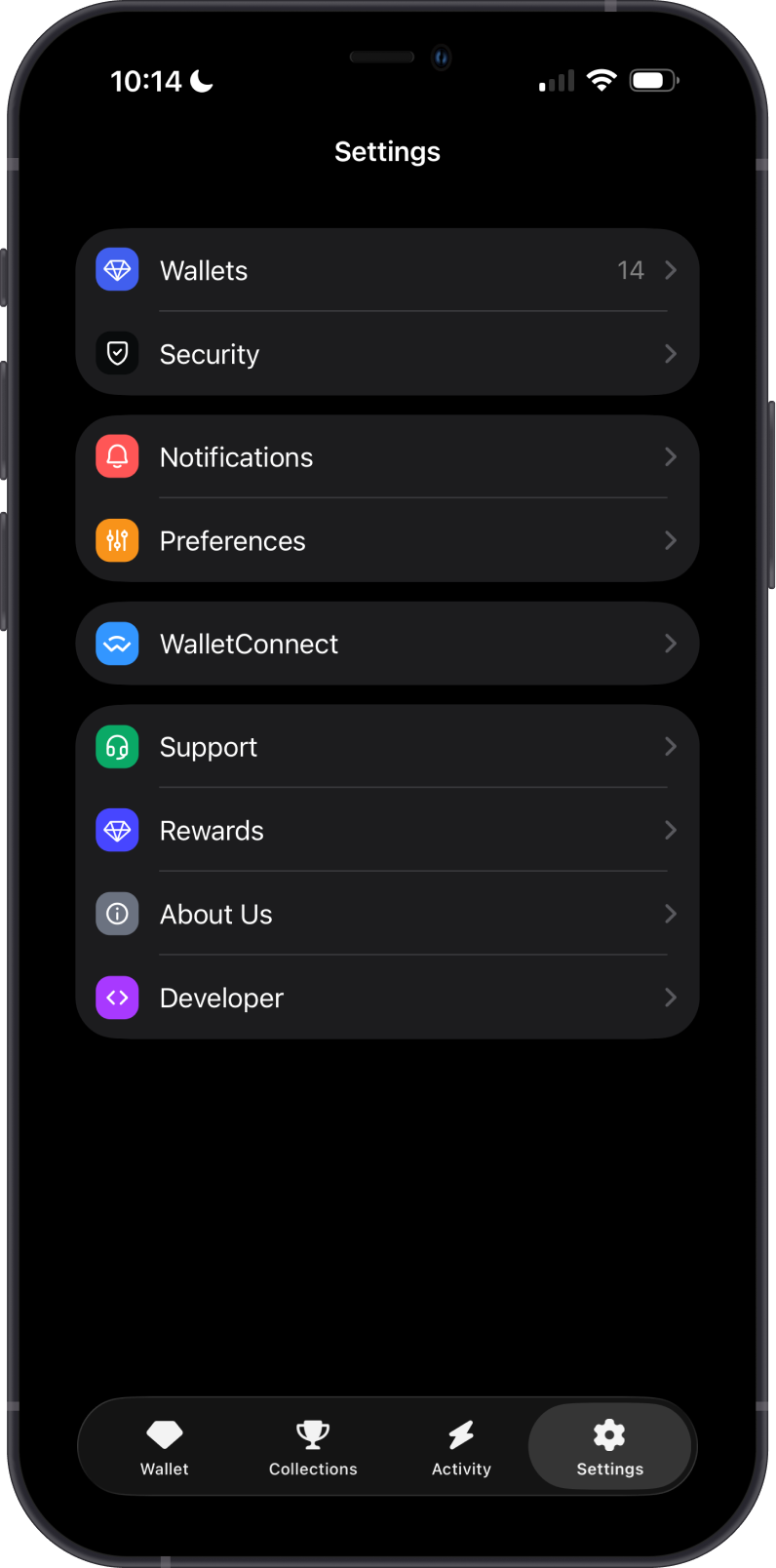
Open Settings, then tap Rewards.
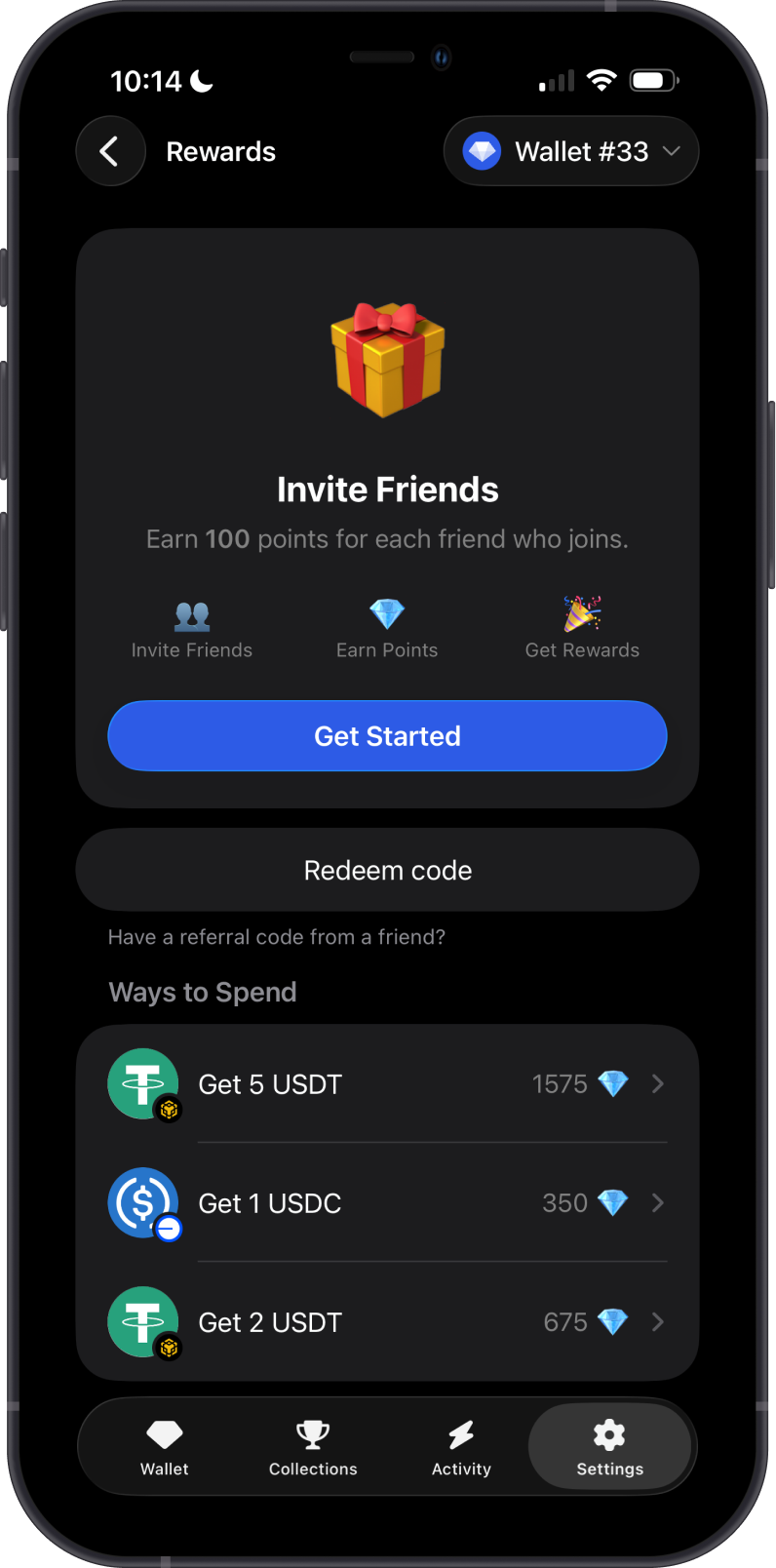
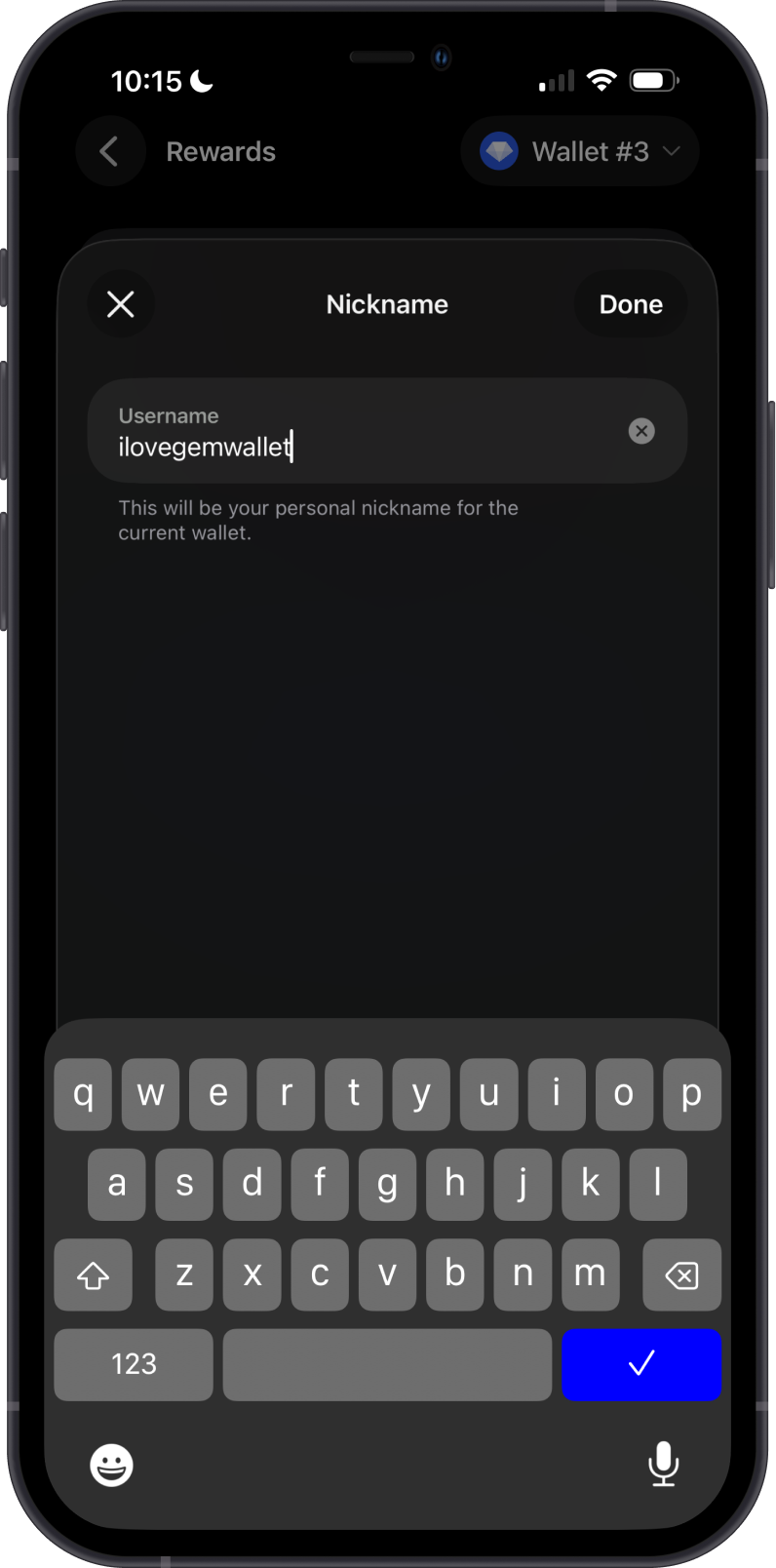
- Create a username in Gem Wallet.
- Use Gem Wallet normally while your rewards profile is checked.
- Once your rewards profile is active, share your referral code with a friend.
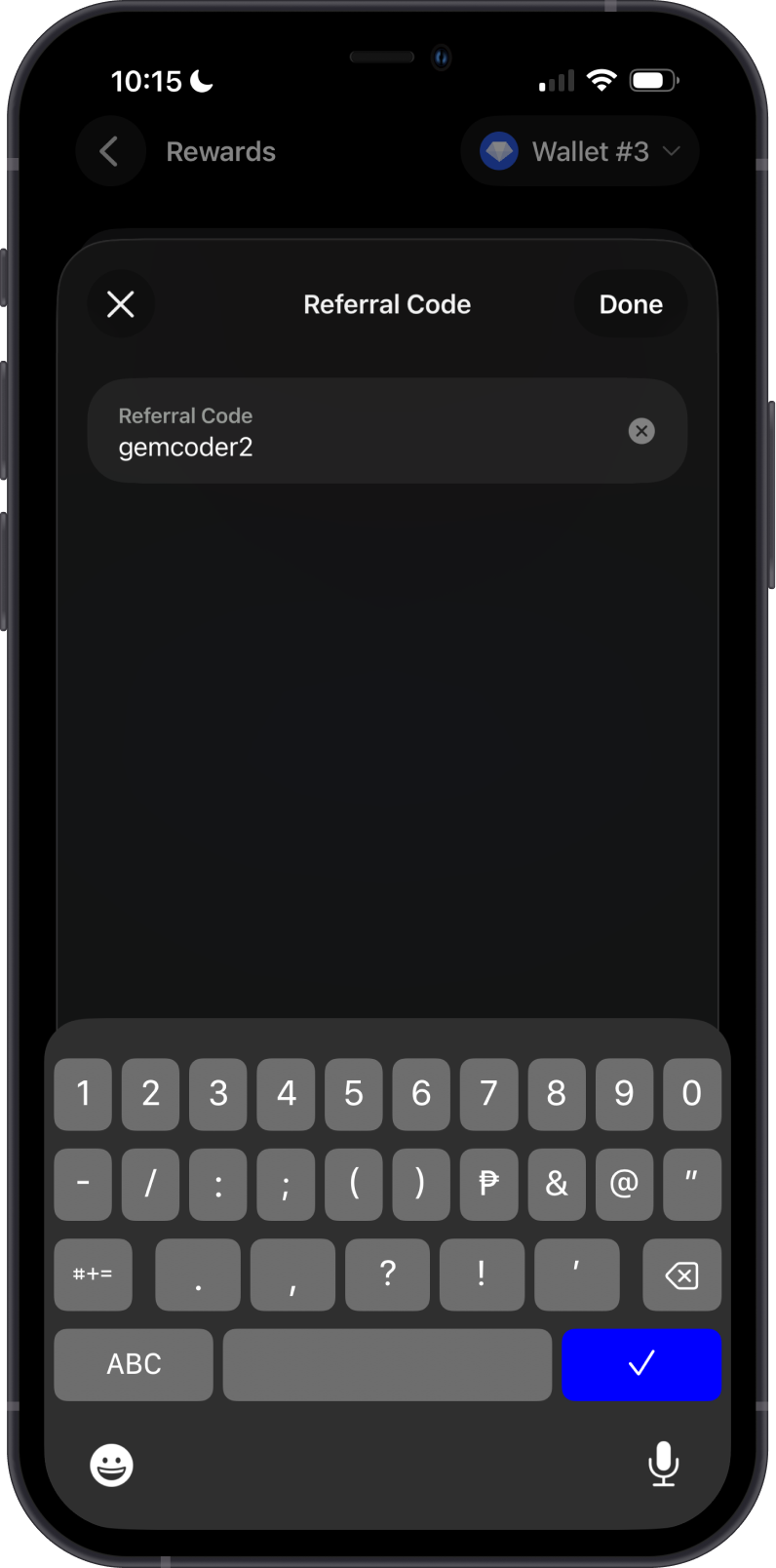
- Your friend enters the referral code in Gem Wallet.
- After the referral is verified, both of you can receive rewards in the app.
Some referrals are confirmed right away. Others may have a short waiting period before the bonus can be confirmed.
Referral Statuses
Your rewards profile may show one of these states:
- Not started: You have not created a username yet.
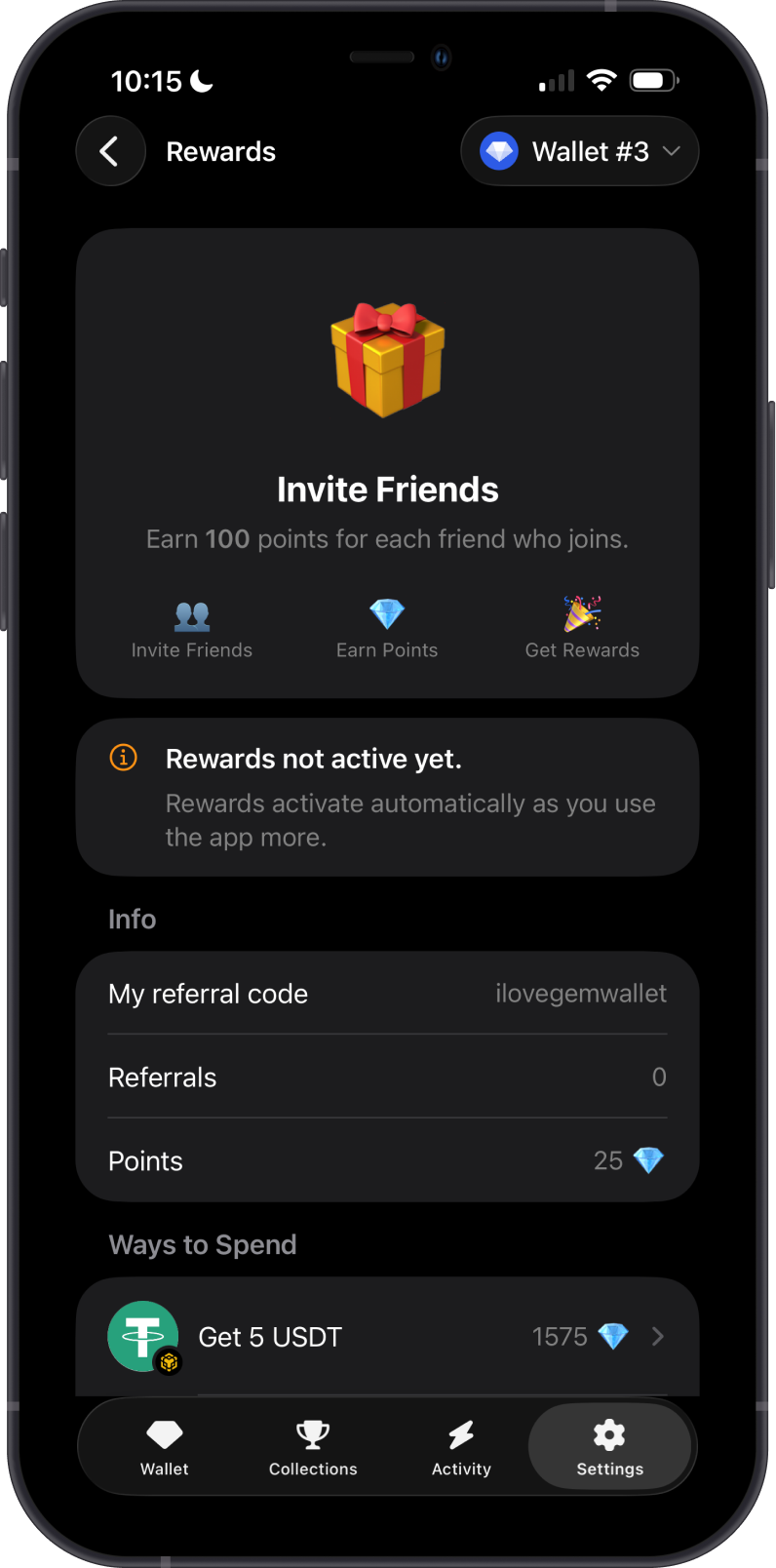
- Not active yet: Your username is created, but your rewards profile is still being checked.
- Pending: You used a referral code and need to wait before confirming the bonus.
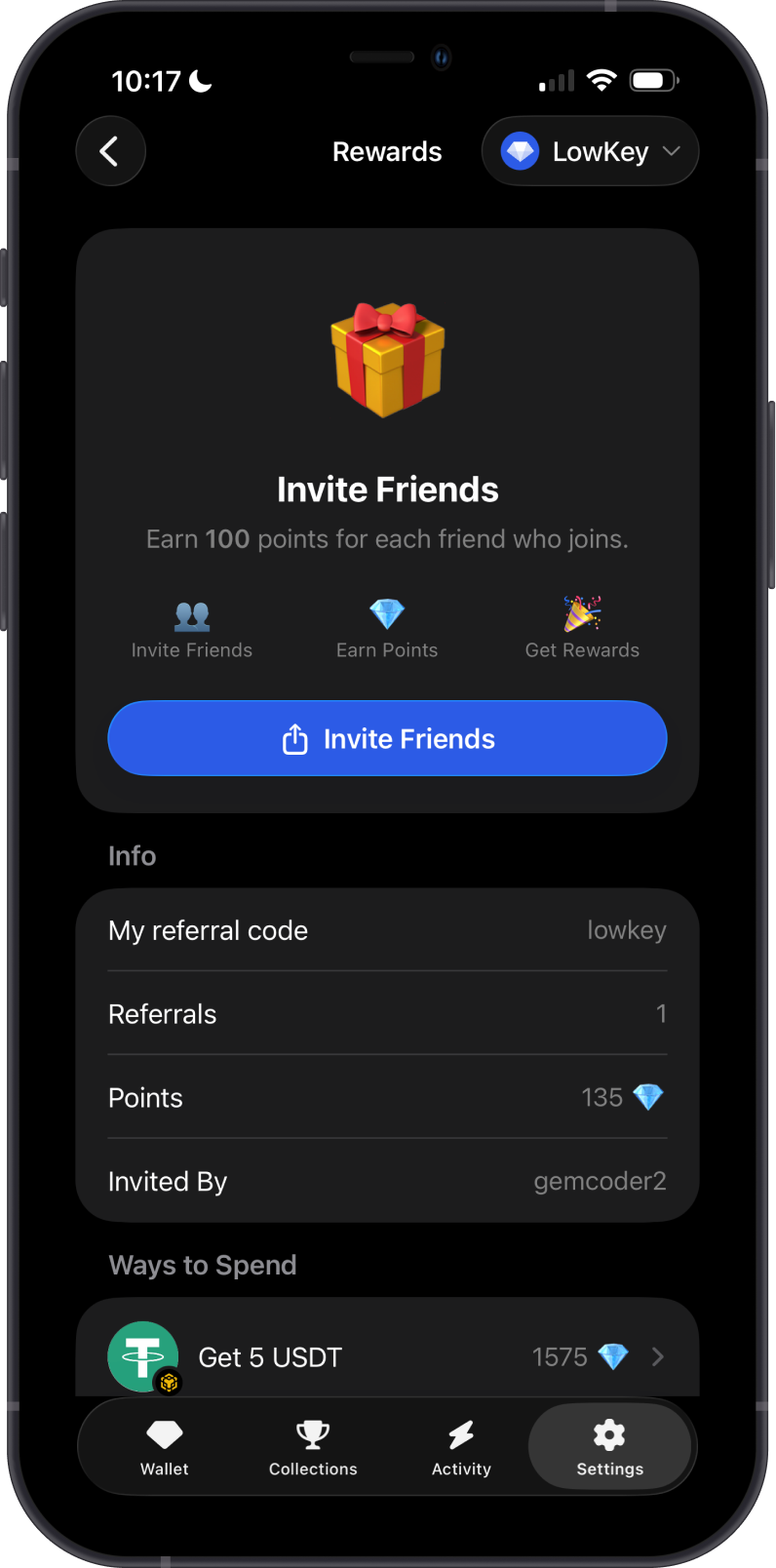
- Active: You can invite friends and share your referral code.
- Disabled: Rewards are not available for this profile.
Basic FAQs
How do I become eligible?
Create a username and keep using Gem Wallet normally. There is no extra action required while your rewards profile is being checked.
What happens after I use a referral code?
Gem Wallet checks whether the referral is eligible.
If the referral is ready right away, the bonus can be completed immediately. If there is a waiting period, the app will show that your bonus is pending and when it can be confirmed.
When the waiting period is over, open the rewards screen again and confirm the bonus.
Why is my bonus pending?
A pending bonus means Gem Wallet accepted the referral code, but the referral still needs time before it can be confirmed.
The waiting period can depend on the inviter's rewards status. Some active inviters may have shorter waiting periods, and trusted inviters may have no waiting period.
Can I invite myself?
No. Referral rewards are meant for inviting other people. Self-referrals are not eligible.
Why was a referral not accepted?
A referral may not be accepted if it does not meet the rewards rules. Common reasons include:
- The referral code is not valid.
- The inviter is not eligible to invite.
- The same wallet or device is not eligible.
- The referral appears to be a self-referral.
- Rewards are not available for the profile or location.
- Safety checks found activity that does not qualify.
What happens if someone abuses referral rewards?
Gem Wallet may disable referral codes and remove access to referral rewards for users who try to game, abuse, or manipulate the referral system.
Where can I see my referral status?
Open the rewards area in Gem Wallet. The app will show whether rewards are not active yet, your bonus is pending, your bonus is ready to confirm, or you can invite friends.