How to Get Started with Tether (USDT) in Gem Wallet
Tether (USDT) is a stablecoin pegged to the US dollar, making it a reliable choice for transactions, trading, and storing value in the crypto world. This guide walks you through setting up a USDT wallet with Gem Wallet, downloading the app, and securing your funds.
Step 1: Download and Install Gem Wallet
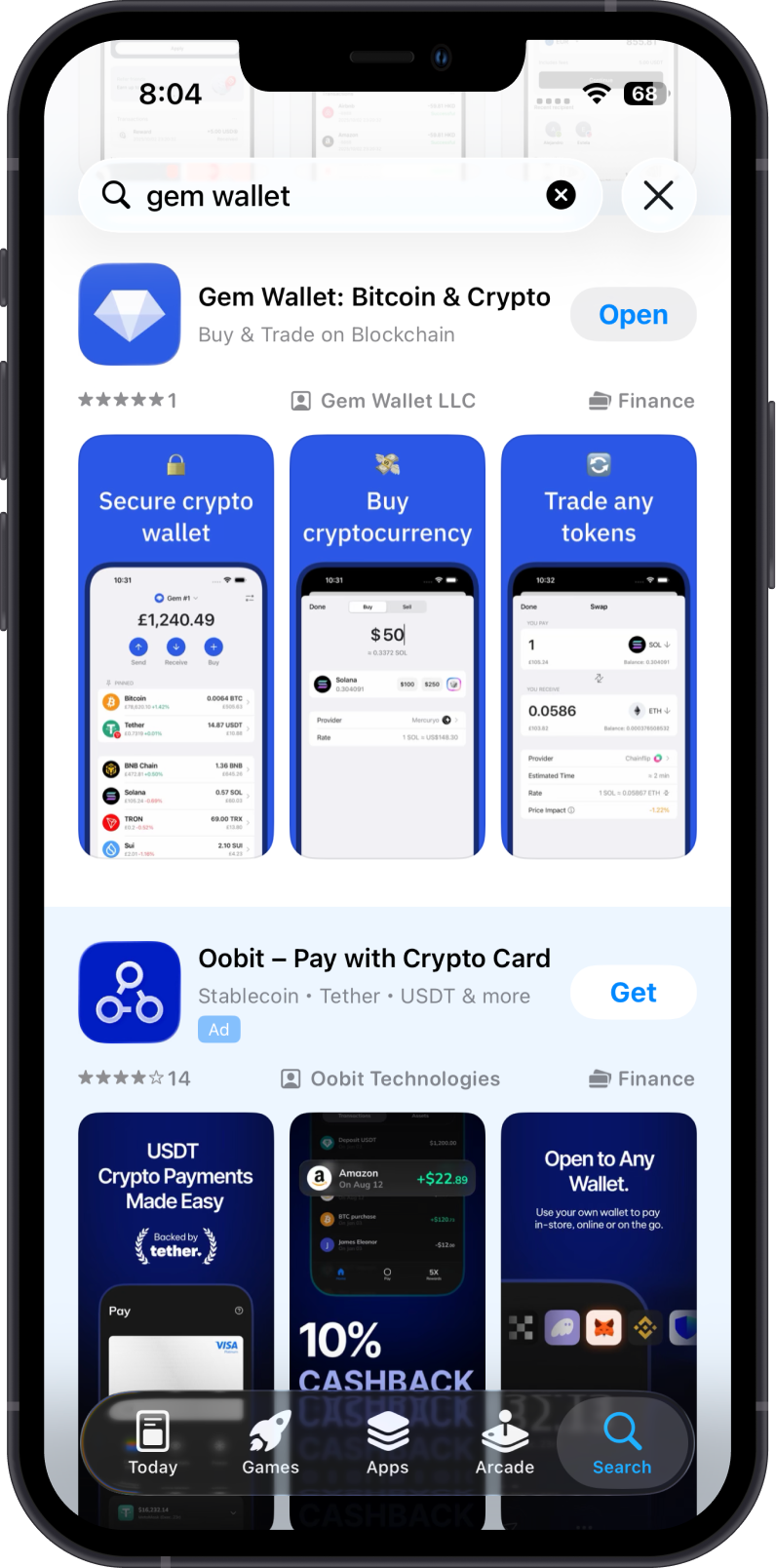
- Visit the Official Source: Go to the Gem Wallet website and then click on Download or go to your device’s app store (Google Play for Android, App Store for iOS).
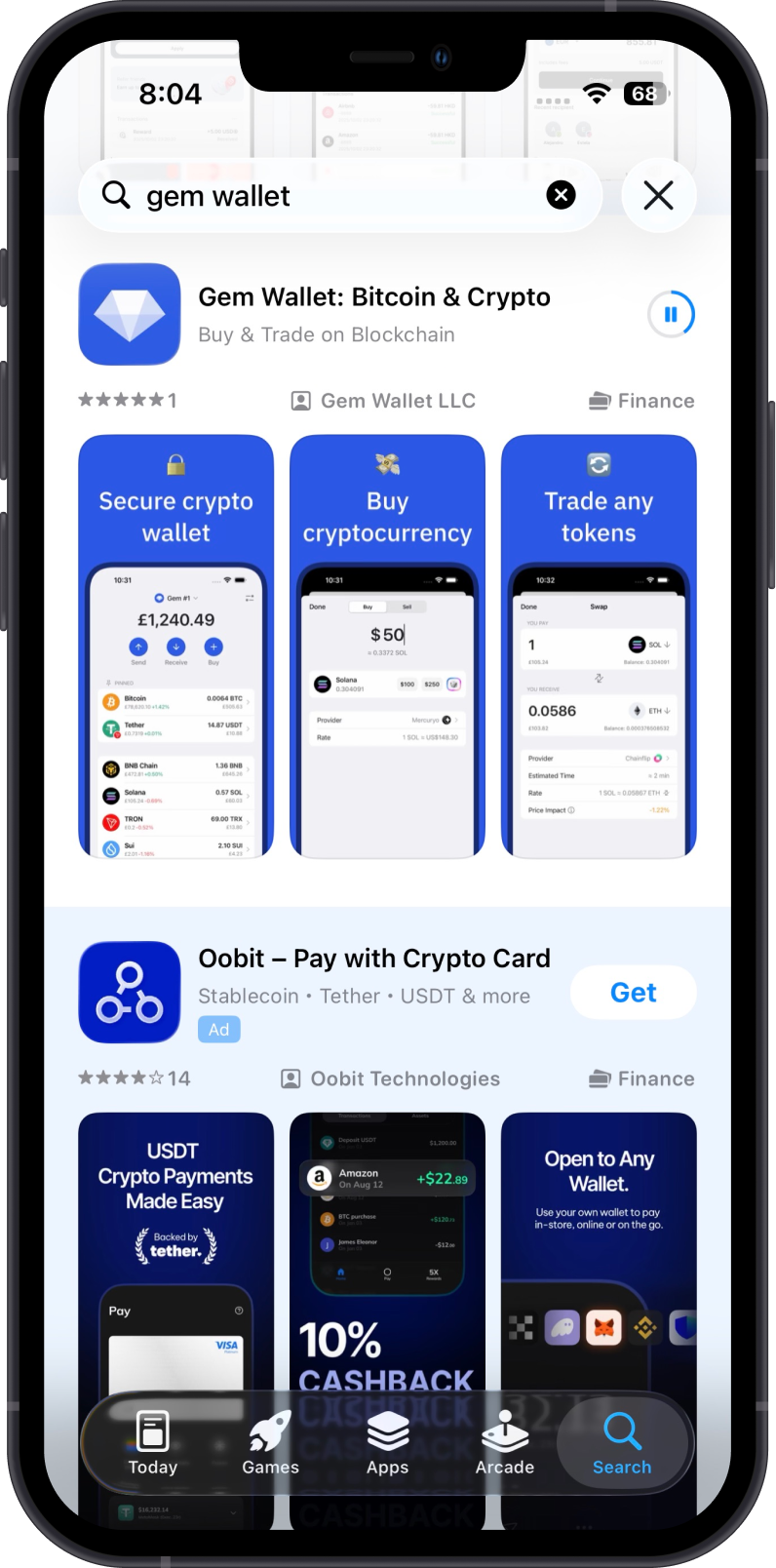
- Install and Open: Once installed, open the Gem Wallet app on your device.
Step 2: Create a New Wallet
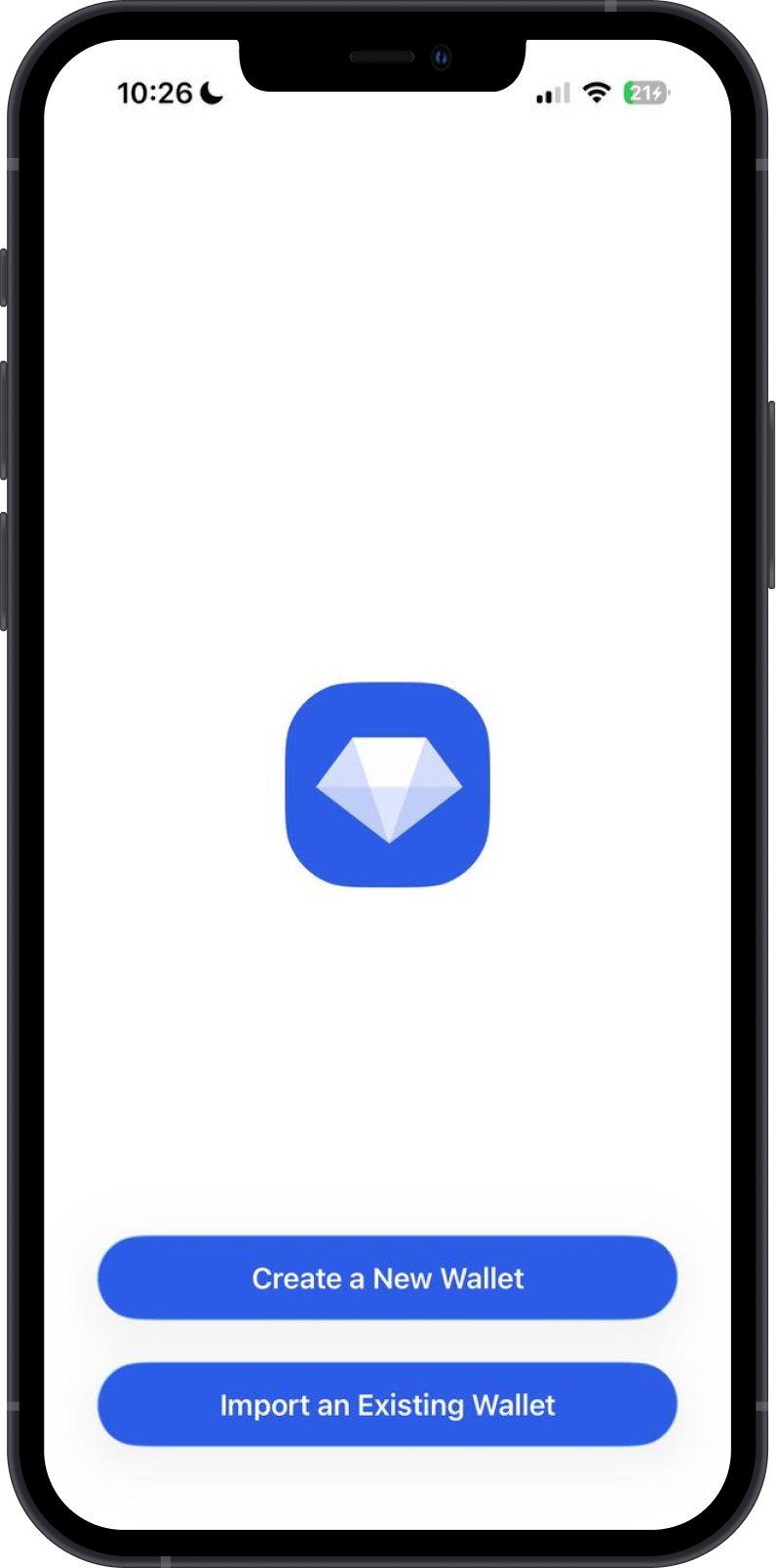
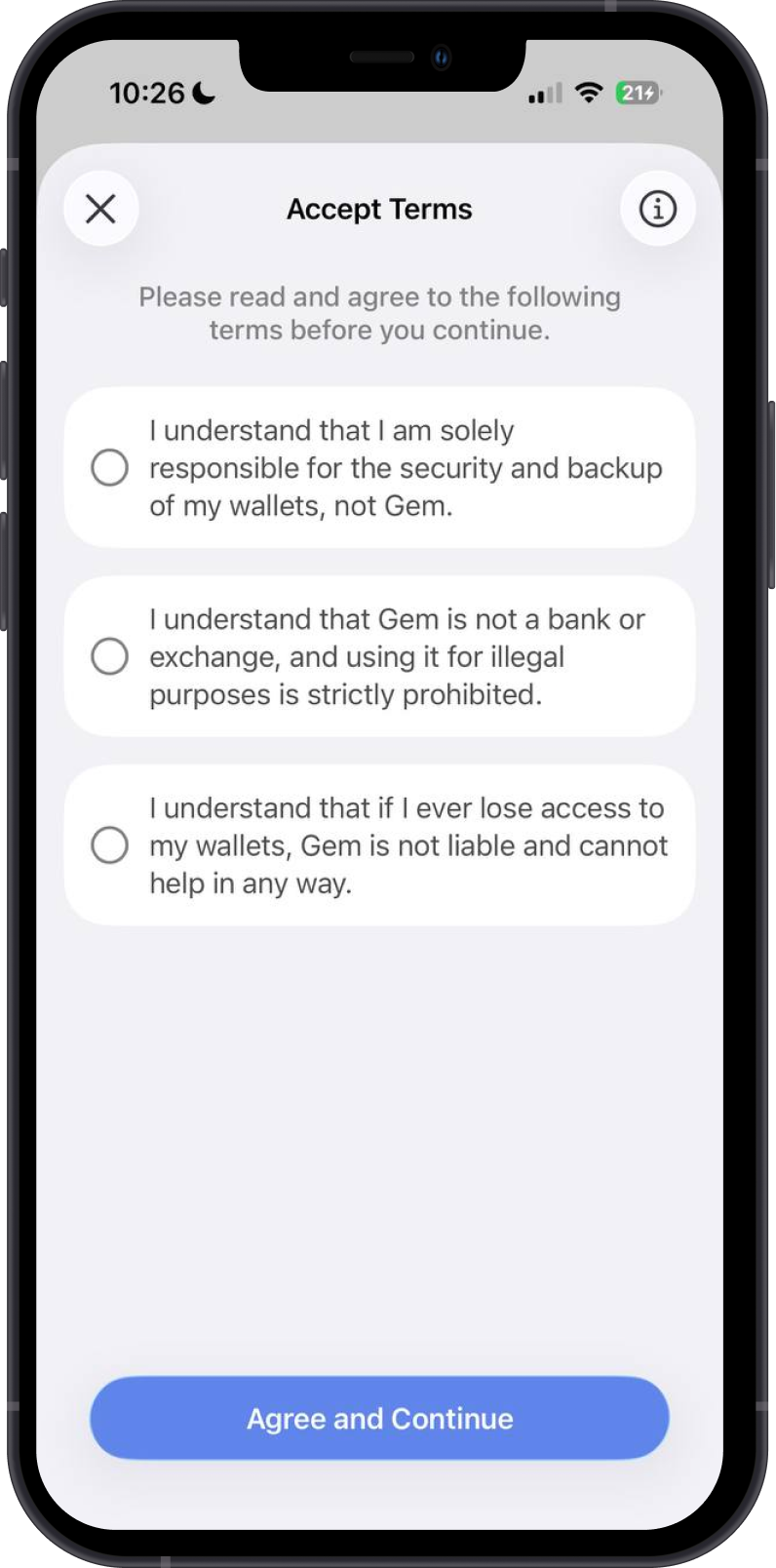
- Set Up a New Wallet: Launch Gem Wallet, select “Create a New Wallet,” review the terms, then continue.
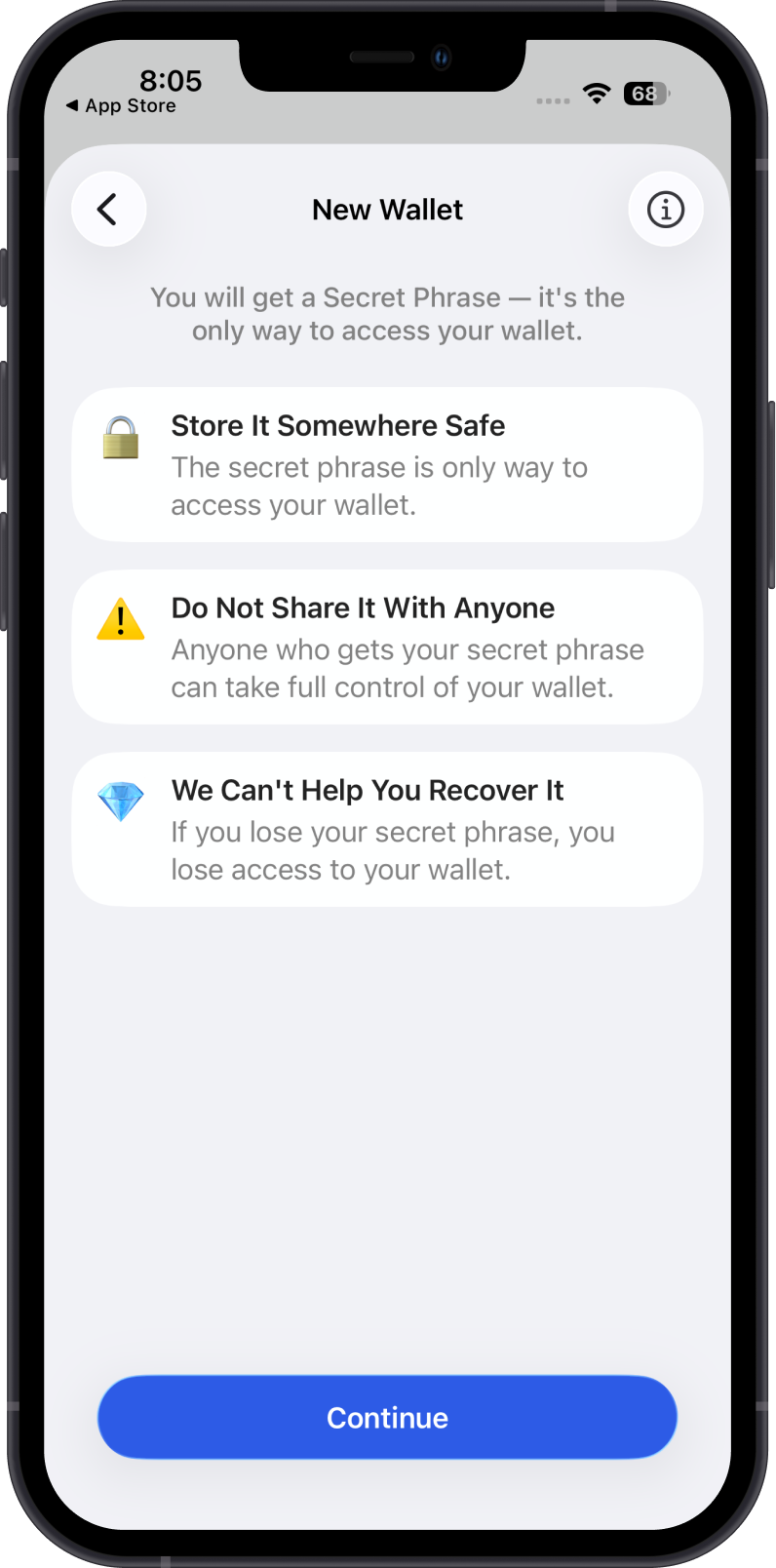
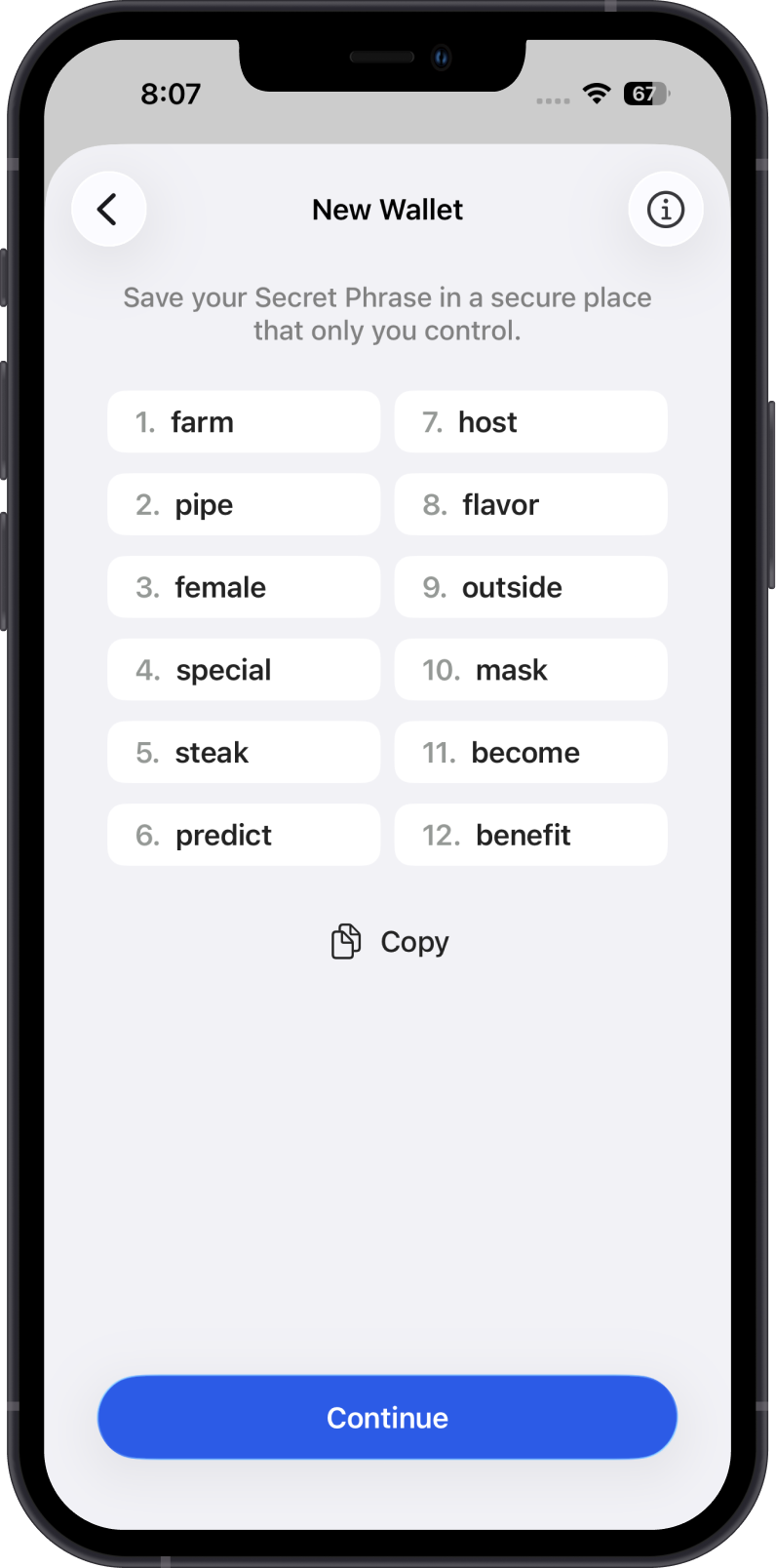
- Back Up Your Secret Phrase: Review the Secret Phrase safety reminders. Gem Wallet will provide a 12-word Secret Phrase. Write it down in the correct order and store it offline in a secure location. Never share it or store it as a screenshot, plain note, or cloud backup.
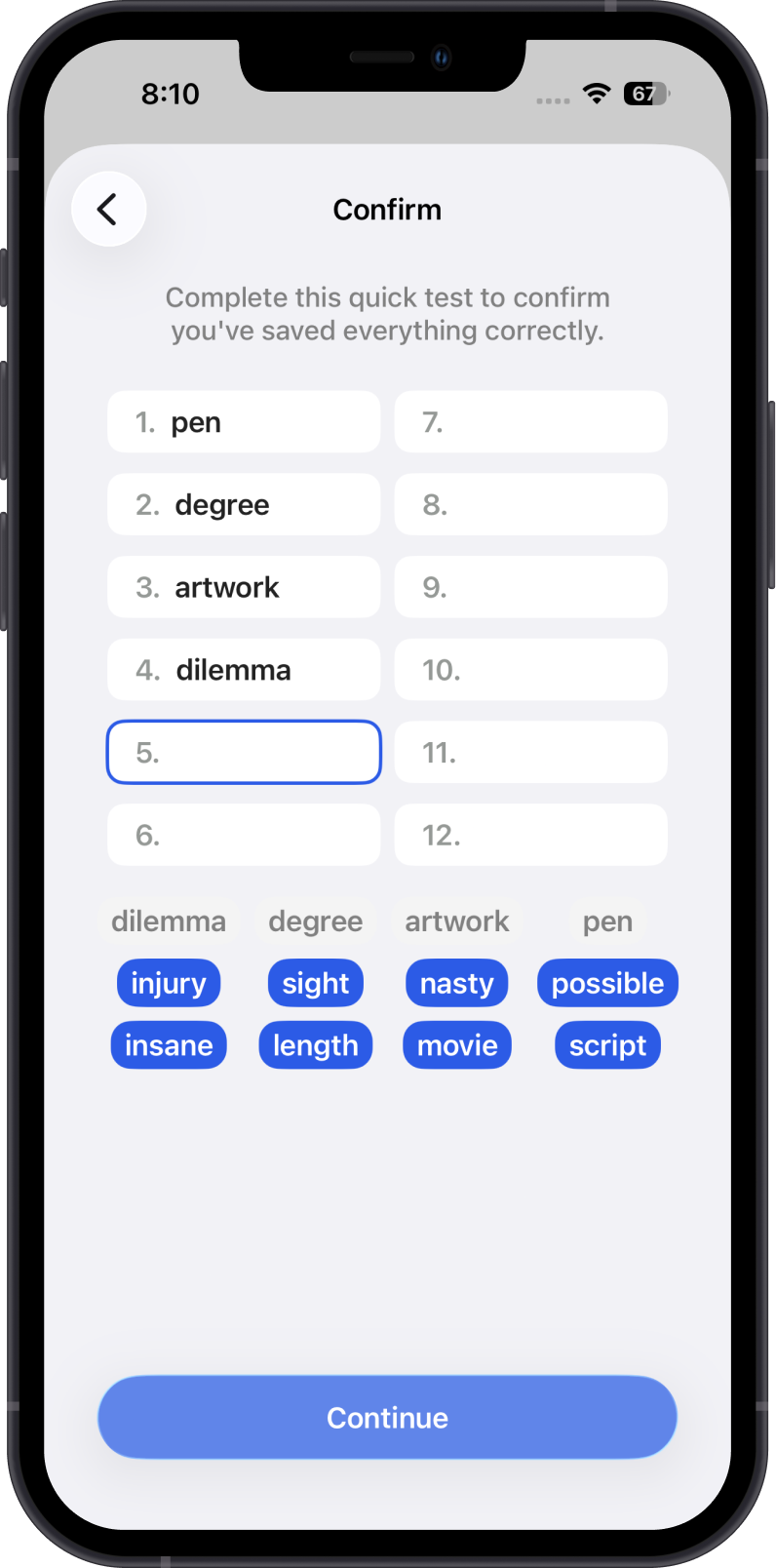
- Confirm Your Secret Phrase: Complete the quick test to confirm that you saved your Secret Phrase correctly.
Step 3: Add a USDT Wallet
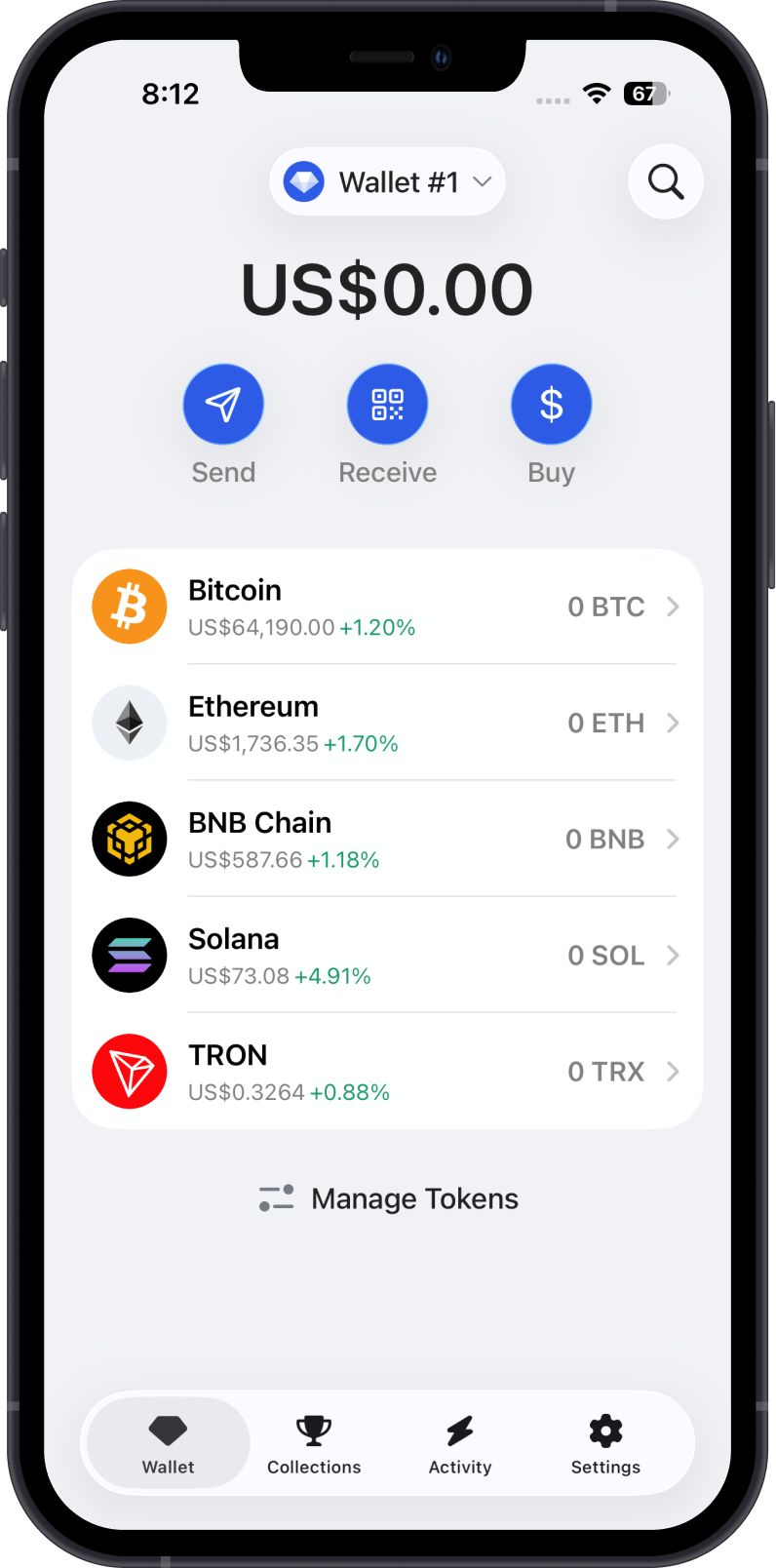
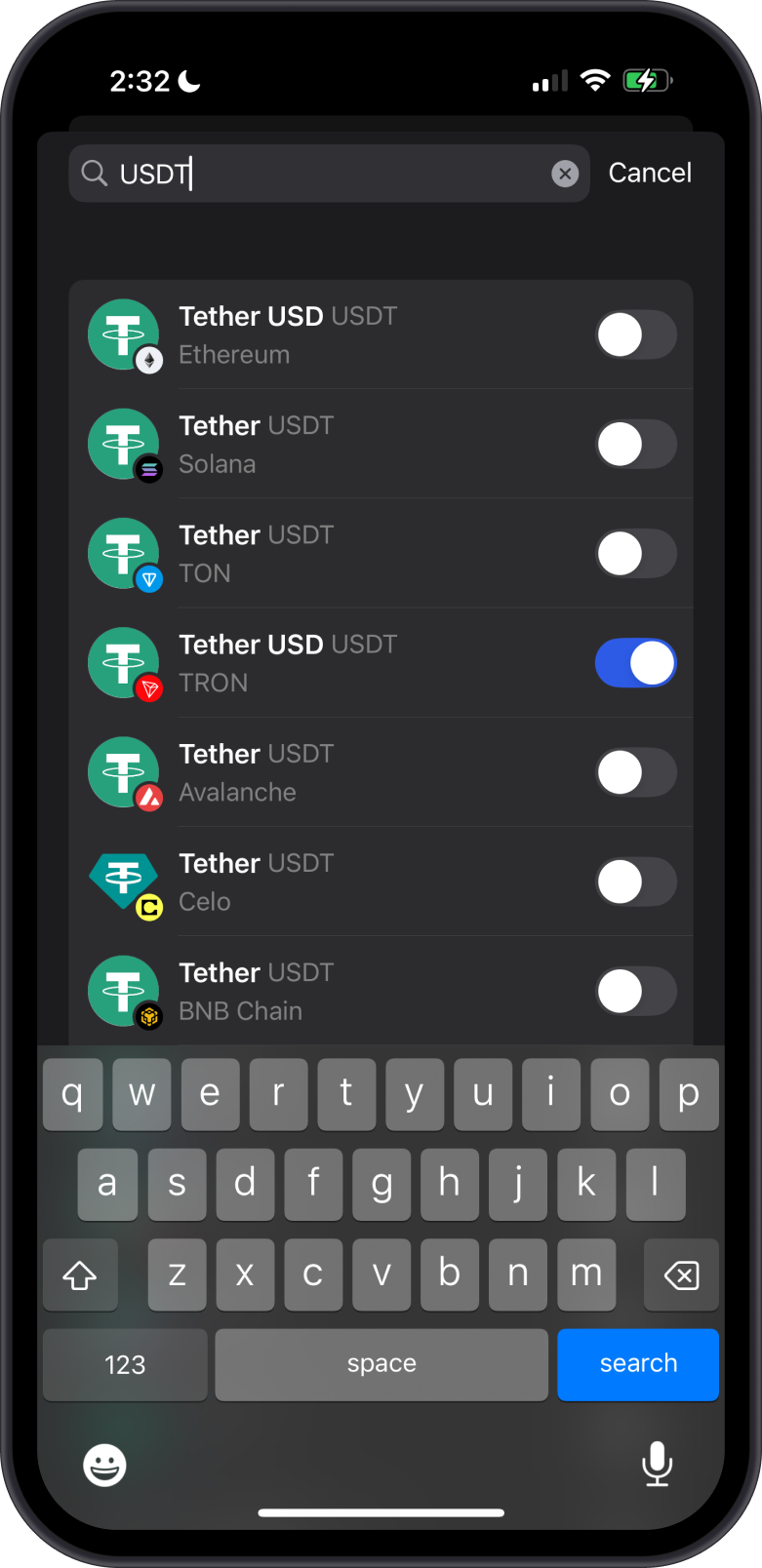
- Add USDT: Tap on Manage Token List then search for "Tether" or "USDT", and choose the blockchain network (e.g., Ethereum ERC-20 or Tron TRC-20) to add a USDT wallet. For this guide, we will add a USDT TRC20 wallet that is on the TRON blockchain.
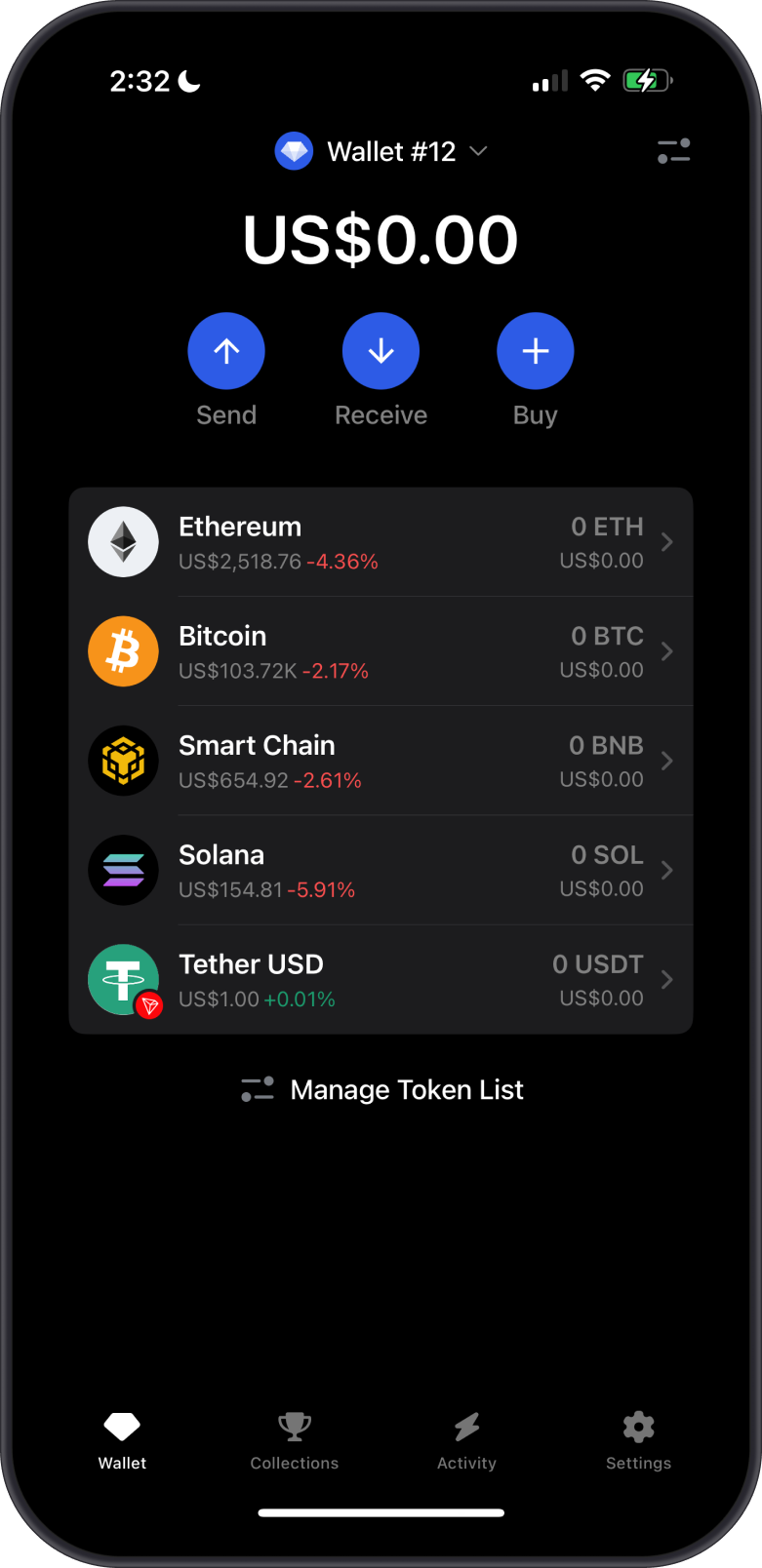
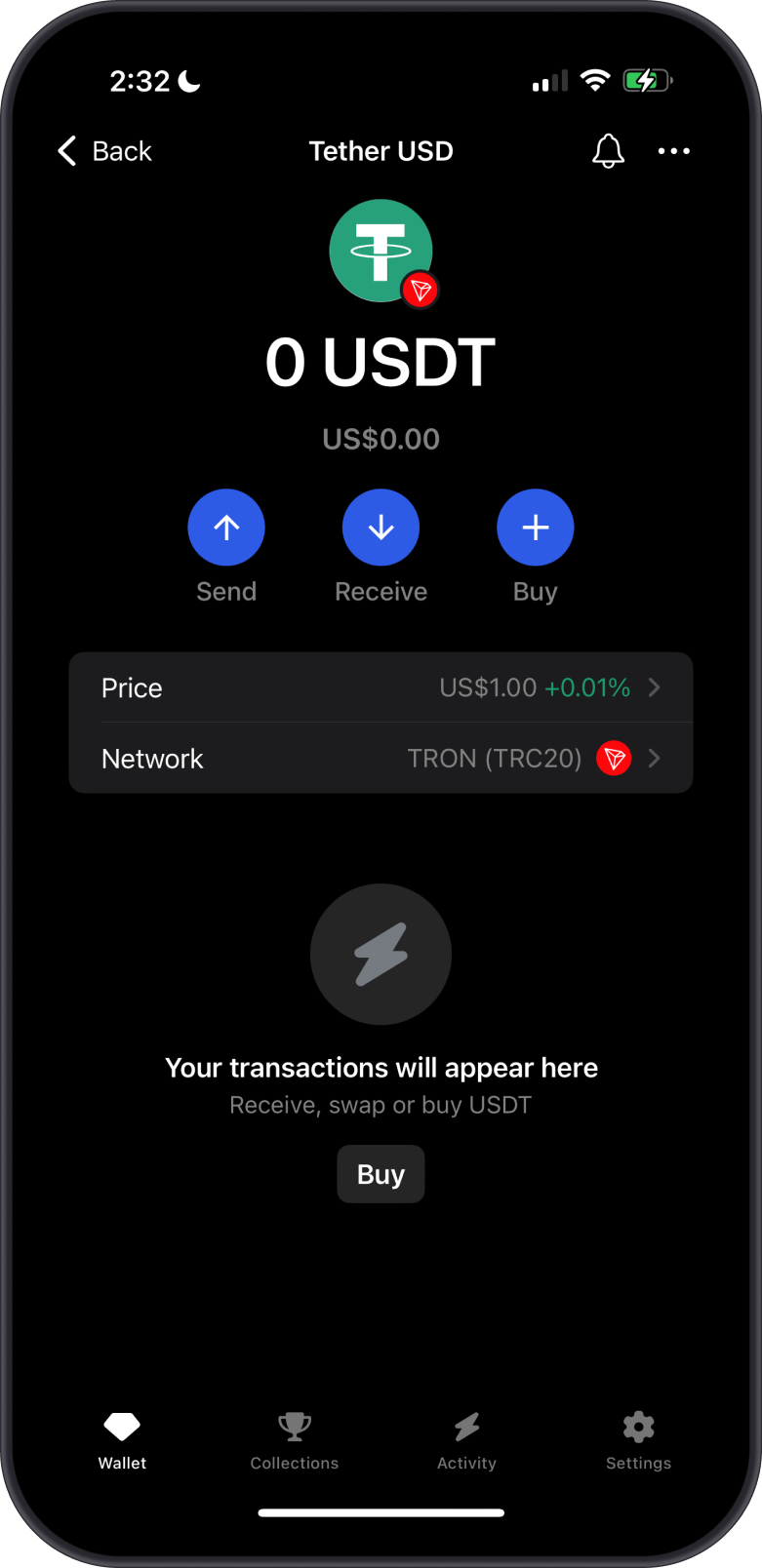
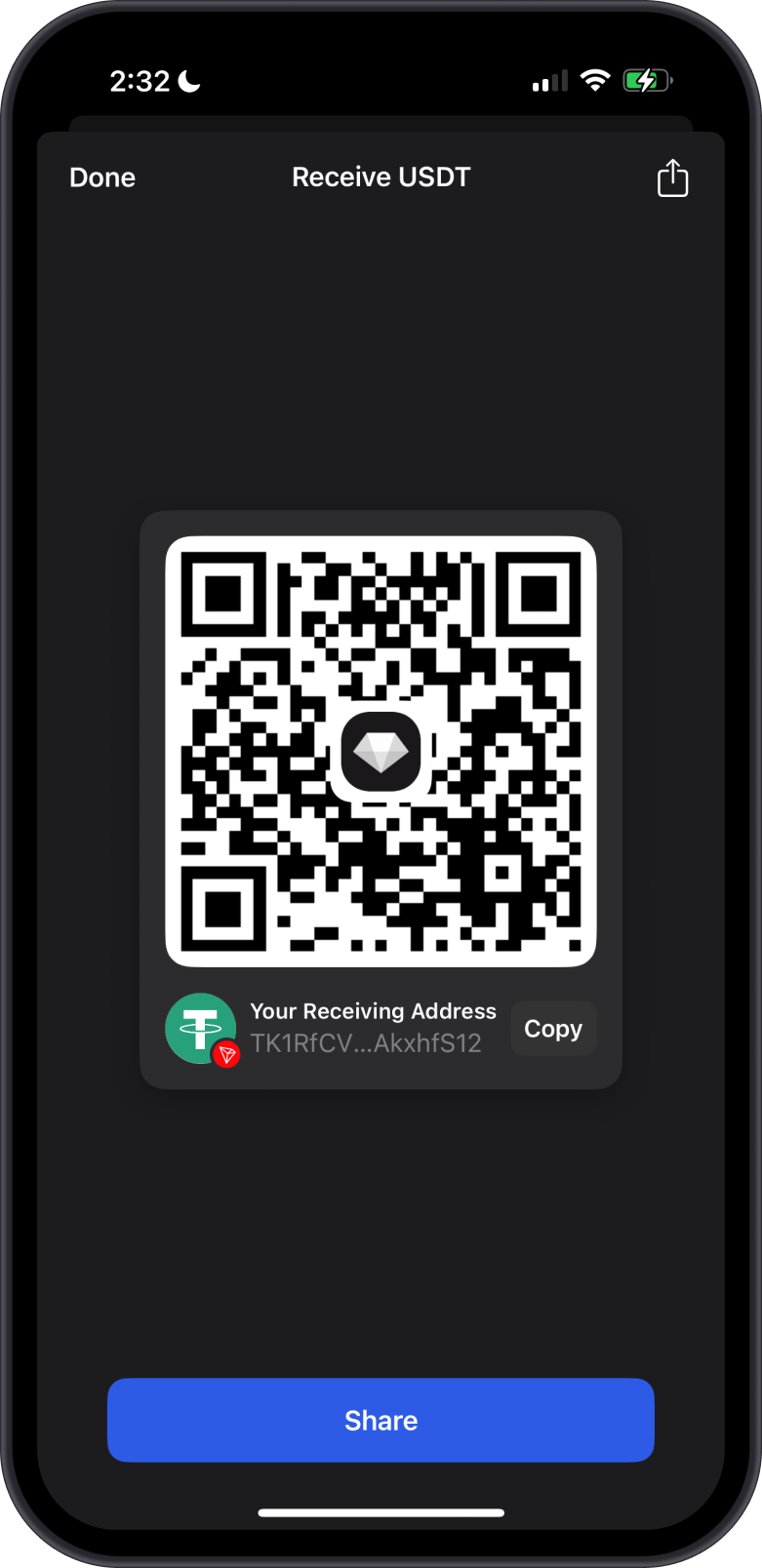
- Get USDT Address: Tap on your USDT wallet then tap on “Receive” to get the USDT address.
Step 4: Keep your USDT Wallet Secure
- Protect Your Secret Phrase: Never share your Secret Phrase with anyone. Store it offline and avoid digital backups, such as screenshots or cloud storage.
- Beware of Phishing: Avoid clicking suspicious links or sharing wallet details in unsolicited messages. Verify the source before acting.
- Update Regularly: Keep your Gem Wallet app updated to benefit from the latest security patches.
tip
Learn more on how to keep your Gem Wallet secure.
Why Use Gem Wallet for USDT?
Gem Wallet is a user-friendly, non-custodial wallet that supports USDT across multiple blockchains, giving you full control over your private keys. Its intuitive interface and robust security features make it ideal for beginners and experienced users alike.
By following these steps and security practices, you can confidently start using USDT with Gem Wallet for secure transactions, trading, or savings in the crypto ecosystem.