Externally Controlled Account
What the Warning Means
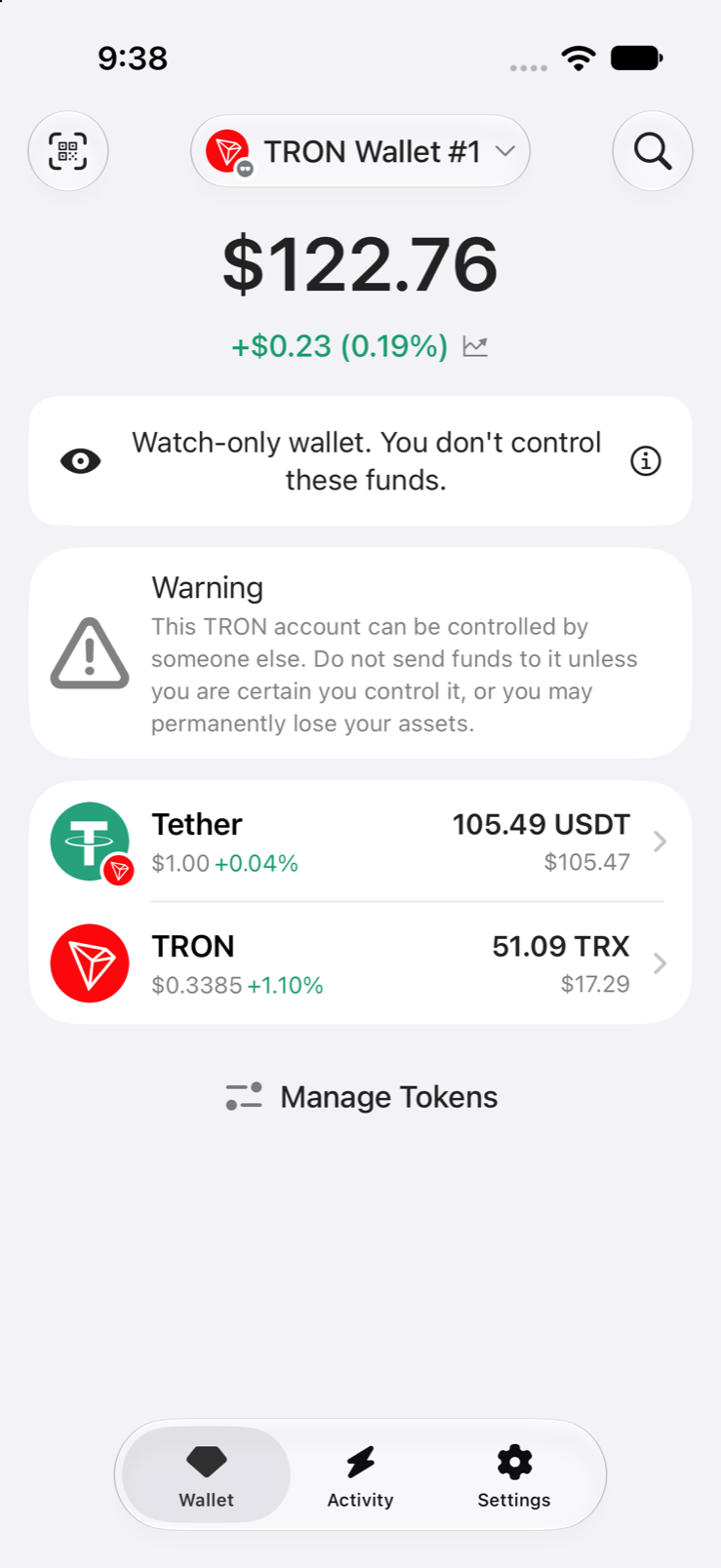
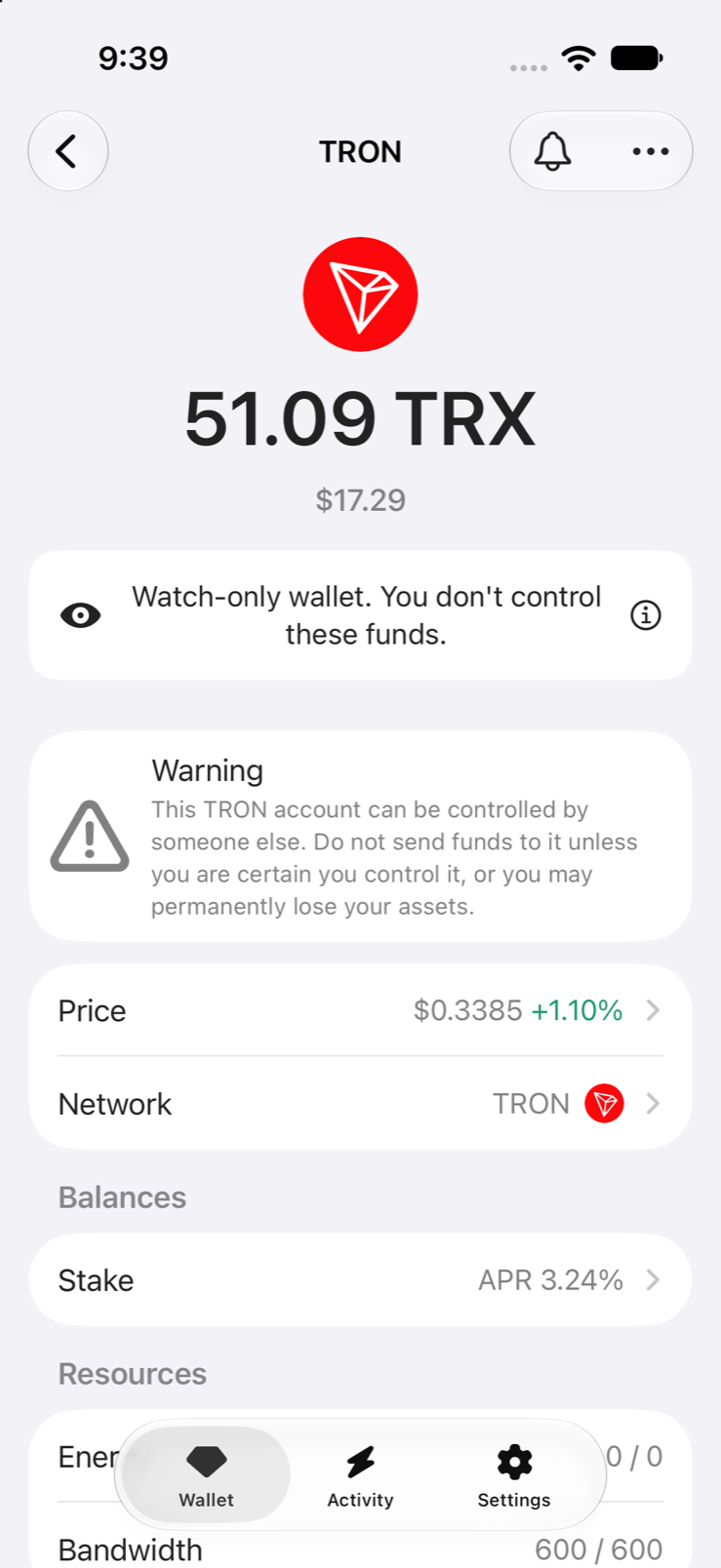
Gem Wallet shows this warning when the control of an account on the blockchain belongs to another key or program. The recovery phrase still opens the wallet and shows the balance, but it can't move the funds, and anything sent to the account can be taken by whoever controls it.
No wallet app can undo this: the change was made on the blockchain itself.
How It Happens
A common trap is a honeypot wallet: someone posts a recovery phrase for a wallet that holds a balance, often in video comments, chats, or messages asking for "help moving funds". People who import the phrase see the balance and try to withdraw it. The withdrawal always fails, because whoever posted it changed who controls the account before sharing the phrase. The trap relies on people sending coins to the account to "pay the fee", or paying someone who offers to "unlock" it.
The same thing can happen to a wallet whose recovery phrase was stolen: the thief takes control of the account on the blockchain instead of emptying it.
How control is taken depends on the network:
- TRON: the account's owner or active permission is changed to another address, so only that address can approve transactions. See TRON Multi-Sig Scam.
- Solana: the account is assigned to a program someone else controls. Solana then refuses any transfer or fee payment signed with the original key, and the send fails with "This account may not be used to pay transaction fees".
- XRP Ledger: the master key is disabled, so only a regular key or signer list chosen by someone else can sign.
- Stellar: the account's own key is given less weight than payments need, so other signers control it.
- Algorand: the account is rekeyed to another address.
- Aptos: the account's authentication key is rotated to another key.
How to Stay Safe
- Don't send anything to the account, not even a small amount for fees. Whoever controls it can take it.
- Don't pay anyone who offers to recover or unlock the funds. They are part of the trap.
- If someone gave you the recovery phrase, it was a trap. Remove the wallet from Gem Wallet and don't use the phrase again.
- If you created the wallet yourself and never shared its phrase, your phrase has been exposed. Follow What to Do If Your Secret Phrase Is Exposed for any other accounts that use it.
- Report it: see How to Report Scams.