Migrate Cosmos (ATOM) Tokens From Leap Wallet to Gem Wallet
How to Migrate your Cosmos (ATOM) from Leap Wallet to Gem Wallet
There are two ways to migrate your Cosmos (ATOM) tokens from Leap Wallet to Gem Wallet:
- Transfer the tokens – Send your ATOM tokens directly from Leap Wallet to your new ATOM address in Gem Wallet.
- Import your Private Key – Import the Private Key from your Leap Wallet into Gem Wallet in order to have the same ATOM address.
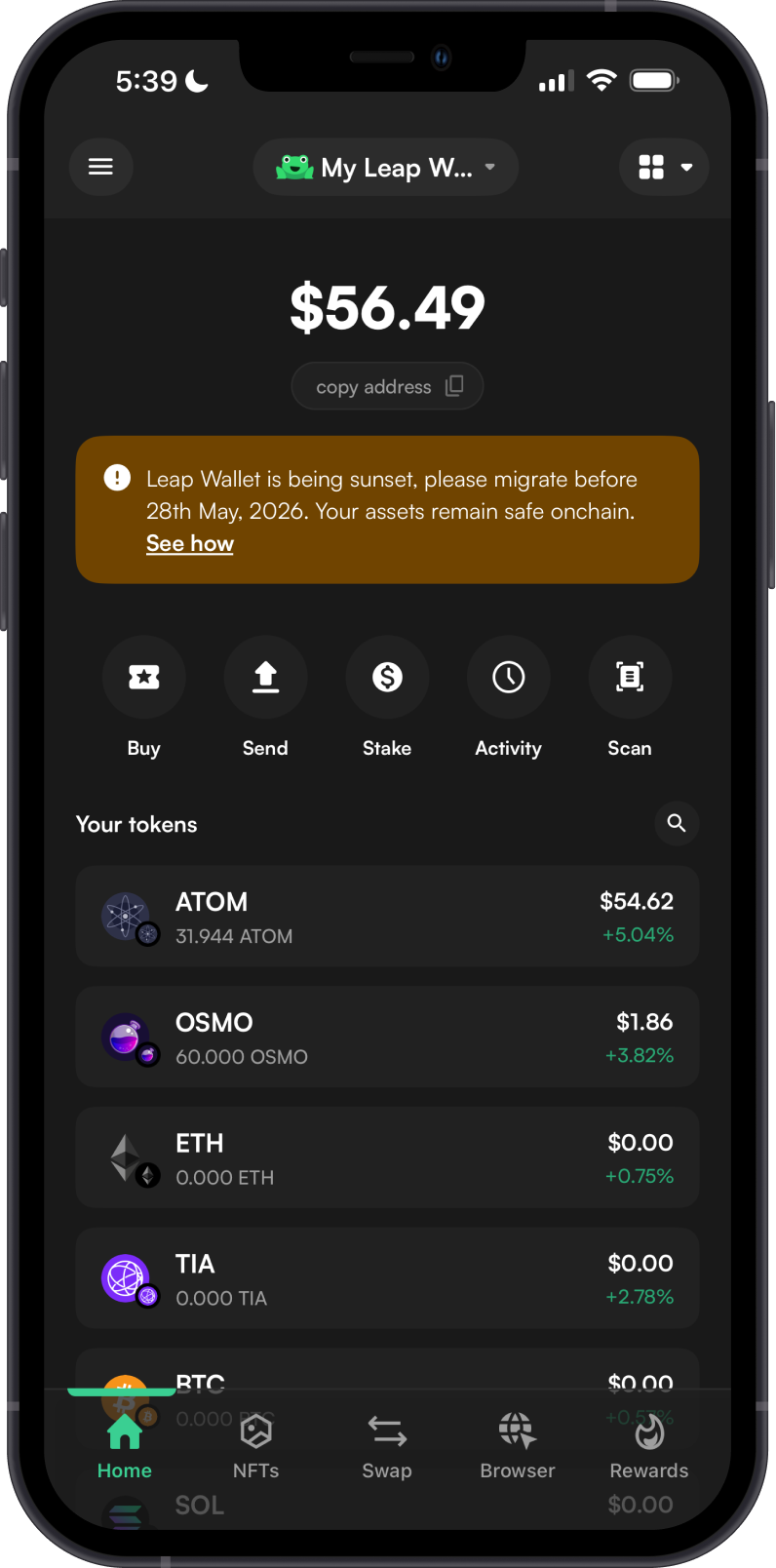
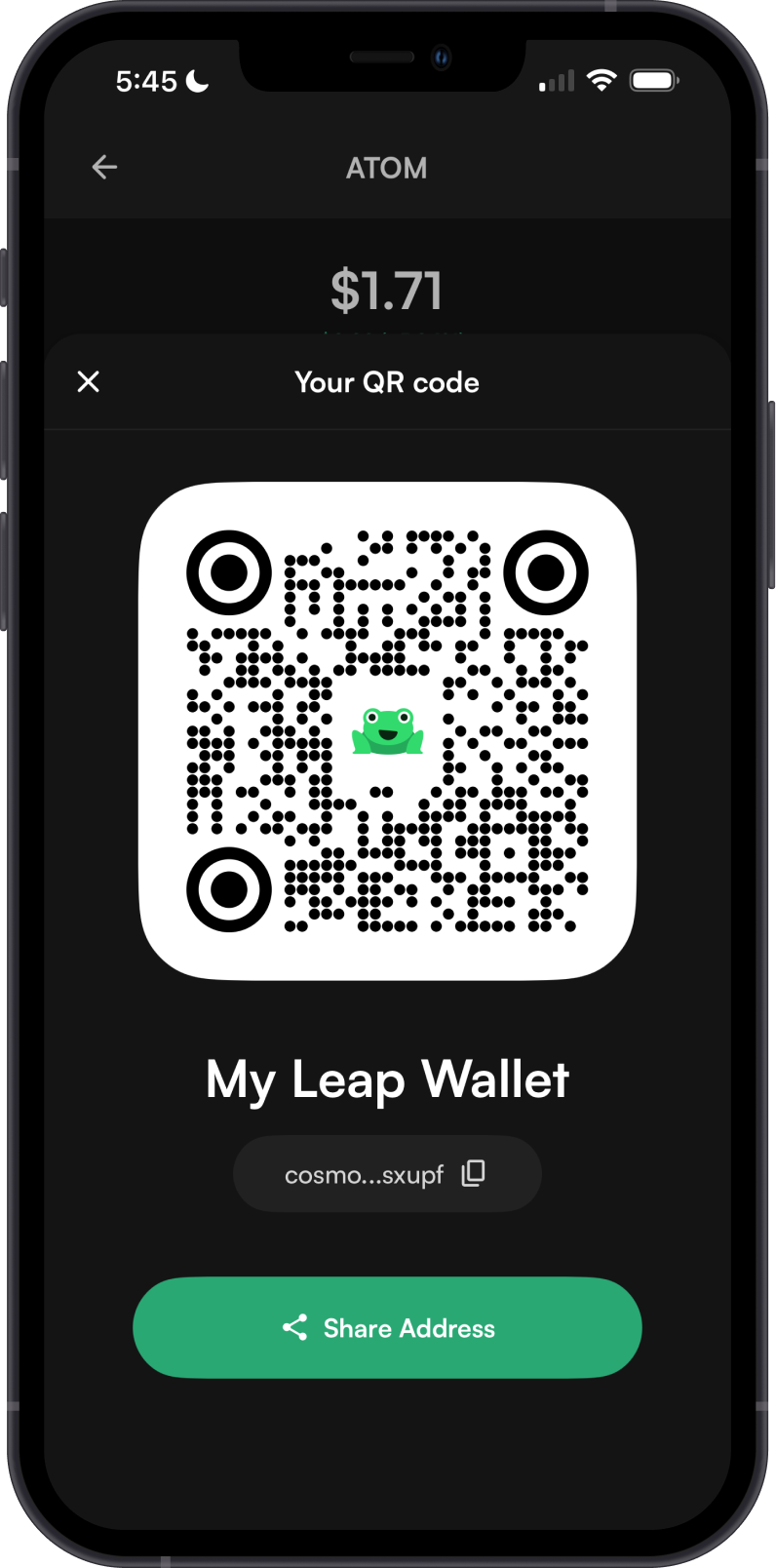
Transfer the ATOM Tokens
To migrate your ATOM tokens by transferring them:
- Follow the Gem Wallet setup guide and create a new Cosmos (ATOM) wallet.
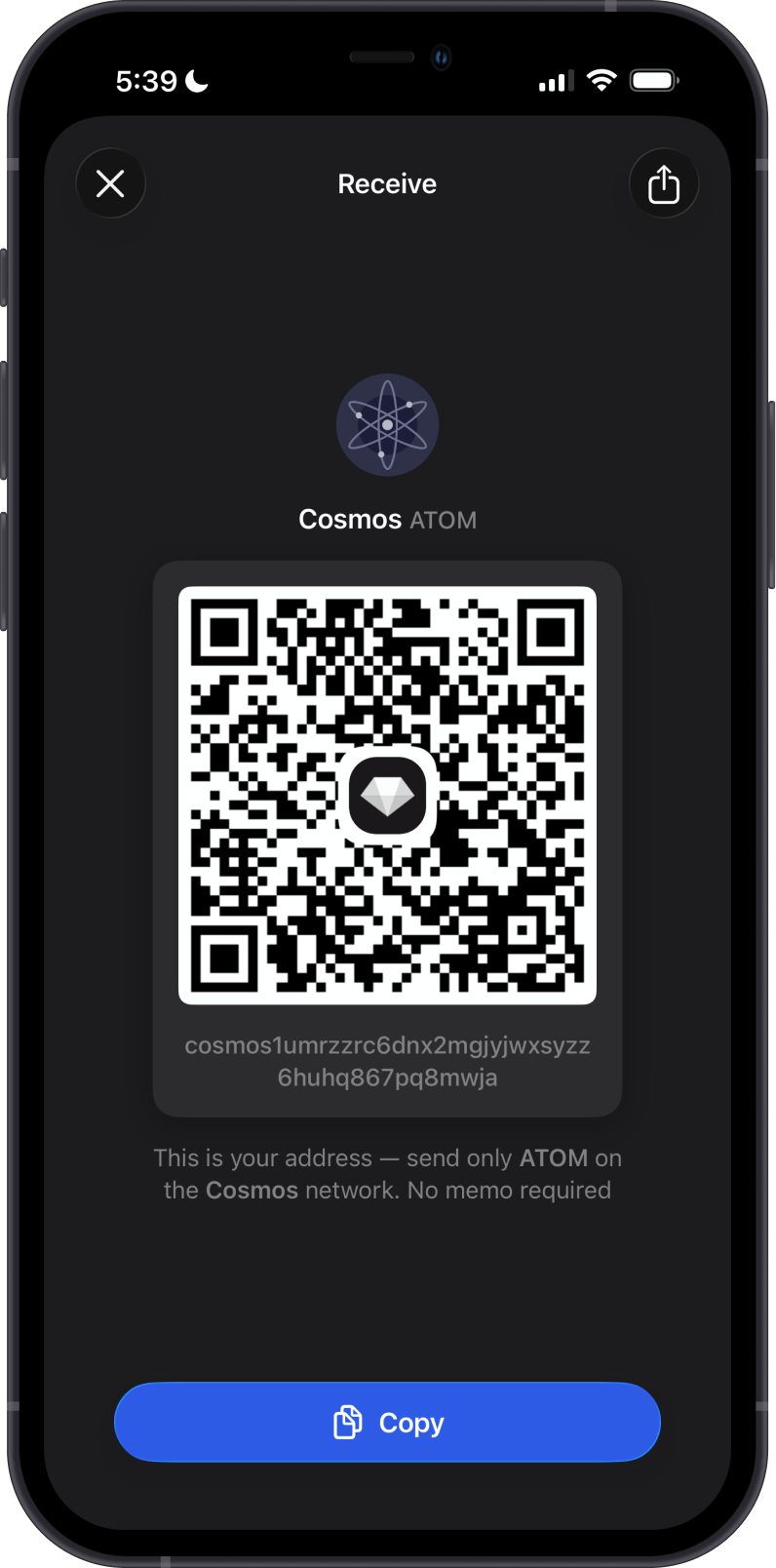
- Copy your ATOM receiving address from Gem Wallet.
- In Leap Wallet, send your ATOM tokens using that address as the destination.
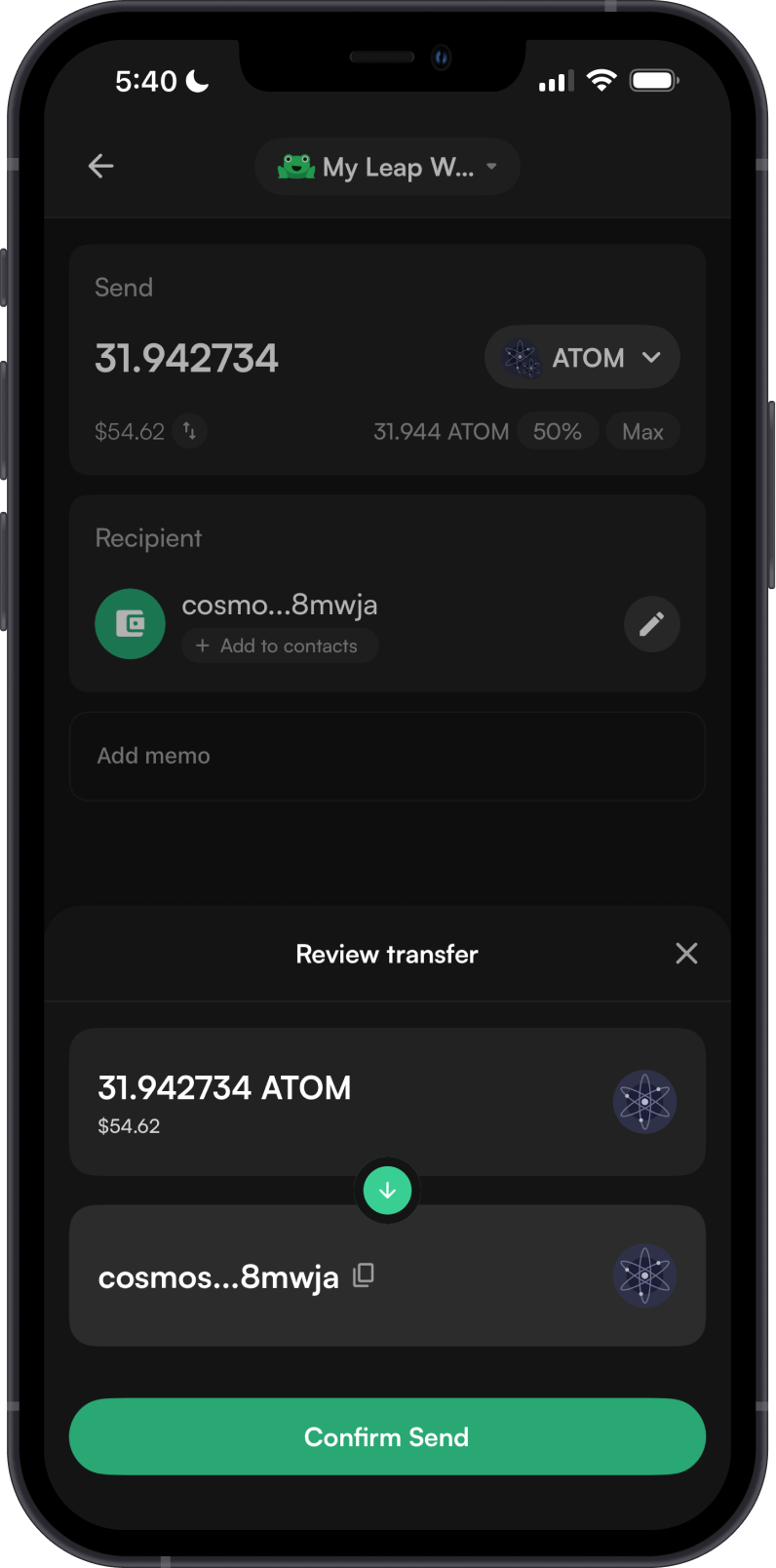
That’s it — your tokens will appear in Gem Wallet once the transfer is confirmed on the Cosmos network.
Migrate ATOM address to Gem Wallet
Step 1 - Get the Cosmos Address Private Key
In order to migrate your Cosmos address from Leap Wallet to Gem Wallet, you need to get your Cosmos Private Key. Navigate to the Security Menu and then tap on Show Private Key. Carefully copy the entire Private Key.
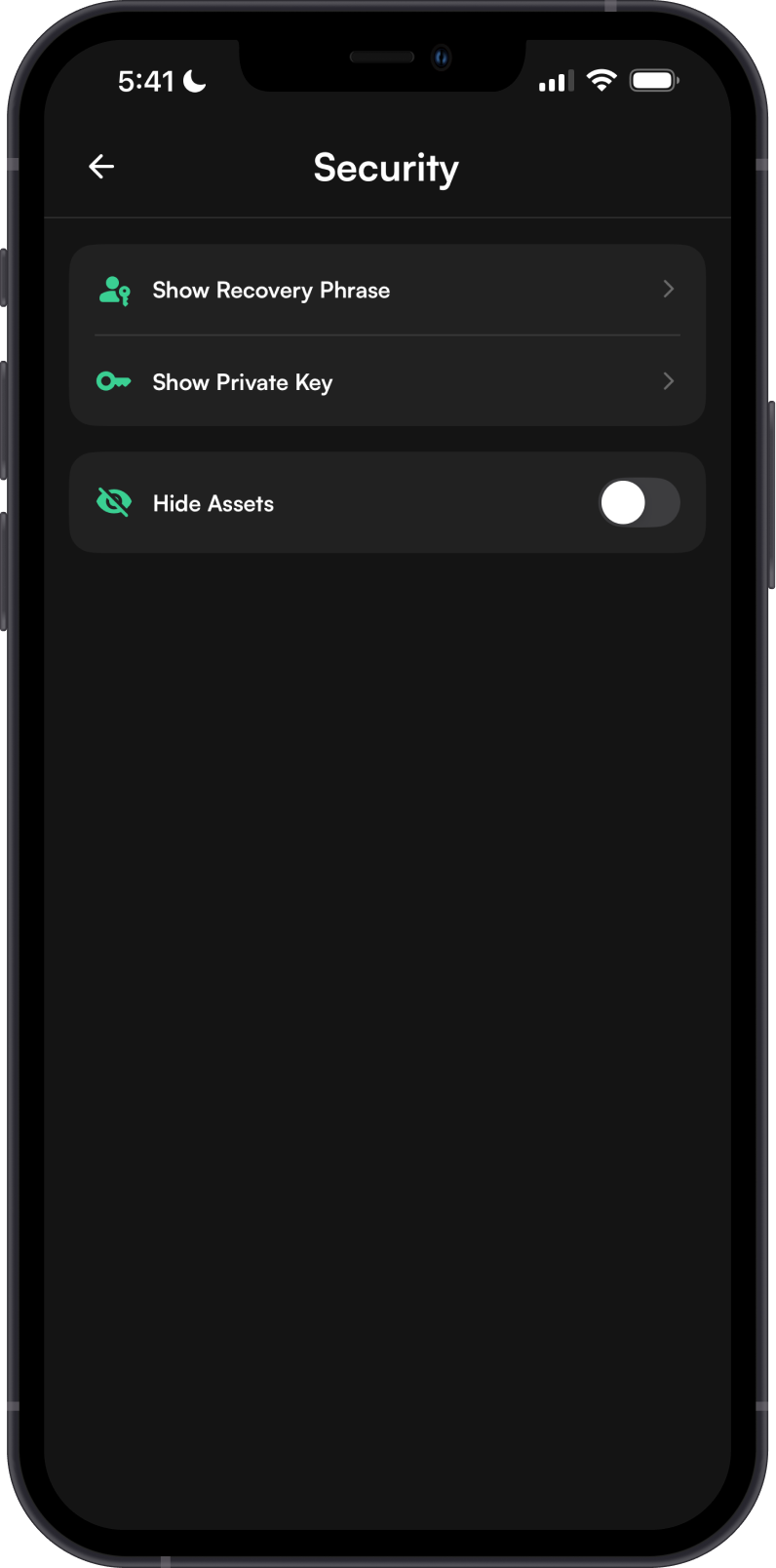
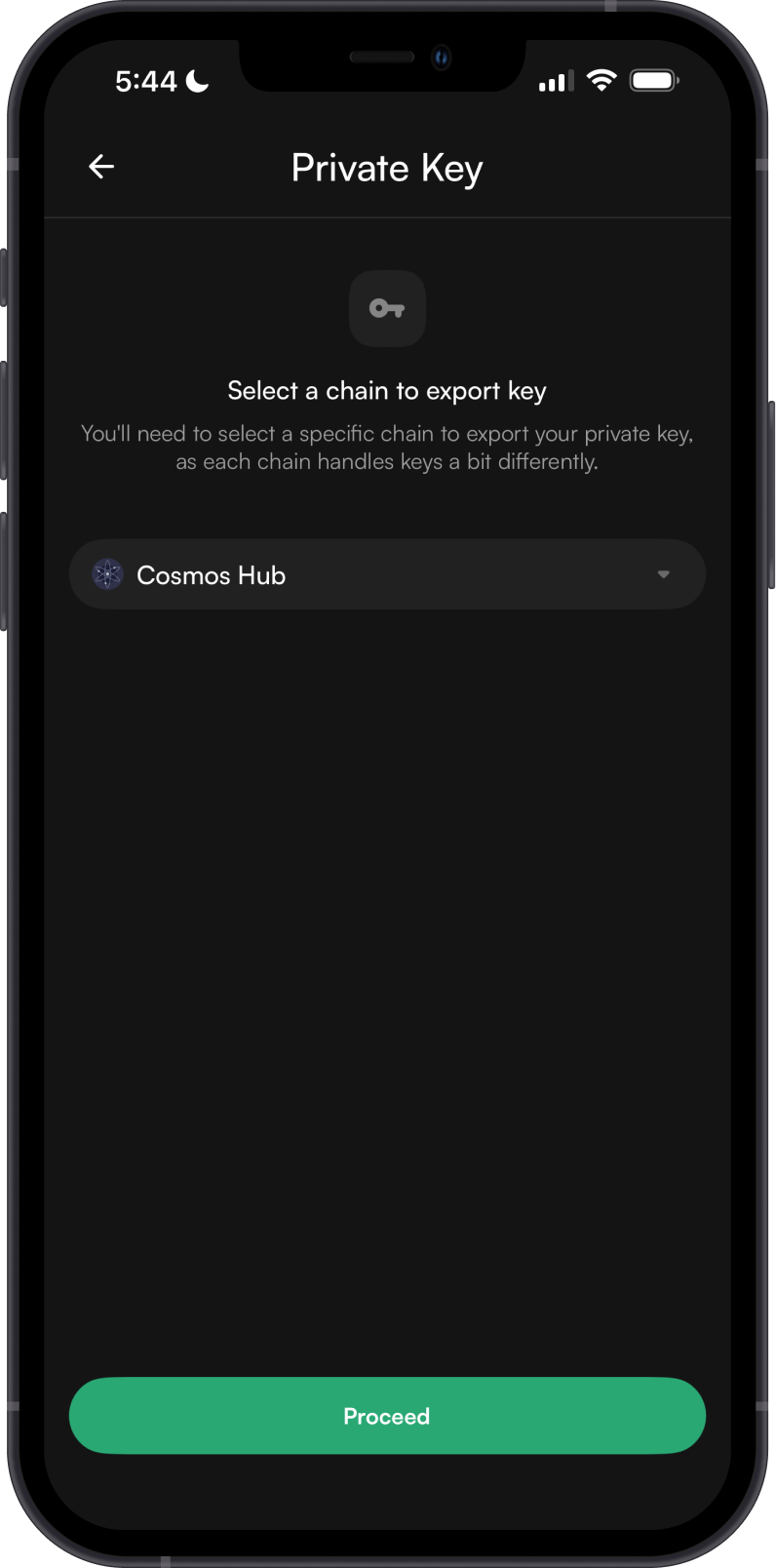
Always make sure that your Private Key is secure, do not share it with anyone.
Step 2 - Launch Gem Wallet
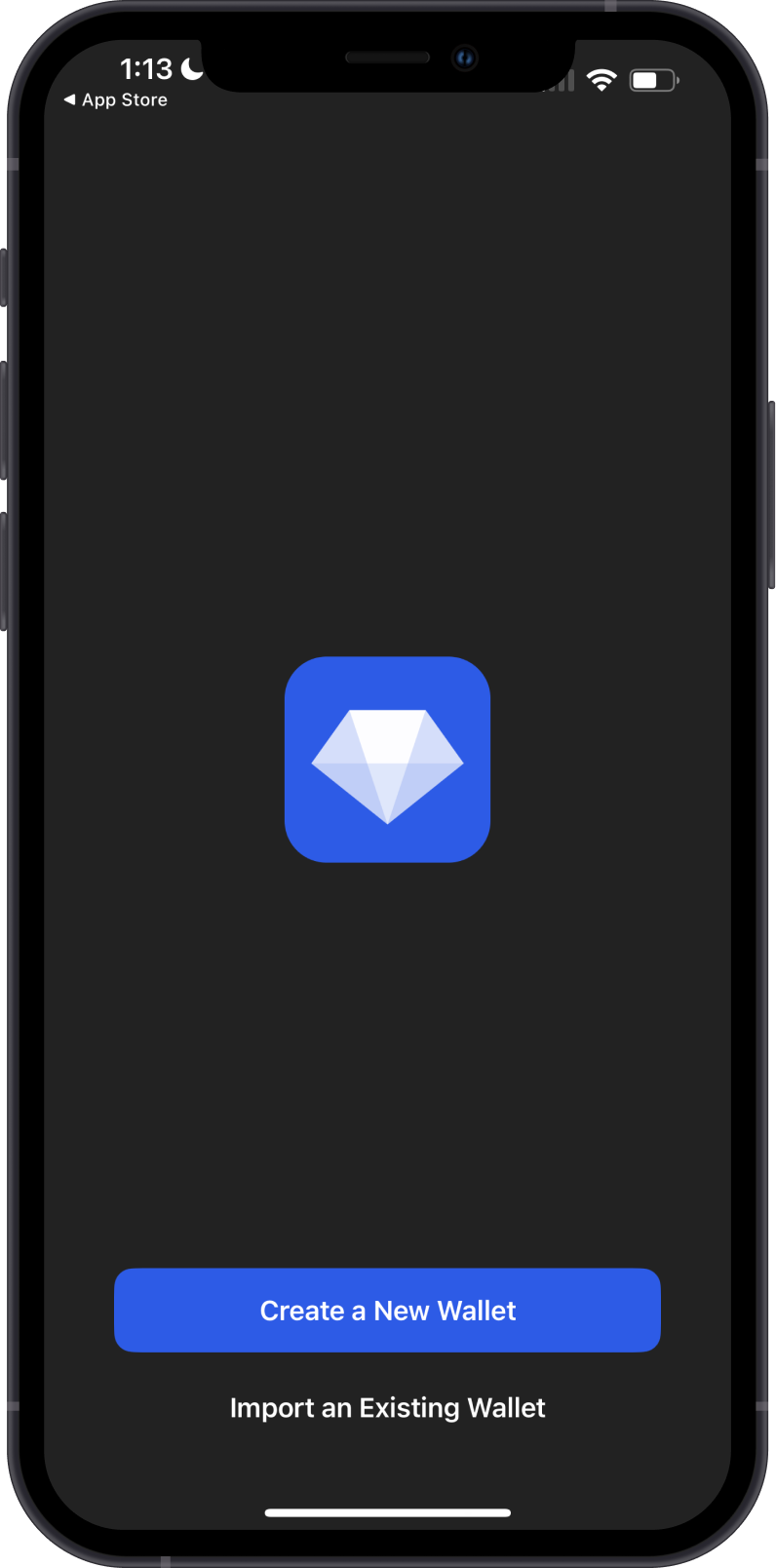
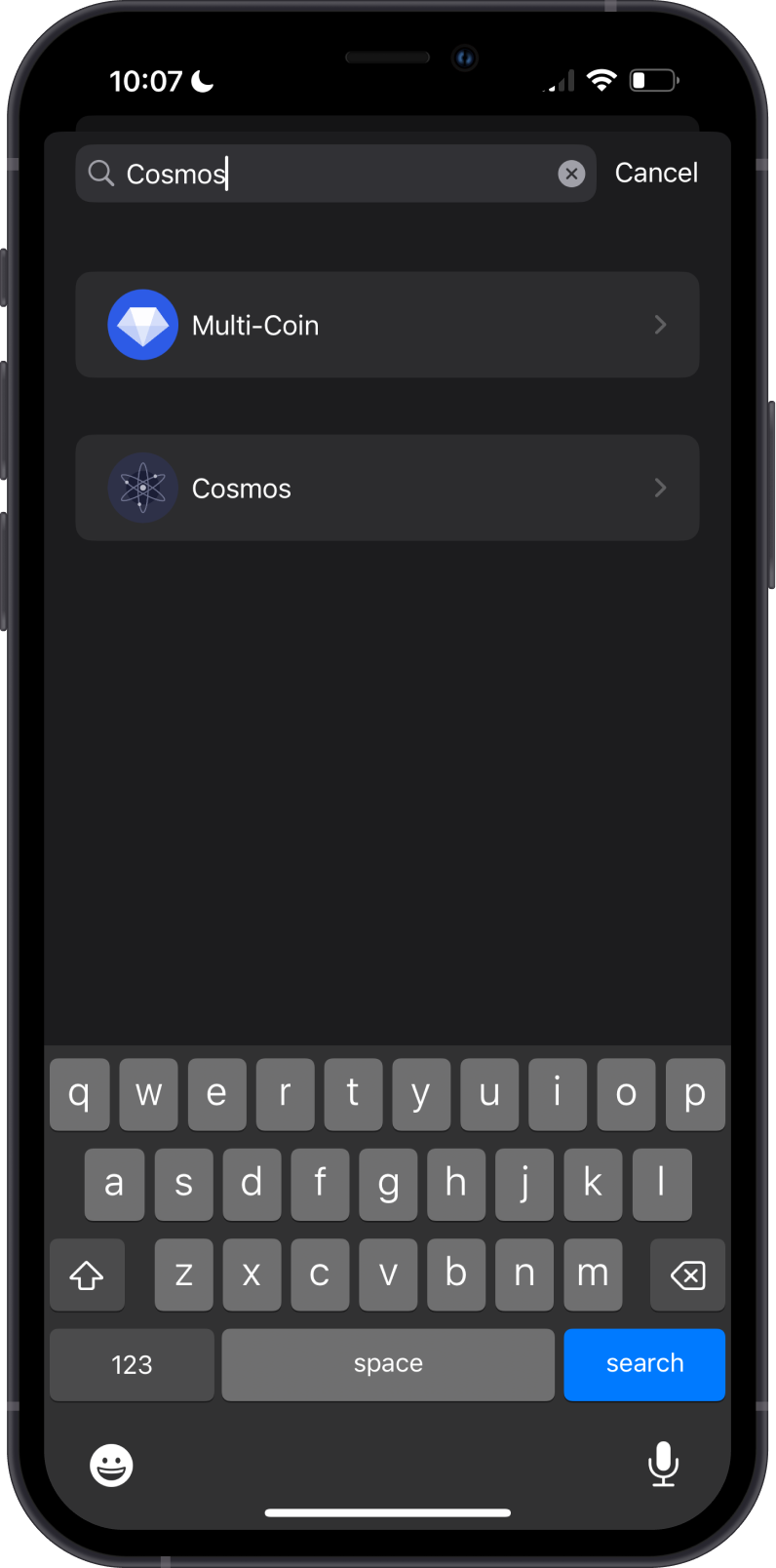
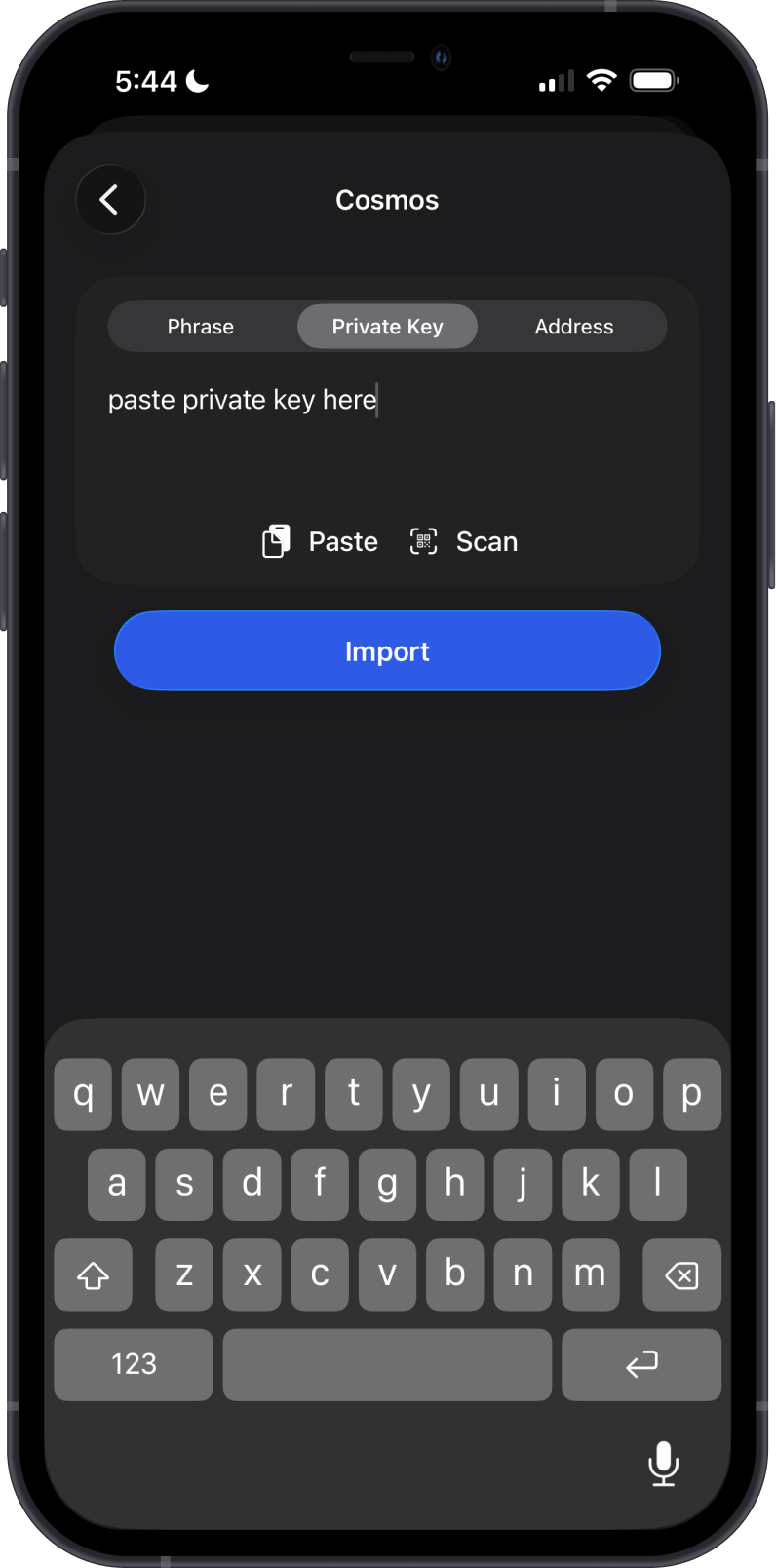
Launch Gem Wallet app and tap on Import an Existing Wallet. Search for Cosmos and then tap on it.
Step 3 - Type/Paste Private Key
Manually type in or paste your Cosmos address Private Key. Afterwards, tap on Import.
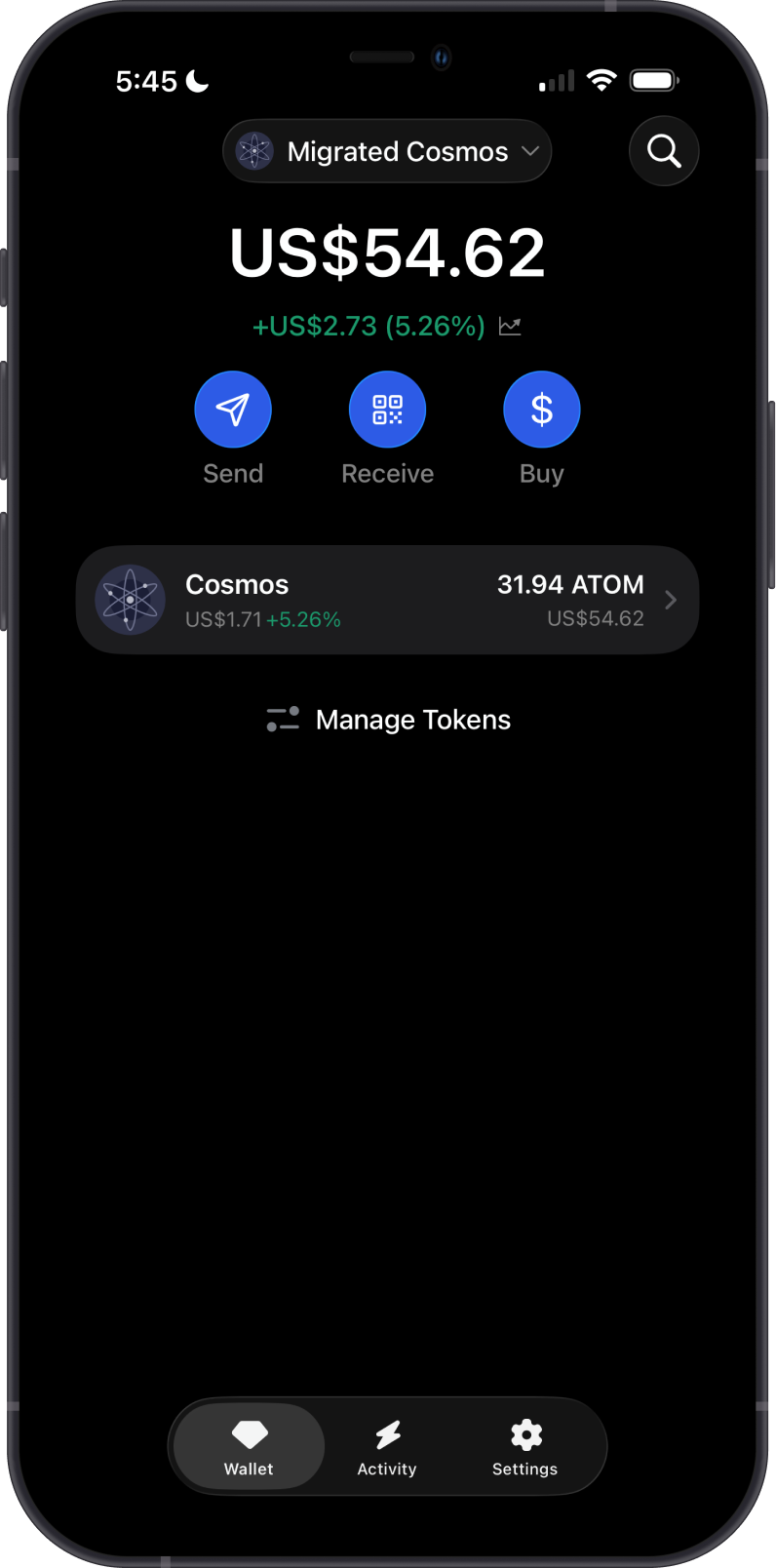
Congratulations, you have successfully migrated your Cosmos (ATOM) Address from Leap Wallet to Gem Wallet.
Gem Wallet uses the same wallet encryption of Leap Wallet. This allows anyone to safely restore the Private Key of Leap Wallet to Gem Wallet. The migrated wallet will have the same ATOM address from Leap Wallet.